
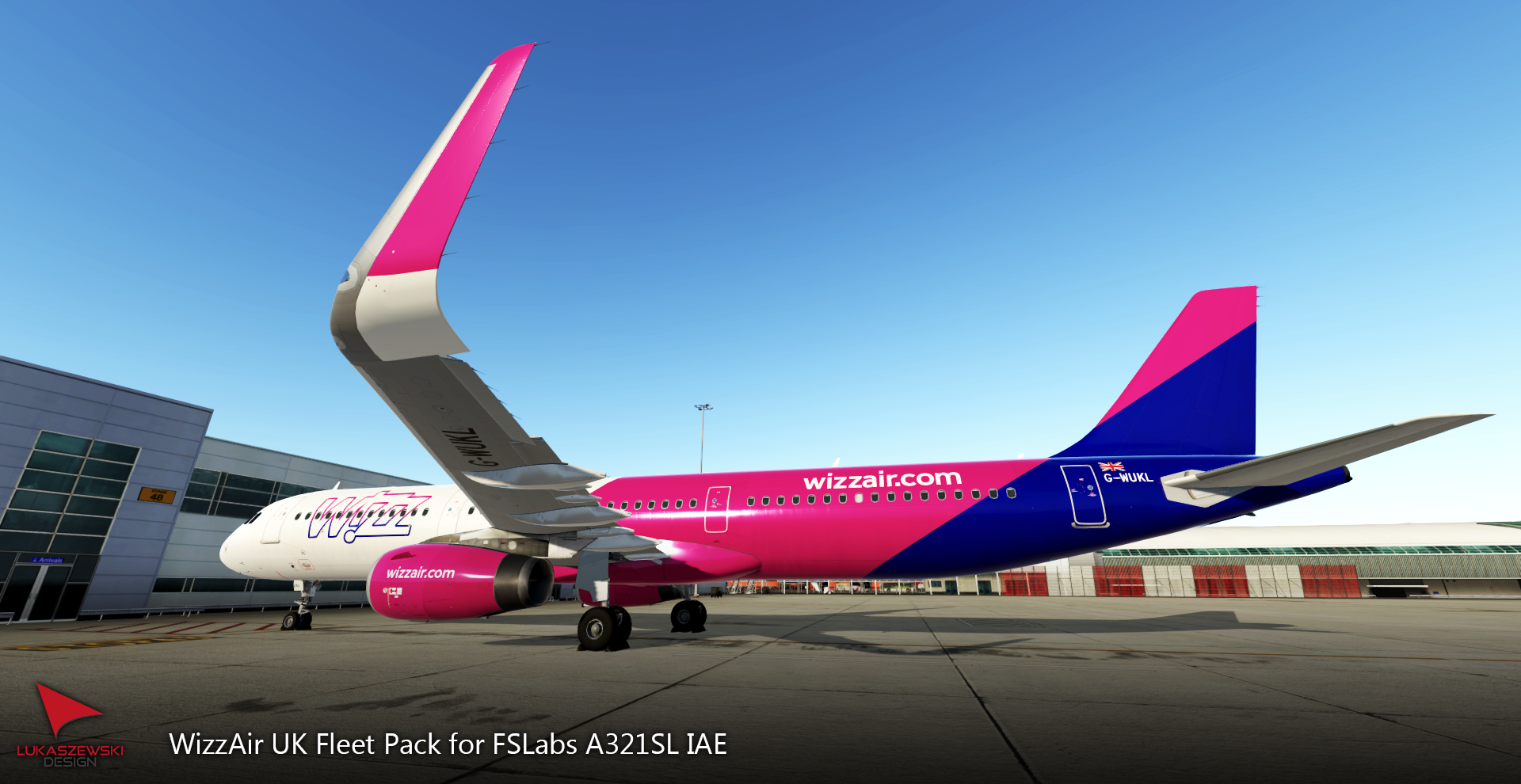
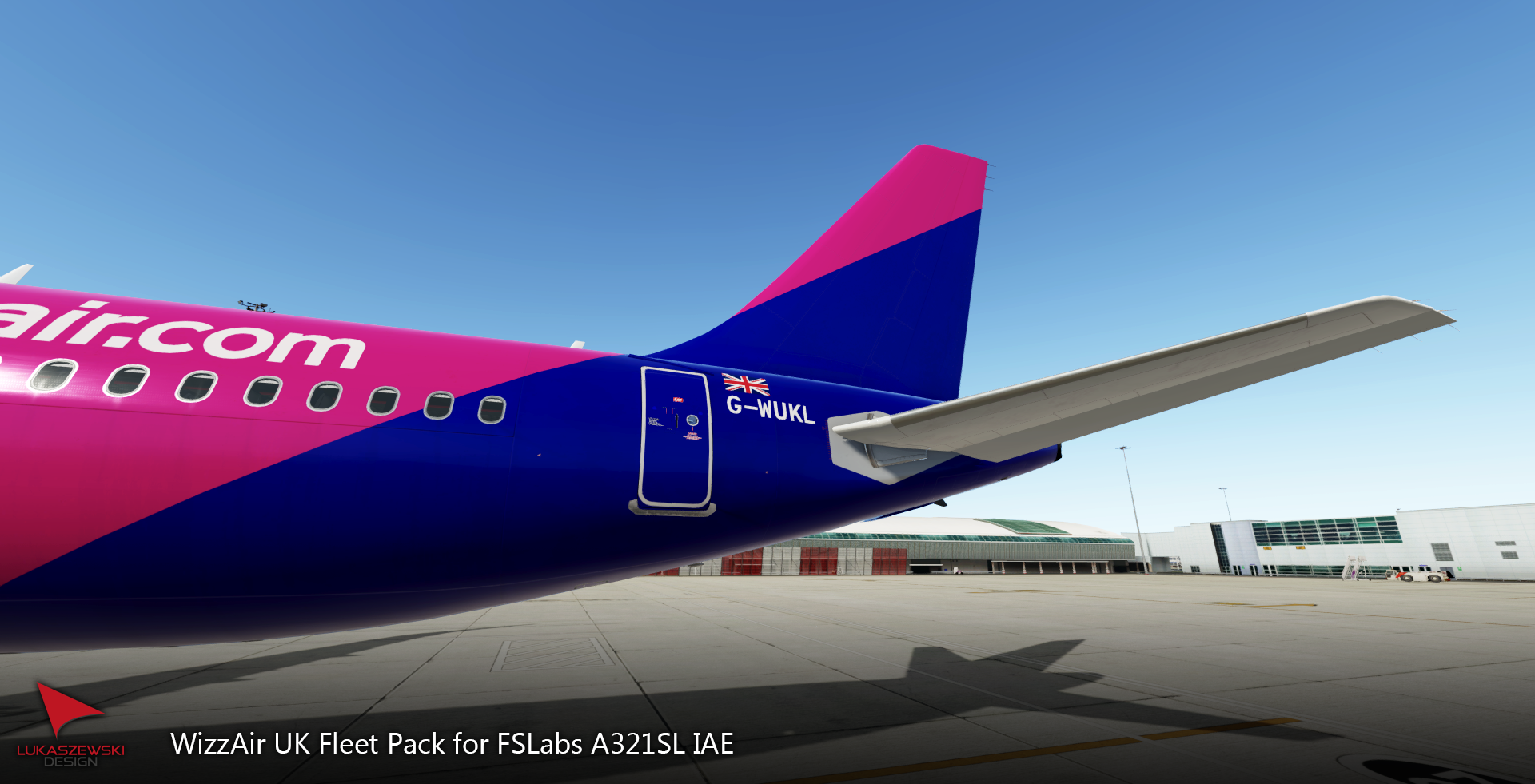
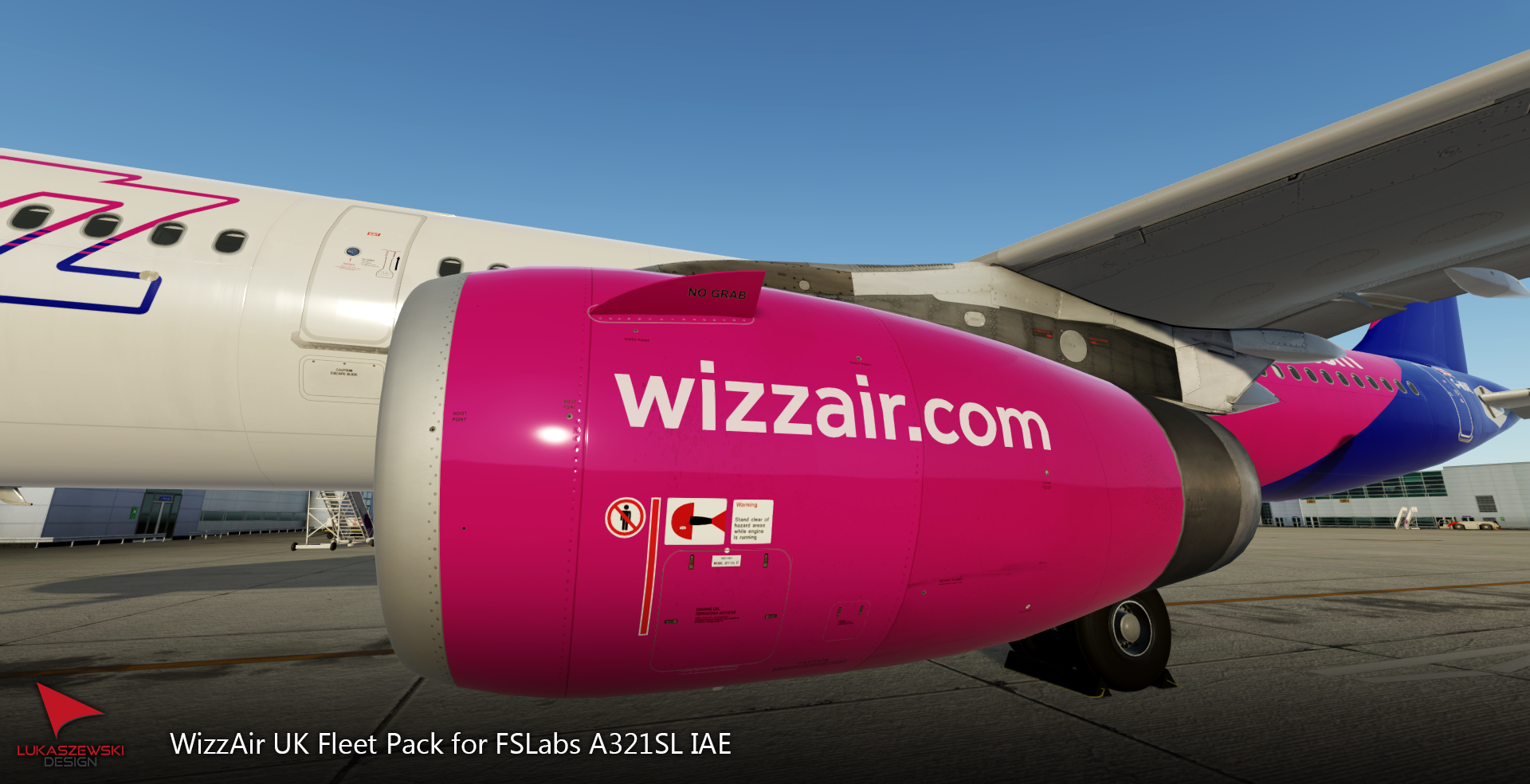
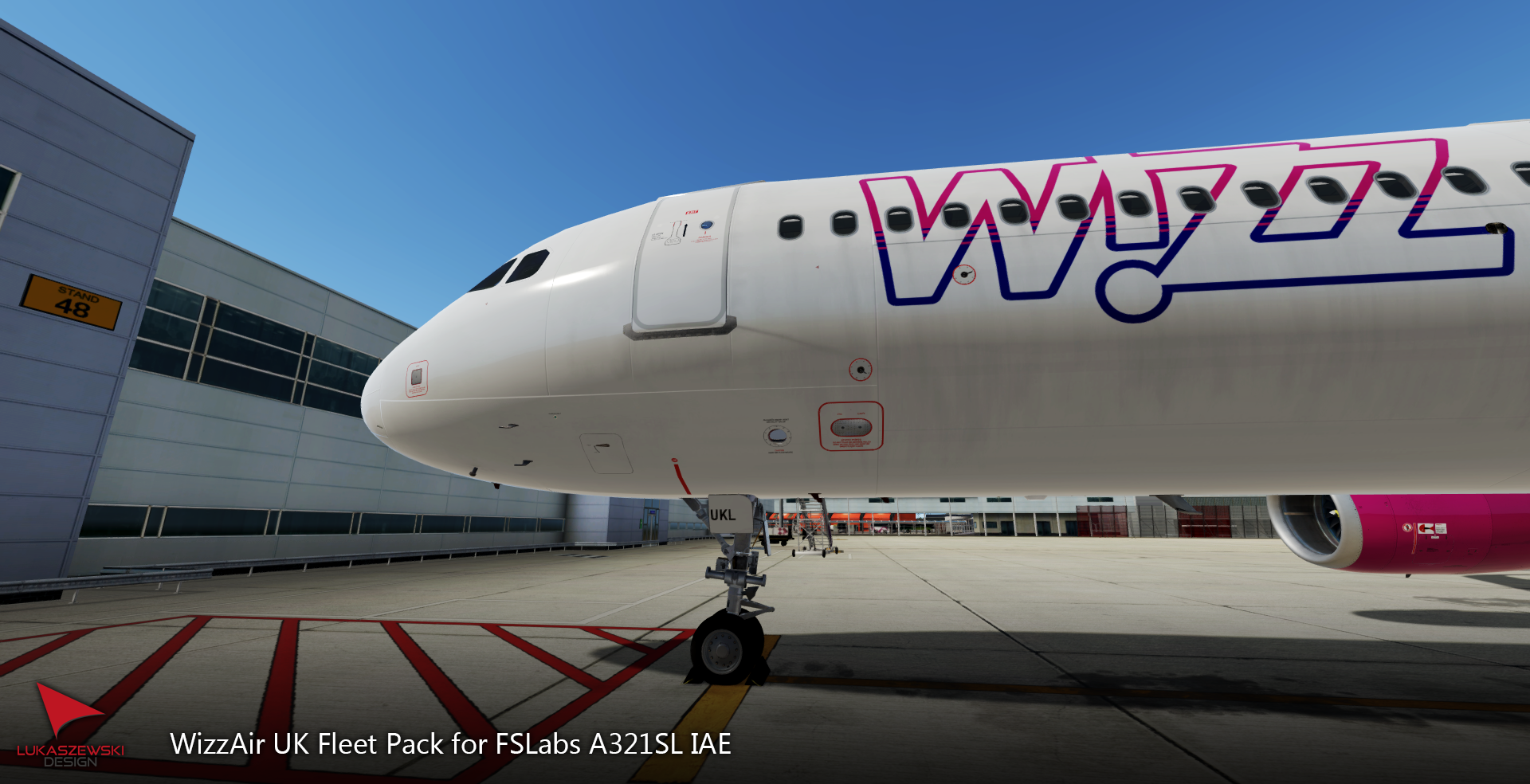
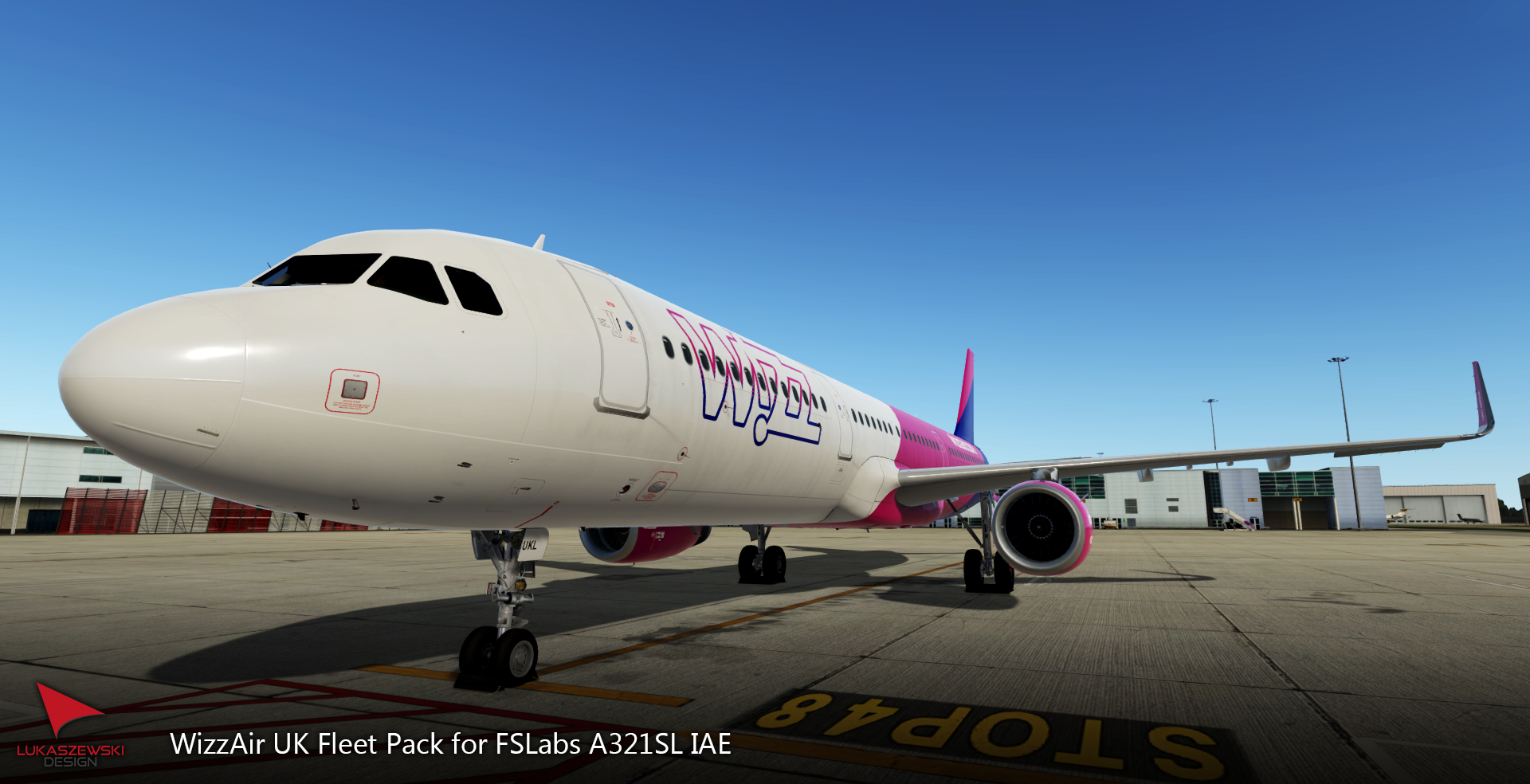
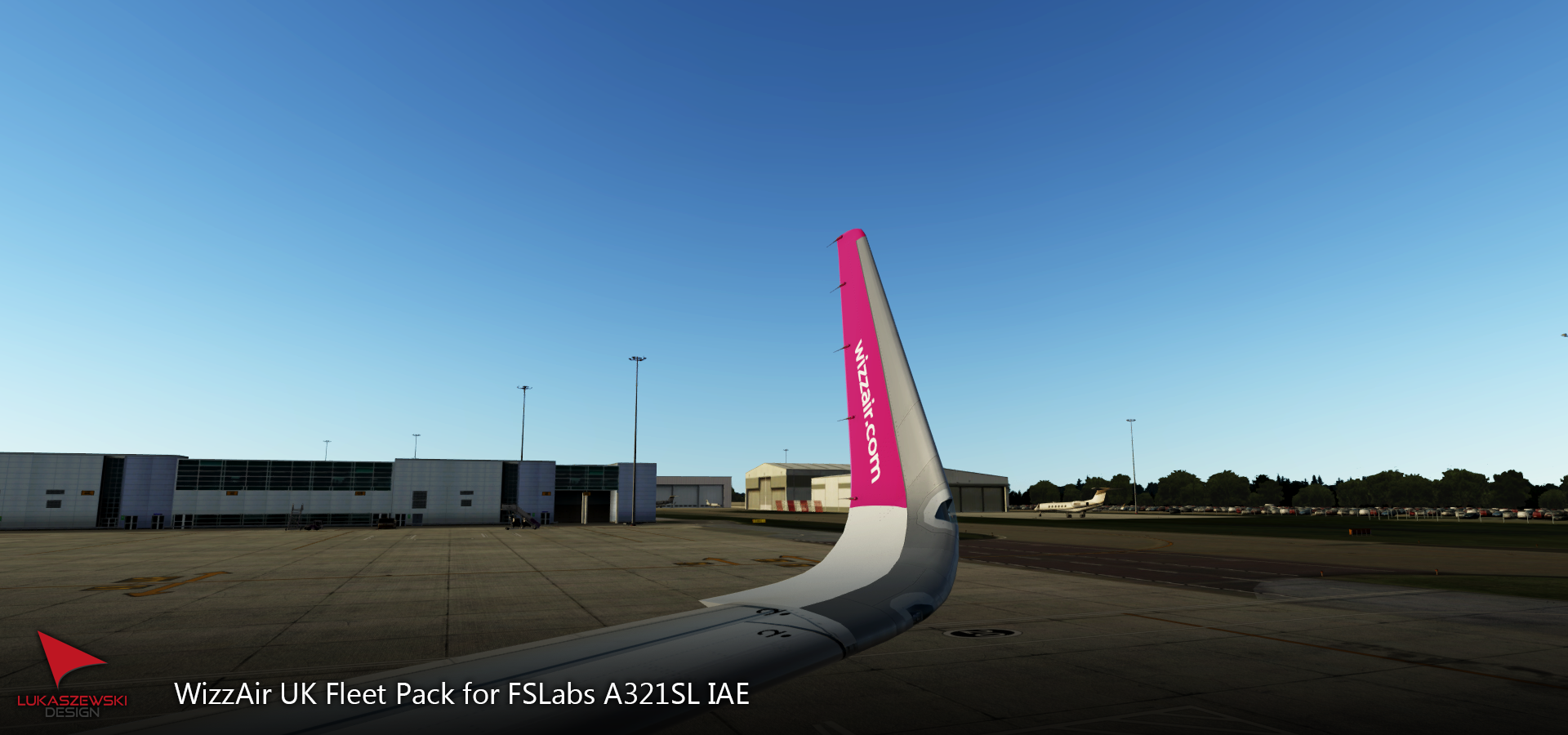
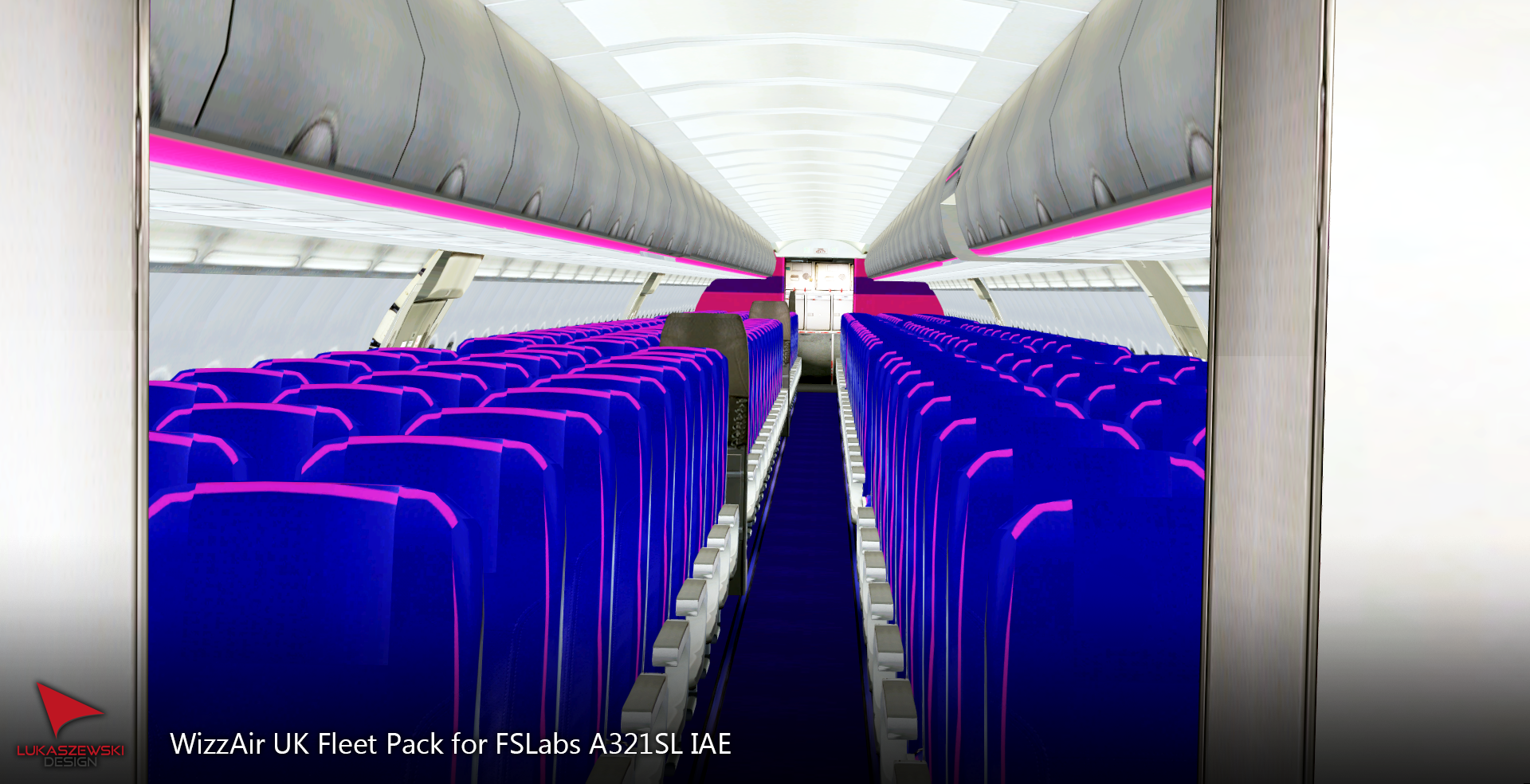
Wizz Air UK Fleet Pack for FSL A321-SL IAE
These liveries were done with the Custom Paintkit by
@Gregory Verba , @Florian Wolf and @Enzo Dewit
To have these liveries fully working you MUST download this Common file:
======================================================================
WizzAir UK Fleet Pack for FSLabs A321-SL IAE (PBR) SHARKLETS
Fleet Pack by Jakub Lukaszewski
Fleet Pack contains:
G-WUKC, G-WUKG, G-WUKH, G-WUKI, G-WUKJ, G-WUKK, G-WUKL
The pack contains all WizzAir UK registrations (A321) as in real world.
======================================================================
INSTALLATION:
1. Copy all files from "FSLabs A321-SL IAE" to the Prepar3D Addons, then "FSLabs"--> "SimObjects" --> "Airplanes"-->"FSLabs A321-SL IAE"
Make sure you have copied the folder named "Texture.WZZ_Main". This is important, without it the painting will not work properly!!!
(Also make sure that "Airframe Configs" was copied correctly - it's very important)
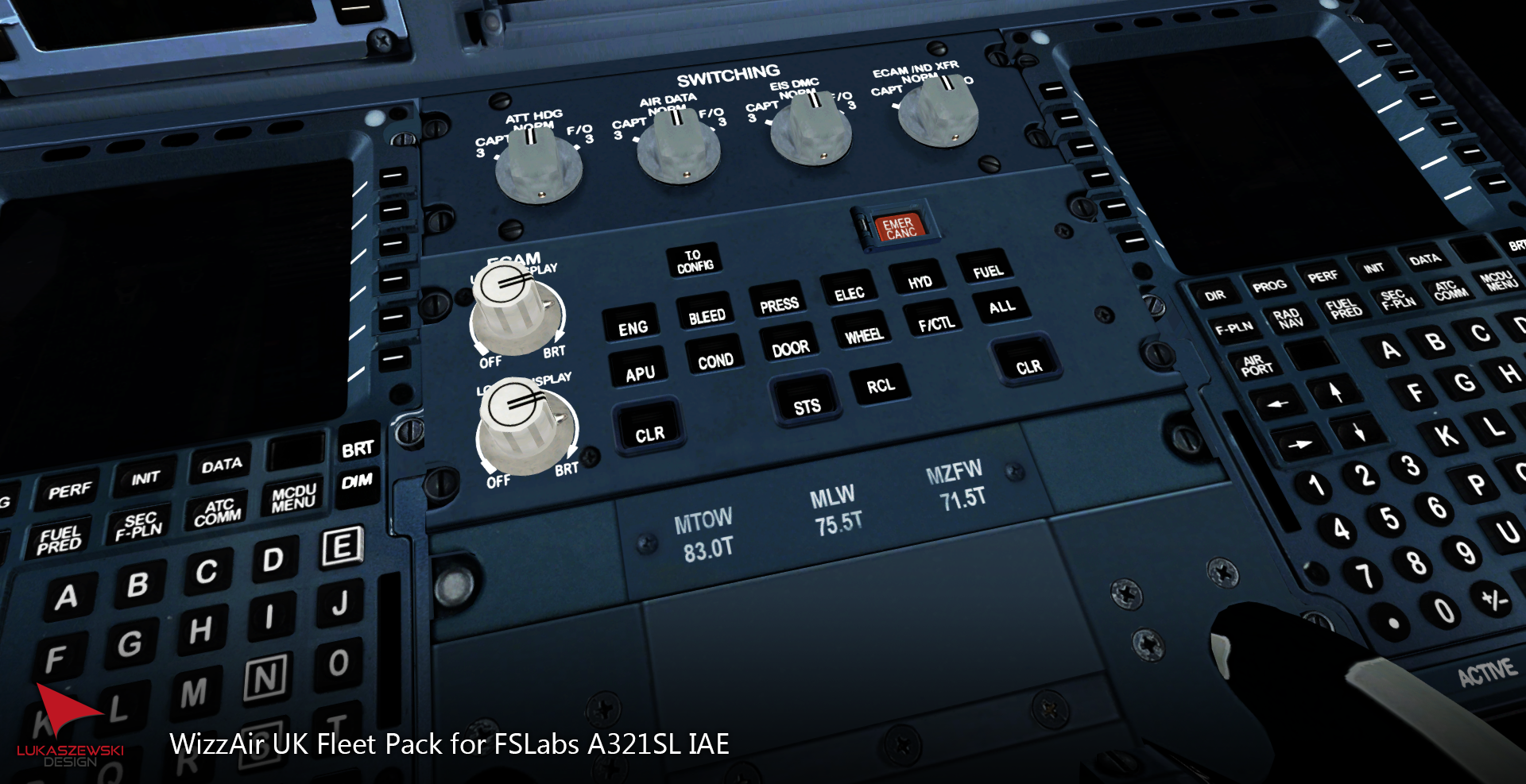
2. In the additional folder there are a textures for each aircraft with a weight plate (1:1 as in real life). I recommend installing it because it looks really nice 
In "Additional" you can find two more folders. One is for users who use HB modifications for the cockpit, and the other is for people who have a clean cockpit without any modifications.
To install a plate, select the folder compatible to your FSL and copy its contents to "FSLabs"--> "SimObjects" --> "Airplanes"-->"FSLabs A321-SL IAE"
That's all. Now you can enjoy great liveries! 
Remember to check if you have added the folder "Texture.WZZ_Main" and "Airframe Configs". It is very important
======================================================================
What do you get with painting?
- Custom cabin
- Configs set according to real planes (MSNs, Selcals, weights)
- Config Y230 as real Wizz aircrafts
- Real fonts implemented
- Additionally, you can add a pedestal plate with the weight of a plane (according to real)
======================================================================
Recognition to:
These liveries were done with the Custom Paintkit by: Gregory Verba, Enzo Dewit and Florian Wolf.
PBR textures and many more just got better thanks to these guys - Big Thanks!
Tim Smith - allowed for use his cabin textures. Thanks!
HB-Textures - allowed for use some of his textures (engines, wings etc.) Thanks!
======================================================================
If you want to support my work, you can give a donate here: https://paypal.me/pools/c/8oLOIVkVwr
Contact with me: jakublukaszewski21@gmail.com
Enjoy!
What's New in Version 1.0.0
Released
No changelog available for this version.
-
 4
4
-
 2
2