
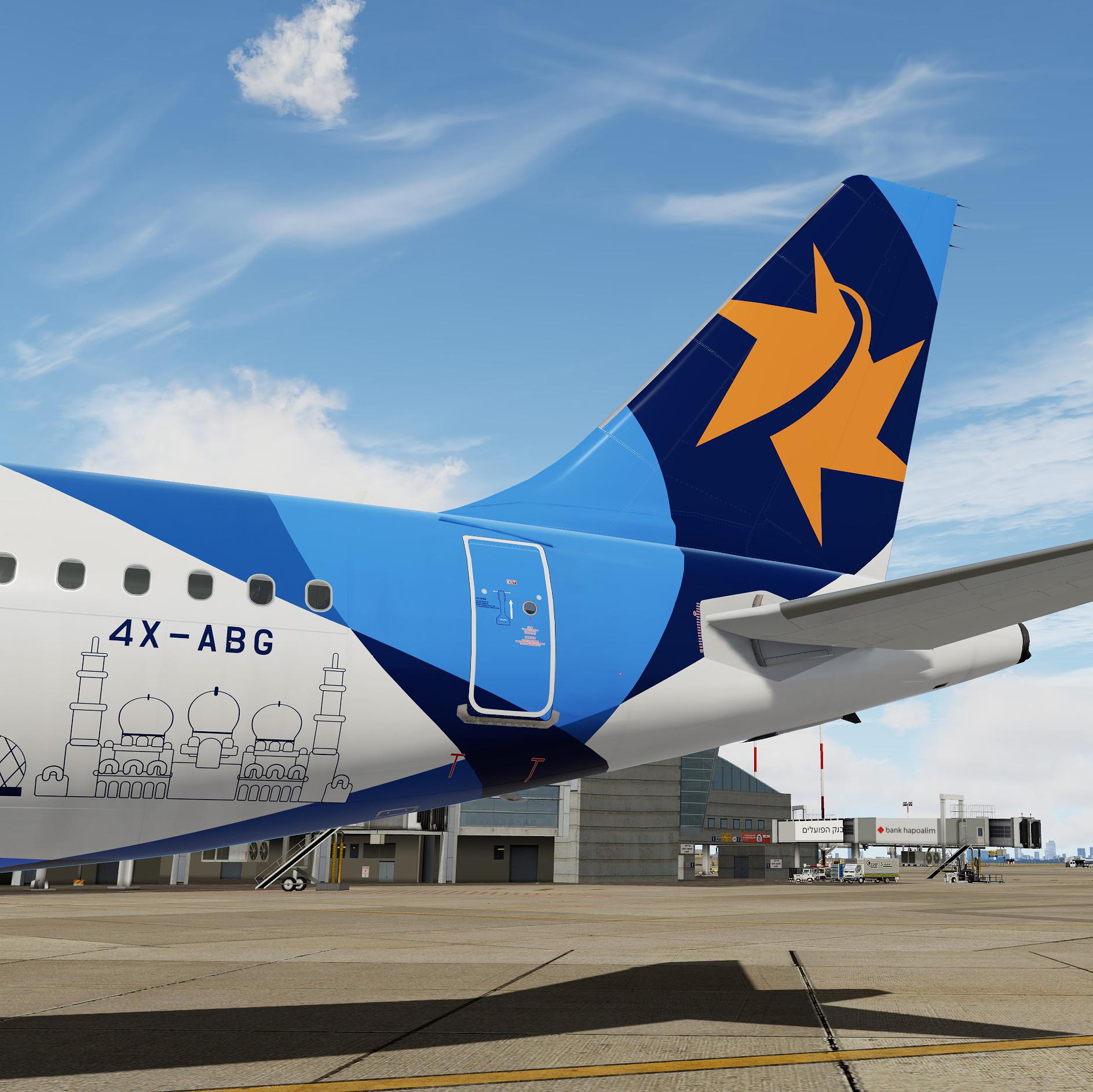
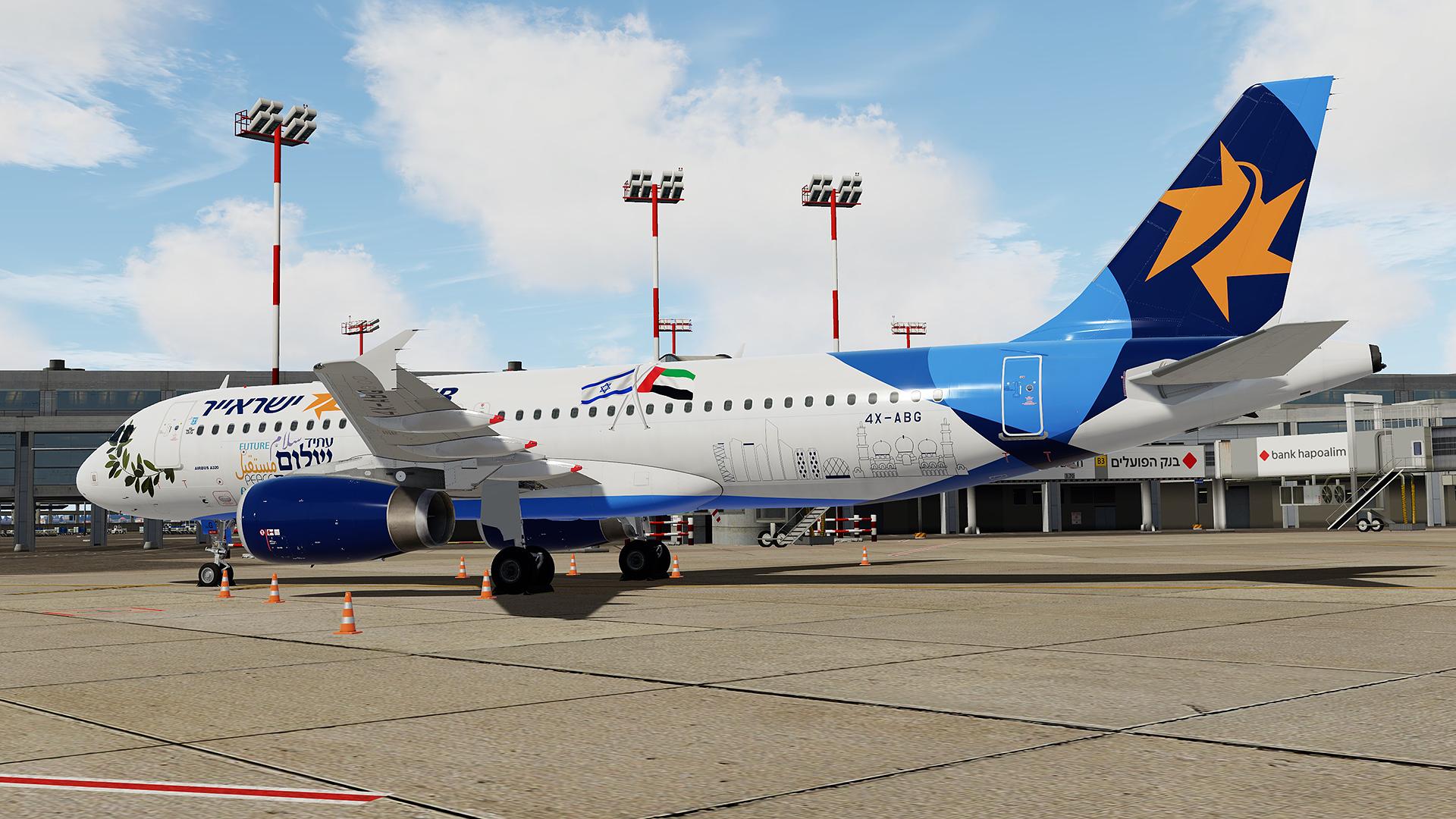
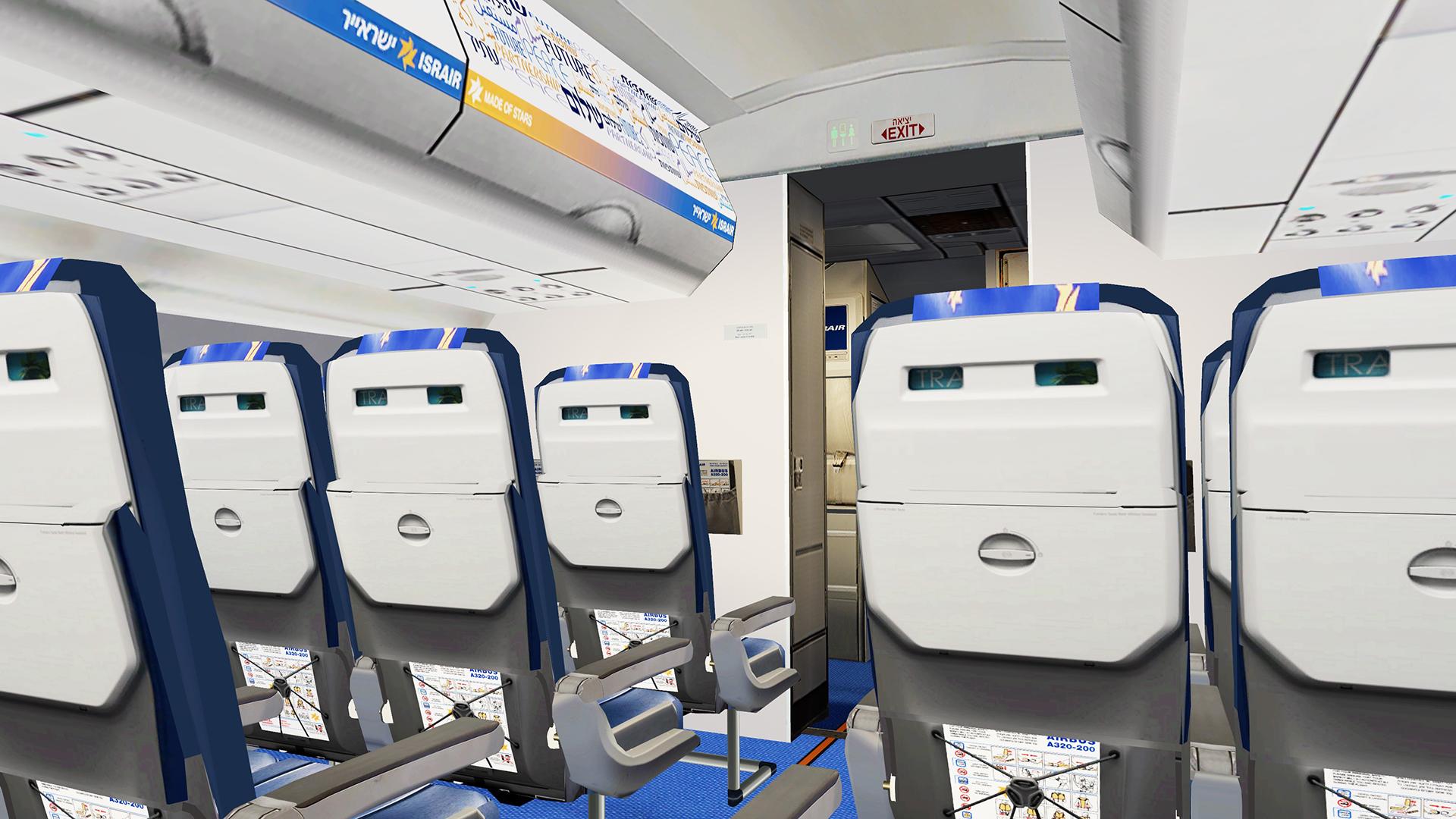
This is Israir 4X-ABG.
The aircraft is wearing special Abu Dhabi livery to celebrate direct flights from Israel to Abu Dhabi that started from 2/12/2020.
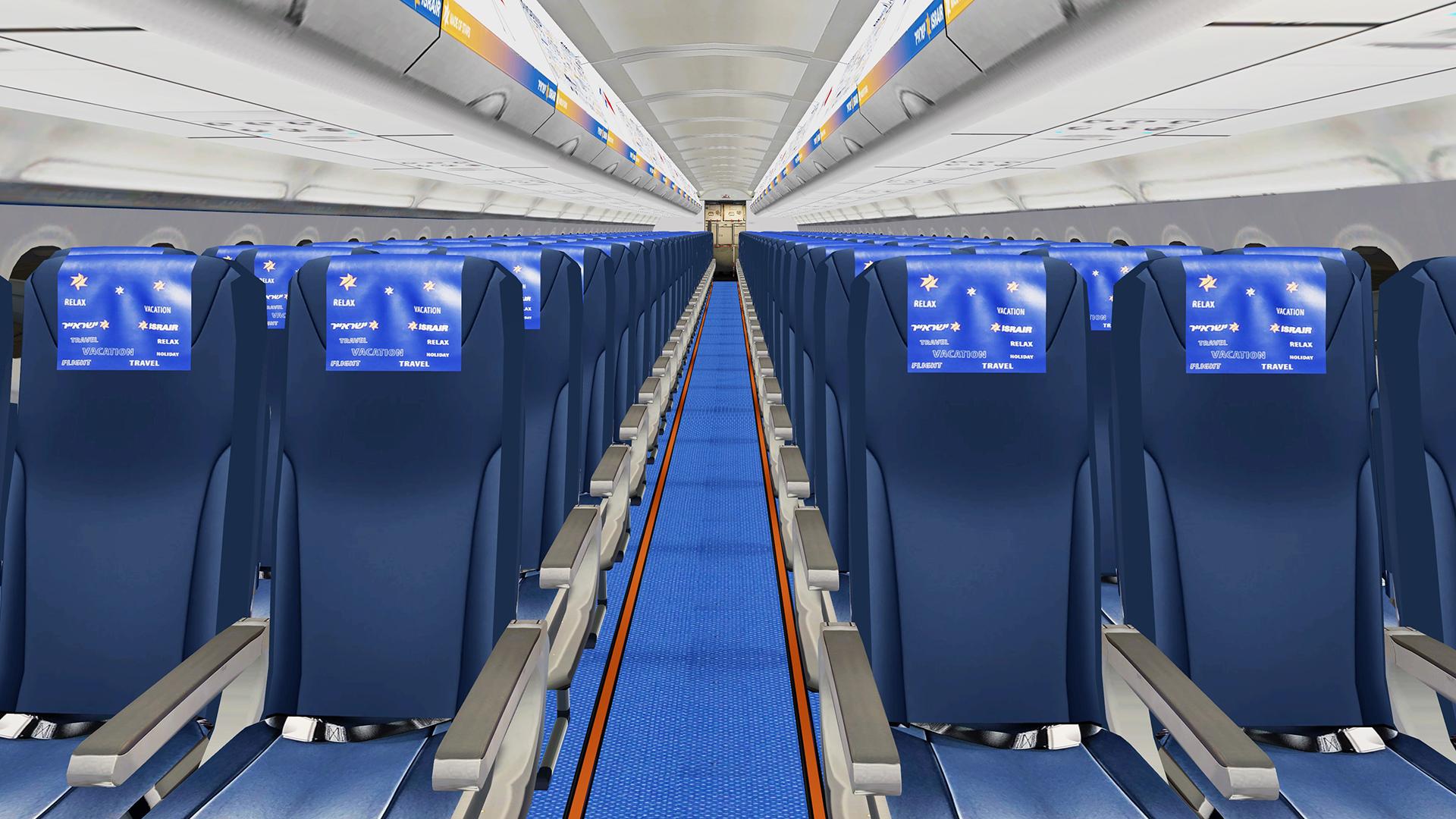
Real cabin and Airframe config file are included.
This livery was done with the Custom Paintkit by
@Florian Wolf, @Gregory Verba and @Enzo Dewit
To have this livery fully working you MUST download this Common file
and read the description of the file to know where to install it to:

Package contains:
4X-ABG ABD – Abu Dhabi Edition
Installation:
Drag all content of this package to your Fslabs A320 IAE folder. If you have any previous version of 4X-ABG installed, consider uninstalling or disabling it cause Fslabs will not recognize two different versions of same aircraft.
YOU ARE NOT ALLOWED TO UPLOAD ANY OF THE CONTENT PROVIDED IN THIS DOWNLOAD ANYWHERE WITHOUT MY WRITTEN PERMISSION!!
YOU ARE ALSO NOT ALLOWED TO MODIFY FILES PROVIDED IN THIS PACKAGE!!
It took me a lot time and effort to create these liveries, so if you like them, don't forget to leave positive feedback, or just say thanks.
Also, If you like my work, why not show your appreciation with a small PayPal donation? Any donations are highly appreciated but never required.
https://streamlabs.com/skyteam78/tip
What's New in Version 1.0.1
Released
- Right rear door color corrected
-
 3
3