
Skip to content
View in the app

A better way to browse. Learn more.

Flight Sim Labs Forums

A full-screen app on your home screen with push notifications, badges and more.

To install this app on iOS and iPadOS
  1. Tap the Share icon in Safari
  2. Scroll the menu and tap Add to Home Screen.
  3. Tap Add in the top-right corner.
To install this app on Android
  1. Tap the 3-dot menu (⋮) in the top-right corner of the browser.
  2. Tap Add to Home screen or Install app.
  3. Confirm by tapping Install.

Sundair A319 D-ASSB 1.0.0

(2 reviews)

1 Screenshot

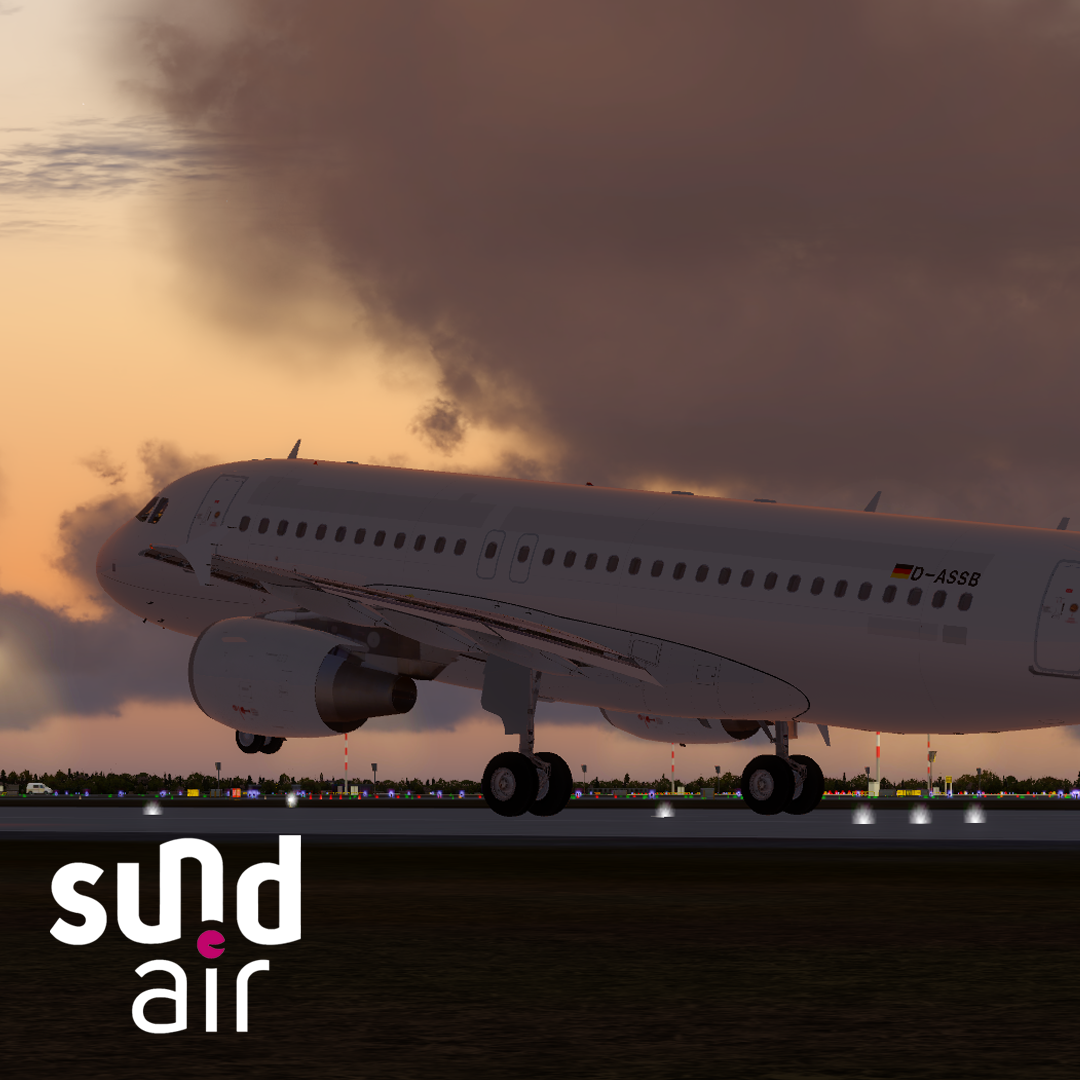
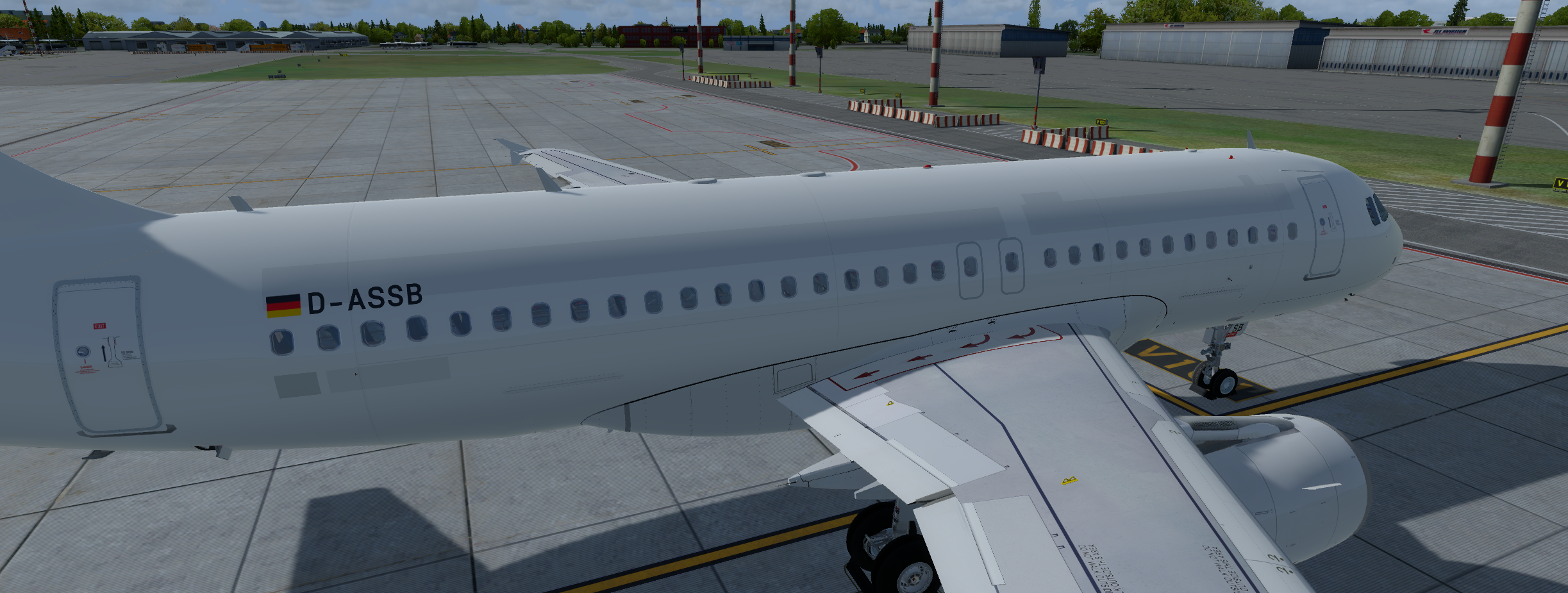
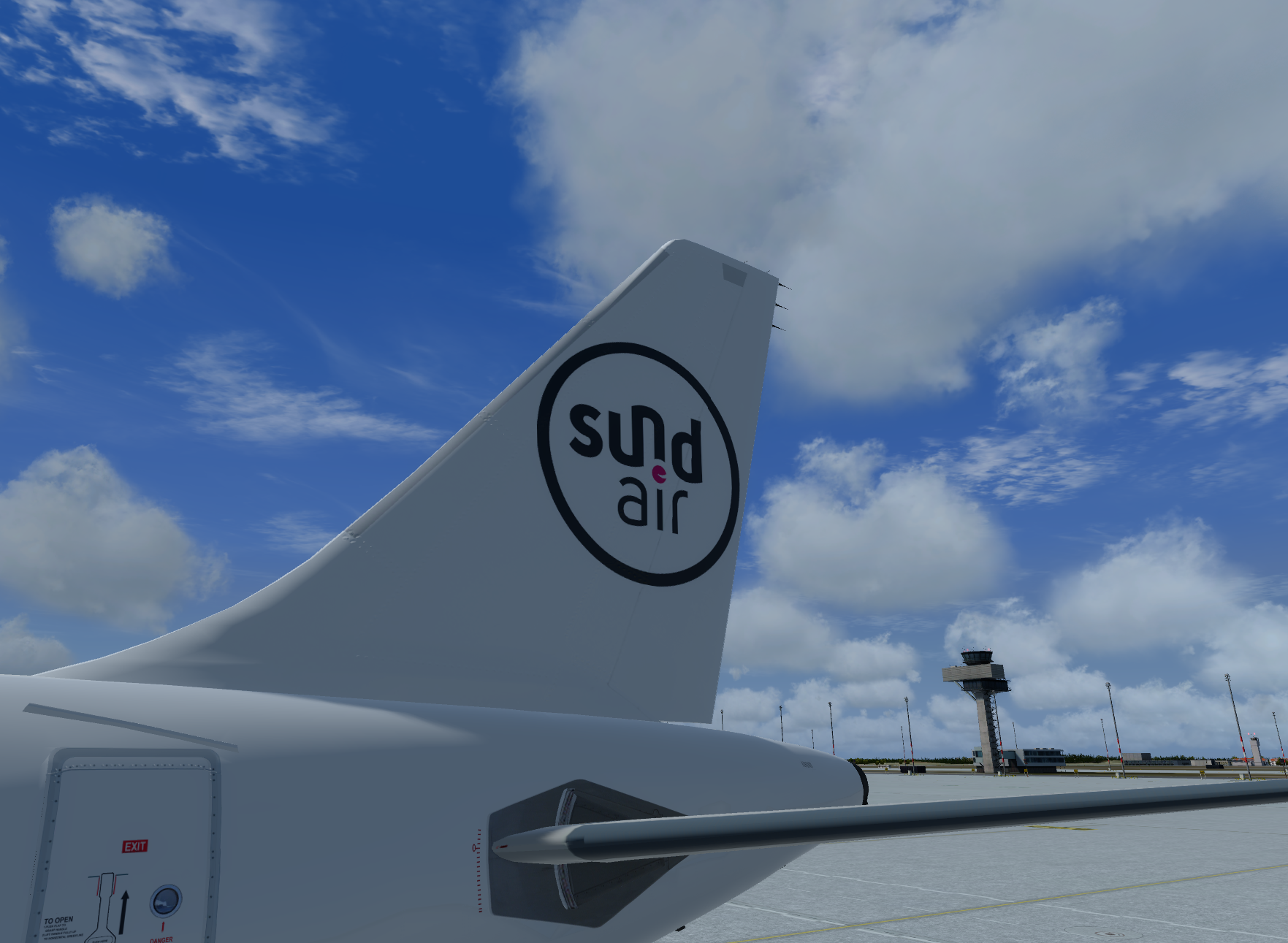
This is one of the three new A319 for the German Airline Sundair. Since March 2021 the Aircraft joined the Sundair fleet, it had started its service with Germania in 2011. Today, there are still traces of the old Germania livery.
 

829747624_Vorschau3.thumb.PNG.fd85574e45fefb5797244663c0c19a6f.PNG

701529592_Vorschau2.thumb.PNG.28d08ba6e30cce70309160903a2ef599.PNG1083619301_ThumbnailSSB.thumb.png.a3cbfe846cf53791d48ca83a6f7381c9.png


To the other A319:


If you still find any errors, write me a private message and I will fix it as soon as possible.

User Feedback

Sebastian Brabsche

Sebastian Brabsche


Thanks for the paint.

Max Moll

Max Moll


Looks very good! 

Account

Navigation

Search

Search

Configure browser push notifications

Chrome (Android)
  1. Tap the lock icon next to the address bar.
  2. Tap Permissions → Notifications.
  3. Adjust your preference.
Chrome (Desktop)
  1. Click the padlock icon in the address bar.
  2. Select Site settings.
  3. Find Notifications and adjust your preference.
