
Skip to content
View in the app

A better way to browse. Learn more.

Flight Sim Labs Forums

A full-screen app on your home screen with push notifications, badges and more.

To install this app on iOS and iPadOS
  1. Tap the Share icon in Safari
  2. Scroll the menu and tap Add to Home Screen.
  3. Tap Add in the top-right corner.
To install this app on Android
  1. Tap the 3-dot menu (⋮) in the top-right corner of the browser.
  2. Tap Add to Home screen or Install app.
  3. Confirm by tapping Install.

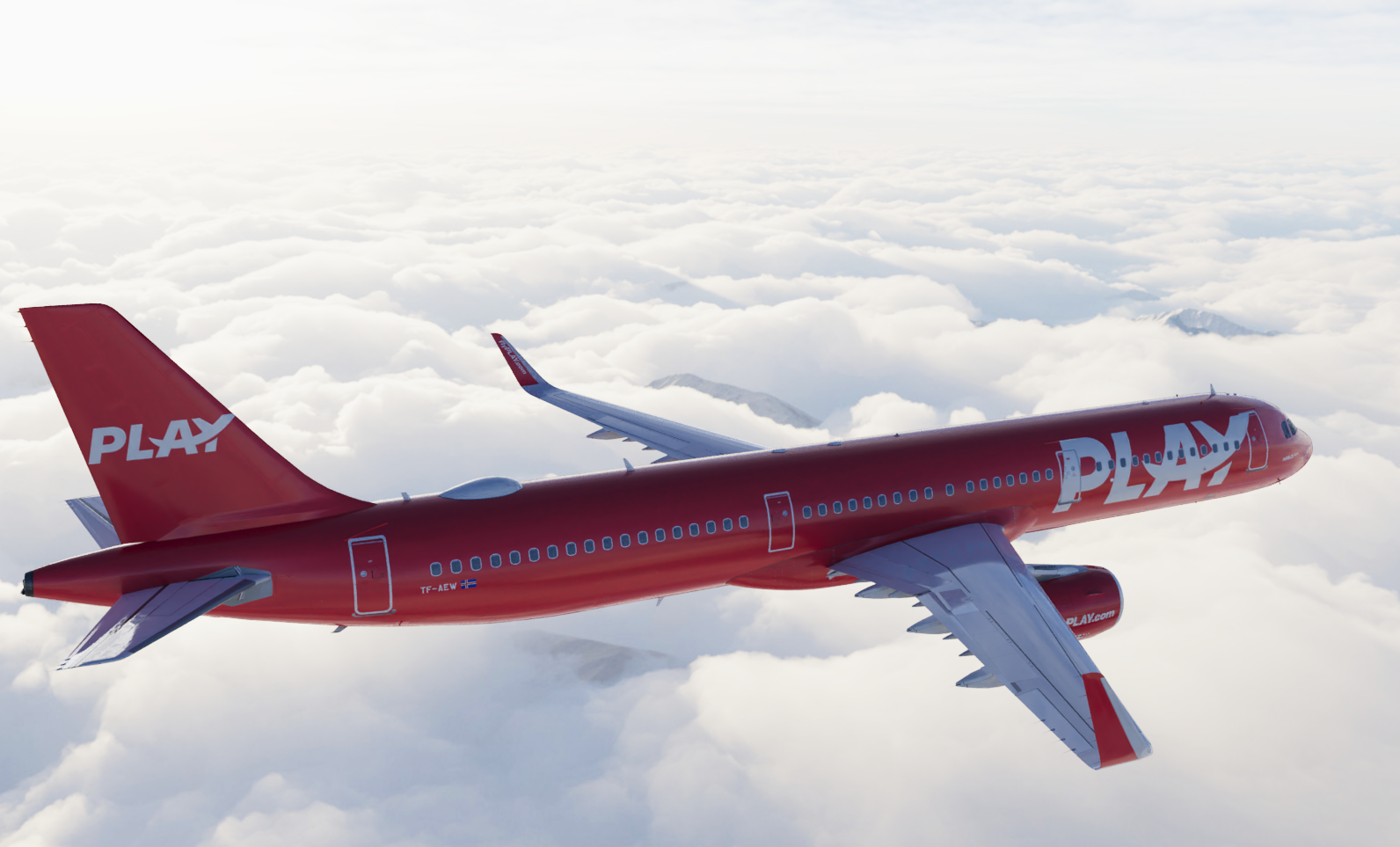
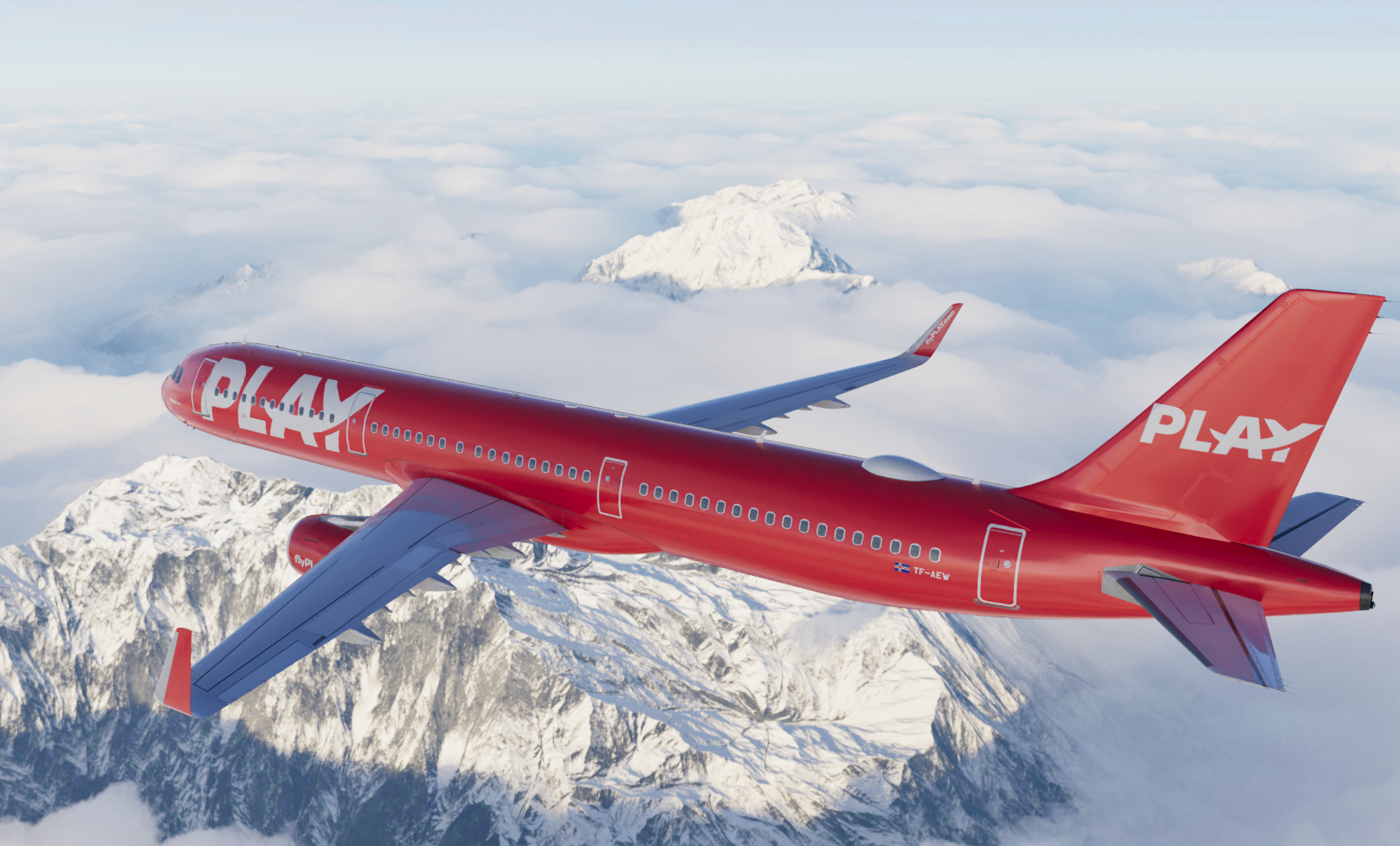
PLAY A321SL (TF-AEW) 1.0.2

(2 reviews)

3 Screenshots

Note: This livery is completely fictional as it wears it on a NEO aircraft. 

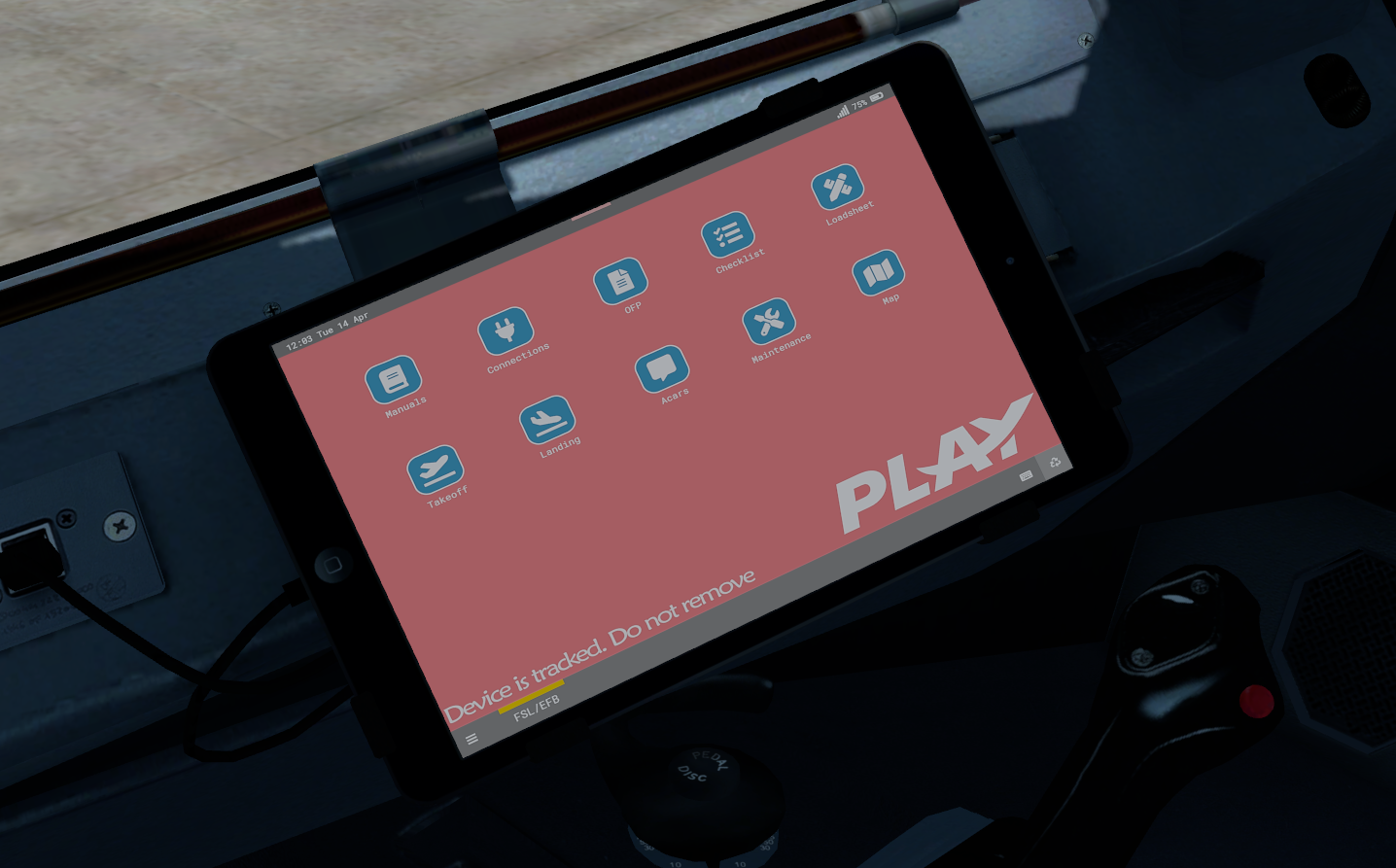
EFB Background is included. 

PLAY (TF-AEW) With CFM engines. 

All you need to do for installation is put the texture folder in P3D V5 addons/Fslabs/Simobjects/Airplanes/Fslabs A321-SL CFM & that's it. 

This livery is only for the A321 Sharklets expansion. 

What's New in Version 1.0.2

Released

  • Doors reworked (again).
  • Selcal & MSN updated.
  • Inner left  & right sharklet text updated (Thanks MrDylanFM)
  • Window frames all painted white.

User Feedback

Khoa Nguyen

Khoa Nguyen

   1 of 1 member found this review helpful 1 / 1 member

Great job, but I saw the sat dome is also painted on this one 

Response from the author:

Hi mate, it actually remains white. It was covered for when it was getting sprayed. 


Regards 

Screenshot_20210615_204744.jpg

Camille MOUCHEL

Camille MOUCHEL

   1 of 2 members found this review helpful 1 / 2 members

Nice, it seems that's a new company that will start flights in France this summer

Account

Navigation

Search

Search

Configure browser push notifications

Chrome (Android)
  1. Tap the lock icon next to the address bar.
  2. Tap Permissions → Notifications.
  3. Adjust your preference.
Chrome (Desktop)
  1. Click the padlock icon in the address bar.
  2. Select Site settings.
  3. Find Notifications and adjust your preference.

