
Skip to content
View in the app

A better way to browse. Learn more.

Flight Sim Labs Forums

A full-screen app on your home screen with push notifications, badges and more.

To install this app on iOS and iPadOS
  1. Tap the Share icon in Safari
  2. Scroll the menu and tap Add to Home Screen.
  3. Tap Add in the top-right corner.
To install this app on Android
  1. Tap the 3-dot menu (⋮) in the top-right corner of the browser.
  2. Tap Add to Home screen or Install app.
  3. Confirm by tapping Install.

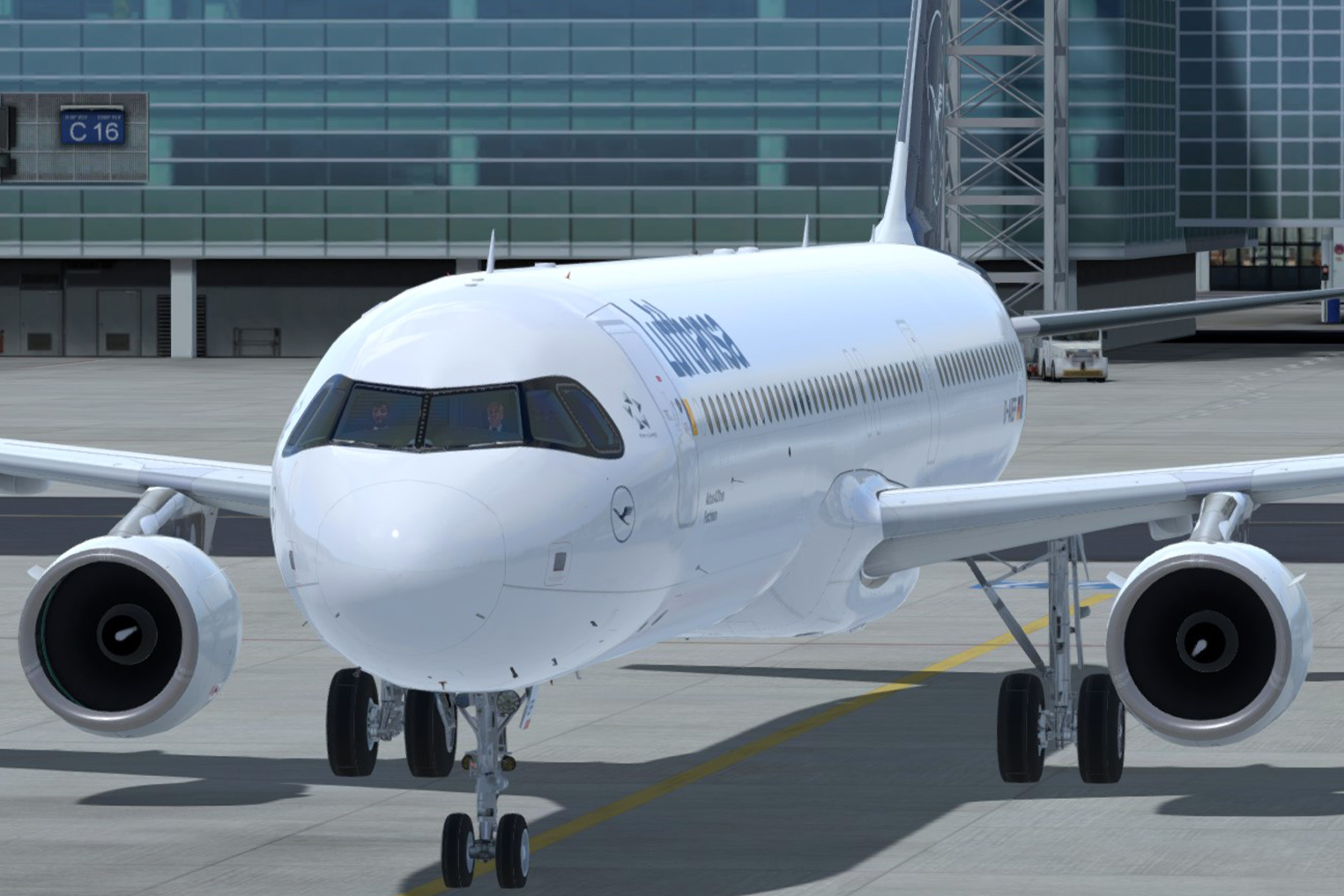
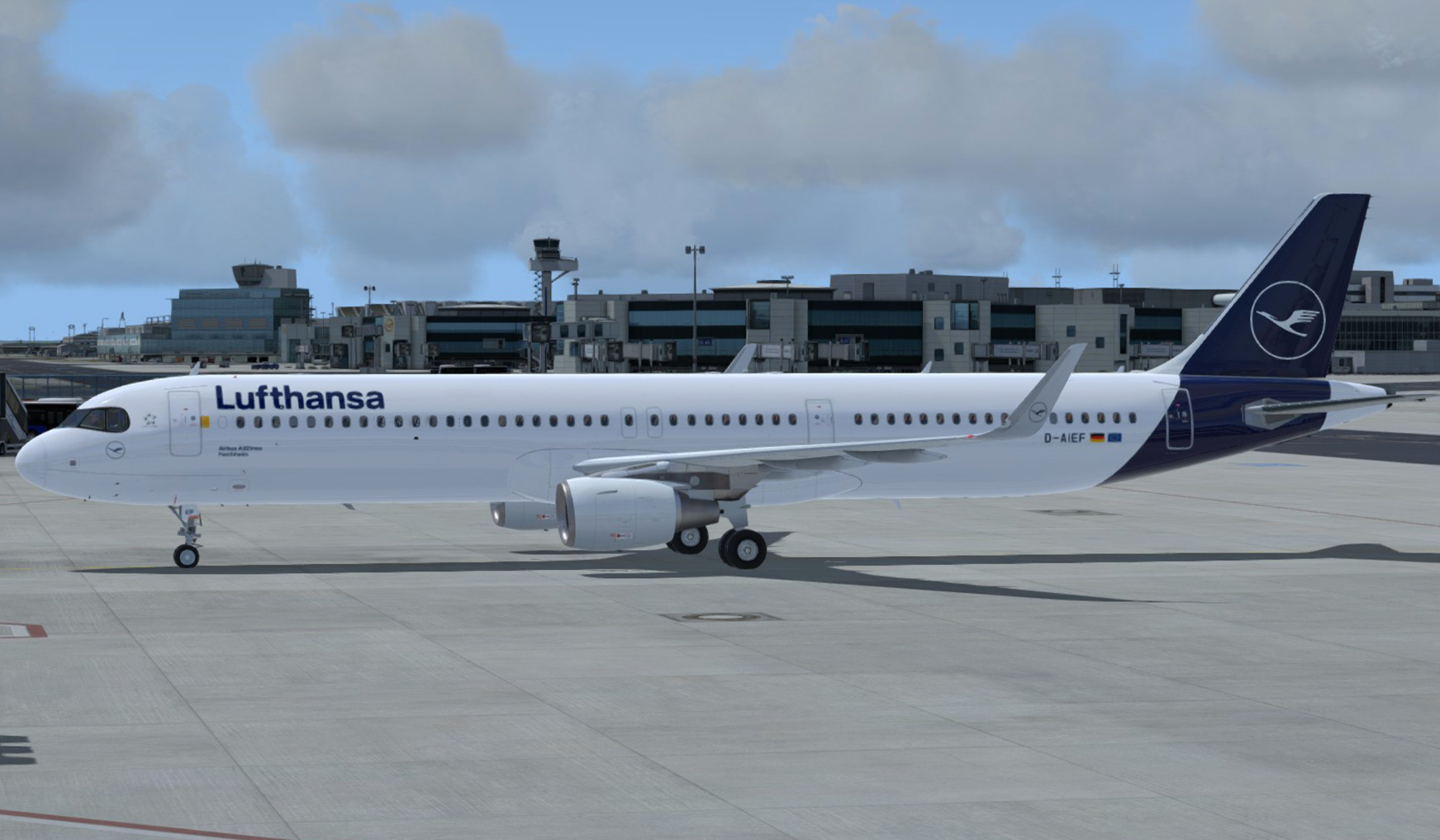
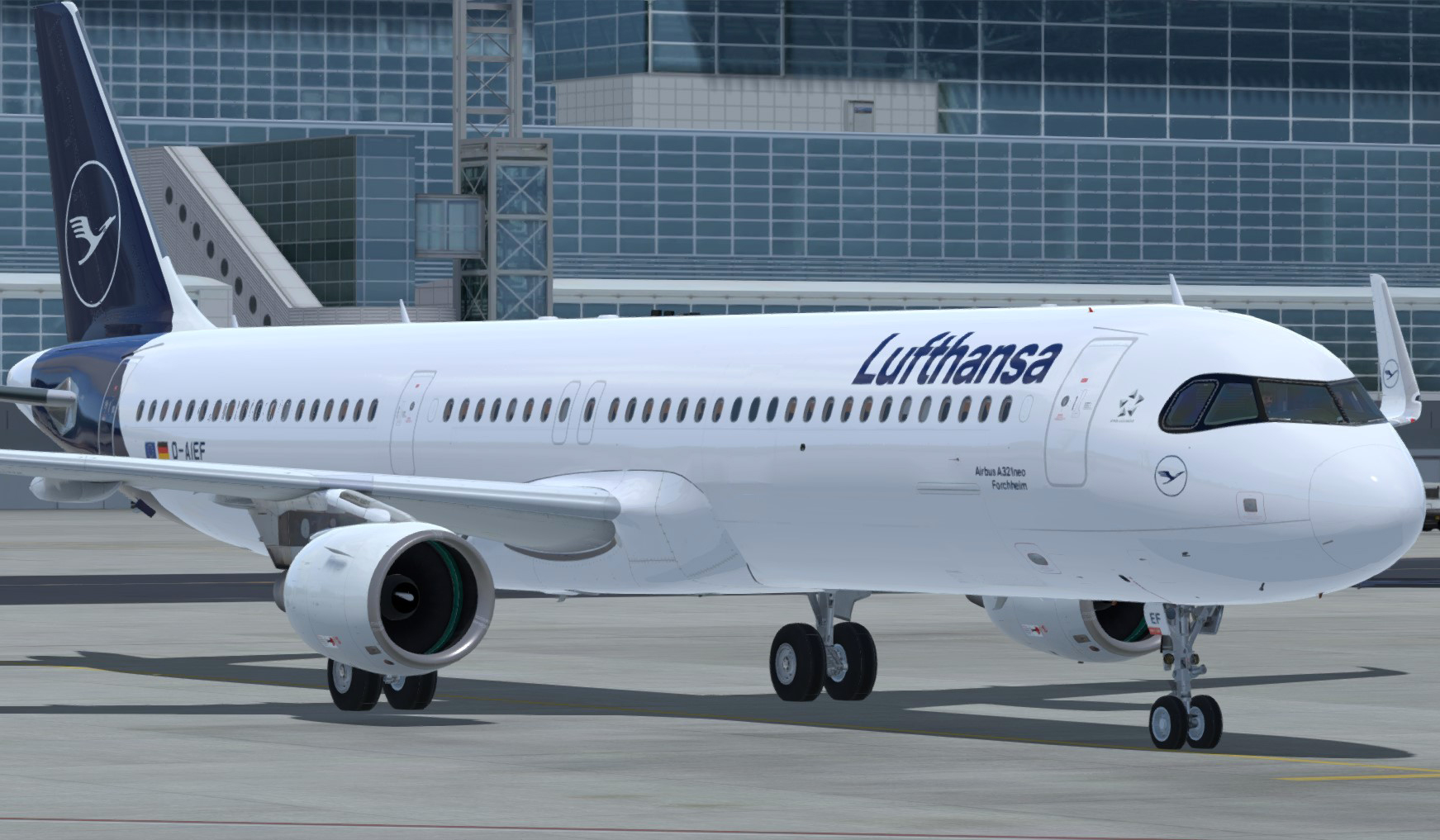
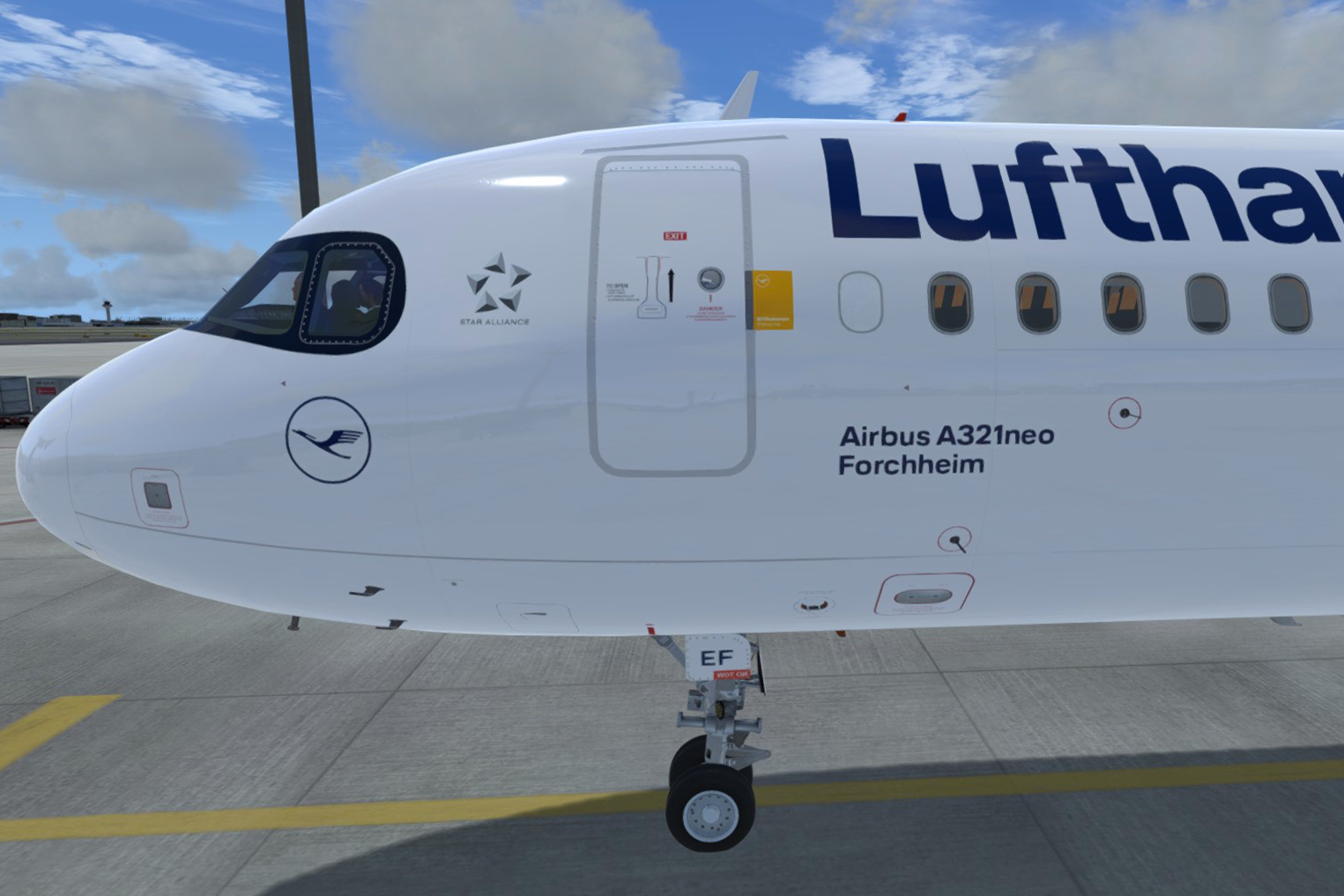
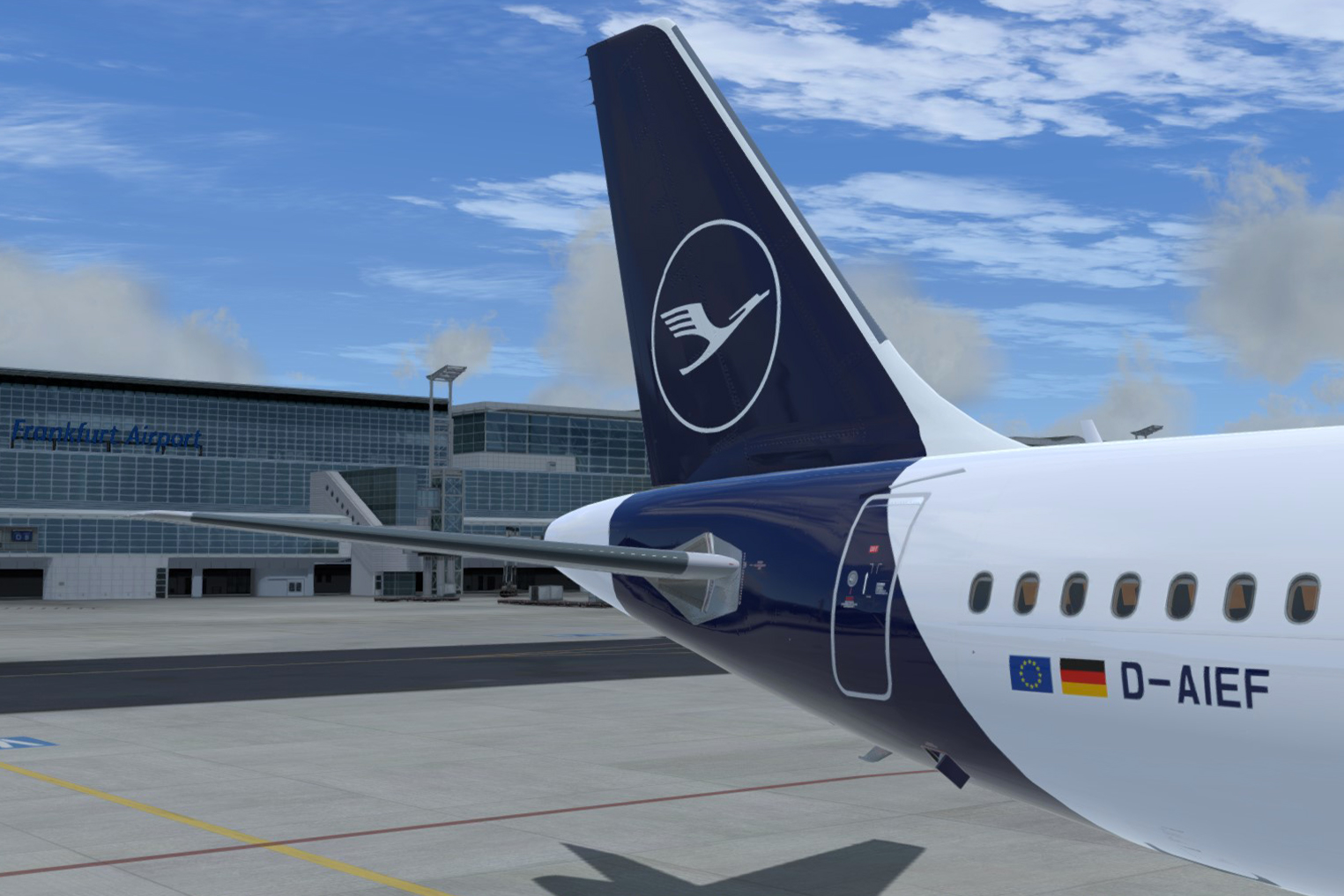
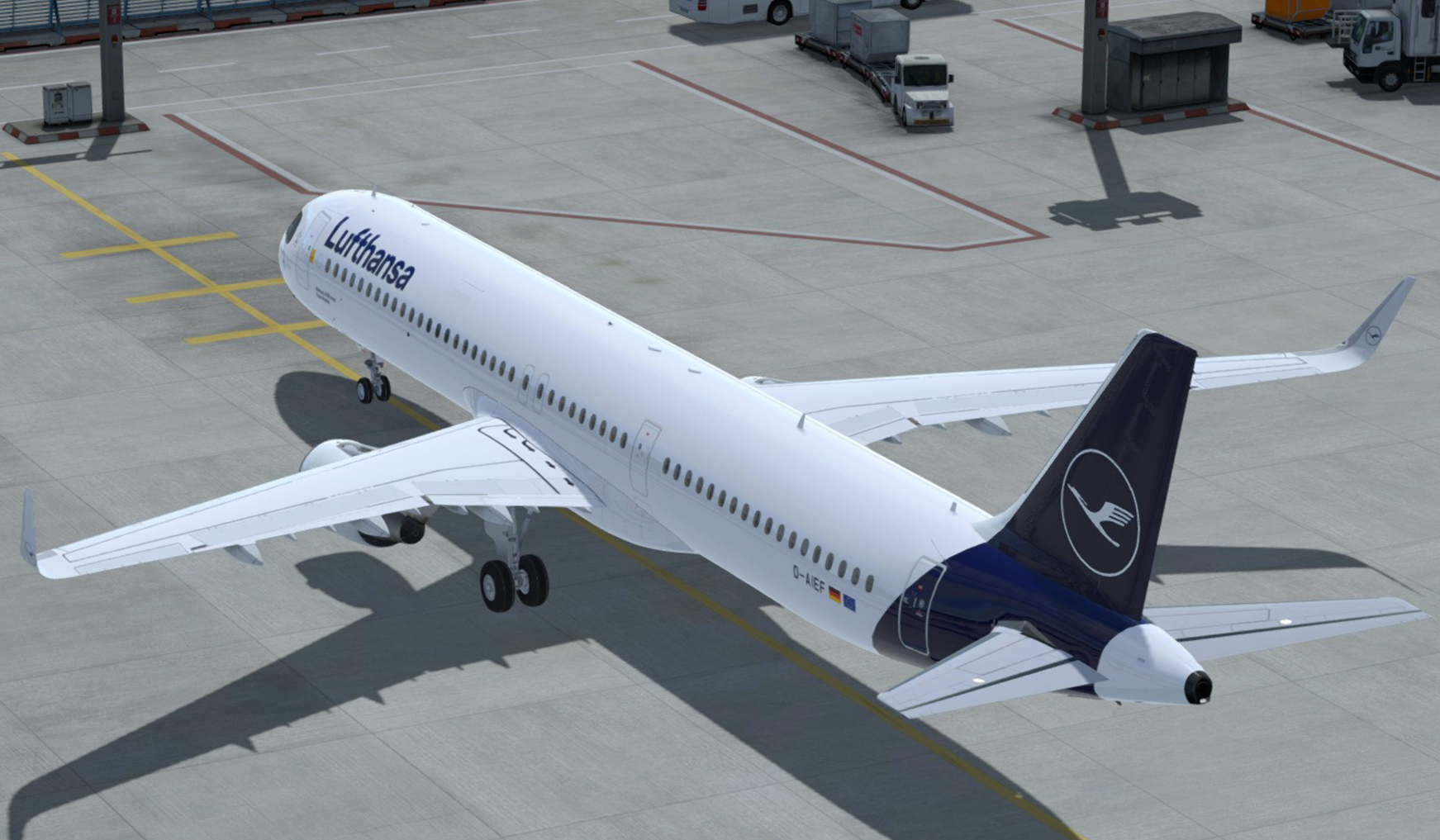
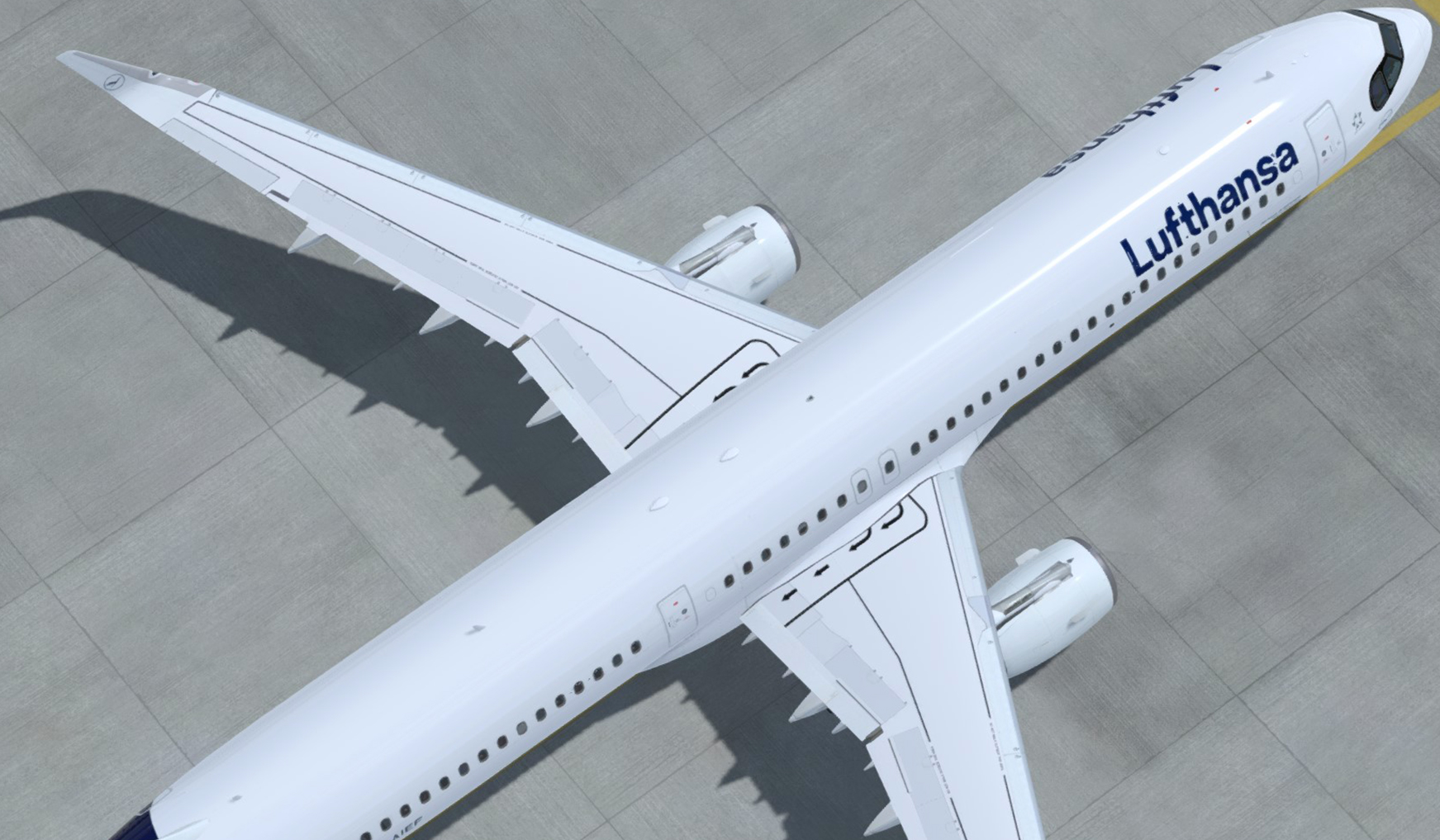
Lufthansa A321-SL (neo concept) D-AIEF "Forchheim" New Livery 1.5

(2 reviews)

13 Screenshots

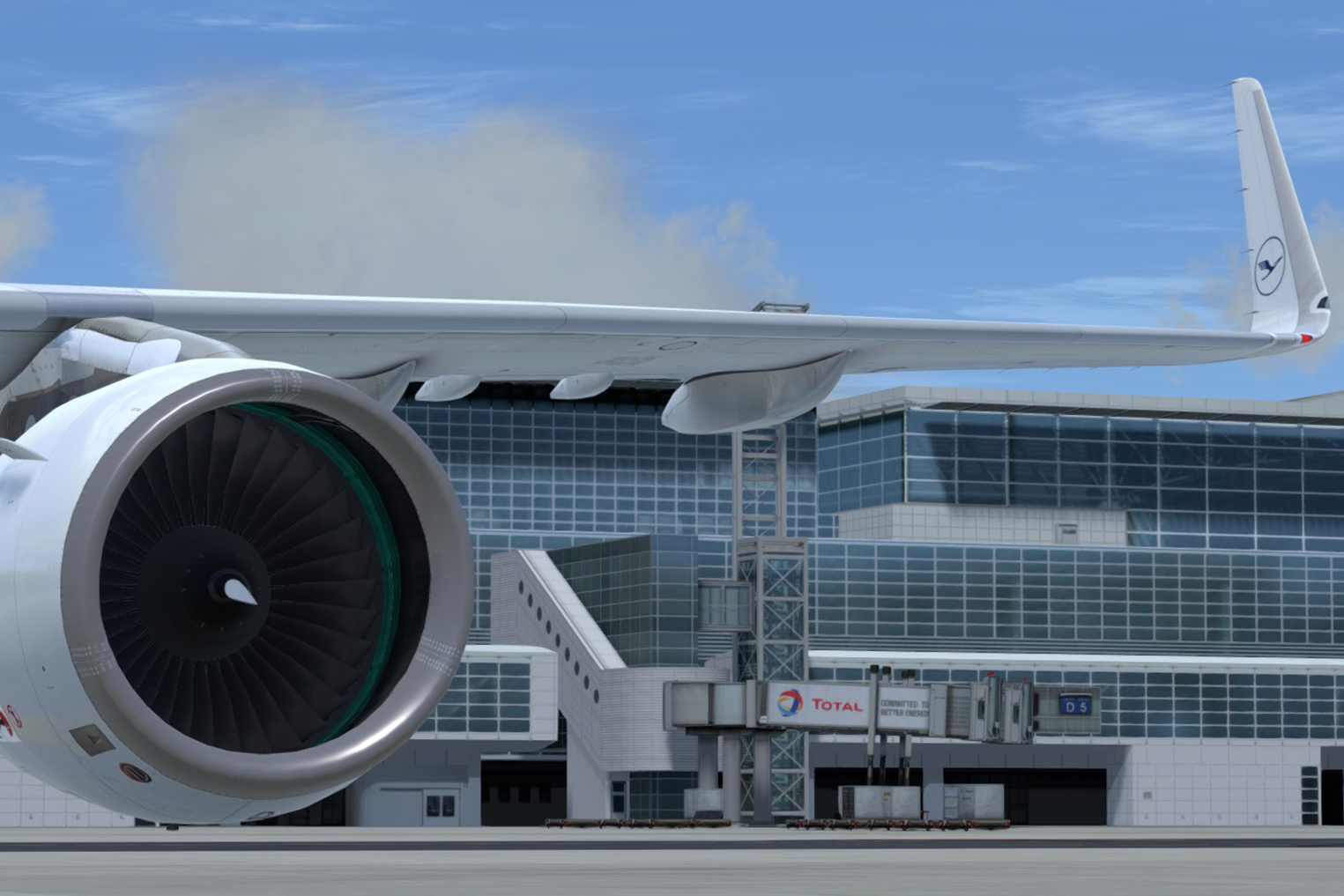
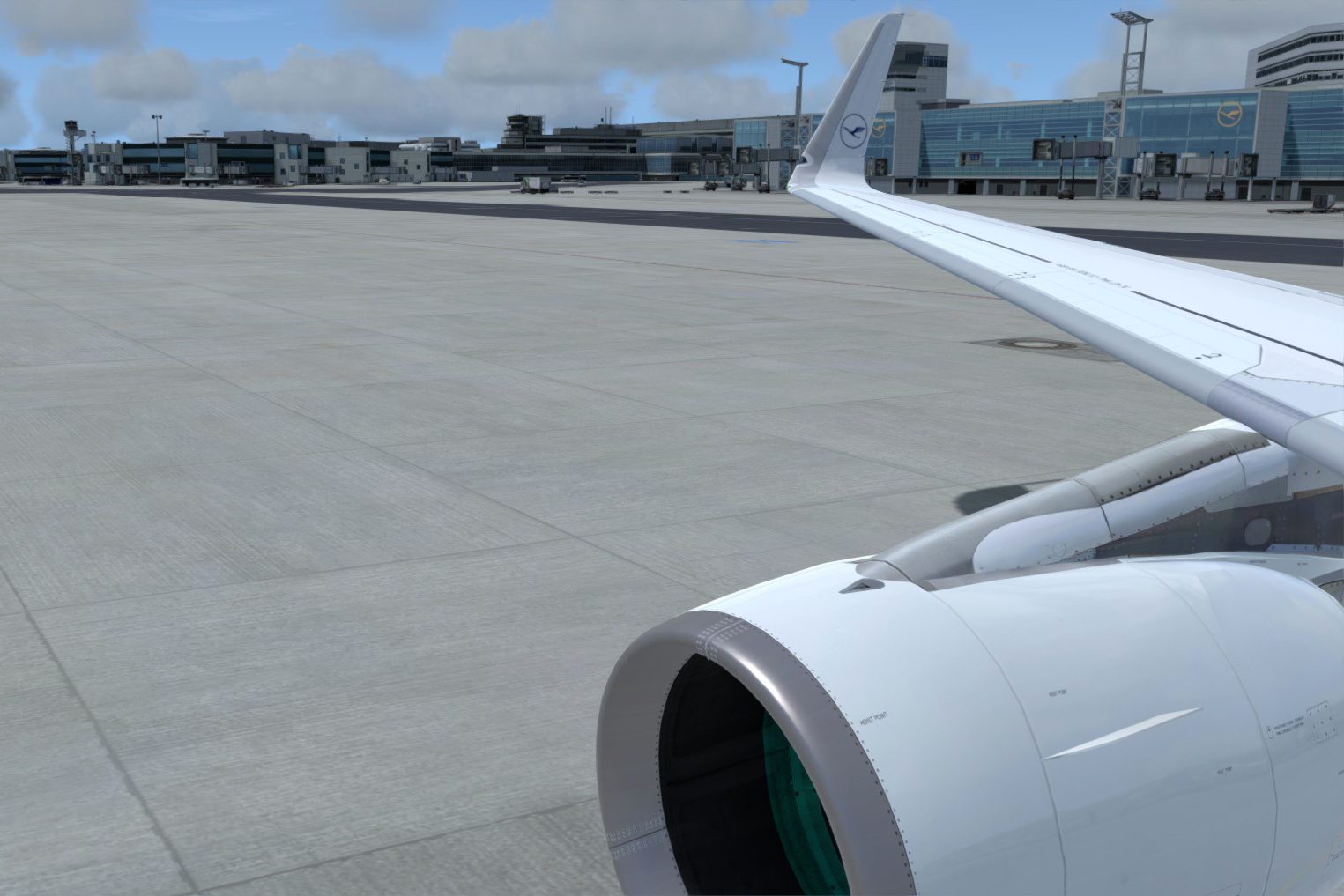
- Concept livery of Lufthansa D-AIEF "Forchheim" (New Livery with the mask) for A321-SL, with the emergency exits configuration of the A321neo, the number of seats of the Lufthansa A321neo and 2 additional ACTs to simulate the greater range of the A321neo.

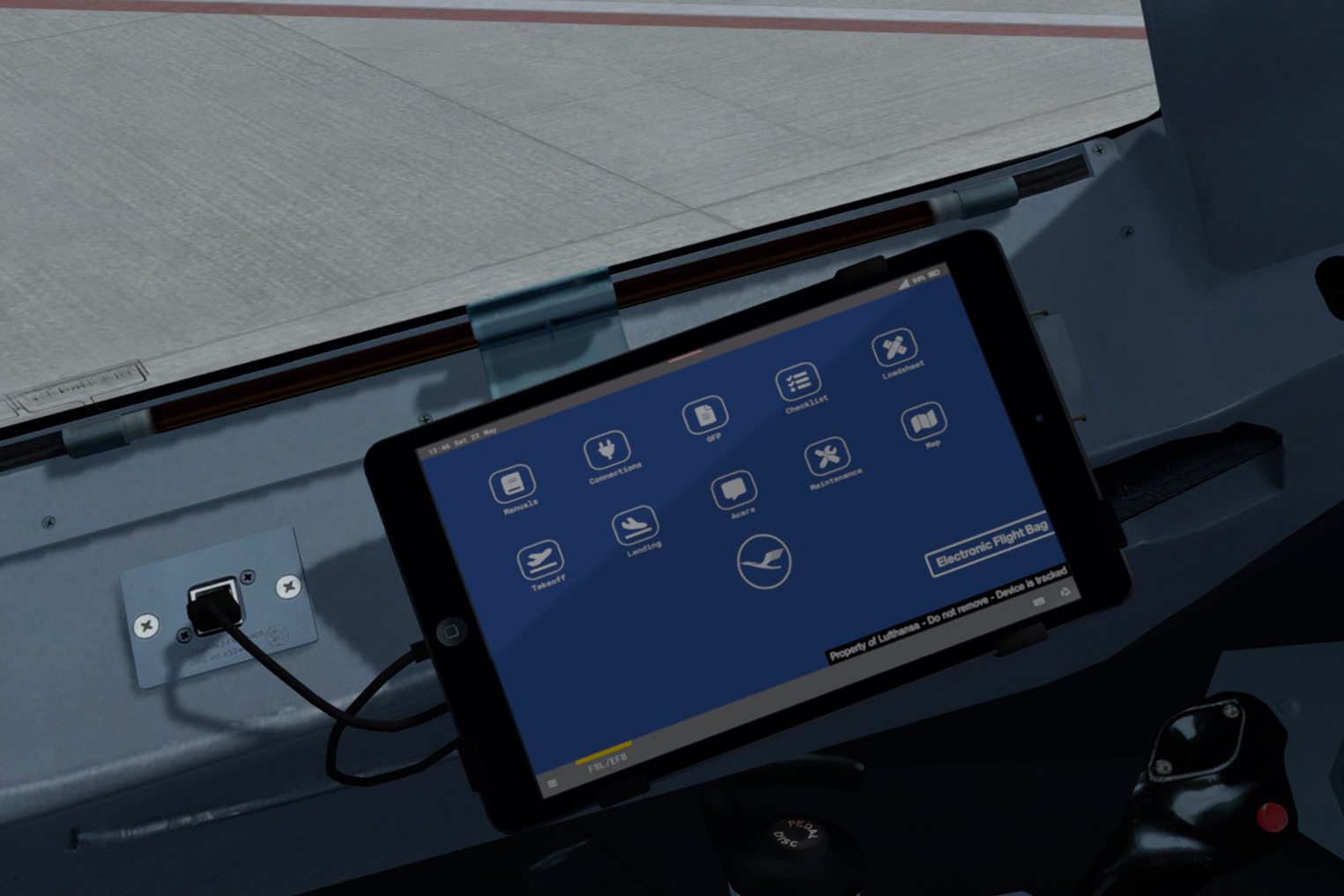
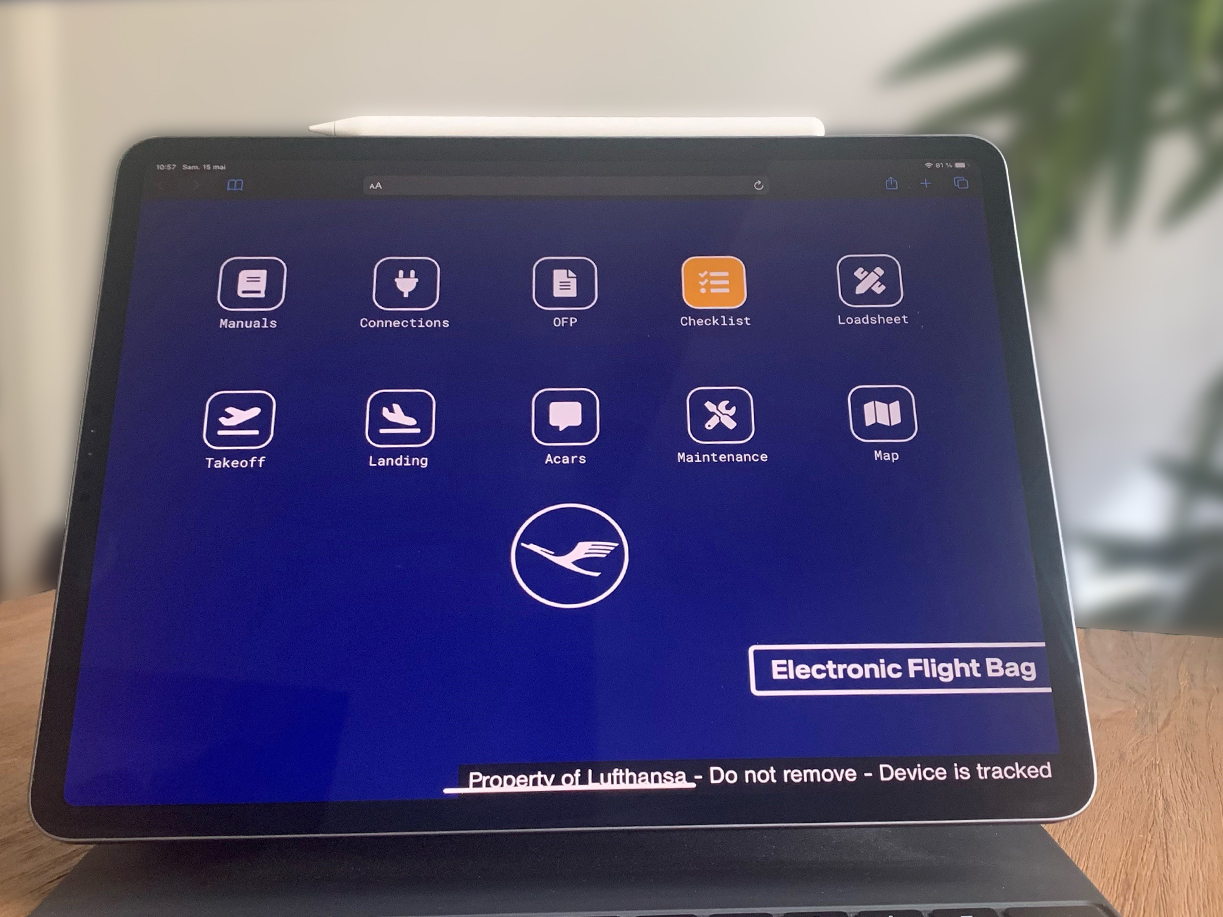
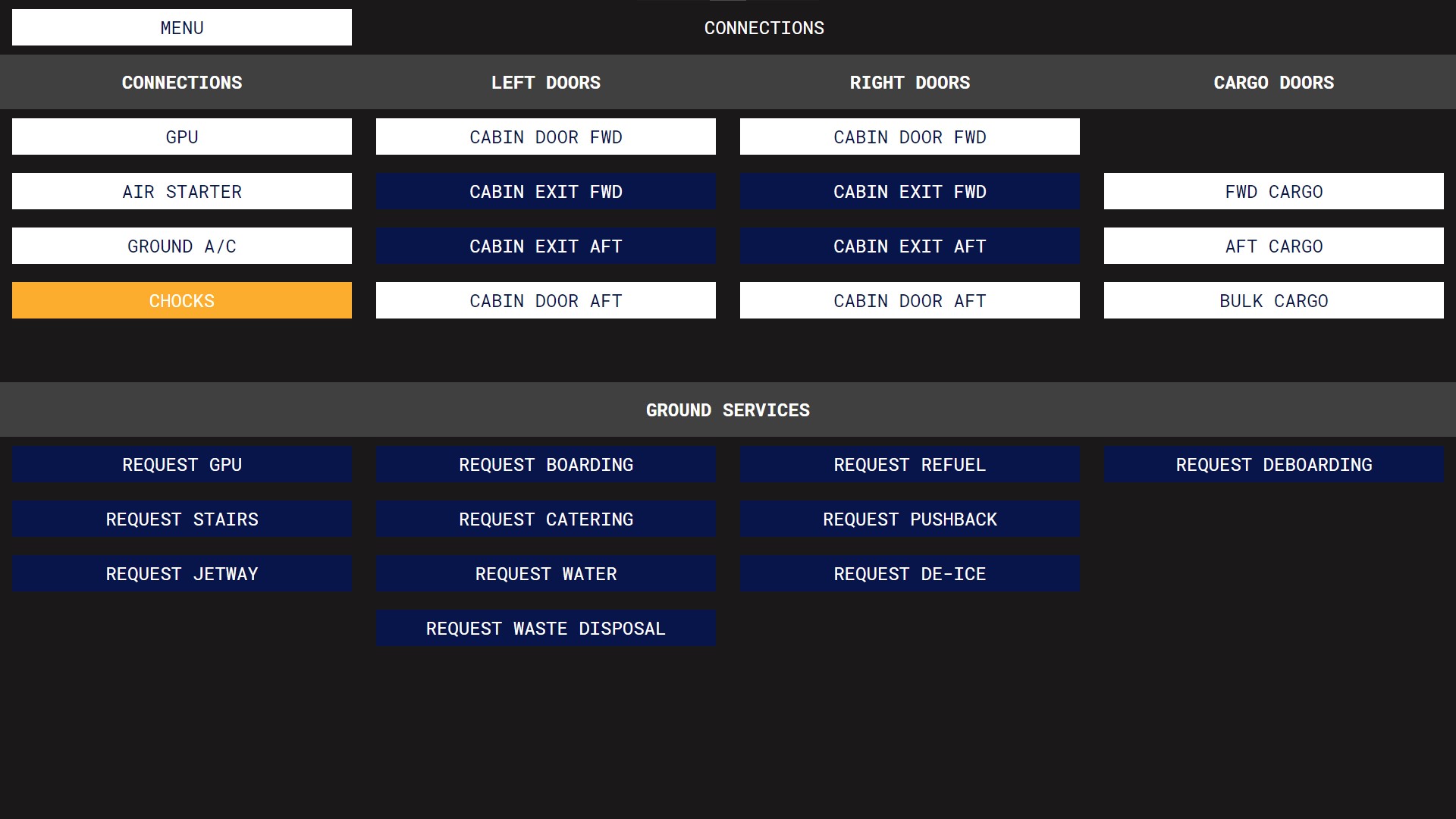
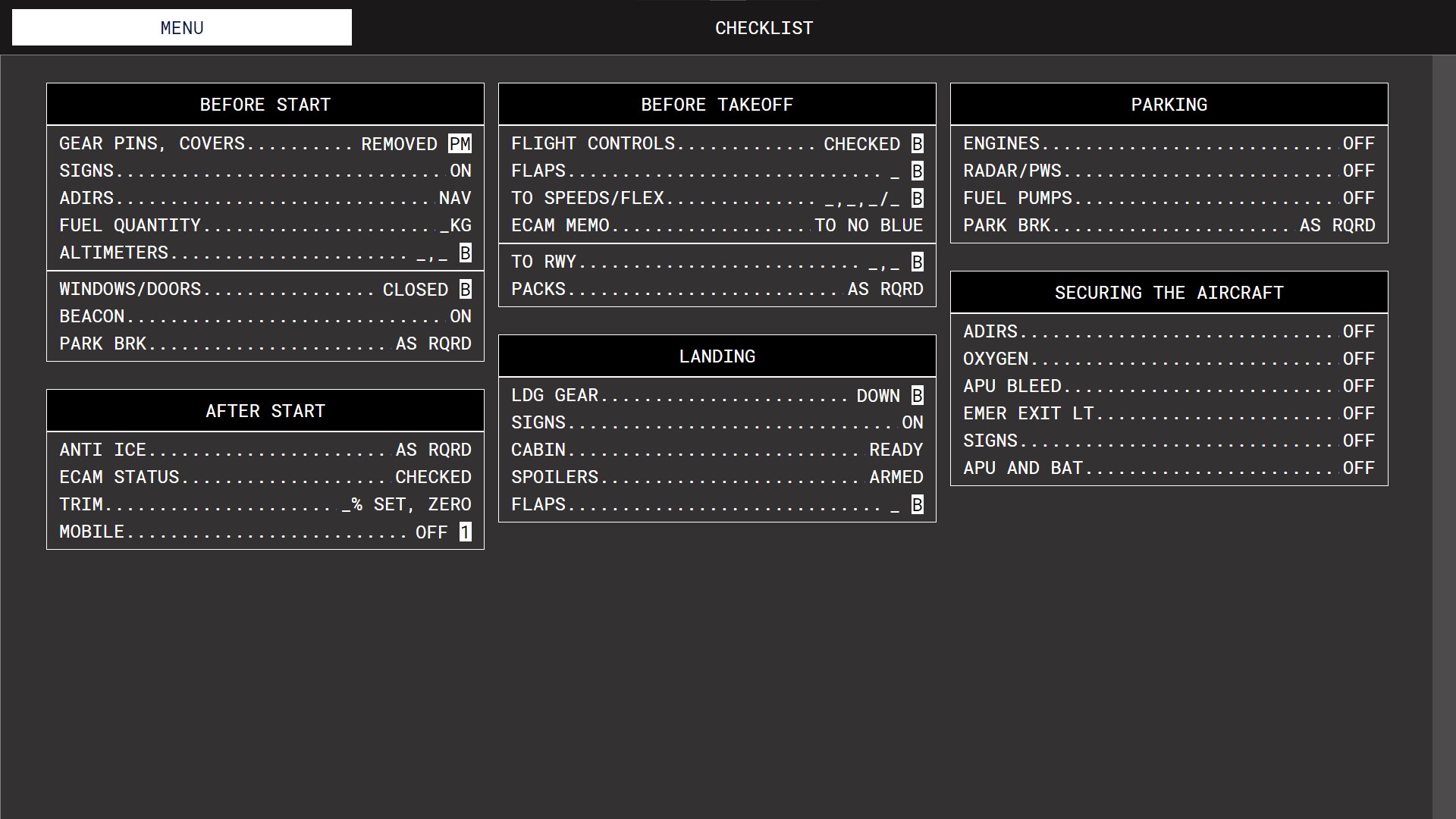
- REAL Lufthansa EFB wallpaper that can be found on Lufthansa's Microsoft Surface in the cockpit of A320 Family aircraft. It also includes color customizations on the home screen and in the entire EFB in the Lufthansa color scheme, as well as Lufthansa checklists.

To install the livery, please place the contents of the "FSLabs A321-SL CFM" folder in "FSLabs/SimObjects/FSLabs A321-SL CFM" then, for the EFB and the checklists, place the contents of the "FSLabs A321-SL" folder in "FSLabs/SimObjects/FSLabs A321-SL". Note that this livery only works with the Sharklets version of Flight Sim Labs!

Thanks to Karim Amr for the Neo CFM Engine Texture.


To get the 16:9 version of the REAL Lufthansa EFB wallpaper (if you are using the remote EFB on a computer):

What's New in Version 1.5

Released

Bug fixes on doors 2R and 2L (initially present on the A321ceo but not on the A321neo)

User Feedback

Andre Blossfeld

Andre Blossfeld

   0 of 2 members found this review helpful 0 / 2 members

unknown.png

Response from the author:

Thank you for your feedback. I just updated the livery with the fix. ;)

Asher Yearwood

Asher Yearwood

   1 of 1 member found this review helpful 1 / 1 member

Fantastic work! Great representation while we dont have the real NEOs. Also the engine textures are wonderful addition 

Account

Navigation

Search

Search

Configure browser push notifications

Chrome (Android)
  1. Tap the lock icon next to the address bar.
  2. Tap Permissions → Notifications.
  3. Adjust your preference.
Chrome (Desktop)
  1. Click the padlock icon in the address bar.
  2. Select Site settings.
  3. Find Notifications and adjust your preference.

