
Skip to content
View in the app

A better way to browse. Learn more.

Flight Sim Labs Forums

A full-screen app on your home screen with push notifications, badges and more.

To install this app on iOS and iPadOS
  1. Tap the Share icon in Safari
  2. Scroll the menu and tap Add to Home Screen.
  3. Tap Add in the top-right corner.
To install this app on Android
  1. Tap the 3-dot menu (⋮) in the top-right corner of the browser.
  2. Tap Add to Home screen or Install app.
  3. Confirm by tapping Install.

Austrian EFB Portal A320-SL 1.0.0

(2 reviews)

2 Screenshots

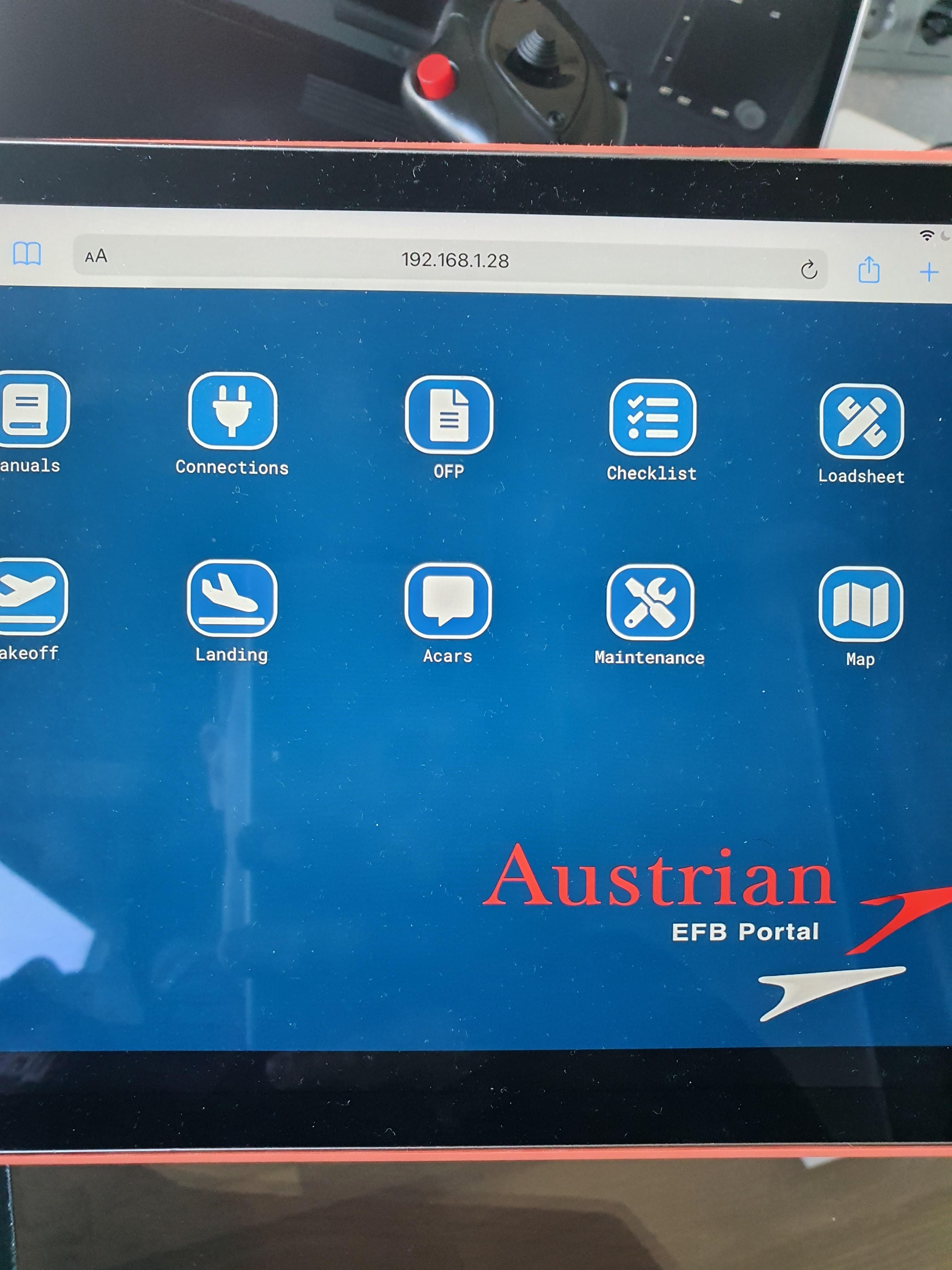
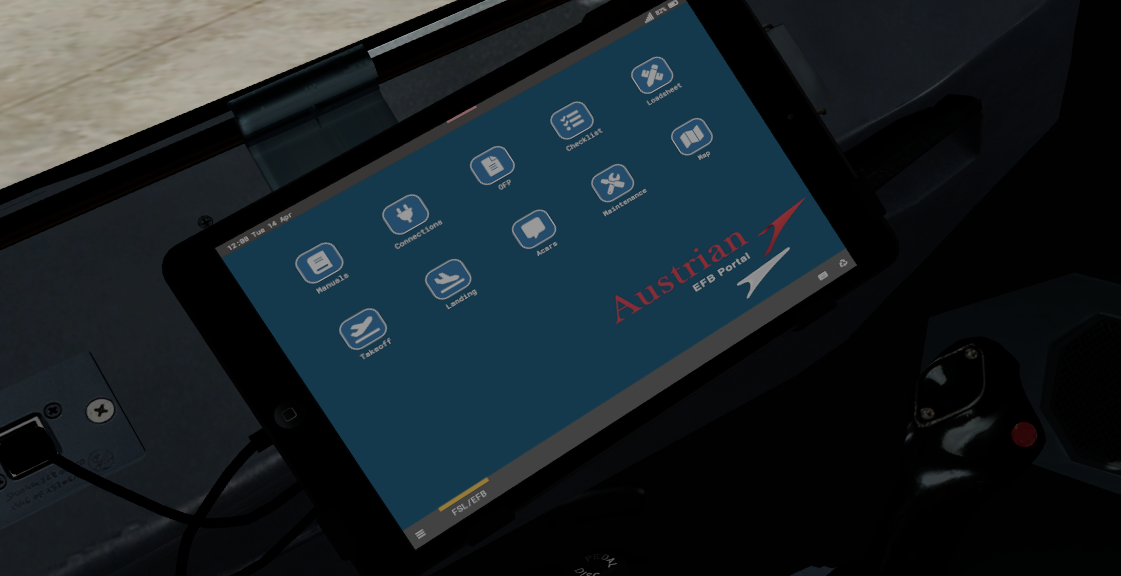
Austrian Airlines upgraded its fleet by EFB Portal based on Microsoft Surface 3 Pro. This background was created by using the accurate color that I found in open sources. 

I updated and modify the logo and background color for use in "iPad style" EFB in FS320-SL. 


Installation:
...\Prepar3D v5/v4 Add-ons\FSLabs\SimObjects\Airplanes\FSLabs A320-SL\Airlines\AUA\

P.S. On the photo of a real iPad background looks lighter than the actual. 

User Feedback

Asher Yearwood

Asher Yearwood


very nice

Response from the author:

Thanks!:)

Alexander Polcher

Alexander Polcher


Thank you. Real backgrounds are highly appreciated. Great work!

Response from the author:

Thank you! 

Account

Navigation

Search

Search

Configure browser push notifications

Chrome (Android)
  1. Tap the lock icon next to the address bar.
  2. Tap Permissions → Notifications.
  3. Adjust your preference.
Chrome (Desktop)
  1. Click the padlock icon in the address bar.
  2. Select Site settings.
  3. Find Notifications and adjust your preference.

