
Skip to content
View in the app

A better way to browse. Learn more.

Flight Sim Labs Forums

A full-screen app on your home screen with push notifications, badges and more.

To install this app on iOS and iPadOS
  1. Tap the Share icon in Safari
  2. Scroll the menu and tap Add to Home Screen.
  3. Tap Add in the top-right corner.
To install this app on Android
  1. Tap the 3-dot menu (⋮) in the top-right corner of the browser.
  2. Tap Add to Home screen or Install app.
  3. Confirm by tapping Install.

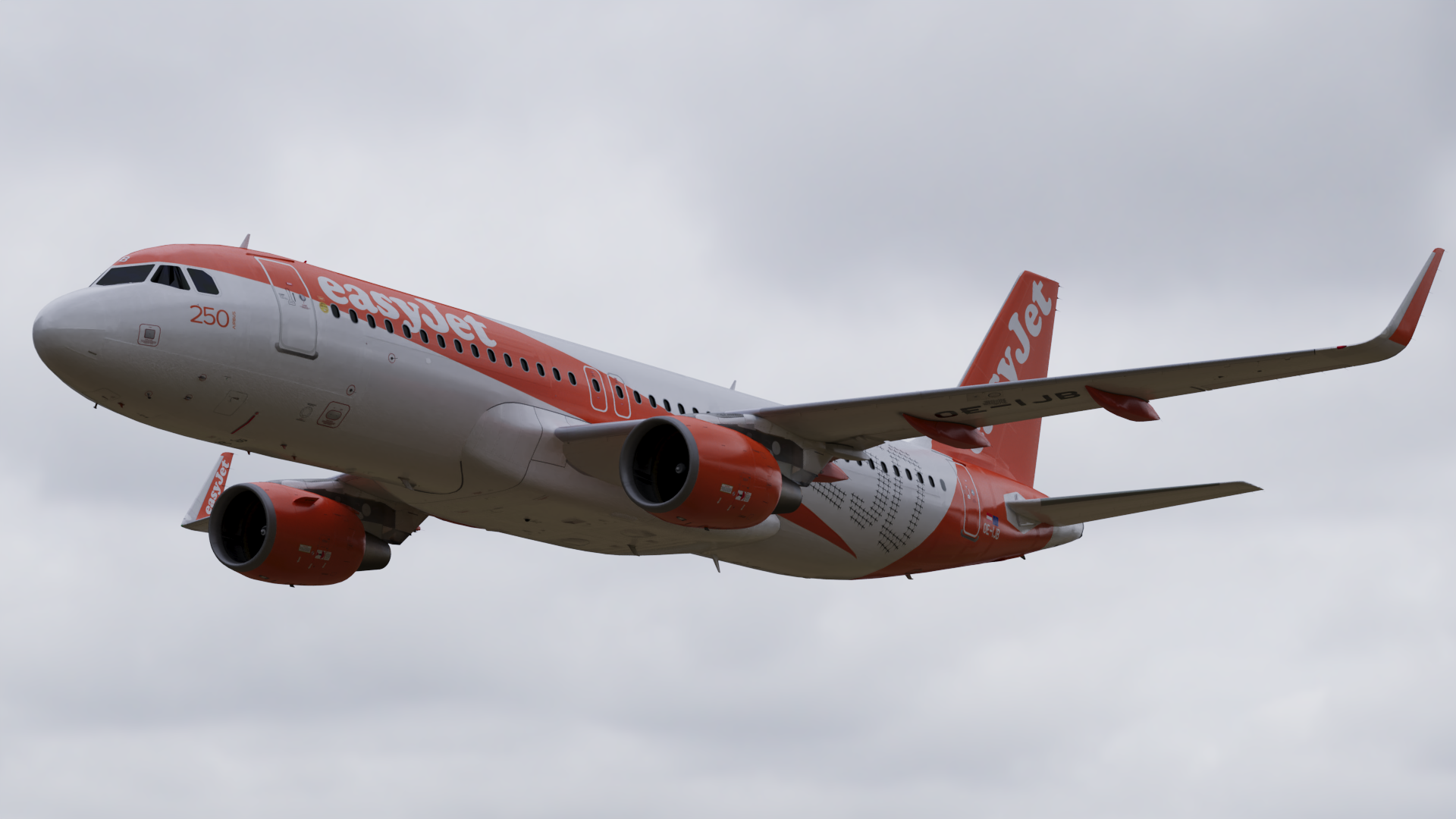
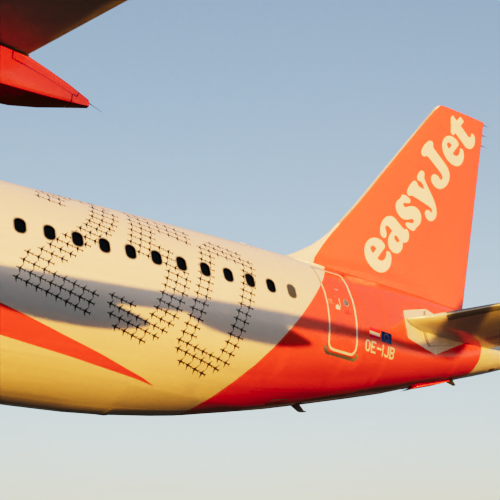
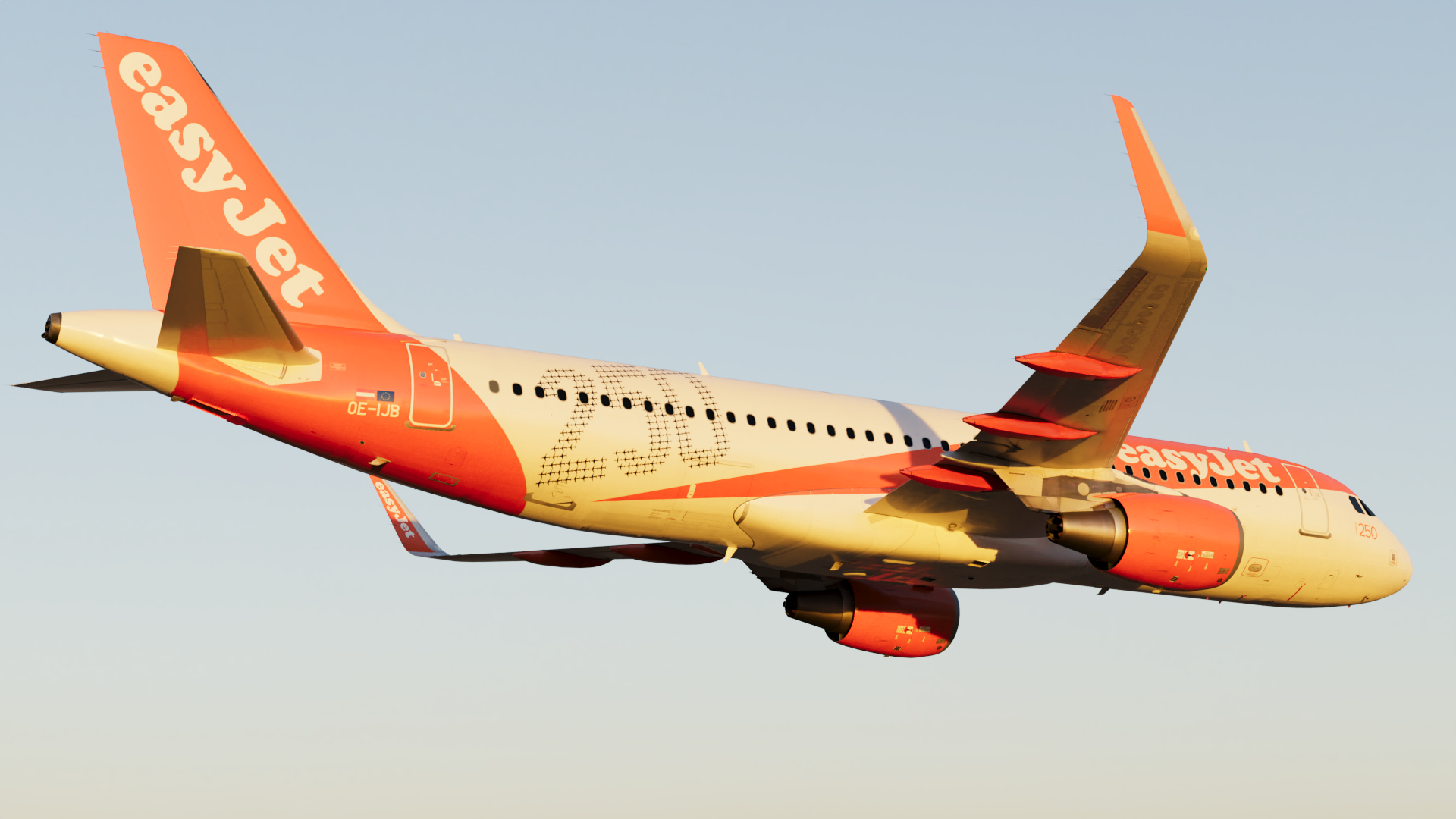
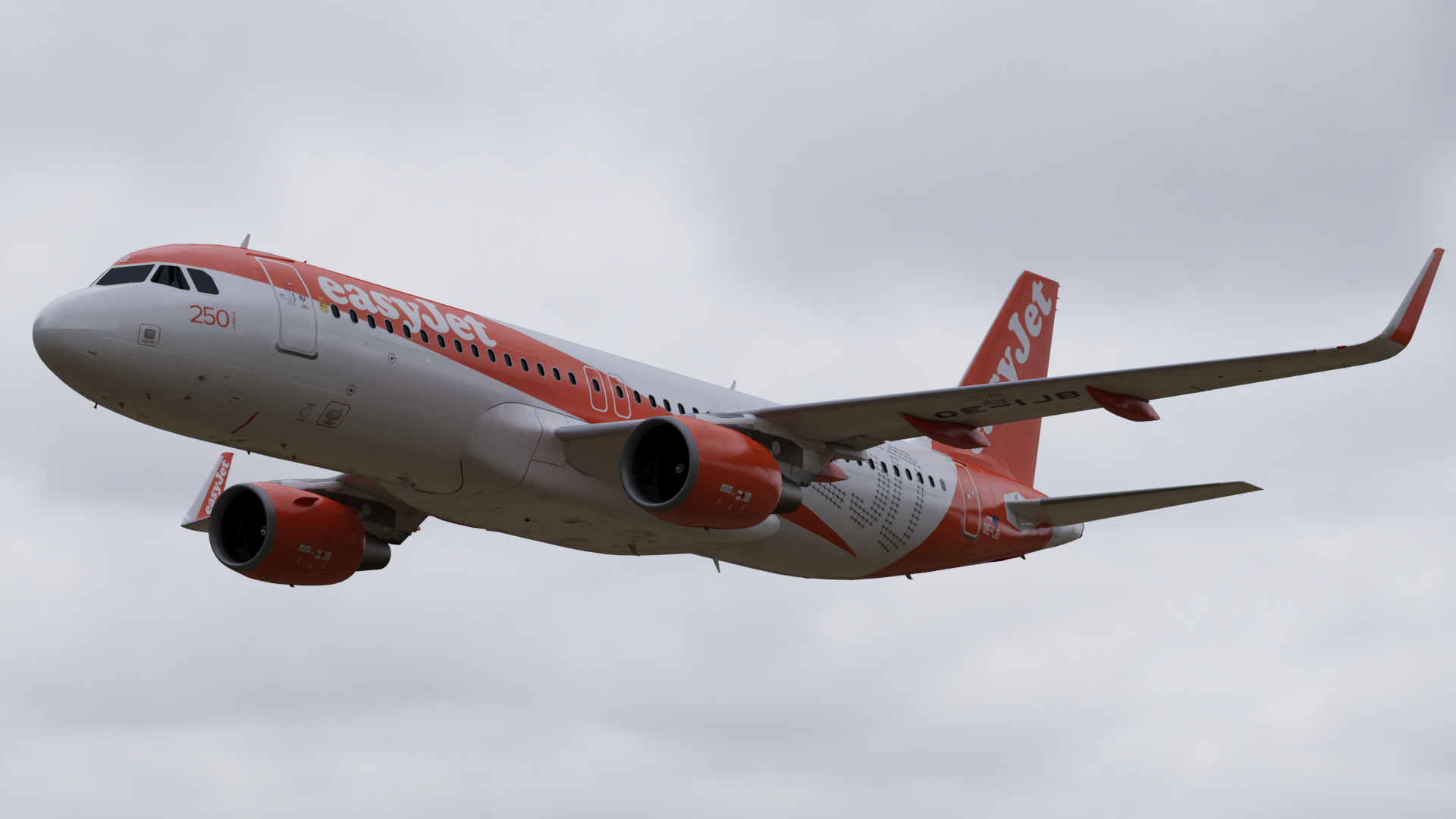
Airbus A320 SL easyJet Europe "250 Airbus" OE-IJB 1.1.5

(4 reviews)

3 Screenshots

Airbus A320 SL easyJet Europe "250 Airbus" OE-IJB

This livery features a realistic replica of the real OE-IJB.

This livery was done with the Custom Paintkit by @Enzo Dewit, @Florian Wolf and @Gregory Verba

This must be downloaded before using this livery:
https://forums.flightsimlabs.com/index.php?/files/file/3111-files-for-a320-sl-custom-paintkit-by-gv-ed-fw/

unknown2.png

What's New in Version 1.1.5

Released

No changelog available for this version.

User Feedback

Maurício Brentano

Maurício Brentano


Nice one! Thanks!

Josh Coles

Josh Coles

   1 of 1 member found this review helpful 1 / 1 member

Amazing, thank you! Is that a real image you posted or is it in the sim?

Response from the author:

Thanks, and it's a render and not the sim :) 

Pat Brooks

Pat Brooks

   1 of 1 member found this review helpful 1 / 1 member

Flying it right now.


EJU173T.jpg

Response from the author:

Have a good flight :) 

Sam Turner

Sam Turner

   1 of 1 member found this review helpful 1 / 1 member

Great Livery 

Response from the author:

Thanks :D

Account

Navigation

Search

Search

Configure browser push notifications

Chrome (Android)
  1. Tap the lock icon next to the address bar.
  2. Tap Permissions → Notifications.
  3. Adjust your preference.
Chrome (Desktop)
  1. Click the padlock icon in the address bar.
  2. Select Site settings.
  3. Find Notifications and adjust your preference.

