

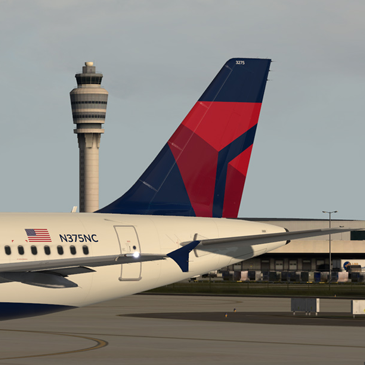
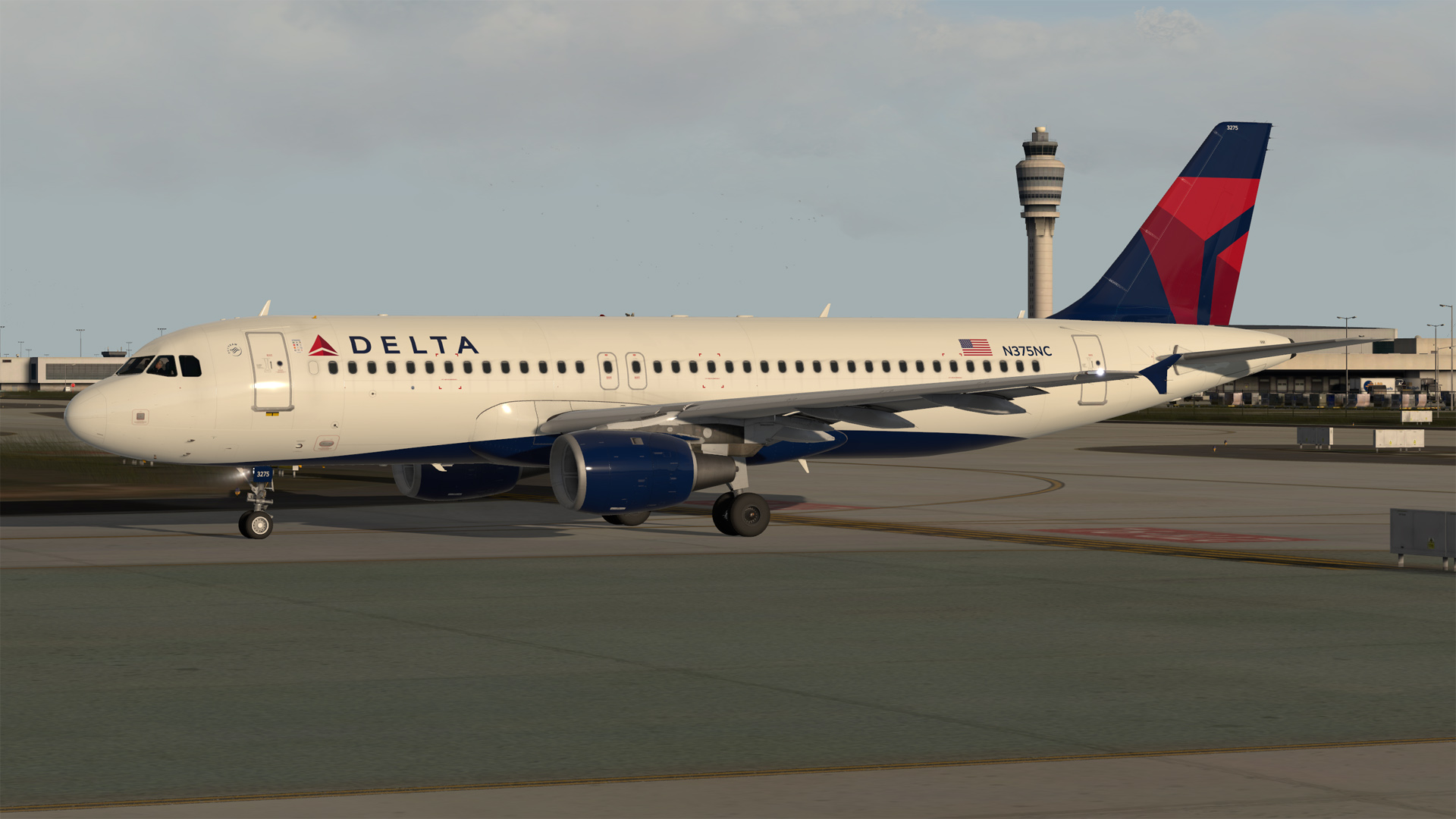
Airbus A320-212 CFM Delta N375NC
!!! NOTE: READ THESE INSTRUCTIONS CAREFULLY !!!
*** FOR FSL A320 v5.0.100+ AND FSL A320 v4.0.100+ ONLY ***
IMPORTANT: This livery requires the following download to be installed to appear as intended https://forums.flightsimlabs.com/index.php?/files/file/2460-common-files-for-fsl-a320-v501100-custom-4k-pbr-paint-kit/. Please ensure that you have installed this required package before attempting to install this livery.
Airbus A320-212 CFM Delta N375NC created using a custom 4K PBR paint kit developed by @Hugo Bicho @Daniel Du Preez and @John Tavendale.
Features a complete overhaul of the default FSL A320 paint kit including:
• Custom 4K textures with accurate seam panelling, fuselage section joins and rivets
• Custom 4K metallic maps (PBR) with baked ambient occlusion (AO) effects
• Custom 4K normal maps for fuselage, engines, wings and tail
• Reworked landing gear including tyres and struts with custom PBR effects
• Enhancements to aircraft overlay textures, including PBR effects
• Custom dirt effects
Installation instructions:
• Install the contents of the Common Files download located at https://forums.flightsimlabs.com/index.php?/files/file/2460-common-files-for-fsl-a320-v501100-custom-4k-pbr-paint-kit/ using the provided instructions
• For P3D V4 drag the Texture.DAL N375NC and Airframe Configs (if present) folders contained in this download to your {Prepar3D v4 Add-ons}\FlightSimLabs\FSLabs\SimObjects\Airplanes\FSLabs A320 CFM folder
• For P3D v5 drag the Texture.DAL N375NC and Airframe Configs (if present) folders contained in this download to your {Prepar3D v5 Add-ons}\FlightSimLabs\FSLabs\SimObjects\Airplanes\FSLabs A320 CFM folder
• Installation is complete! Start P3D and search for N375NC to load the aircraft
Copyright and legal:
This work is protected by international intellectual property and copyright laws. Any unauthorised use, dissemination and/or distribution of the content of this download is prohibited without the prior written consent of the author. A lot of time and effort was spent creating this repaint. Please respect our work.
John Tavendale (jtavendale@gmail.com) - https://www.facebook.com/texturesbytavers
Creating these liveries takes a lot of time and effort. If you like my work, why not show your appreciation with a small PayPal donation? Any donations are highly appreciated but never required.
-
 15
15
-
 4
4