

Skip to content
View in the app

A better way to browse. Learn more.

Flight Sim Labs Forums

A full-screen app on your home screen with push notifications, badges and more.

To install this app on iOS and iPadOS
  1. Tap the Share icon in Safari
  2. Scroll the menu and tap Add to Home Screen.
  3. Tap Add in the top-right corner.
To install this app on Android
  1. Tap the 3-dot menu (⋮) in the top-right corner of the browser.
  2. Tap Add to Home screen or Install app.
  3. Confirm by tapping Install.

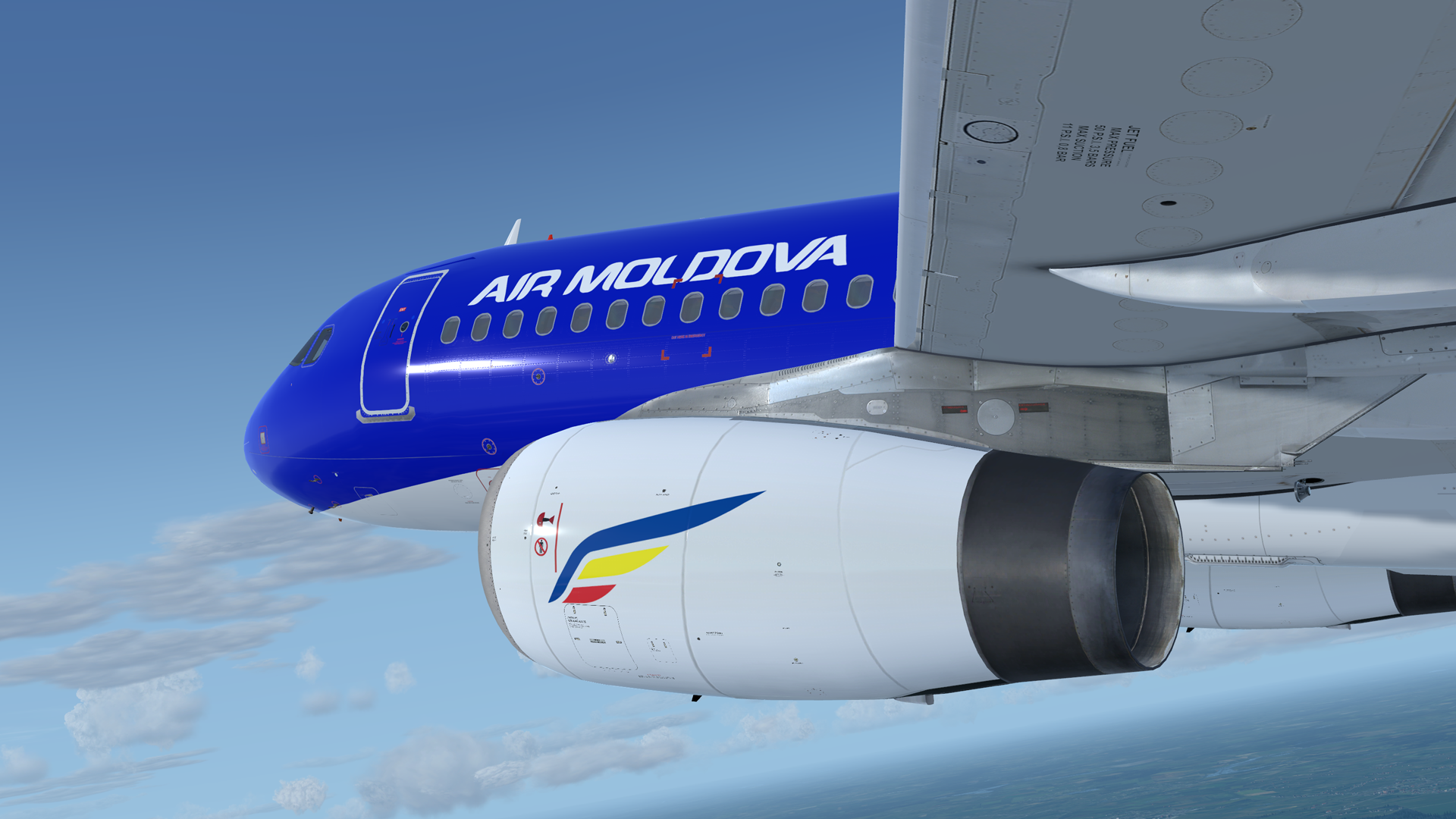
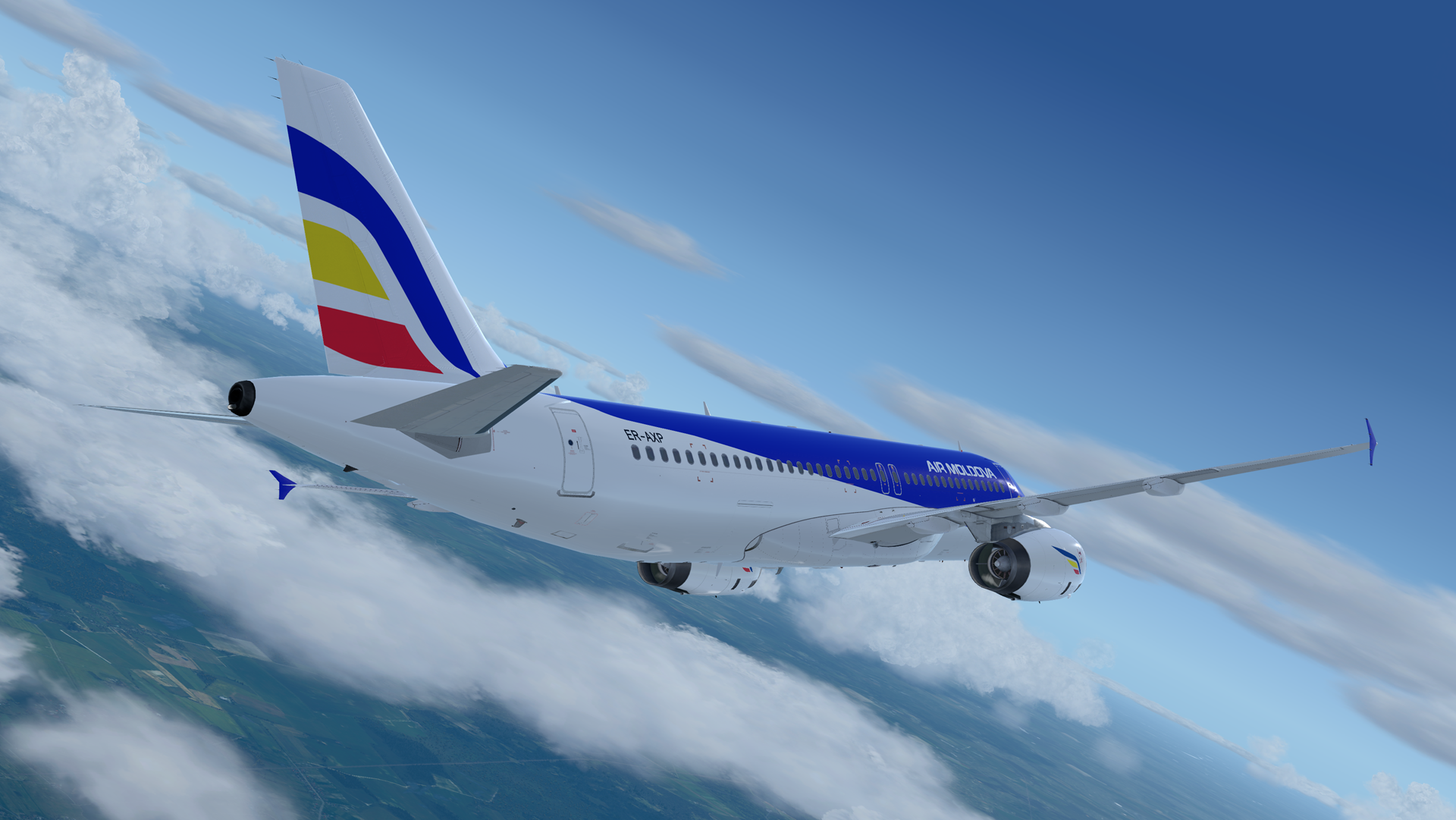
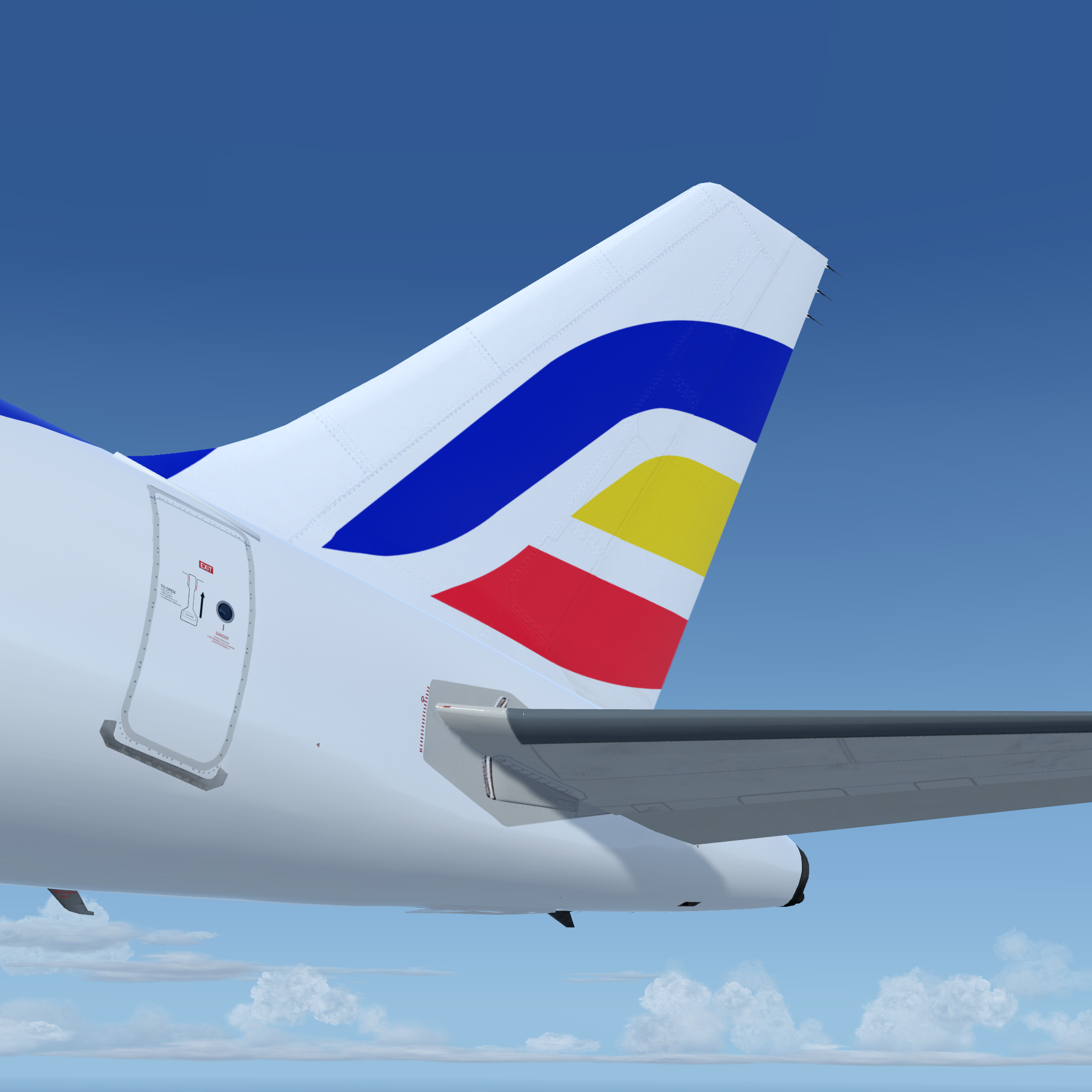
Air Moldova A320-233, ER-AXP 1.0.0

(2 reviews)

3 Screenshots

Note:
FOR FSL A320 v5.0.100+ ONLY !!!


Installation instructions:

This is a Air Moldova A320-233, ER-AXP. The aircraft is equipped with mighty 2x IAE V2527E-A5 engines. You must hear them during take off :)

This livery is compatible with P3D A320-X v5.0.xx for P3D v5.0HF2 (and backwards compatible with P3Dv4.5HF3).

--------------------------------------
Installation:

Please remove any previous versions.

Drag Texture.MLD ER-AXP into your FSLabs A320 IAE folder.

--------------------------------------

Enjoy your flights!
For question or remarks, please contact me via the FSLabs forums.

Copyright and legal:
This work is protected by international intellectual property and copyright laws.  
Any unauthorized use, dissemination and/or distribution of the content of this download is prohibited without the prior written consent of the author.  

If you like my work, why not show your appreciation with a small PayPal donation?  Any donations are highly appreciated but never required. 
https://streamlabs.com/skyteam78/tip

Thanks,

Greg

User Feedback

Samuel Little

Samuel Little


Great paint. Thank you very much!

Response from the author:

Thanks  a lot Samuel!

Andrei Baranov

Andrei Baranov

   1 of 1 member found this review helpful 1 / 1 member

The livery is very beautiful, thanks to the author for the work! I have been waiting for this livery for a long time!

Response from the author:

Thanks for your kind words. Enjoy !

Account

Navigation

Search

Search

Configure browser push notifications

Chrome (Android)
  1. Tap the lock icon next to the address bar.
  2. Tap Permissions → Notifications.
  3. Adjust your preference.
Chrome (Desktop)
  1. Click the padlock icon in the address bar.
  2. Select Site settings.
  3. Find Notifications and adjust your preference.
