

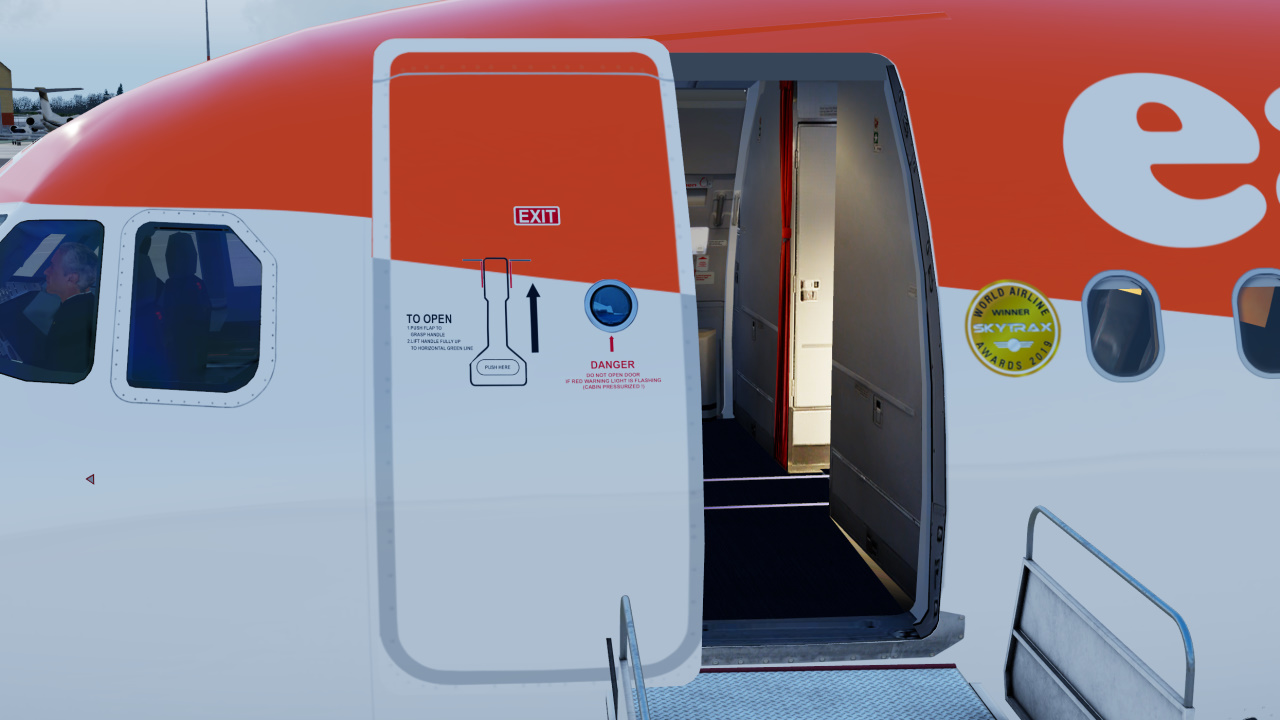
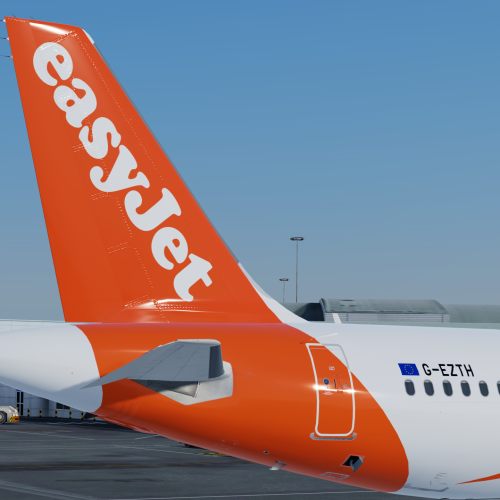
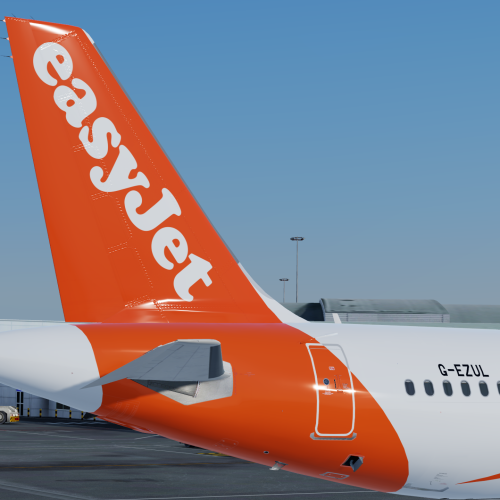
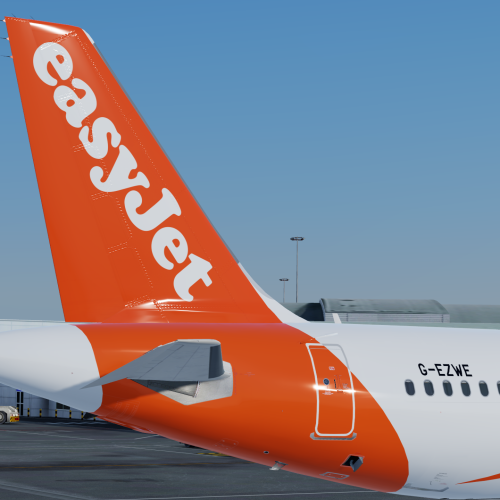
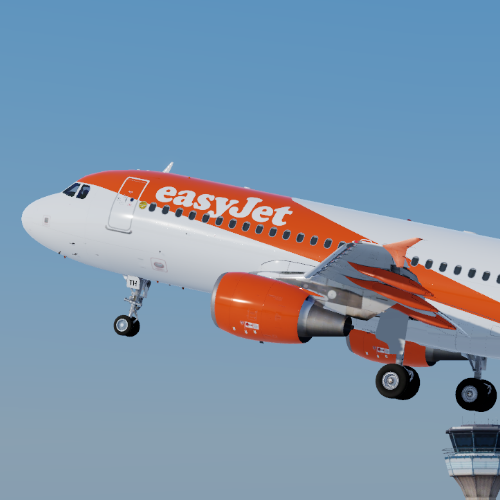
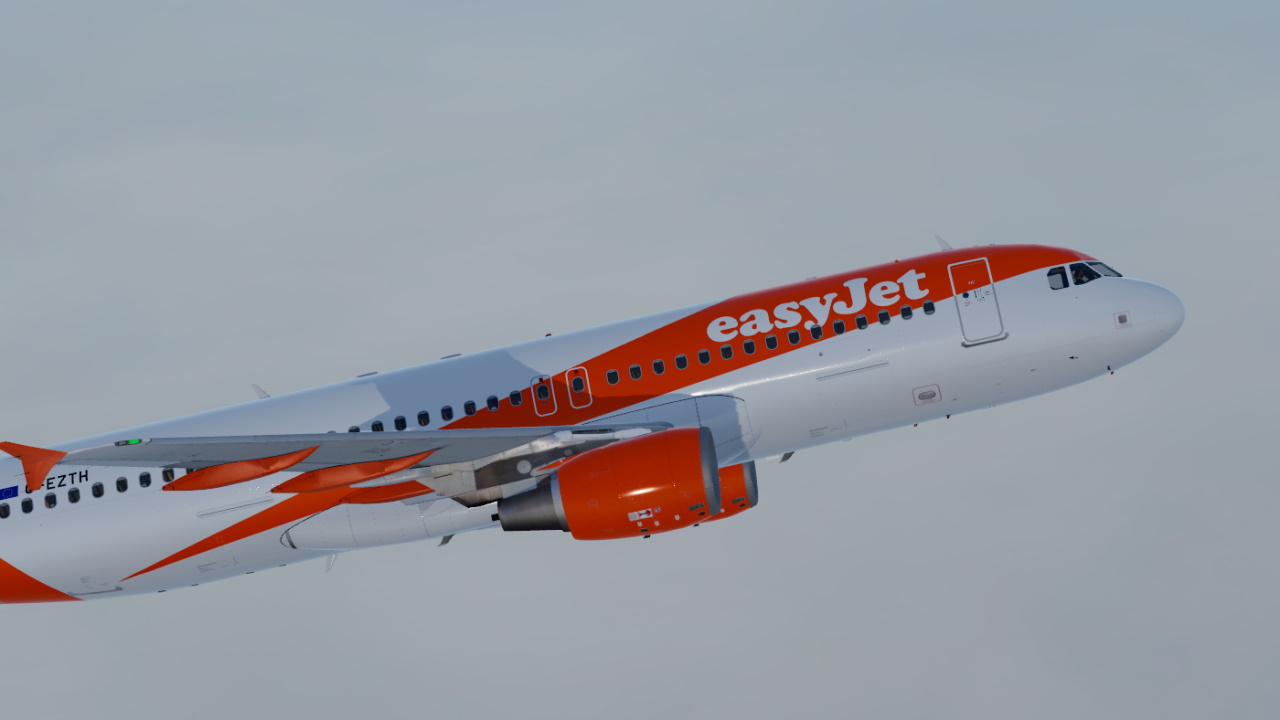
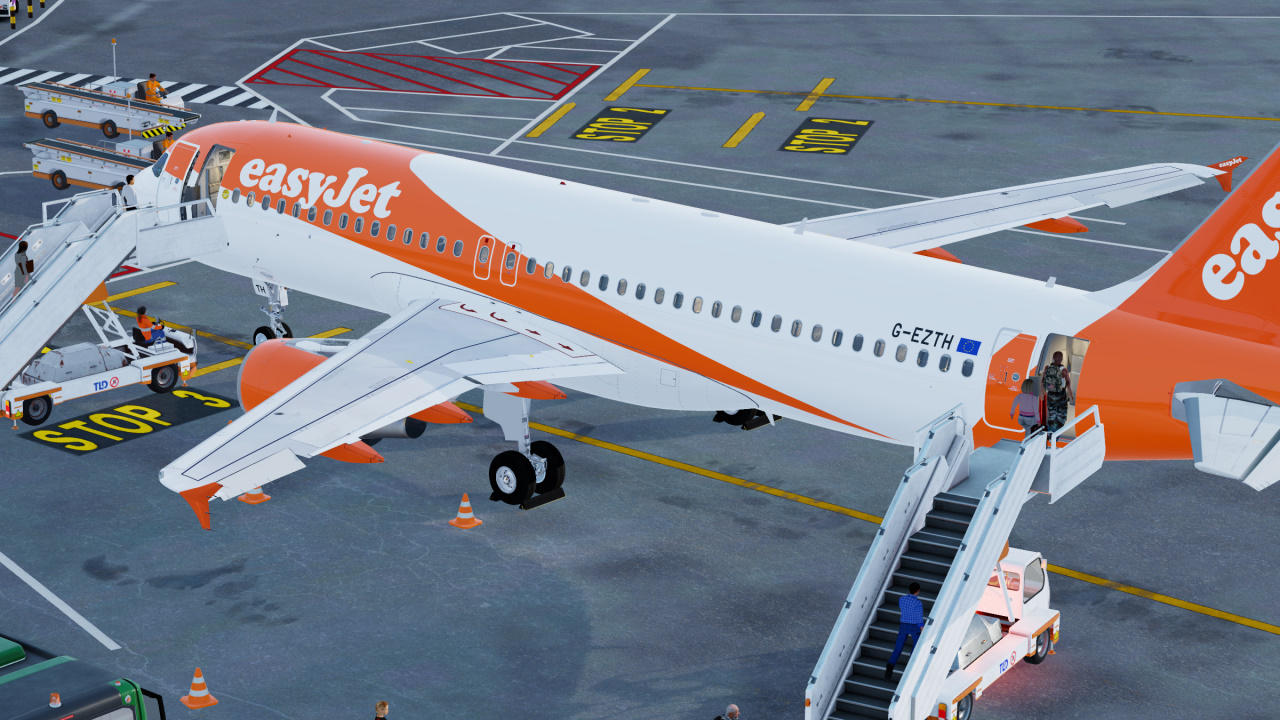
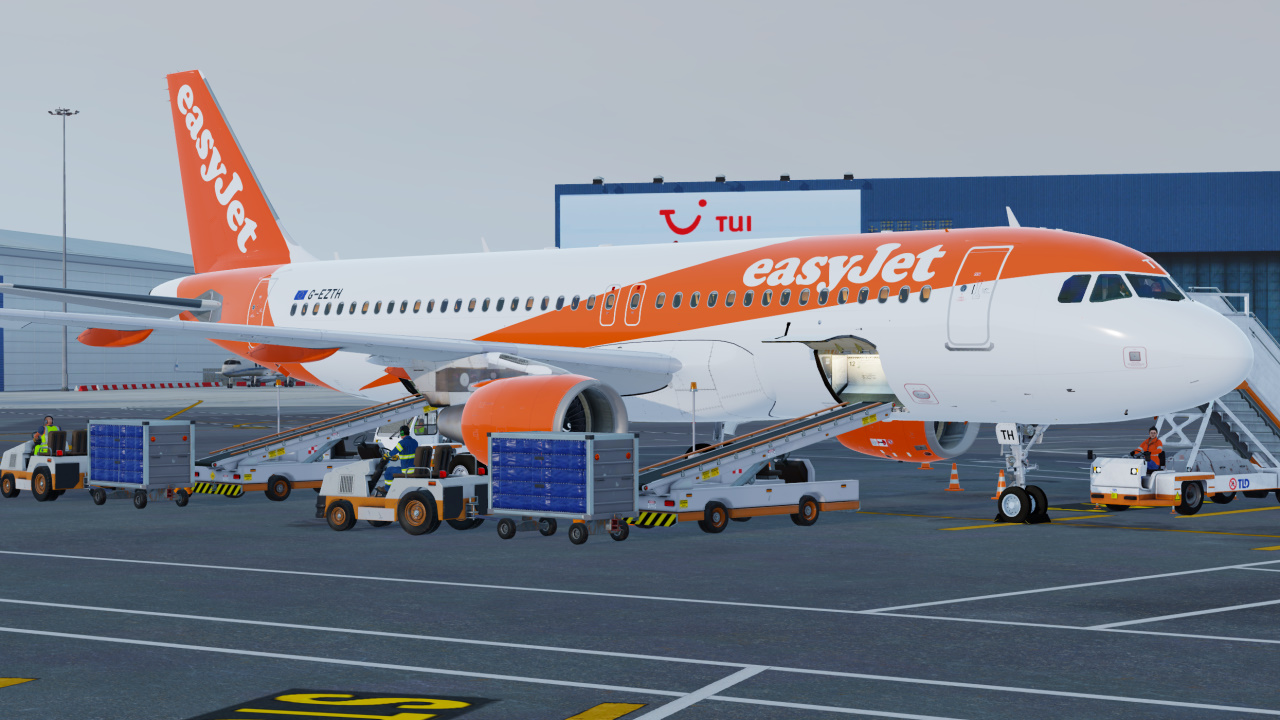
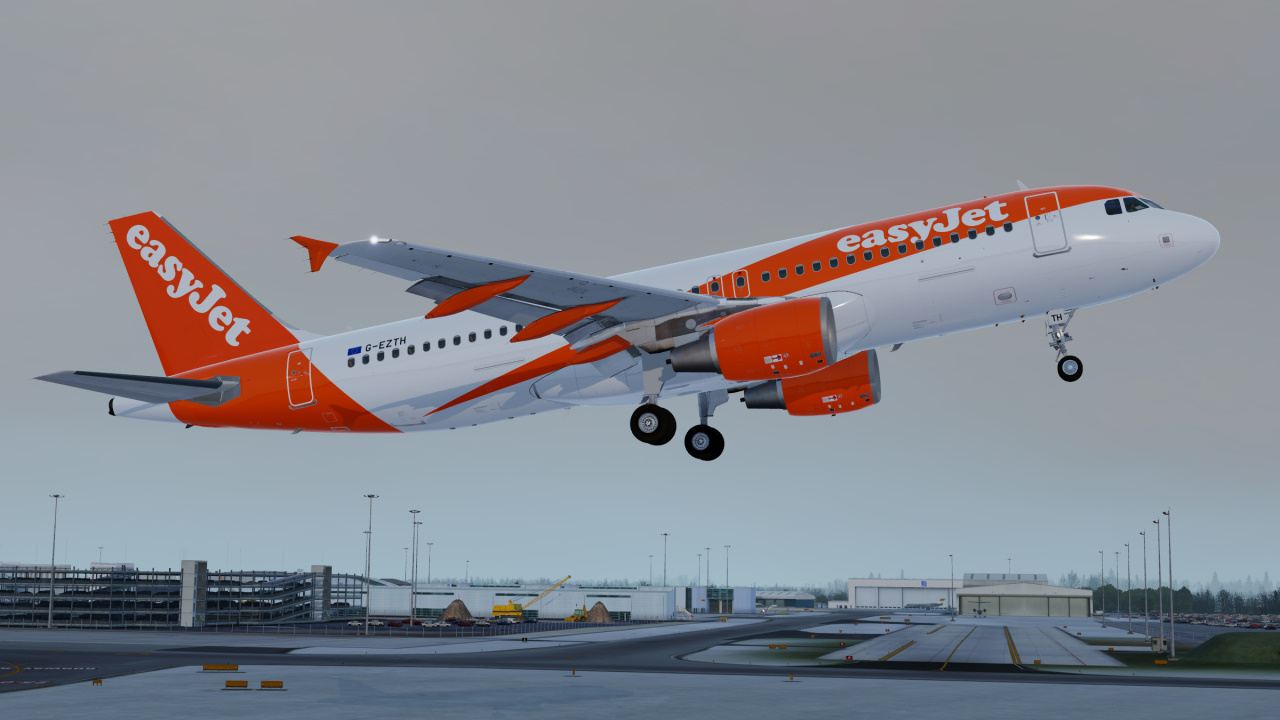
FSLabs easyJet A320-214 Pack (G-EZ(TH)(UL)(WE))
Designed for A3XX-X v5.0.100+ ONLY
This livery contains five registrations for easyJet UK A320's - G-EZTH, G-EZUL & G-EZWE. I recommend to also use Hugo Bicho's 'easyJet cabin textures (EZY, EZS, EJU)' for the best easyJet experience.
To Install:
1. You can choose to use 32 Bit or DXT5 textures for this livery (the difference is that 32 Bit has a higher quality texture over DXT5 but uses more drive space and therefore 550MB vs 226MB is the difference in drive space for this livery)
2. Copy the folders `Airframe Configs` and `Texture.EZY G-EZ(TH)(UL)(WE) Common` into \FSLabs\SimObjects\Airplanes\FSLabs A320 CFM\
3. Copy the other Texture.EZY G-EZ__ folders over into \FSLabs\SimObjects\Airplanes\FSLabs A320 CFM\ for the desired registrations you want to fly (for example you can copy all three or just Texture.EZY G-EZTH)
If you like my work you can donate to me by clicking this text.
-
 3
3
There are no reviews to display.