
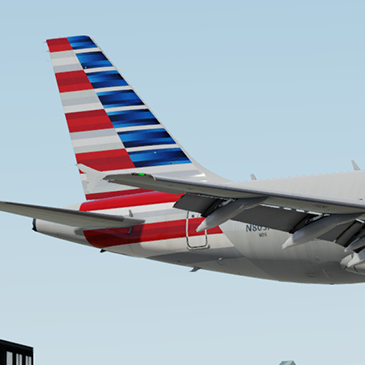
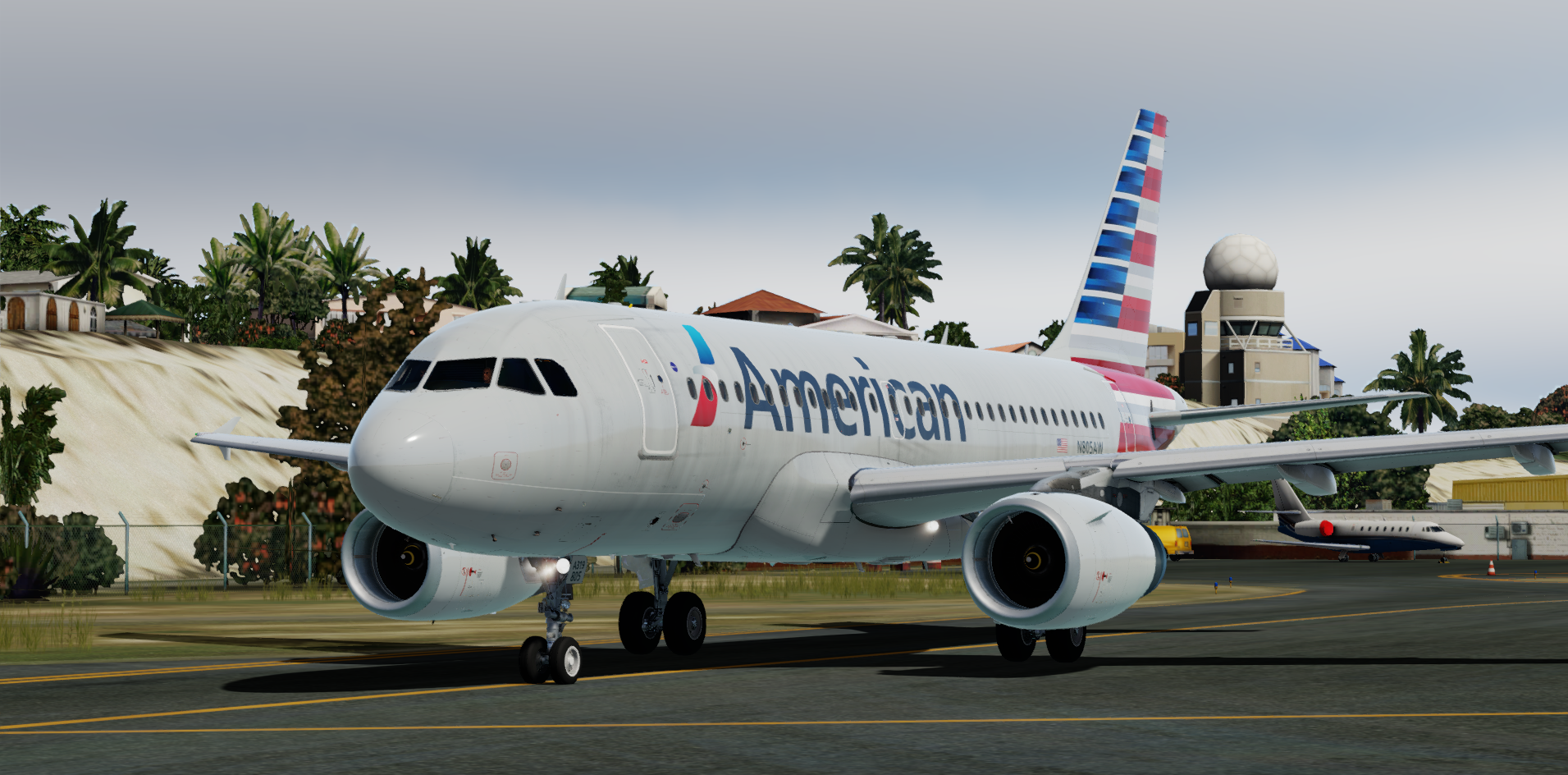
American Airlines (AA/AAL) N805AW.
READ THESE INSTRUCTIONS CAREFULLY
*** FOR FSL A319 v5.0.100+ ONLY ***
This is a American Airlines, registration N805AW repaint for the FSLabs A319-X IAE.
IMPORTANT: This livery requires the following download to be installed to appear as intended :
To Install:
- Ensure that you have the ProfHBJT common files installed (can be found using the link above).
- Drag the 'Texture.N805AW' AND 'Airframe Configs' folder into your FSLabs A319 IAE simobjects folder.
Features a complete overhaul of the default FSL A319 paint kit including:
- Custom 4K textures with accurate seam panelling, fuselage section joins and rivets
- Custom 4K metallic maps (PBR) with baked ambient occlusion (AO) effects
- Custom 4K normal maps for fuselage, engines, wings and tail
- Reworked landing gear including tyres and struts with custom PBR effects
- Enhancements to aircraft overlay textures, including PBR effects
- Custom dirt effects
Thanks to @Hugo Bicho @Daniel Du Preez and @John Tavendale who created the custom 4K paintkit used to make the livery.
Thanks again to Hugo for letting me use his fuselage artwork and also include the cabin textures in the repaint.
If you like these liveries why not buy me a coffee. All donations are heavily appreciated.
https://paypal.me/MatthewAshman
https://facebook.com/airformliveries
https://www.airformliveries.com
-
 13
13