
Skip to content
View in the app

A better way to browse. Learn more.

Flight Sim Labs Forums

A full-screen app on your home screen with push notifications, badges and more.

To install this app on iOS and iPadOS
  1. Tap the Share icon in Safari
  2. Scroll the menu and tap Add to Home Screen.
  3. Tap Add in the top-right corner.
To install this app on Android
  1. Tap the 3-dot menu (⋮) in the top-right corner of the browser.
  2. Tap Add to Home screen or Install app.
  3. Confirm by tapping Install.

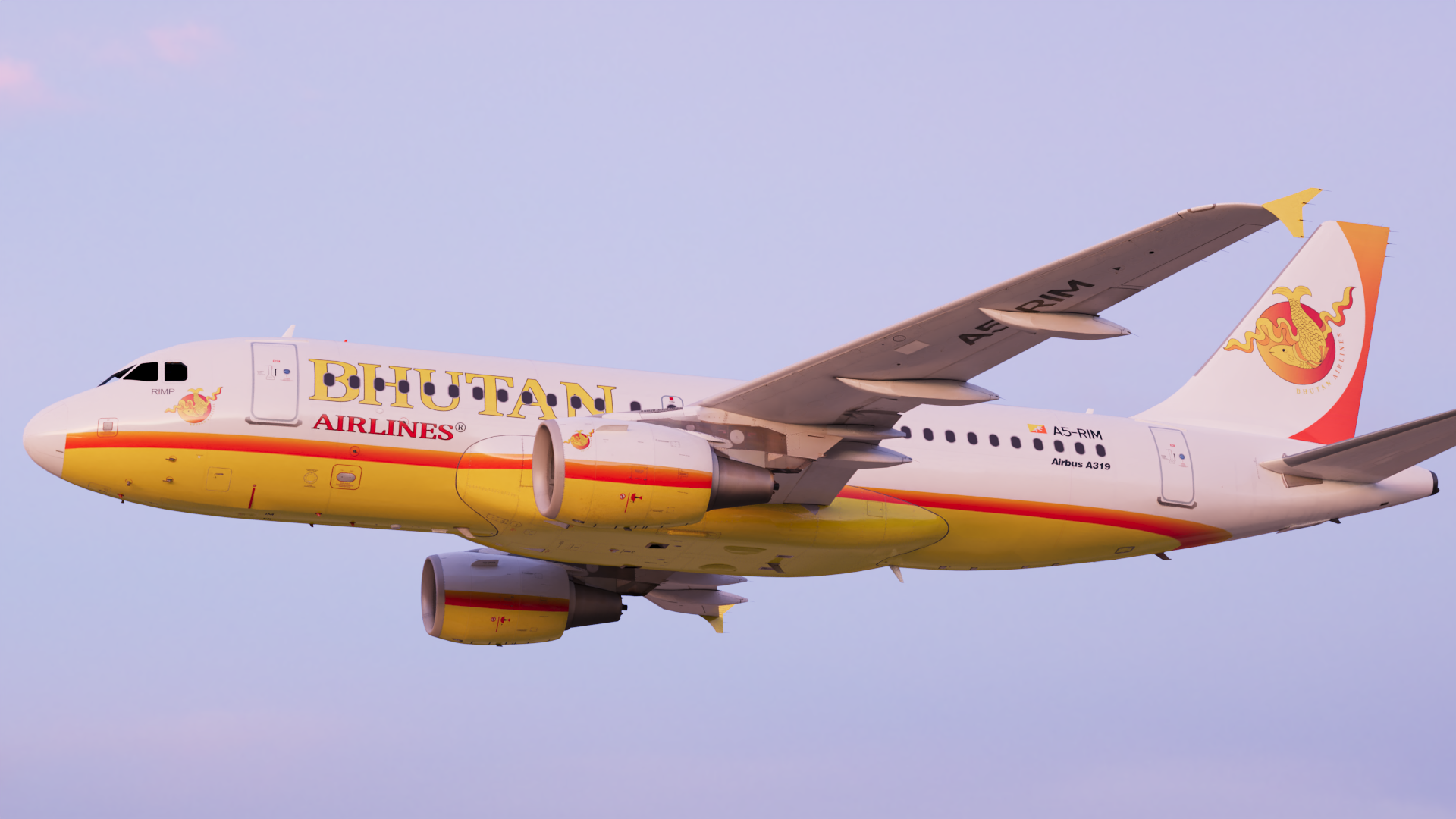
Bhutan Airlines A319 A5-RIM 1.1.0

(1 review)

3 Screenshots

ONLY FOR A320 v5.0.100+

Bhutan Airlines A5-RIM


Installation : 

  • Drag and drop "Texture.A5-RIM" into "C:\Users\XXX\Documents\Prepar3D vX Add-ons\FSLabs\SimObjects\Airplanes\FSLabs A319 CFM"
  • Enjoy !


By Enzo of https://www.tropicalgroup-va.com 

You can join our discord server here :

https://discord.gg/UCemWvXv7Y

What's New in Version 1.1.0

Released

-The windows has been reworked !

-The metallics textuture has been reworked !

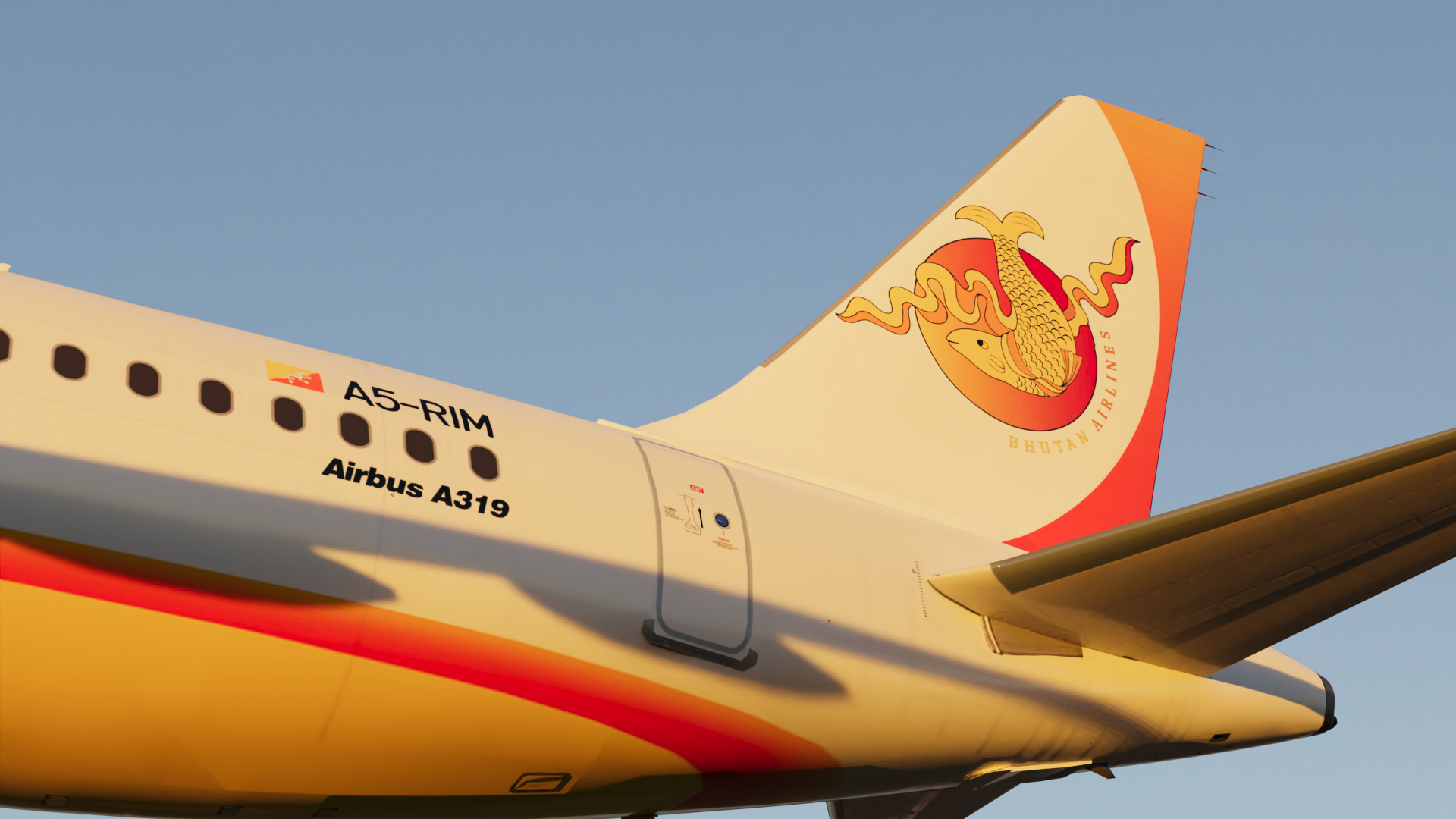
-The tail has been reworked !

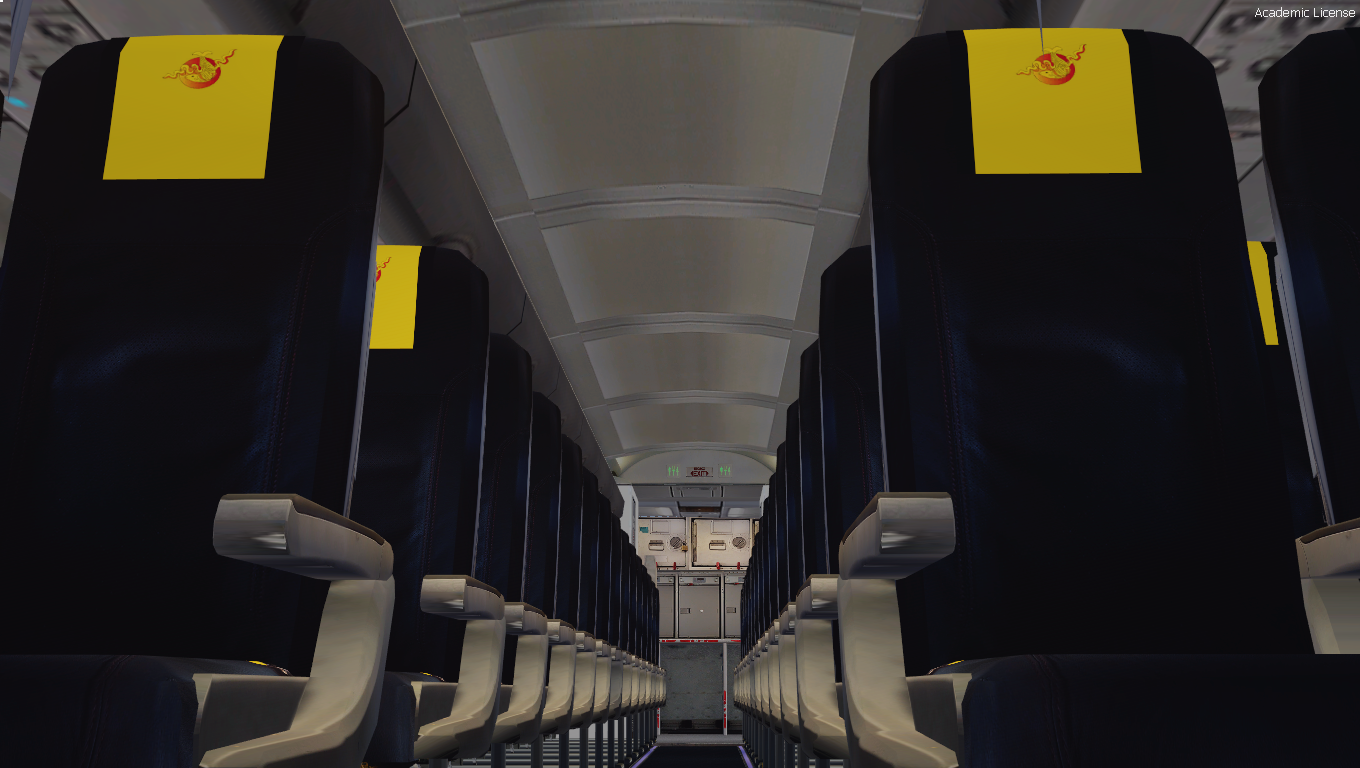
-The real cabin of Bhutan Airlines has been added ! 

-Engines overlay has been reworked !

-The transparent overlays has been reworked ! 


User Feedback

Florian Wolf

Florian Wolf

   2 of 2 members found this review helpful 2 / 2 members

I like that one!

Response from the author:

Thanks ! :) 

Account

Navigation

Search

Search

Configure browser push notifications

Chrome (Android)
  1. Tap the lock icon next to the address bar.
  2. Tap Permissions → Notifications.
  3. Adjust your preference.
Chrome (Desktop)
  1. Click the padlock icon in the address bar.
  2. Select Site settings.
  3. Find Notifications and adjust your preference.

