

Skip to content
View in the app

A better way to browse. Learn more.

Flight Sim Labs Forums

A full-screen app on your home screen with push notifications, badges and more.

To install this app on iOS and iPadOS
  1. Tap the Share icon in Safari
  2. Scroll the menu and tap Add to Home Screen.
  3. Tap Add in the top-right corner.
To install this app on Android
  1. Tap the 3-dot menu (⋮) in the top-right corner of the browser.
  2. Tap Add to Home screen or Install app.
  3. Confirm by tapping Install.

Airbus Industries A320 CFM "Primer" 1.0.0

(1 review)

6 Screenshots

ONLY FOR A320 v5.0.100+

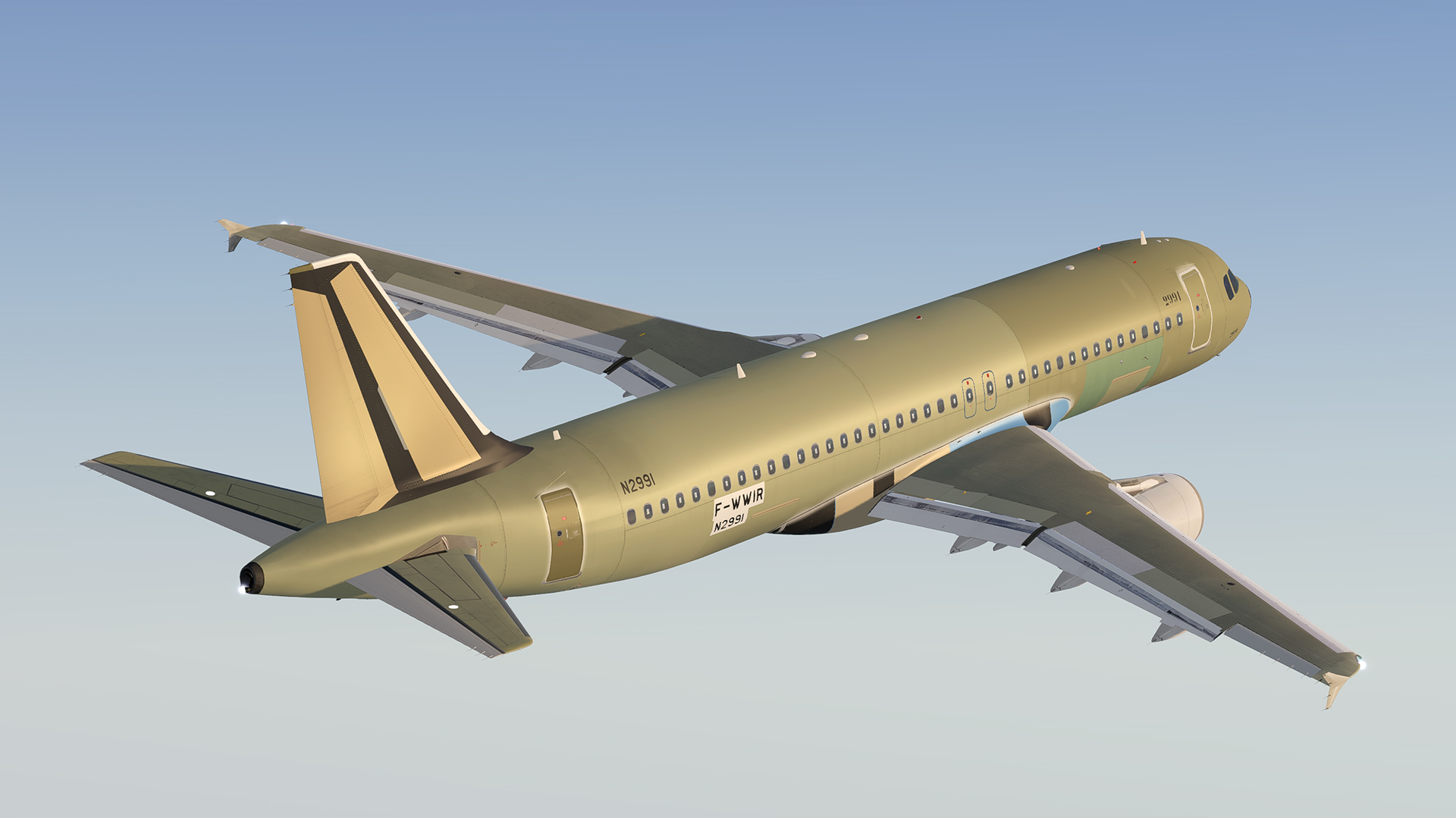
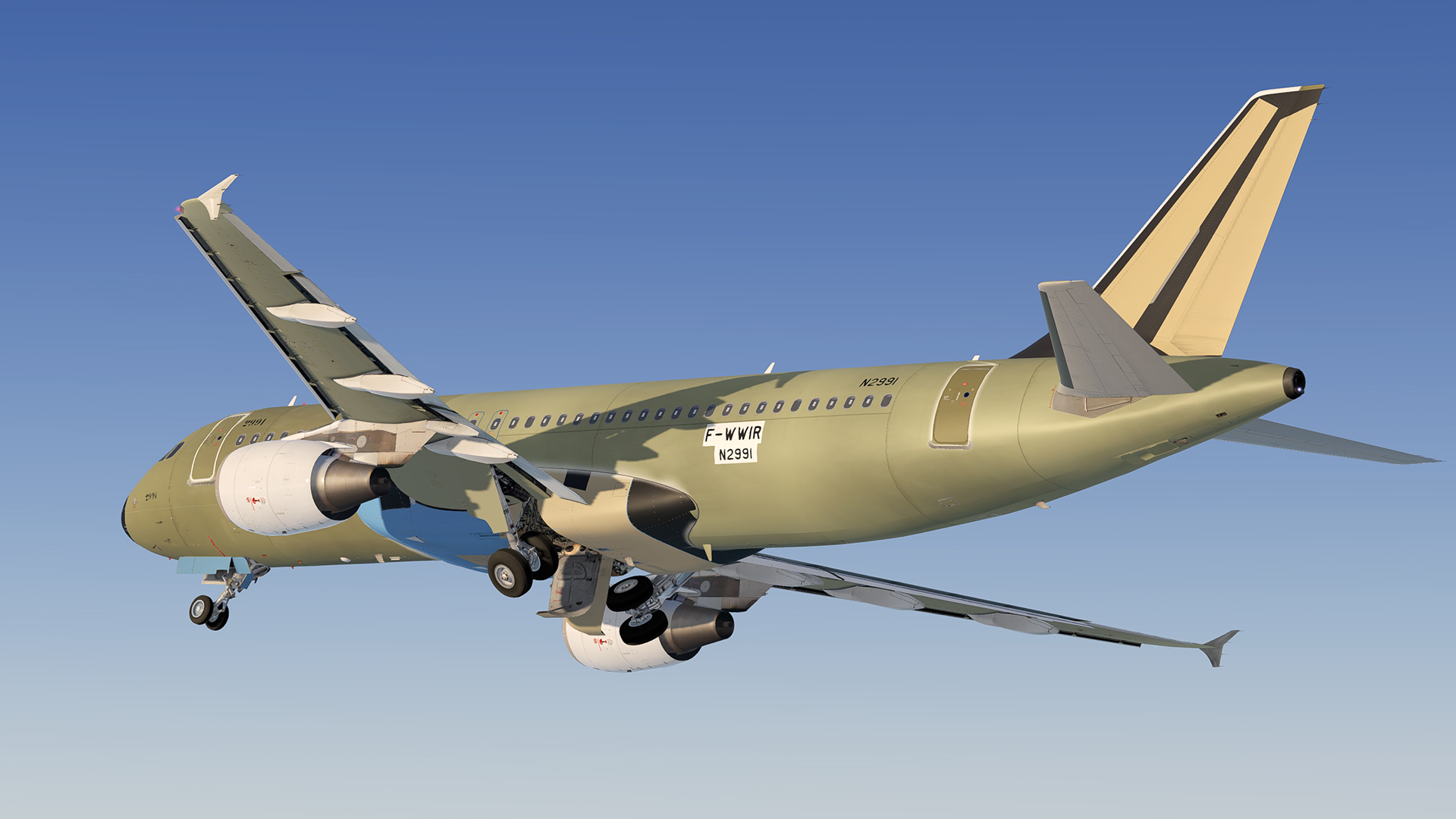
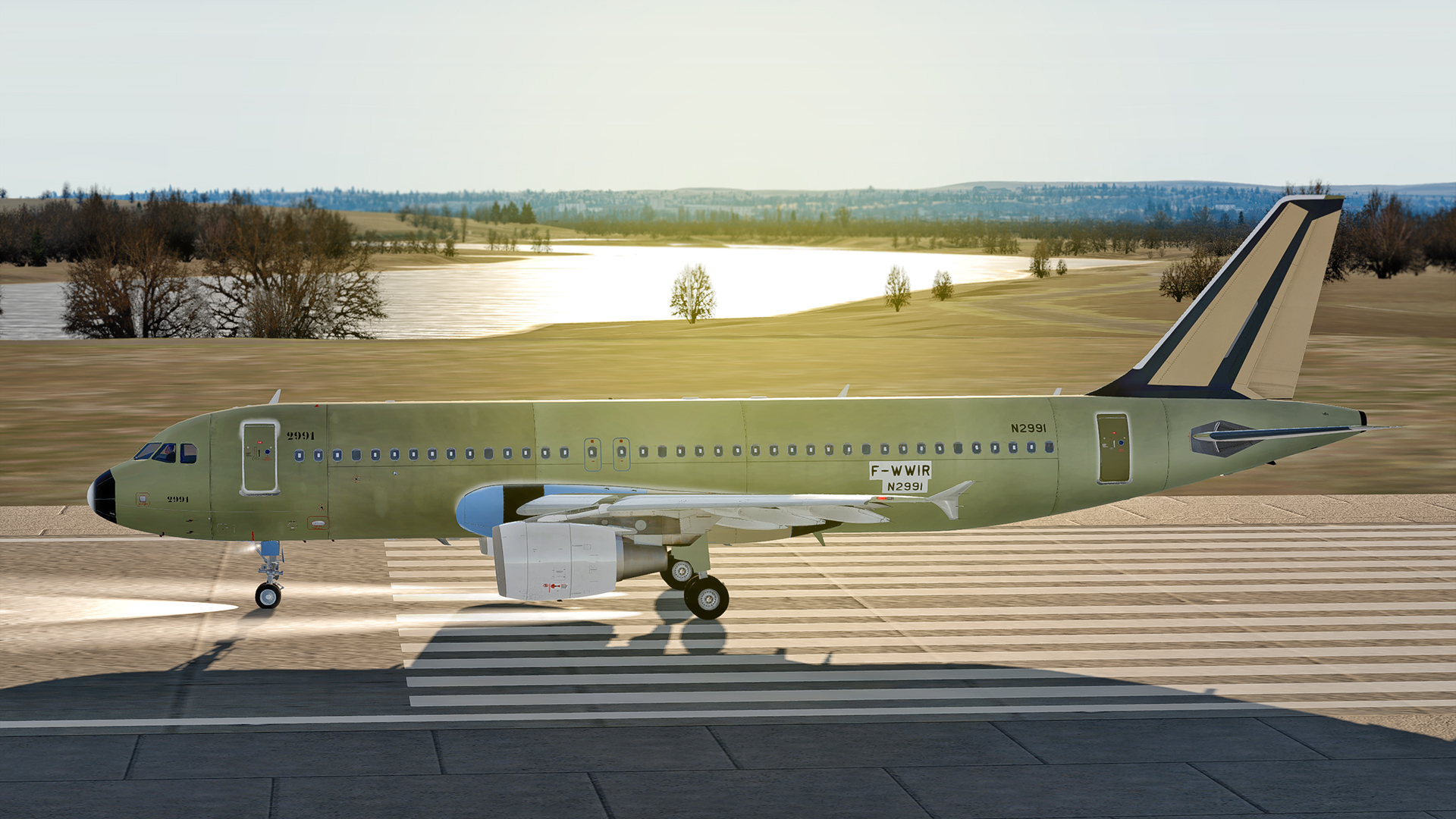
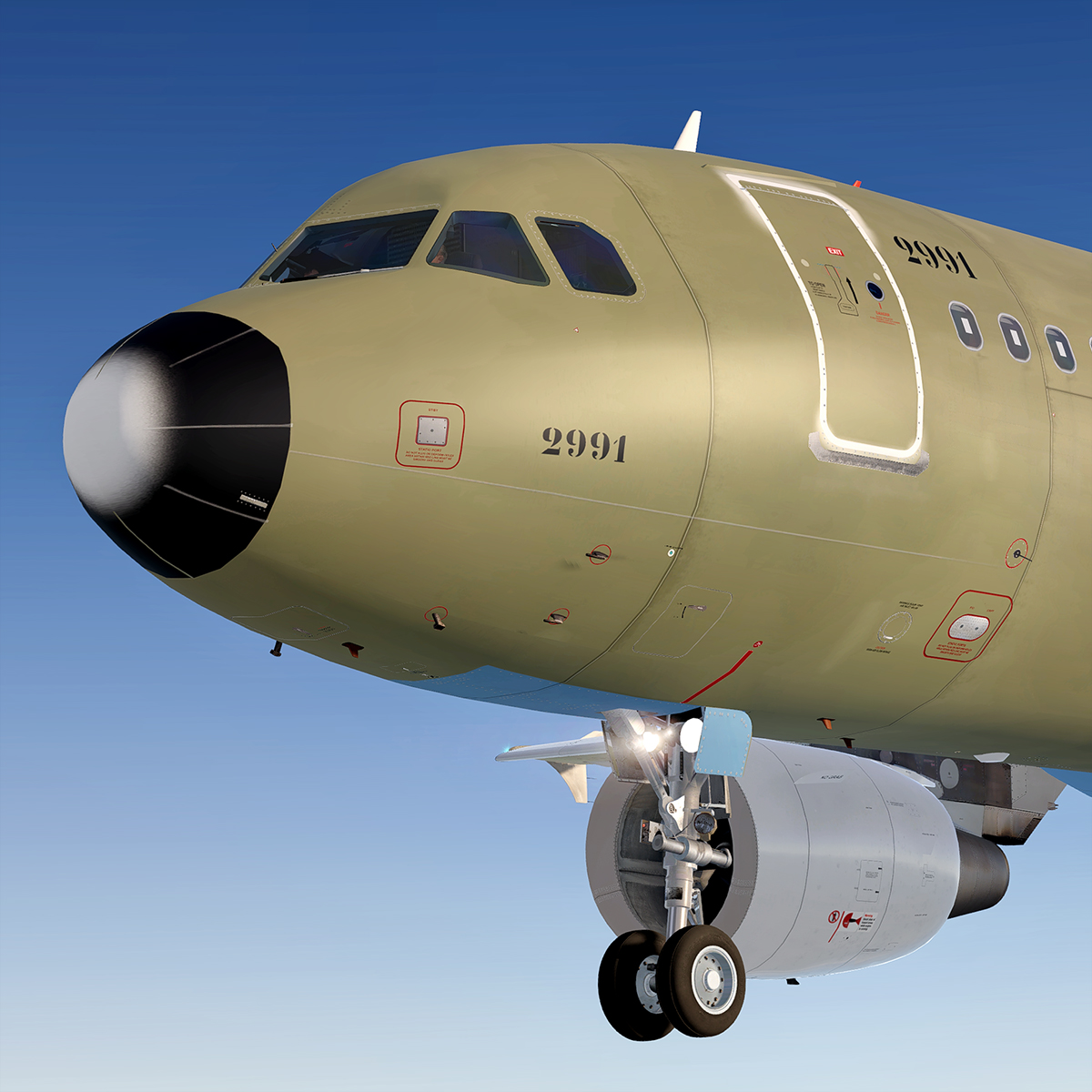
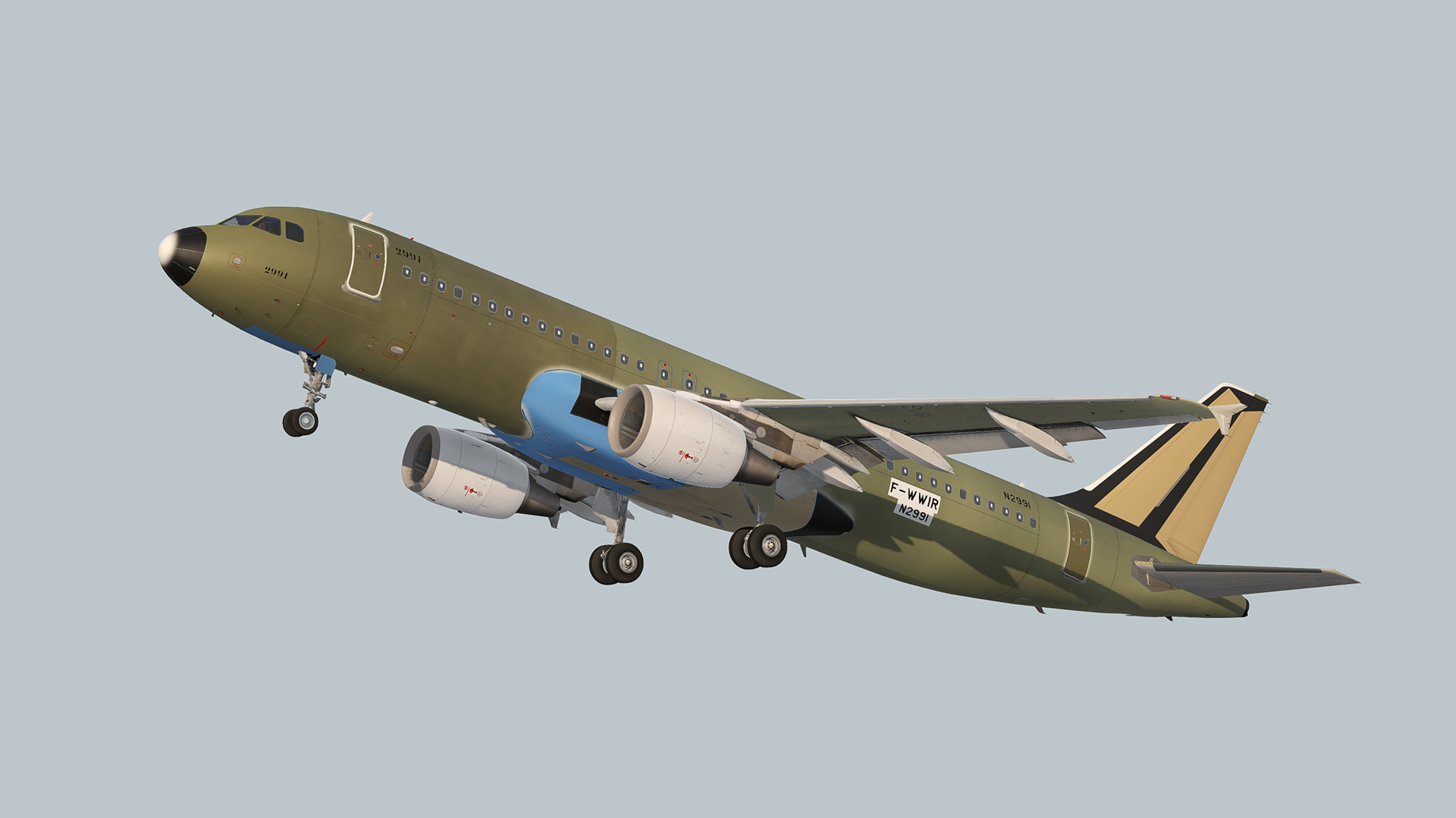
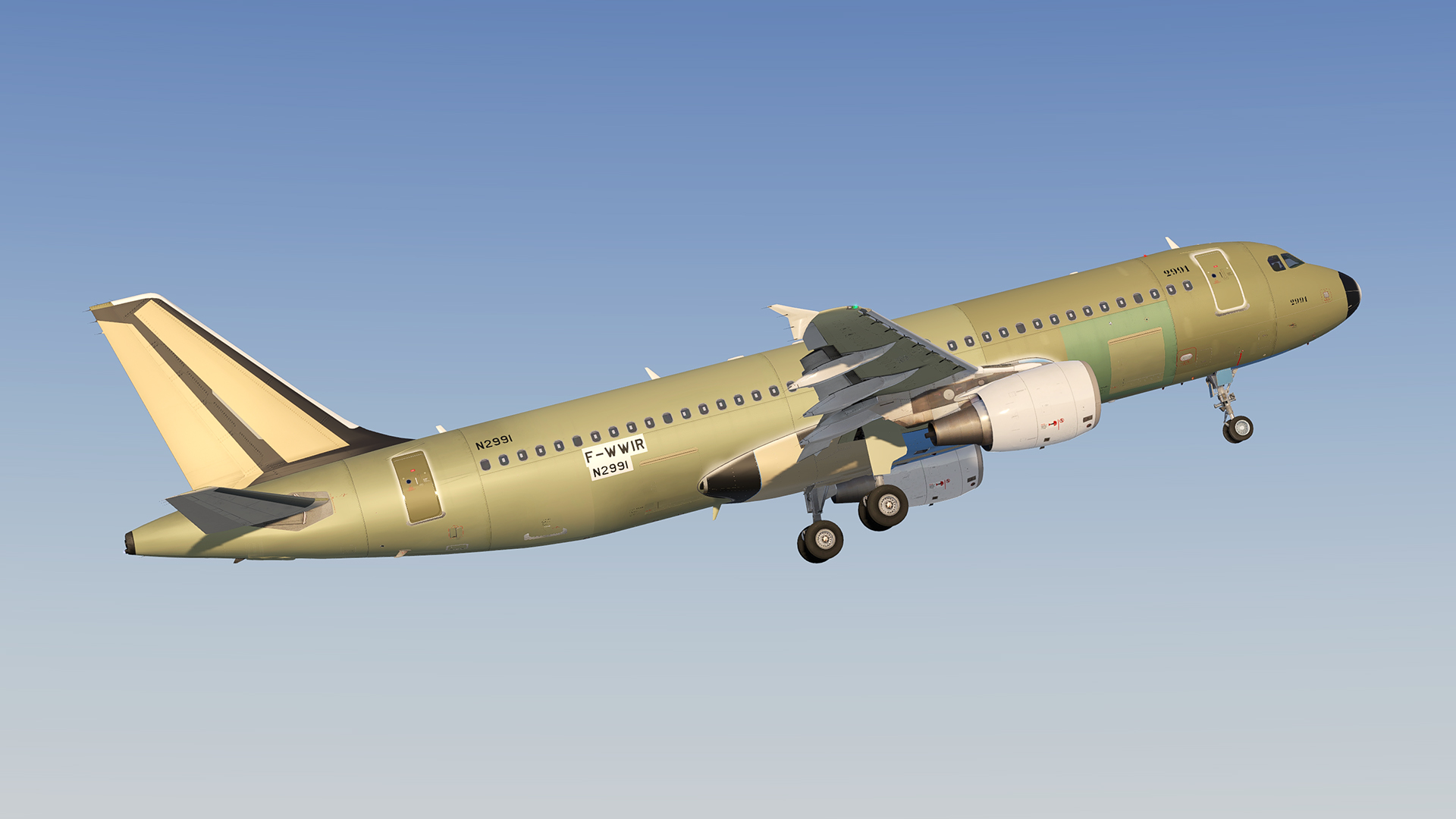
Airbus Industries "Primer", unpainted aircraft fresh out of the factory :)

Please note:
There are many different version and states of those primers, so I collected visuals and inspiration from different photos and resources to come up with a general over all "primer"-look. Please keep in mind, it does not represent a specific airframe to a 100%, and is probably not accurate in regards to real airbus engineering, construction and assembly. But I hope you guys find it sufficient :) 

This repaint features custom hand made paint marks, dust and dirt as well a a matte metallic look.

As always, if you spot any errors or mistakes, feel free to contact me. 

Happy landings and stay safe!

4J02IKk.jpg


User Feedback

Armando_Perez

Armando_Perez

   5 of 5 members found this review helpful 5 / 5 members

Love the livery! Would be cool to see variations with the airlines logos on the rudder. 

Response from the author:

It's actually pretty easy to do that yourself :)
Just copy over the file tail_t_albedo.dds from any livery you have/want and replace it in the primer-texture folder (backup the original). Same goes for engine textures (engine_CFM_L_t_albedo.dds & engine_CFM_R_t_albedo.dds).

m31Wame.jpg

Account

Navigation

Search

Search

Configure browser push notifications

Chrome (Android)
  1. Tap the lock icon next to the address bar.
  2. Tap Permissions → Notifications.
  3. Adjust your preference.
Chrome (Desktop)
  1. Click the padlock icon in the address bar.
  2. Select Site settings.
  3. Find Notifications and adjust your preference.

