Skip to content
View in the app

A better way to browse. Learn more.

Flight Sim Labs Forums

A full-screen app on your home screen with push notifications, badges and more.

To install this app on iOS and iPadOS
  1. Tap the Share icon in Safari
  2. Scroll the menu and tap Add to Home Screen.
  3. Tap Add in the top-right corner.
To install this app on Android
  1. Tap the 3-dot menu (⋮) in the top-right corner of the browser.
  2. Tap Add to Home screen or Install app.
  3. Confirm by tapping Install.

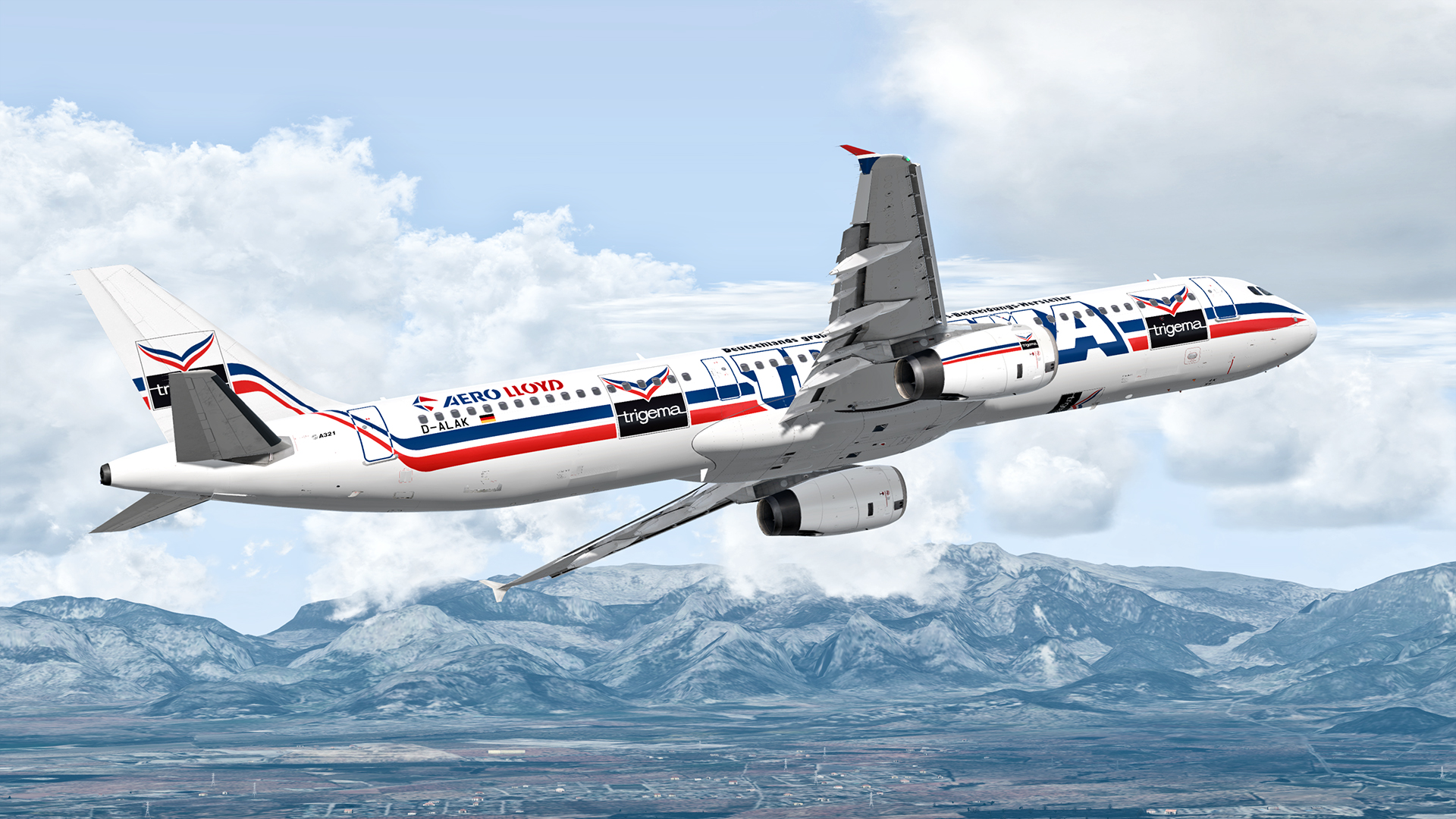
Aero Lloyd A321 IAE D-ALAK (Trigema) 1.0.0

(2 reviews)

5 Screenshots

ONLY FOR A321 v5.0.100+

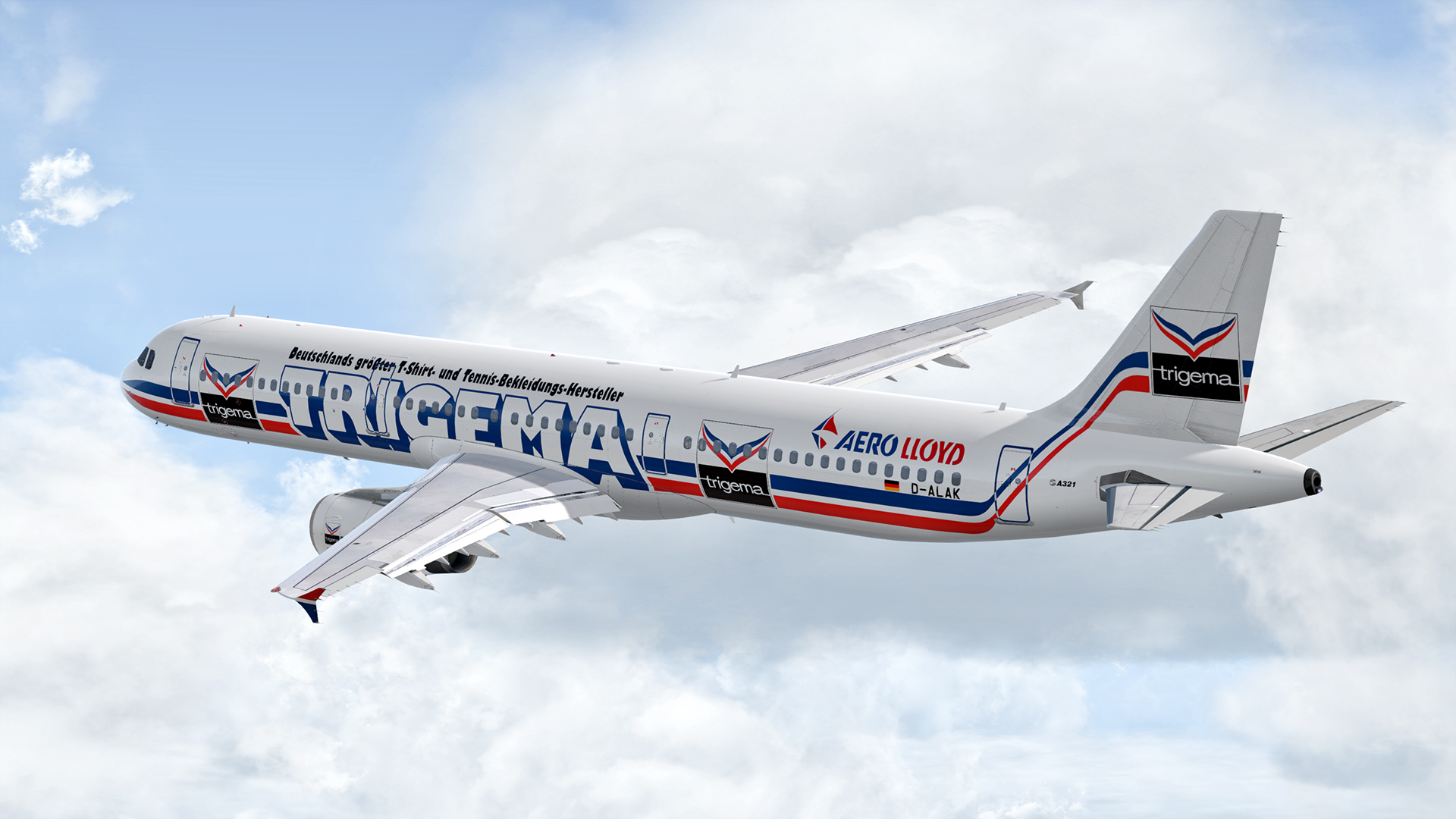
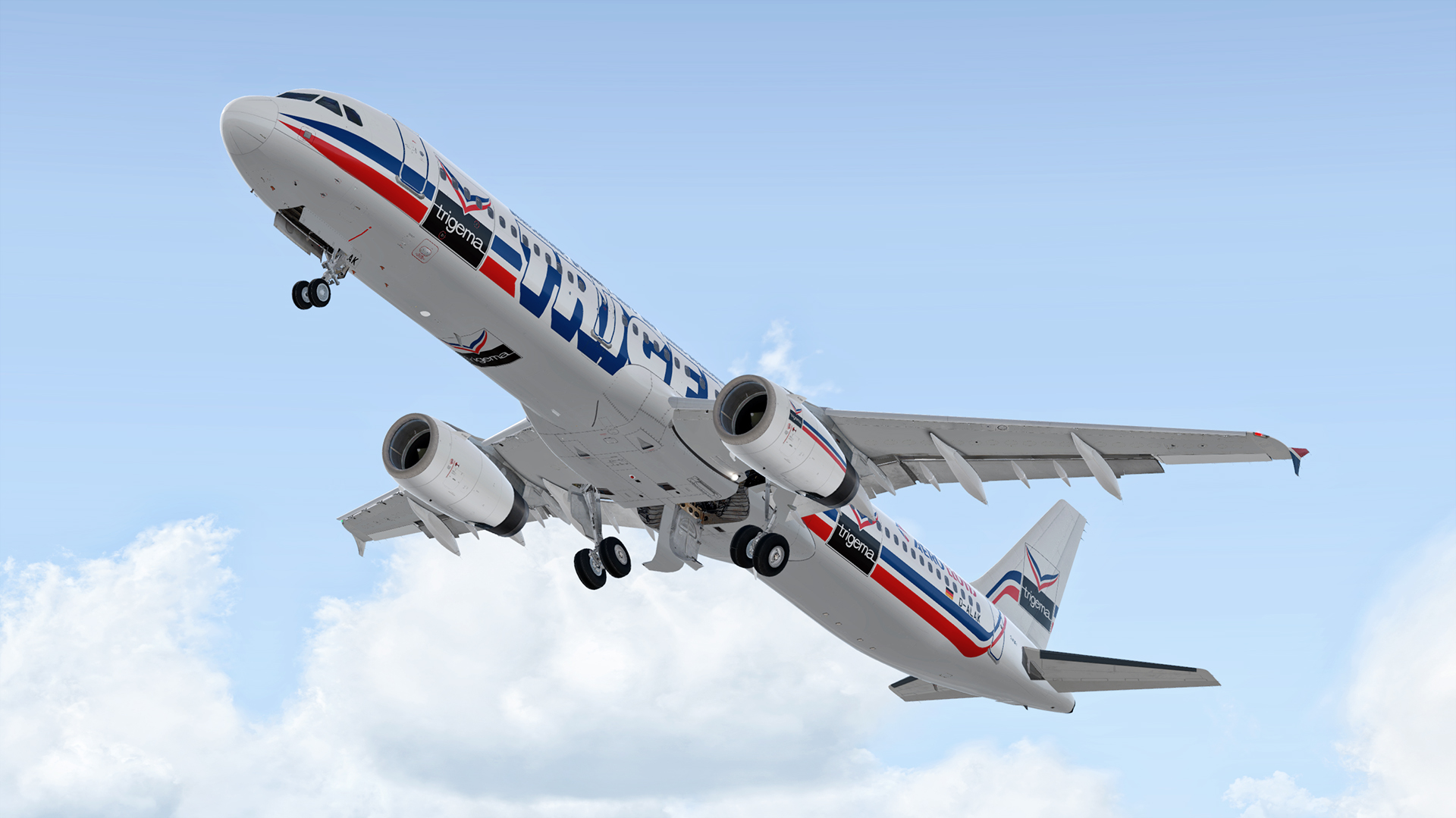
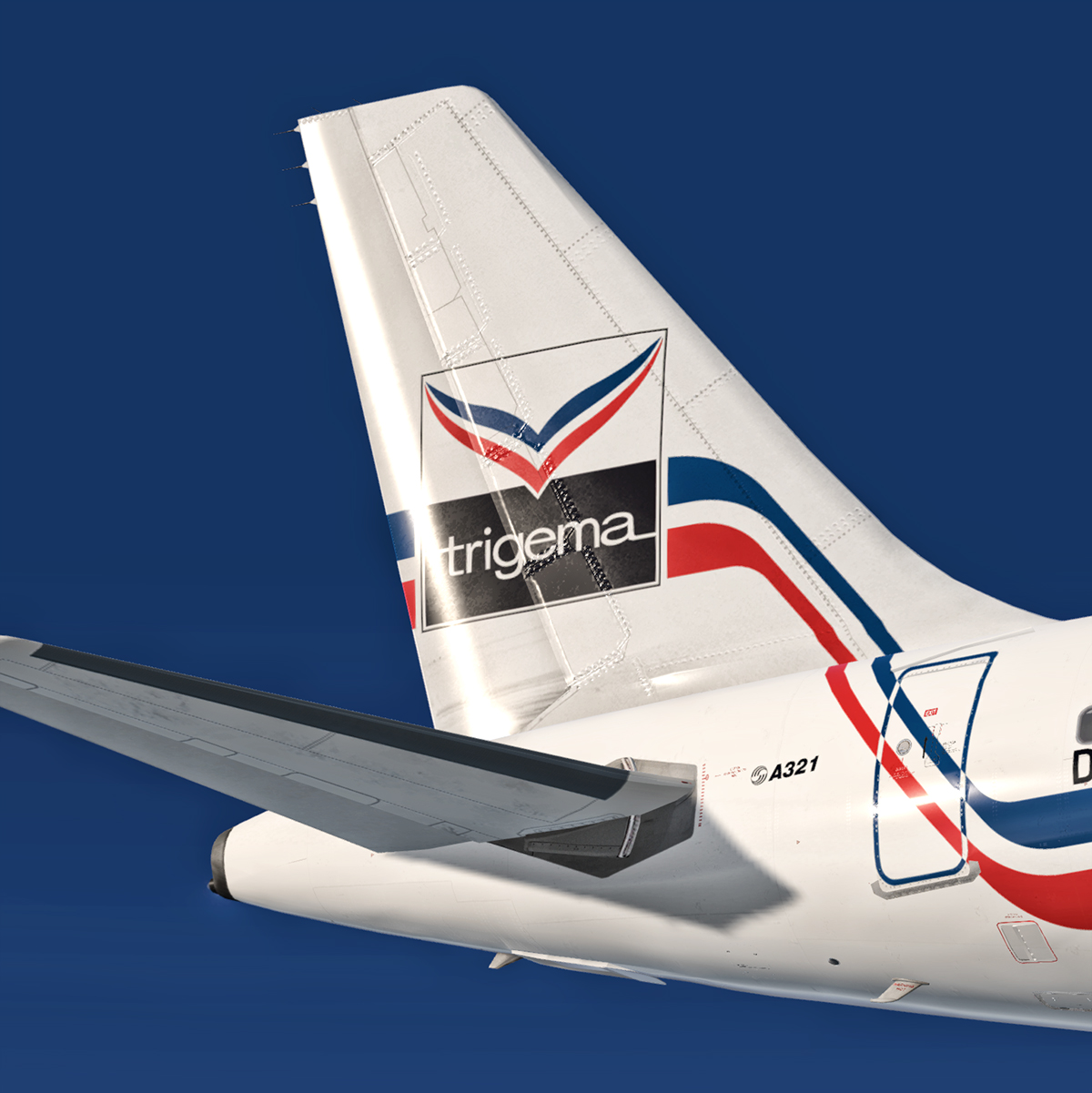
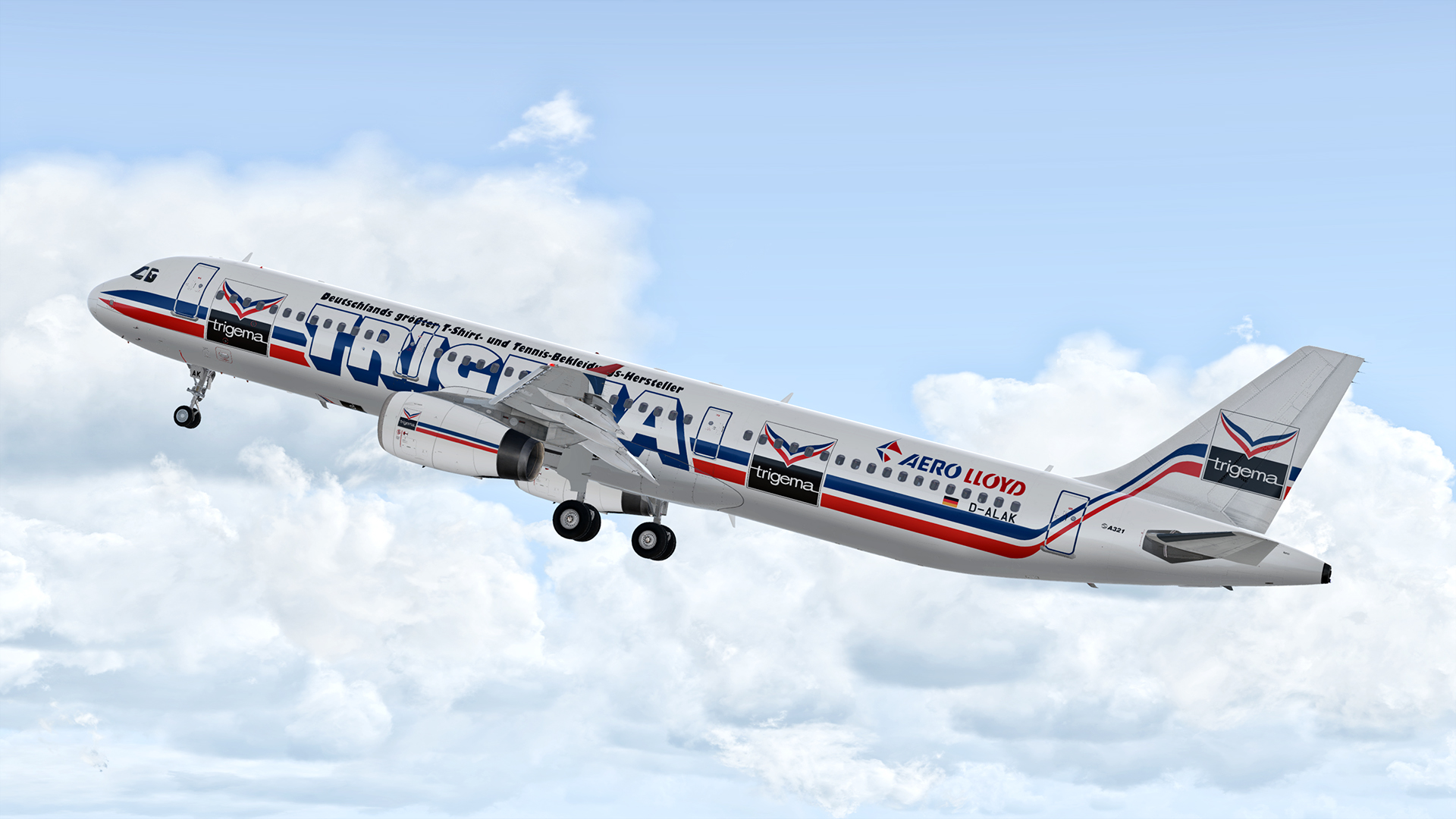
Repaint of former Frankfurt based airline Aero Lloyd's A321 with special paint scheme advertising German clothing company Trigema.

Installation instructions:
Simply drag the "Texture.AEF D-ALAK" folder into your FSLabs A321 IAE folder.

Hope you like it! If you spot any errors or mistakes, feel free to contact me. 

Happy landings, happy holidays and stay safe!

jY5mcM4.jpg

User Feedback

TOGA10°

TOGA10°


Just fantastic - thank you very much indeed! 

Daniel Schneider

Daniel Schneider

   1 of 1 member found this review helpful 1 / 1 member

Once again a marvellous livery !


Thank you so much for this retro liveries !

Account

Navigation

Search

Search

Configure browser push notifications

Chrome (Android)
  1. Tap the lock icon next to the address bar.
  2. Tap Permissions → Notifications.
  3. Adjust your preference.
Chrome (Desktop)
  1. Click the padlock icon in the address bar.
  2. Select Site settings.
  3. Find Notifications and adjust your preference.