
Skip to content
View in the app

A better way to browse. Learn more.

Flight Sim Labs Forums

A full-screen app on your home screen with push notifications, badges and more.

To install this app on iOS and iPadOS
  1. Tap the Share icon in Safari
  2. Scroll the menu and tap Add to Home Screen.
  3. Tap Add in the top-right corner.
To install this app on Android
  1. Tap the 3-dot menu (⋮) in the top-right corner of the browser.
  2. Tap Add to Home screen or Install app.
  3. Confirm by tapping Install.

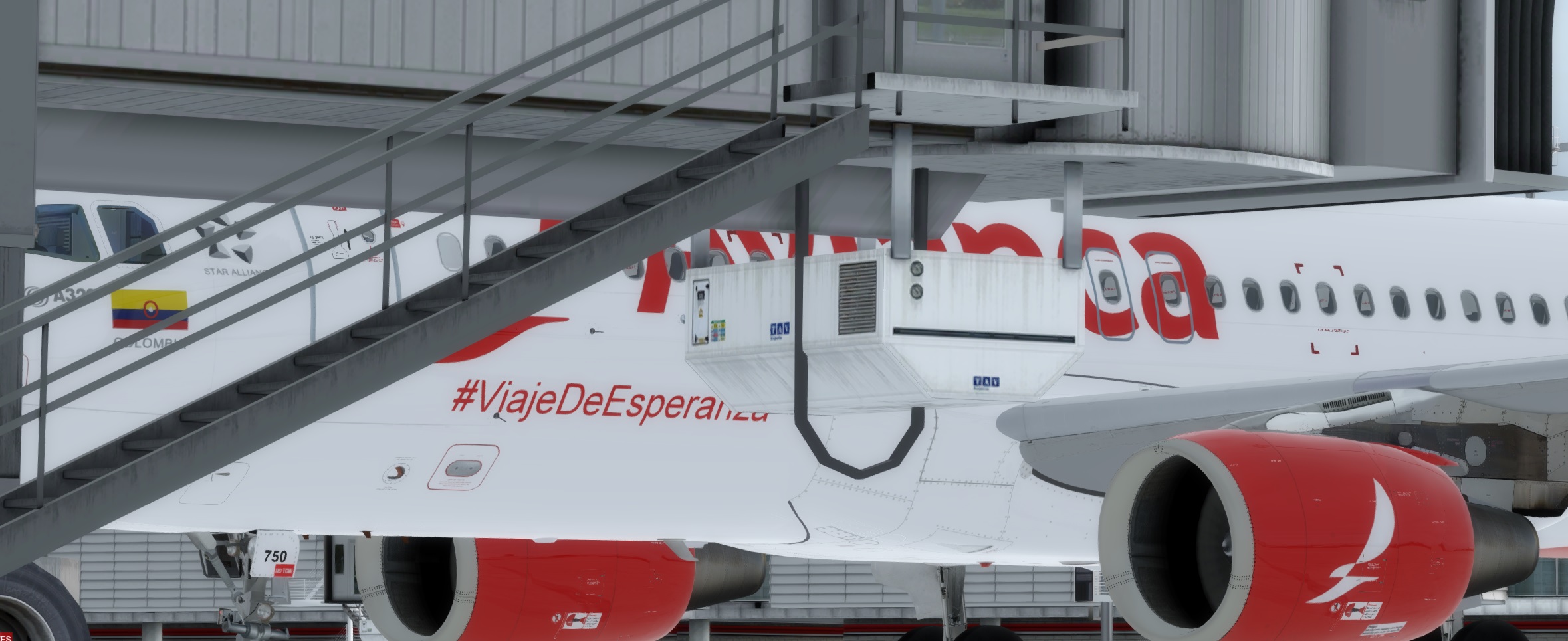
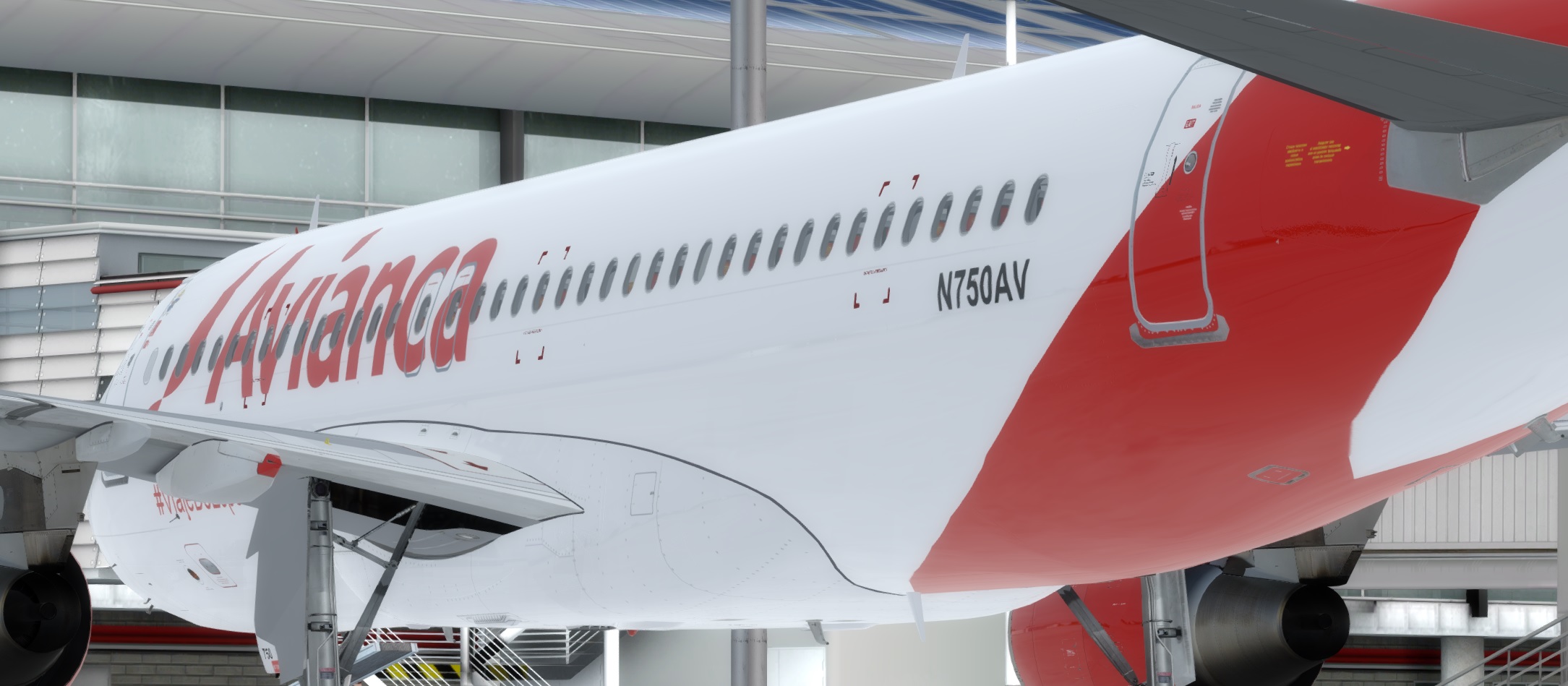
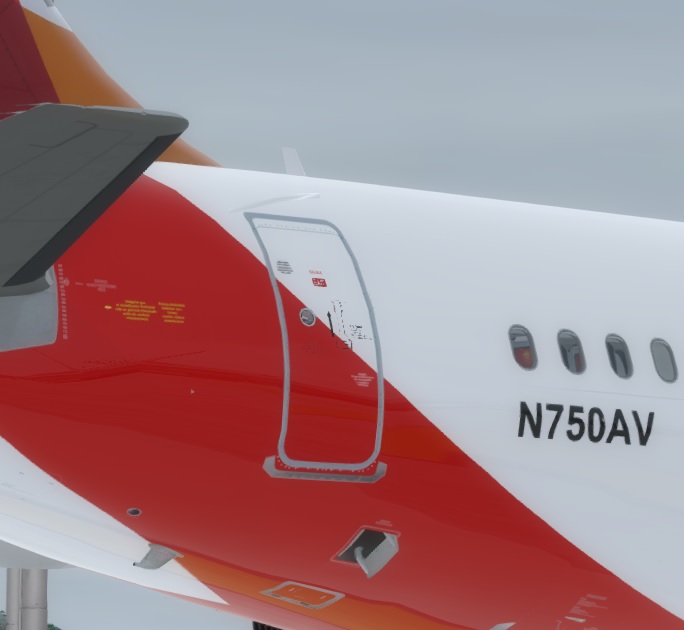
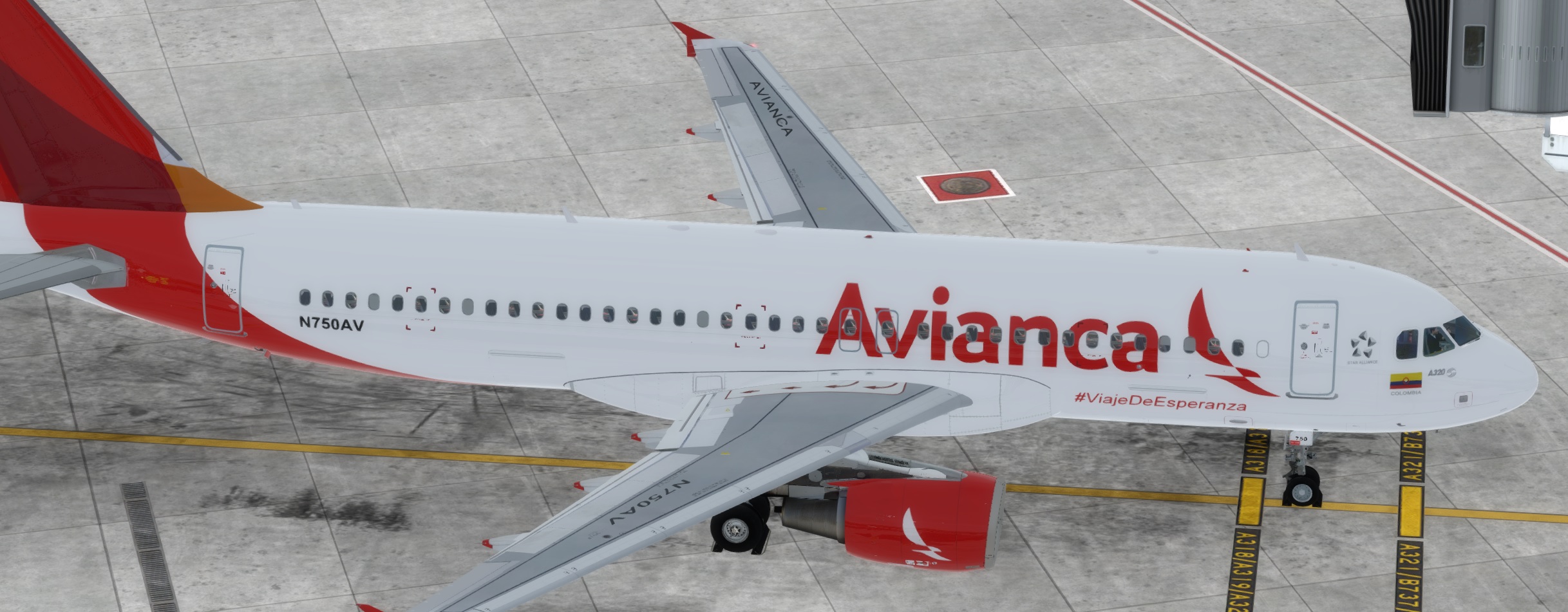
Avianca N750AV #Viaje de Esperanza repaint A320 CFM 1.0.1

(1 review)

5 Screenshots

This livery is compatible with P3D A320-X v5.0.xx for P3D v5.0HF2. Repaint also backwards compatible with P3Dv4.5HF3.


Installation:

simply Drag "Texture.AVA N750AV" " into your FSLabs A320 CFM folder.

Enjoy

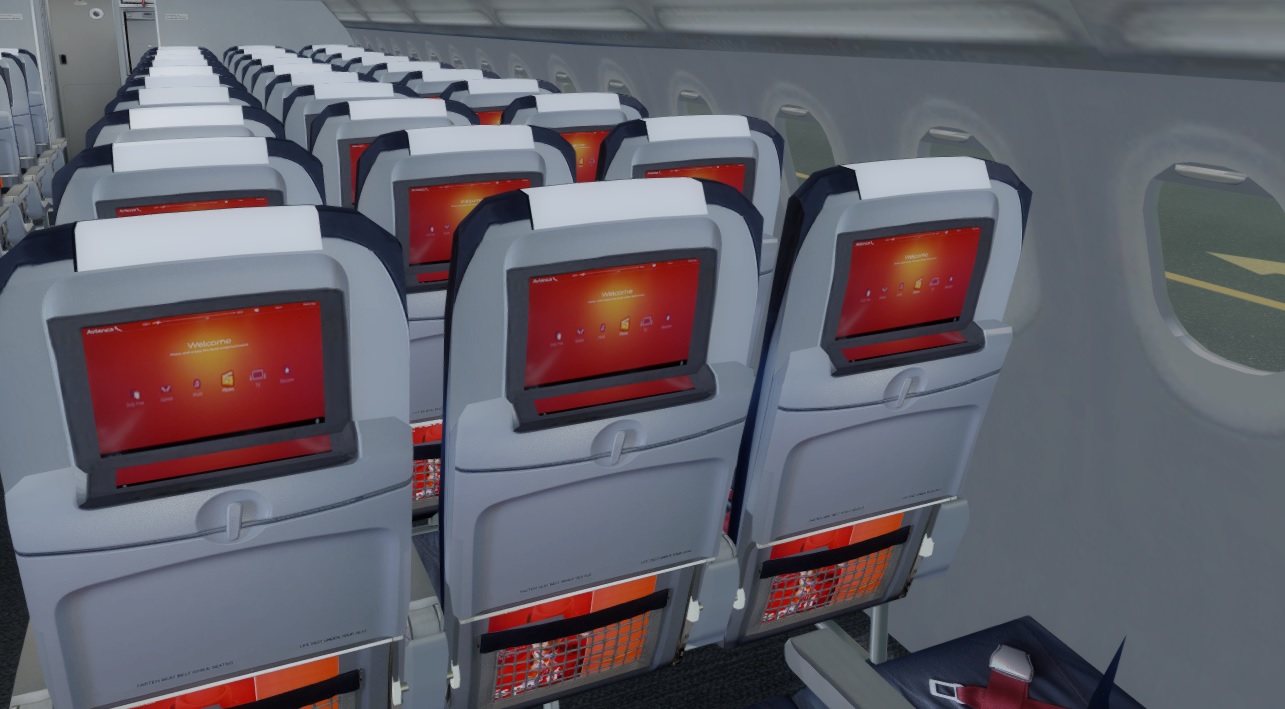
Custom Airbus window shape and outlines, custom seats with IFE, correct fuselage shade as per the real airframe  MSN7120. Updates to come once Sharkets release. This aircraft ferried the Pope Francisco around Colombia during his 2017 visit then re-joined the fleet for normal flights.

User Feedback

Steven Silva

Steven Silva

   1 of 1 member found this review helpful 1 / 1 member

Your textures are super excellent I hope you pass all these when the SHARKLETS arrive

Account

Navigation

Search

Search

Configure browser push notifications

Chrome (Android)
  1. Tap the lock icon next to the address bar.
  2. Tap Permissions → Notifications.
  3. Adjust your preference.
Chrome (Desktop)
  1. Click the padlock icon in the address bar.
  2. Select Site settings.
  3. Find Notifications and adjust your preference.
