
copy.png.a1606397d451d7f804b6c9e185461ca5.png)
copy.png.1c9554a82cd16a34a6a17af751ac62b5.png)
copy.png.9d8f7237beecad5b2b13d0f8da39b3b4.png)
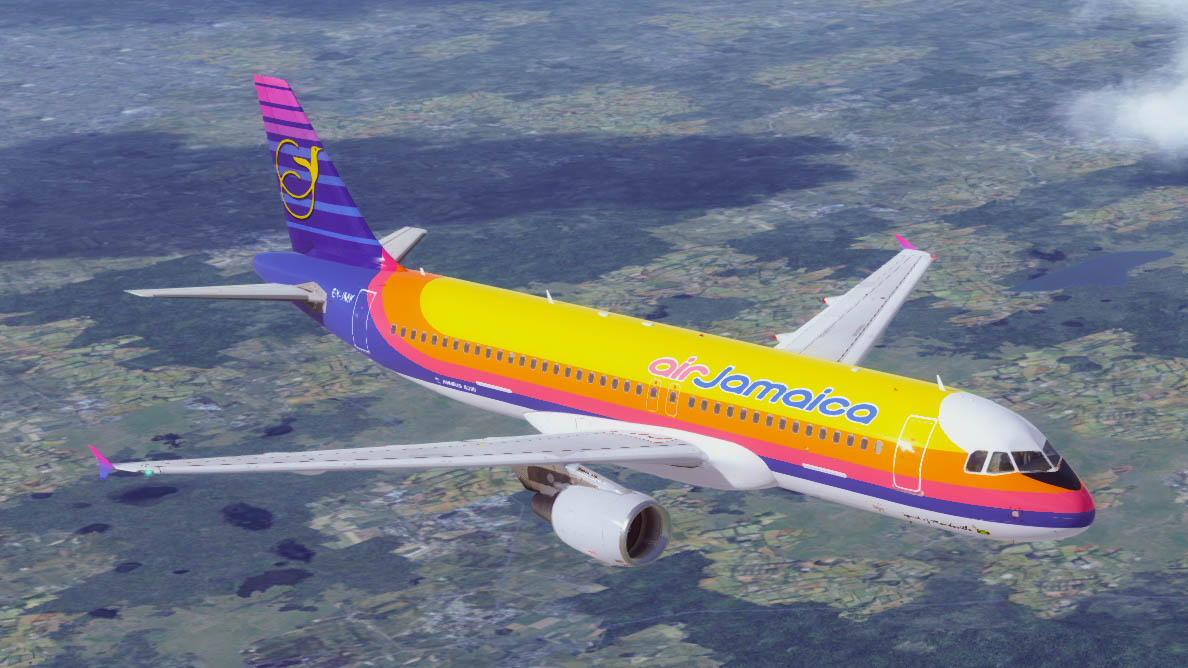
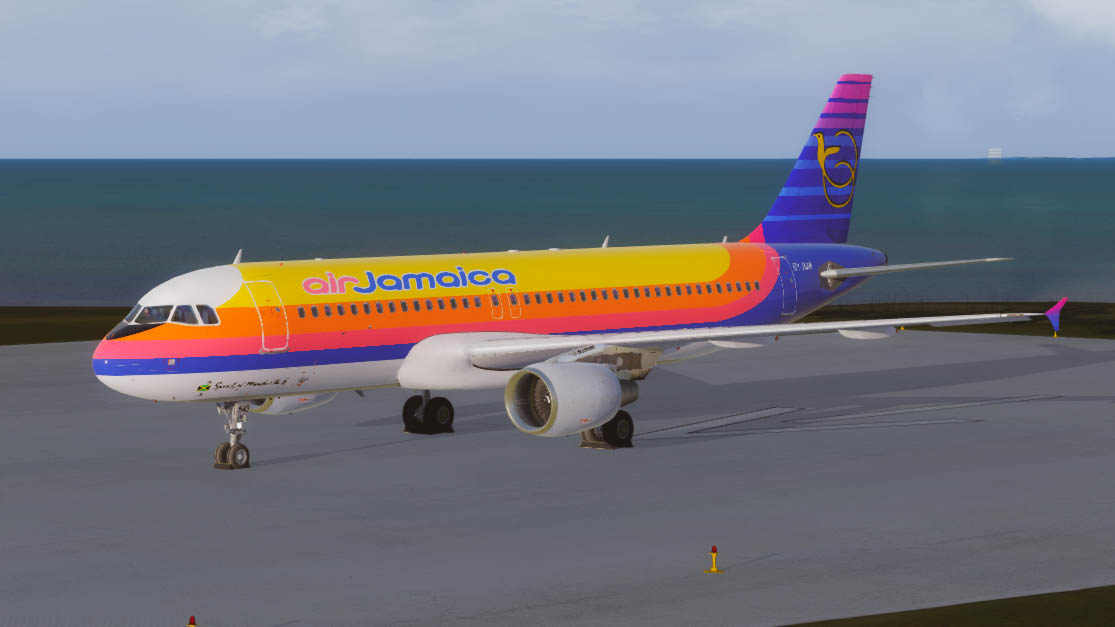
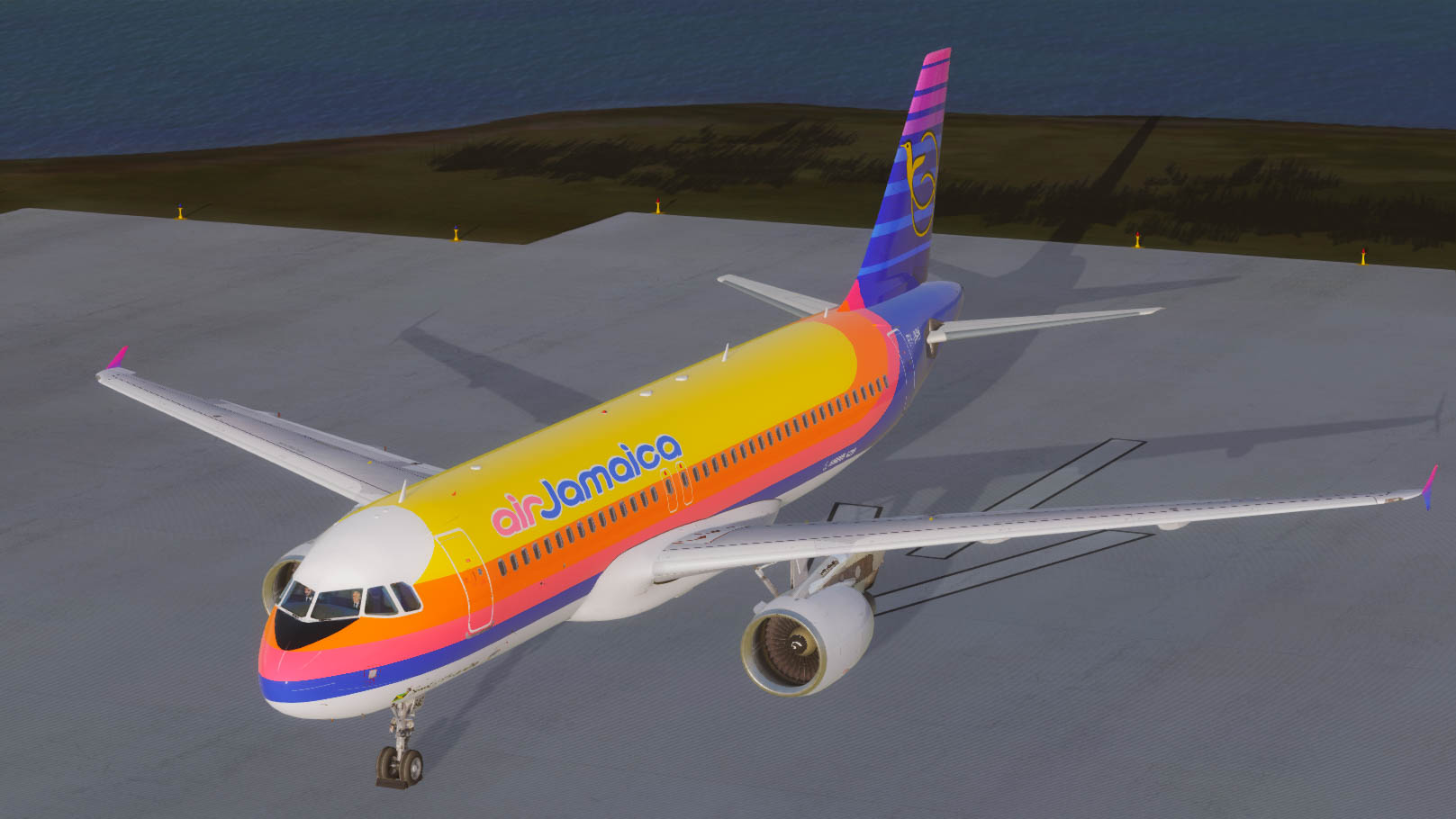
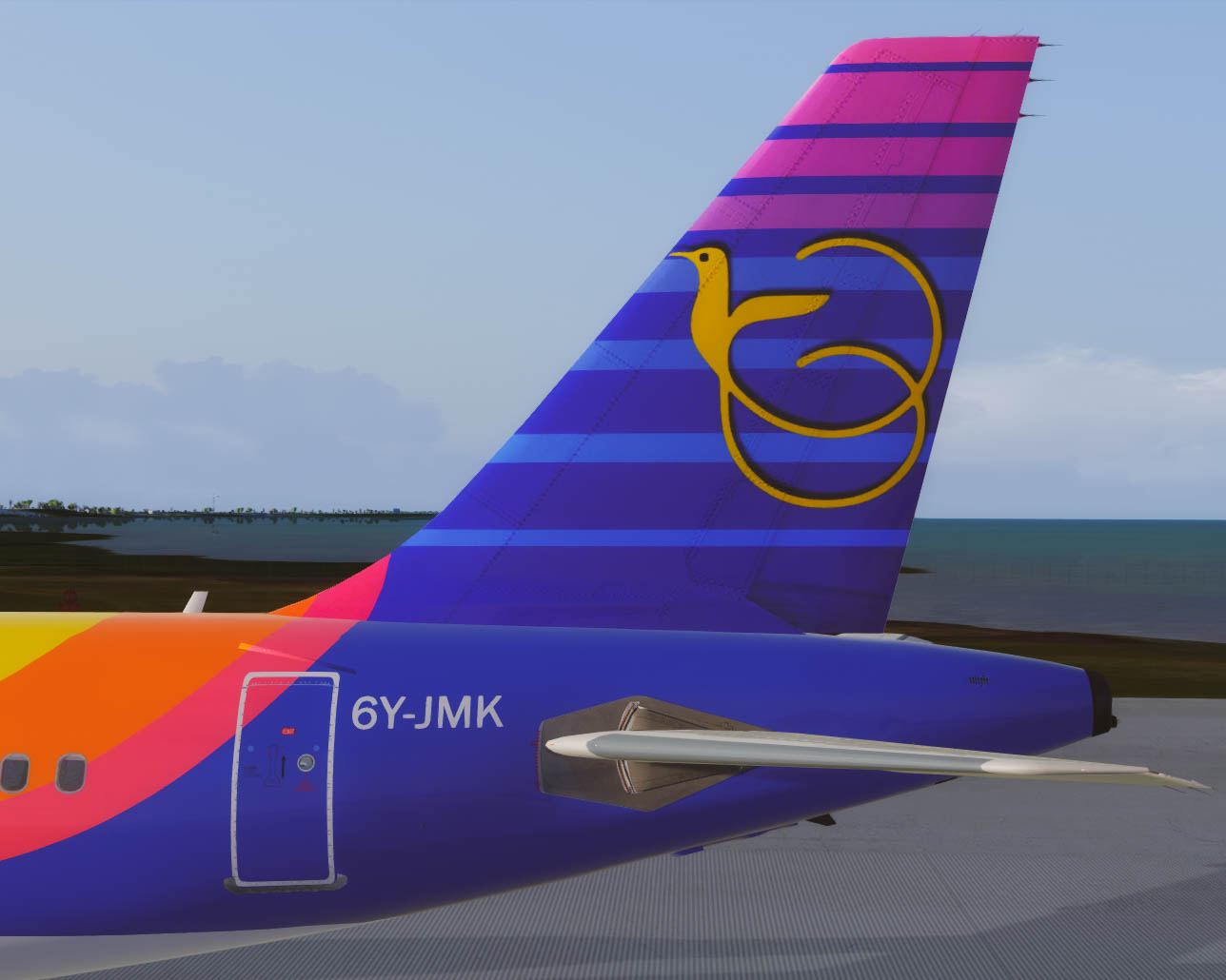
Air Jamaica
A320 CFM for FSLabs V5.0xx+ PBR Model Only
6Y-JMK based on the actual aircraft, real world selcal.
Airframe Config File Included!
| Serial number | 1751 |
| Type | 320-214 |
| First flight date | 04/03/2002 |
| Test registration | F-WWIH |
| Seat Configuration | F12 Y138 |
Engines 2 x CFMI CFM56-5B4/P
Delivered to Air Jamaica 01/11/2009
INSTALLATION:
Just drop the Texture.AJM 6Y-JMK & Airframe Configs Folder in the FSLabs A320 CFM Folder and you're good to go!
Decided to adjust the Paint colors with this one. Enjoy the softer more gentler side of the AJM's Livery with 6Y-JMK 'Spirit of Mandeville' text on the forward fuselage.
_____________________________________________________________________________________________________________________________________________________________________________________
If you love the content, show some love. All contributions go into software & tech to create more magic for the Aviation World. PayPal
Shoutout to the Jamaican Flyers in the Forum, AJM served well in the past & this connects me to so many childhood memories, stay tuned for more..
[s/n] I found a few common files that I truly enjoy so shoutout to Inibuilds.com on their great paintkit+. If you find any imperfections/fault, shoot me a DM or email: Backtrackrwy08@gmail.com
Enjoy Guys & Gals!
Regards,
Cai - @_belowtheline Instagram
What's New in Version 1.0.1
Released
uploaded some new screen shots, A321 coming soon!
Stay tuned!
-
 2
2
-
 1
1
There are no reviews to display.