
Skip to content
View in the app

A better way to browse. Learn more.

Flight Sim Labs Forums

A full-screen app on your home screen with push notifications, badges and more.

To install this app on iOS and iPadOS
  1. Tap the Share icon in Safari
  2. Scroll the menu and tap Add to Home Screen.
  3. Tap Add in the top-right corner.
To install this app on Android
  1. Tap the 3-dot menu (⋮) in the top-right corner of the browser.
  2. Tap Add to Home screen or Install app.
  3. Confirm by tapping Install.

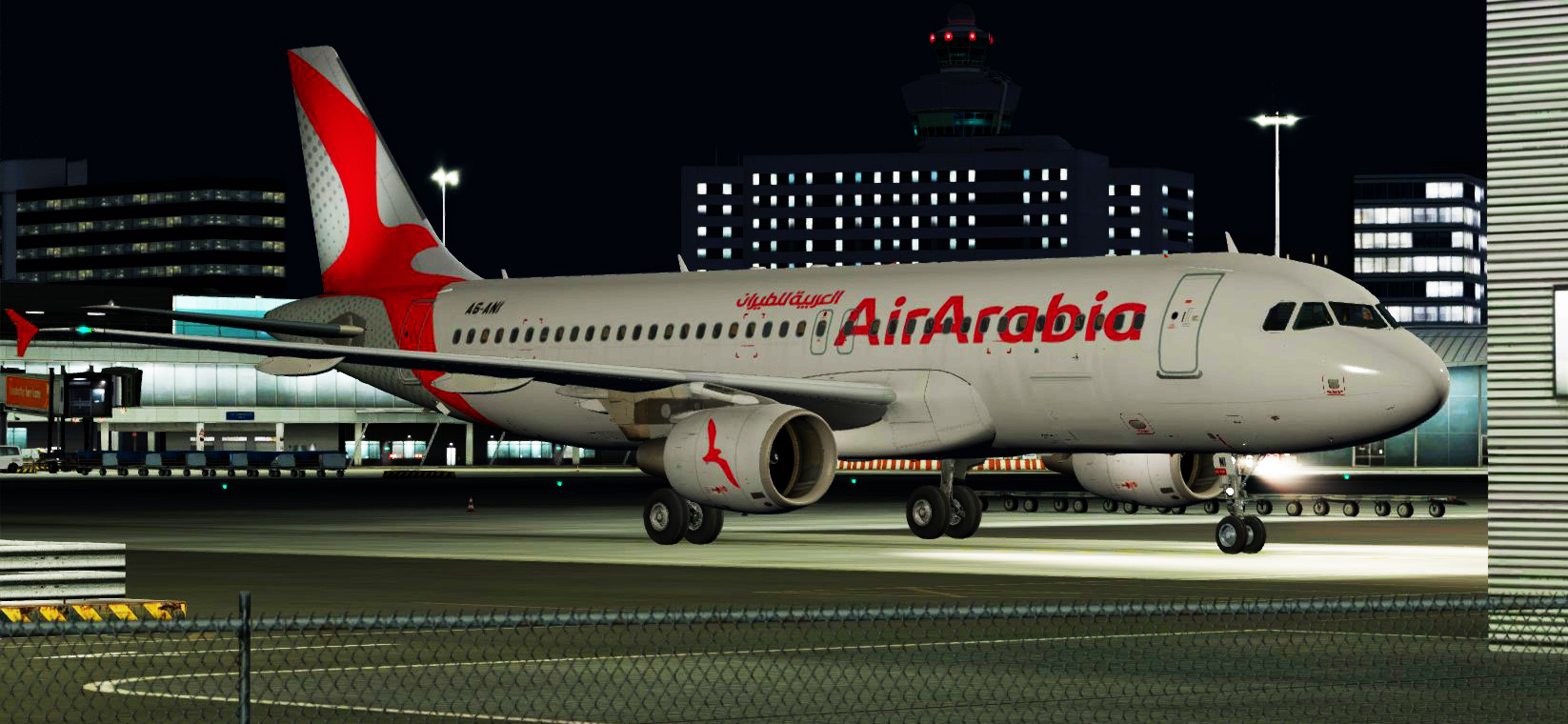
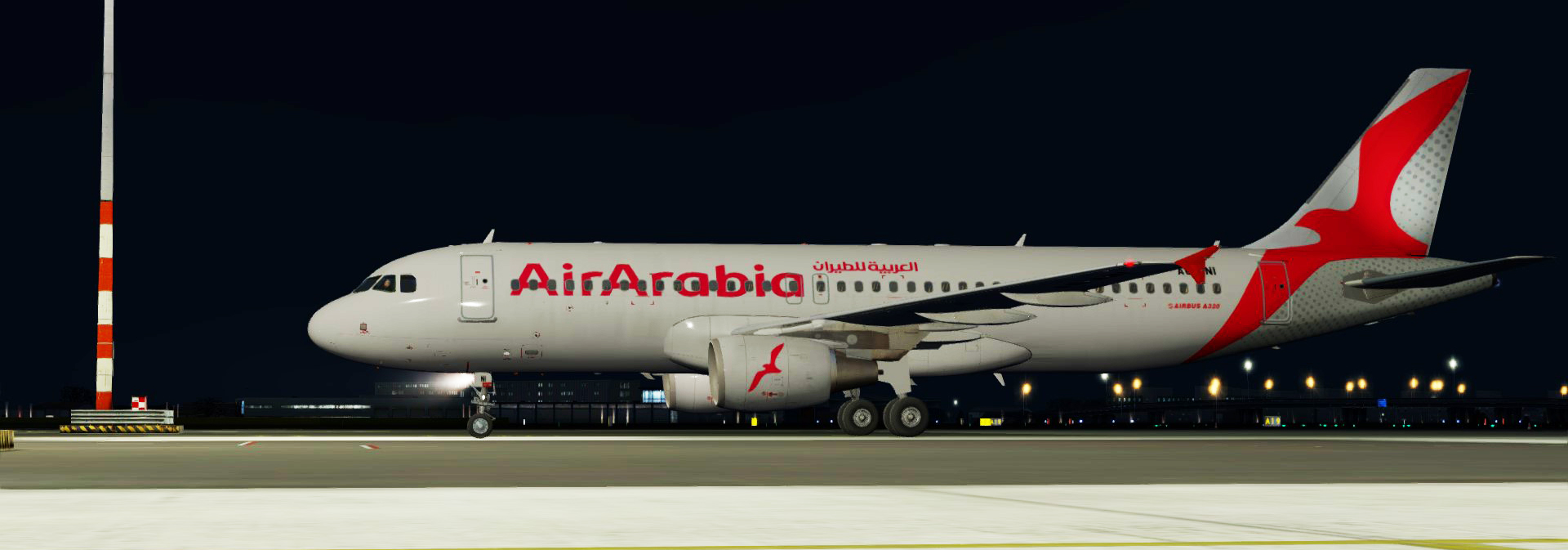
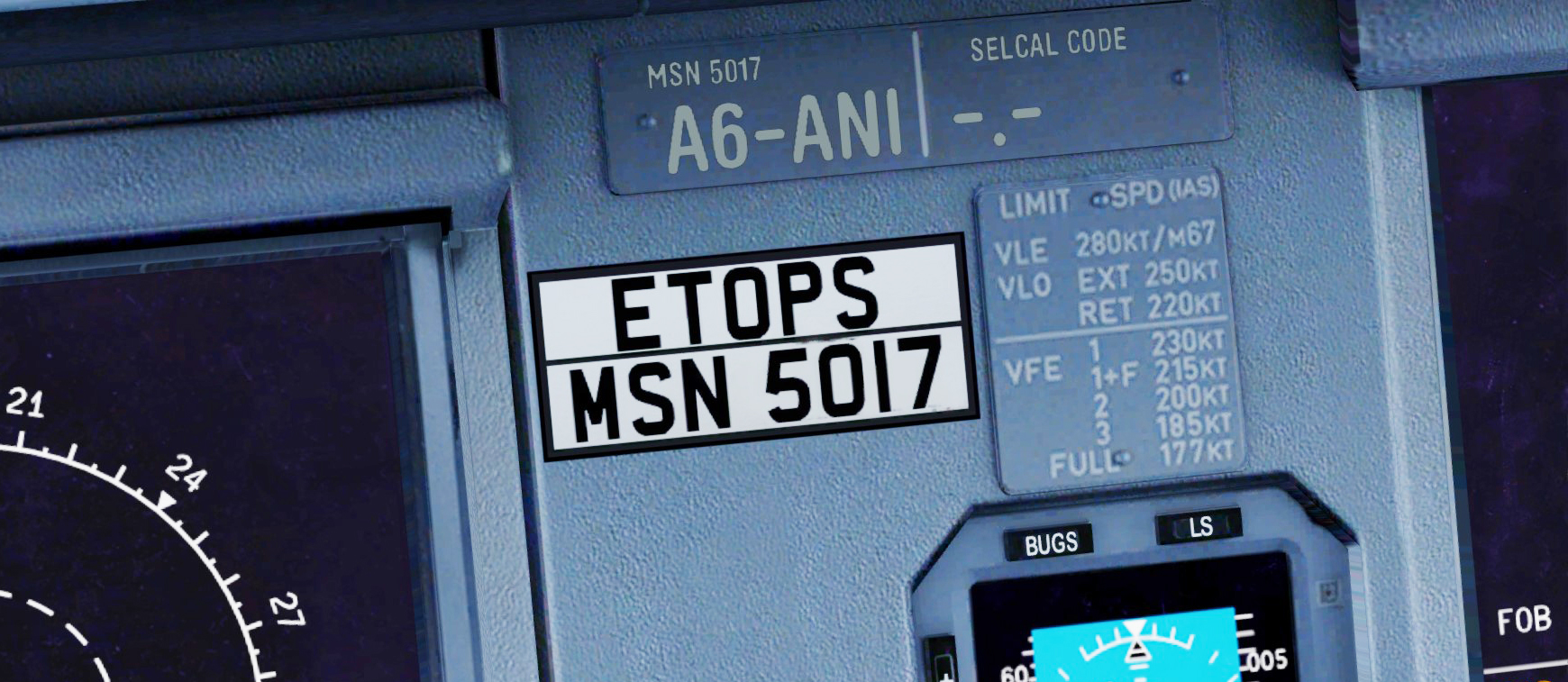
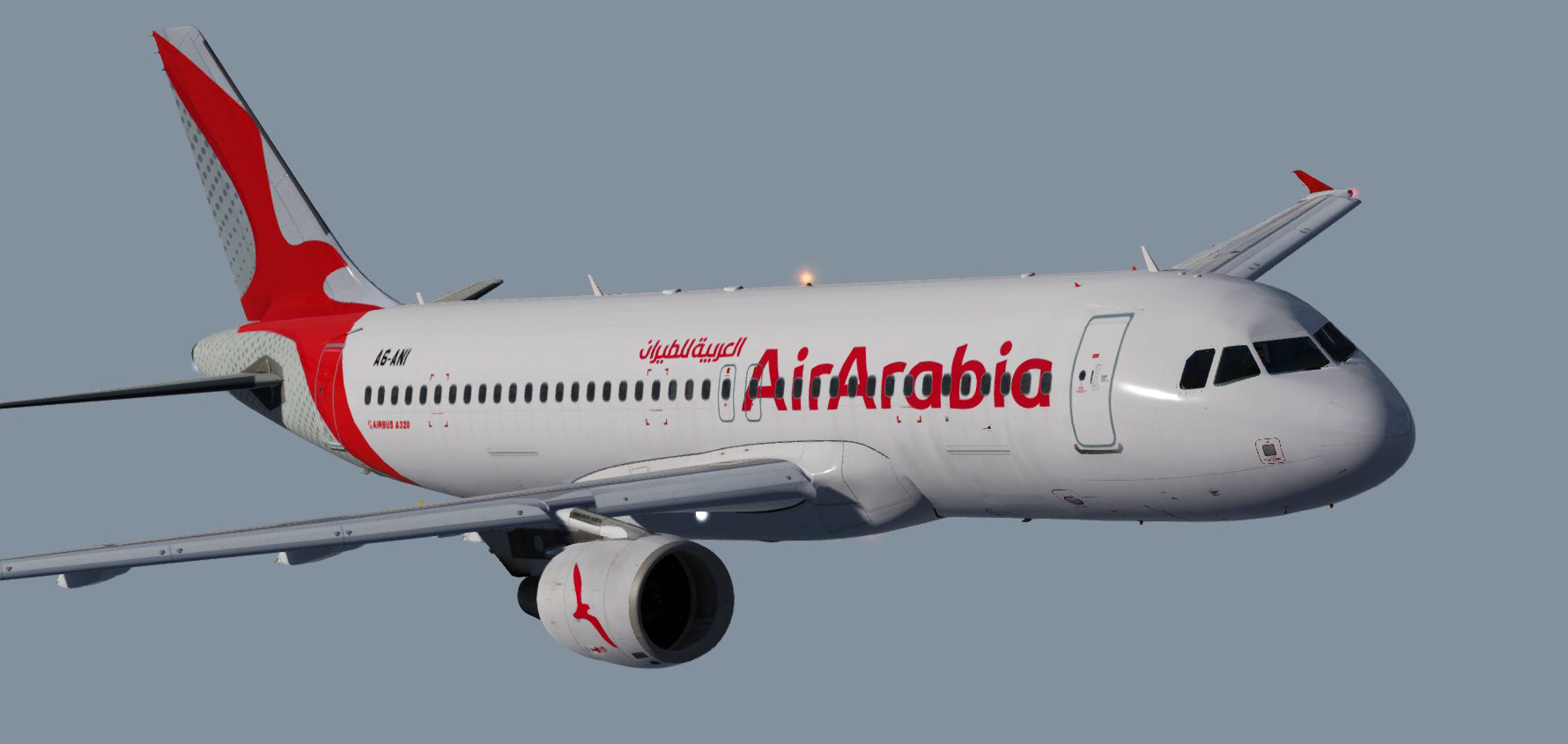
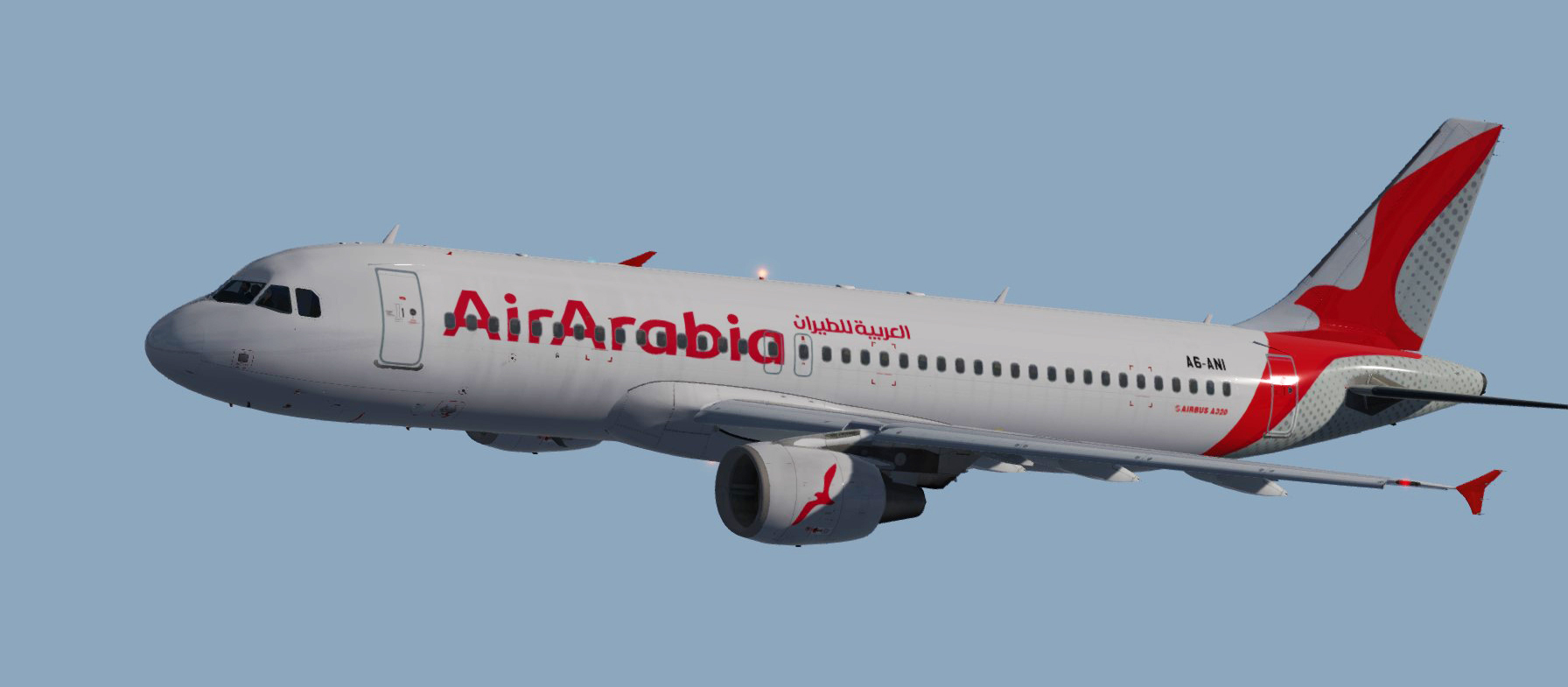
Air Arabia(NEW) FSLABS A320 PBR A6-ANI 1.0.0

(2 reviews)

5 Screenshots


IMgCP9a.jpg


Just add it to your \FSLabs\SimObjects\Airplanes\FSLabs A320 CFM

=====

Its not necessary but if you want to get me a cup of coffee I will be tankful <3
www.paypal.me/Htextures

=======

Give my site a visit to get more textures 
moho43.wixsite.com/htextures

User Feedback

Guillaume Besnard

Guillaume Besnard


In addition to what was said, the grey part of the tail has dots in the repaints while the real aircraft has dots. Keep up the good work, it goes well with the new Sharjah scenery by Ironsim and MSK.

Nadeem Zabaneh

Nadeem Zabaneh

   1 of 1 member found this review helpful 1 / 1 member

I believe that the Air Arabia font is a bit smaller in your repaint than it is in the IRL one which has now been transferred to Ari Arabia Abu Dhabi and registered as A6-AUA.

Response from the author:

good to know will fix it

Account

Navigation

Search

Search

Configure browser push notifications

Chrome (Android)
  1. Tap the lock icon next to the address bar.
  2. Tap Permissions → Notifications.
  3. Adjust your preference.
Chrome (Desktop)
  1. Click the padlock icon in the address bar.
  2. Select Site settings.
  3. Find Notifications and adjust your preference.