
Skip to content
View in the app

A better way to browse. Learn more.

Flight Sim Labs Forums

A full-screen app on your home screen with push notifications, badges and more.

To install this app on iOS and iPadOS
  1. Tap the Share icon in Safari
  2. Scroll the menu and tap Add to Home Screen.
  3. Tap Add in the top-right corner.
To install this app on Android
  1. Tap the 3-dot menu (⋮) in the top-right corner of the browser.
  2. Tap Add to Home screen or Install app.
  3. Confirm by tapping Install.

Air Canada A319 C-GARG NC V5 PBR 1.0.0

(1 review)

3 Screenshots

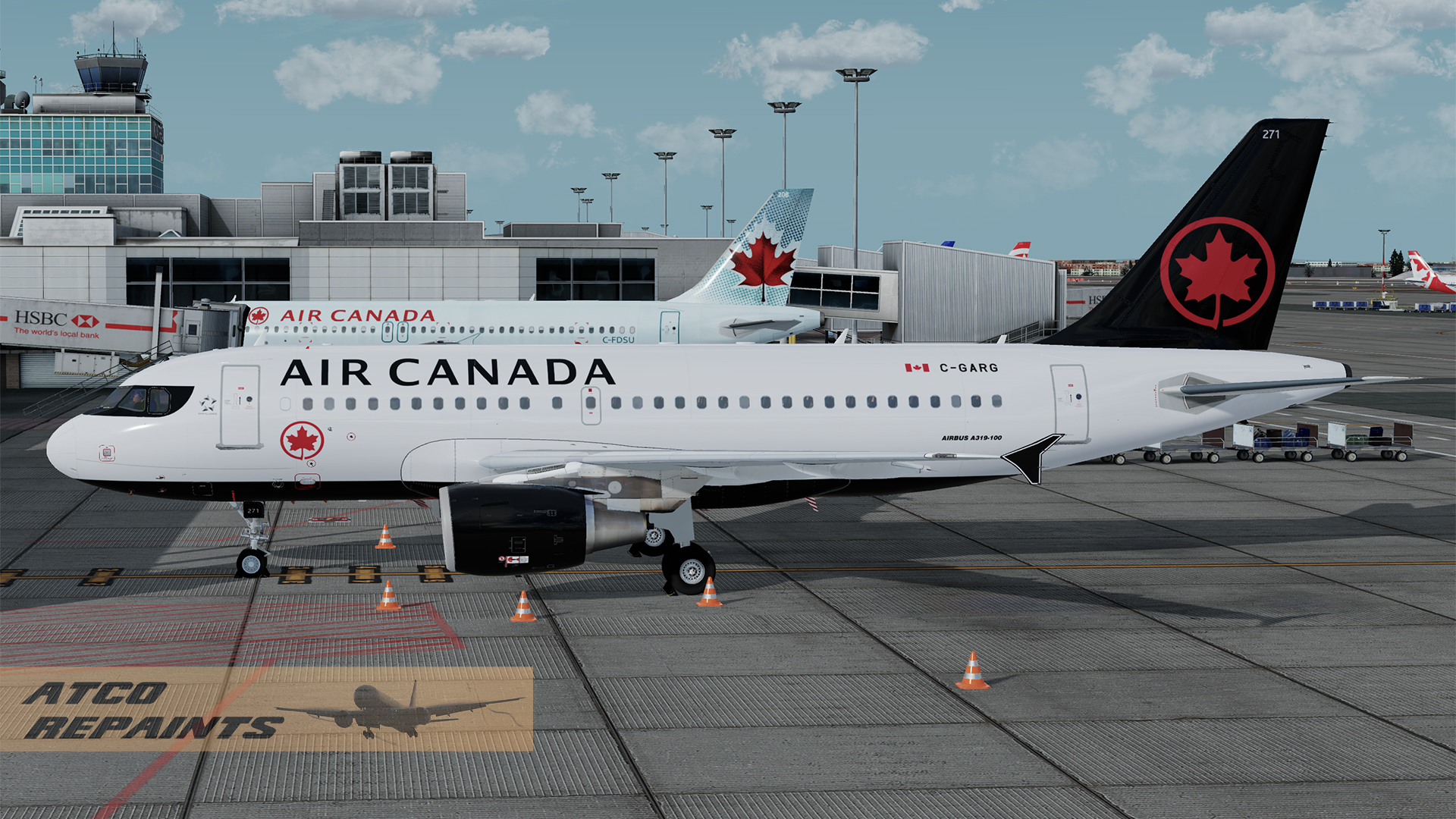
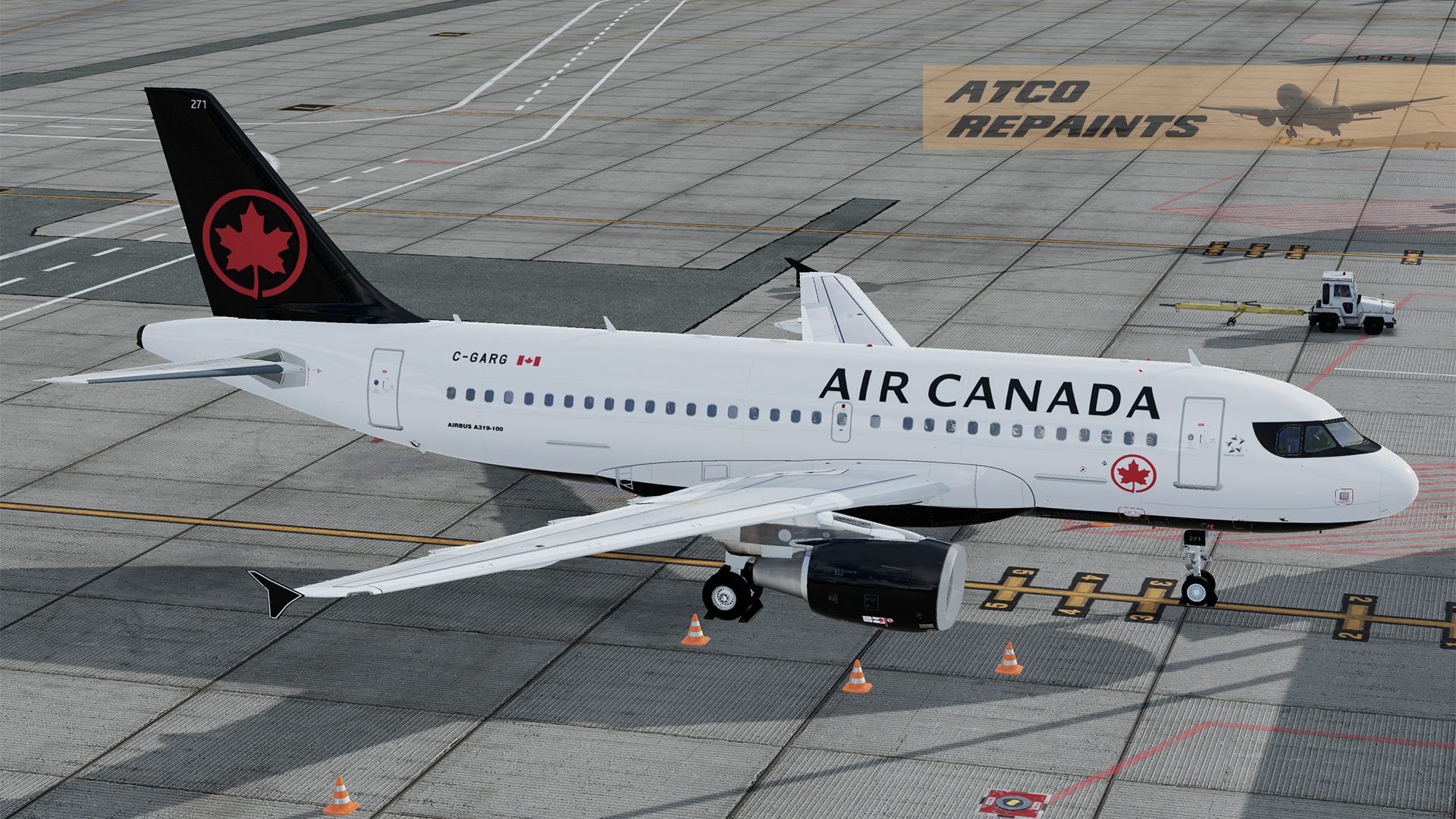
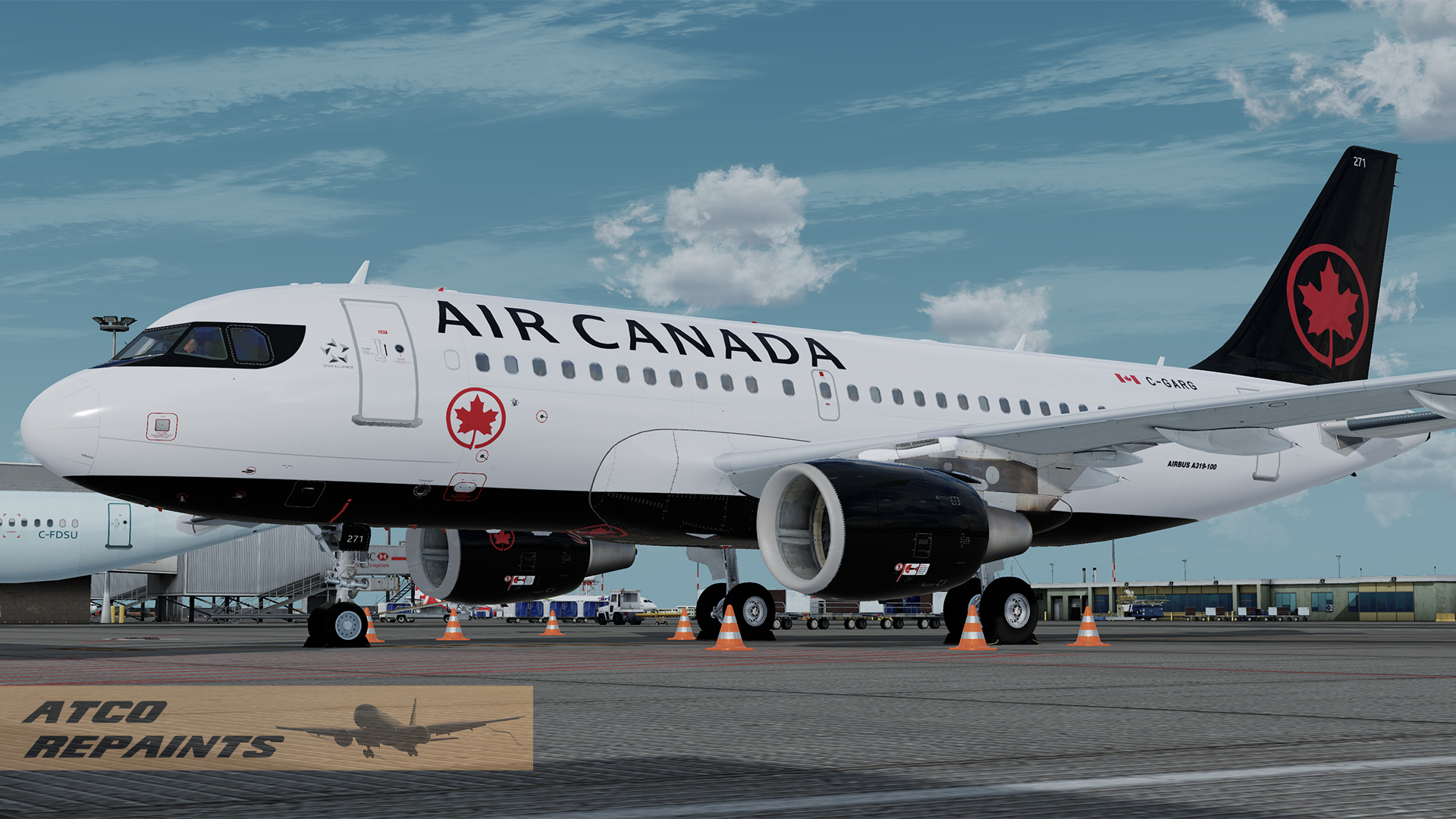
Air Canada has a lone A319 painted in its new livery unveiled in 2017, C-GARG, fin number 271.
This repaint features correct fonts and colour samples taken from official Airbus paint documents.
Also features the correctly blocked window at Row 1 on the left side.

For use with the FSLabs Airbus A319-X v5.0.1.100+ CFM

This is my first FSL repaint so please forgive any errors and imperfections. The repaint is based off the base FSL paintkit and features PBR throughout.

To Install:
Simply add the texture folder to your FSLabs A319 CFM folder

....\SimObjects\Airplanes\FSLabs A319 CFM

Next time you run P3D the livery will be auto installed.
 

User Feedback

Peter Gordon

Peter Gordon


Thanks. I was hoping there was an A319 in the 'new' Air Canada livery and here it is. Really great job, especially since it's your first FSL repaint.

Response from the author:

Many thanks for your kind words, appreciate it

Account

Navigation

Search

Search

Configure browser push notifications

Chrome (Android)
  1. Tap the lock icon next to the address bar.
  2. Tap Permissions → Notifications.
  3. Adjust your preference.
Chrome (Desktop)
  1. Click the padlock icon in the address bar.
  2. Select Site settings.
  3. Find Notifications and adjust your preference.
