
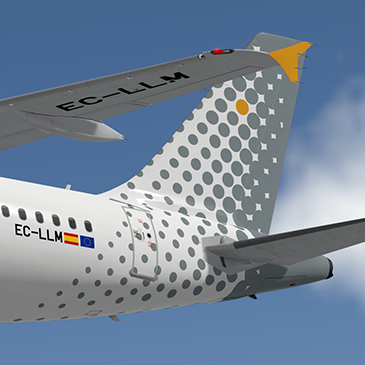
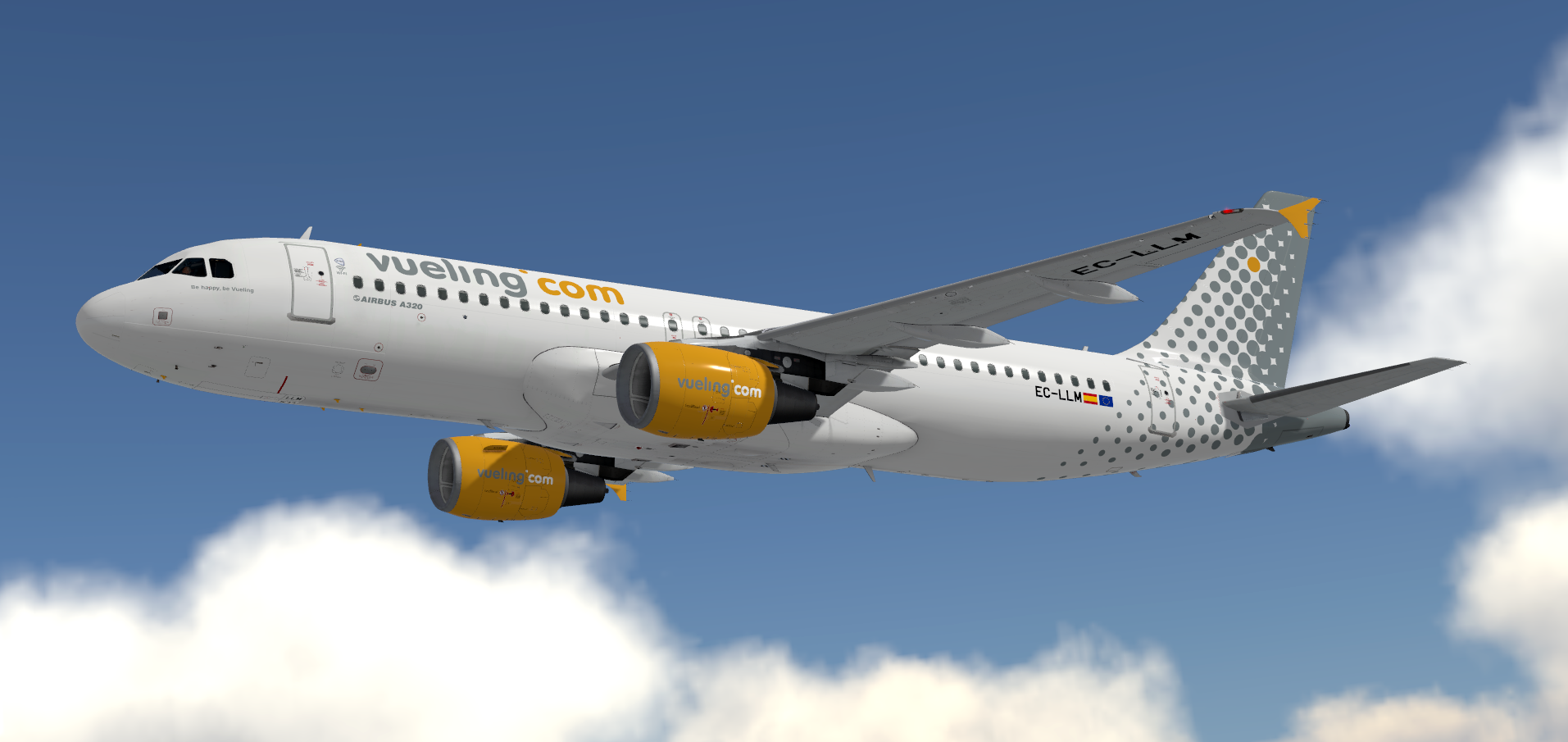
Vueling (VY/VLG) EC-LLM.
READ THESE INSTRUCTIONS CAREFULLY
*** FOR FSL A320 v5.0.100+ ONLY ***
This is a Vueling, registration EC-LLM repaint for the FSLabs A320-X CFM.
IMPORTANT: This livery requires the following download to be installed to appear as intended https://forums.flightsimlabs.com/index.php?/files/file/2460-common-files-for-fsl-a320-v501100-custom-4k-pbr-paint-kit/. Please ensure that you have installed this required package before attempting to install this livery.
To Install:
- Ensure that you have the ProfHBJT common files installed (can be found using the link above).
- Drag both the 'Texture.VLG EC-LLM' AND 'Airframe Configs' folder into your FSLabs A320 CFM simobjects folder.
Features a complete overhaul of the default FSL A320 paint kit including:
- Custom 4K textures with accurate seam panelling, fuselage section joins and rivets
- Custom 4K metallic maps (PBR) with baked ambient occlusion (AO) effects
- Custom 4K normal maps for fuselage, engines, wings and tail
- Reworked landing gear including tyres and struts with custom PBR effects
- Enhancements to aircraft overlay textures, including PBR effects
- Custom dirt effects
Thanks to @Hugo Bicho @Daniel Du Preez and @John Tavendale who created the custom 4K paintkit used to make the livery.
If you like these liveries why not buy me a coffee. All donations are heavily appreciated.
https://paypal.me/MatthewAshman
https://facebook.com/airformliveries
https://www.airformliveries.com
-
 6
6
-
 4
4