
Skip to content
View in the app

A better way to browse. Learn more.

Flight Sim Labs Forums

A full-screen app on your home screen with push notifications, badges and more.

To install this app on iOS and iPadOS
  1. Tap the Share icon in Safari
  2. Scroll the menu and tap Add to Home Screen.
  3. Tap Add in the top-right corner.
To install this app on Android
  1. Tap the 3-dot menu (⋮) in the top-right corner of the browser.
  2. Tap Add to Home screen or Install app.
  3. Confirm by tapping Install.

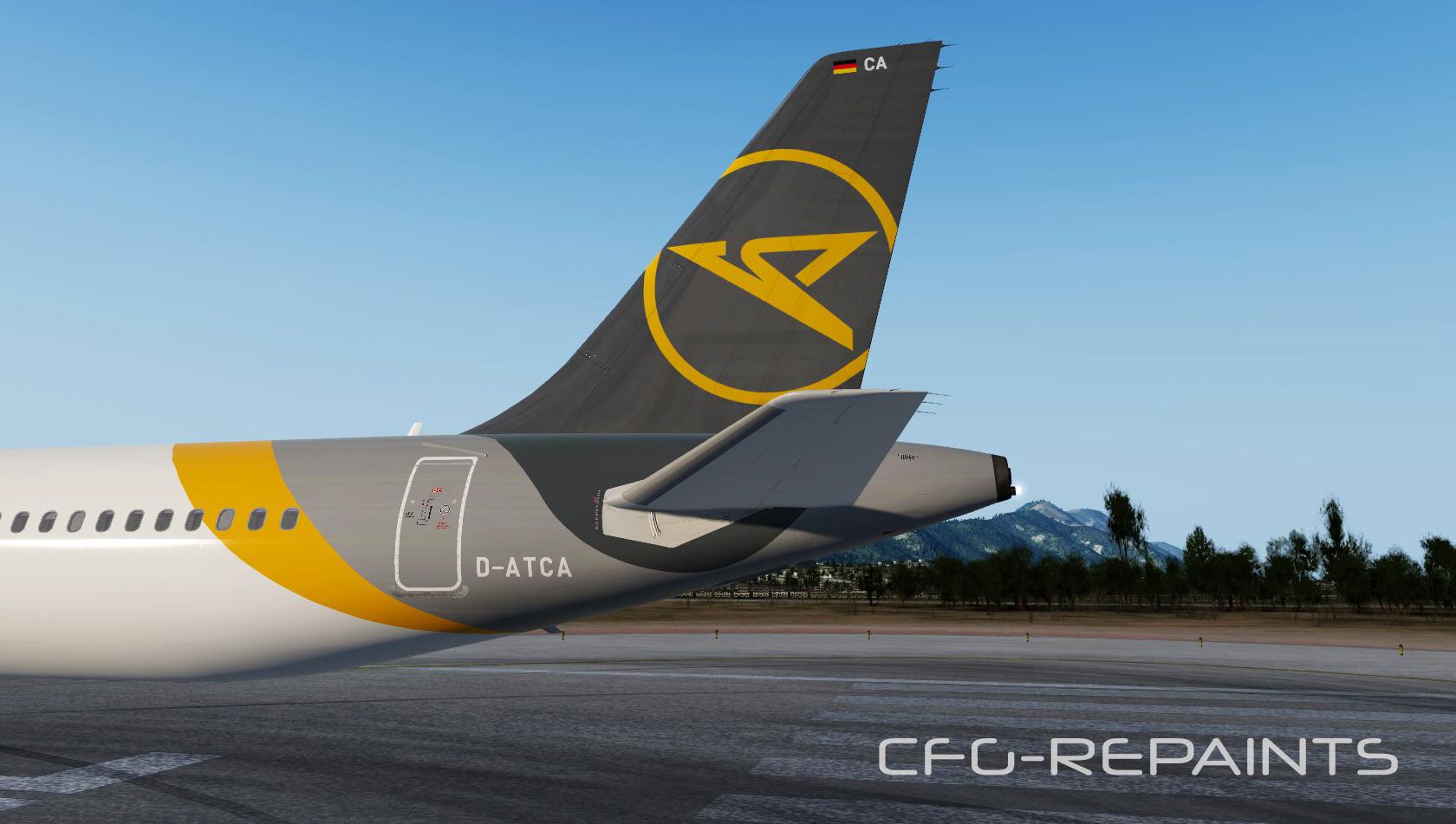
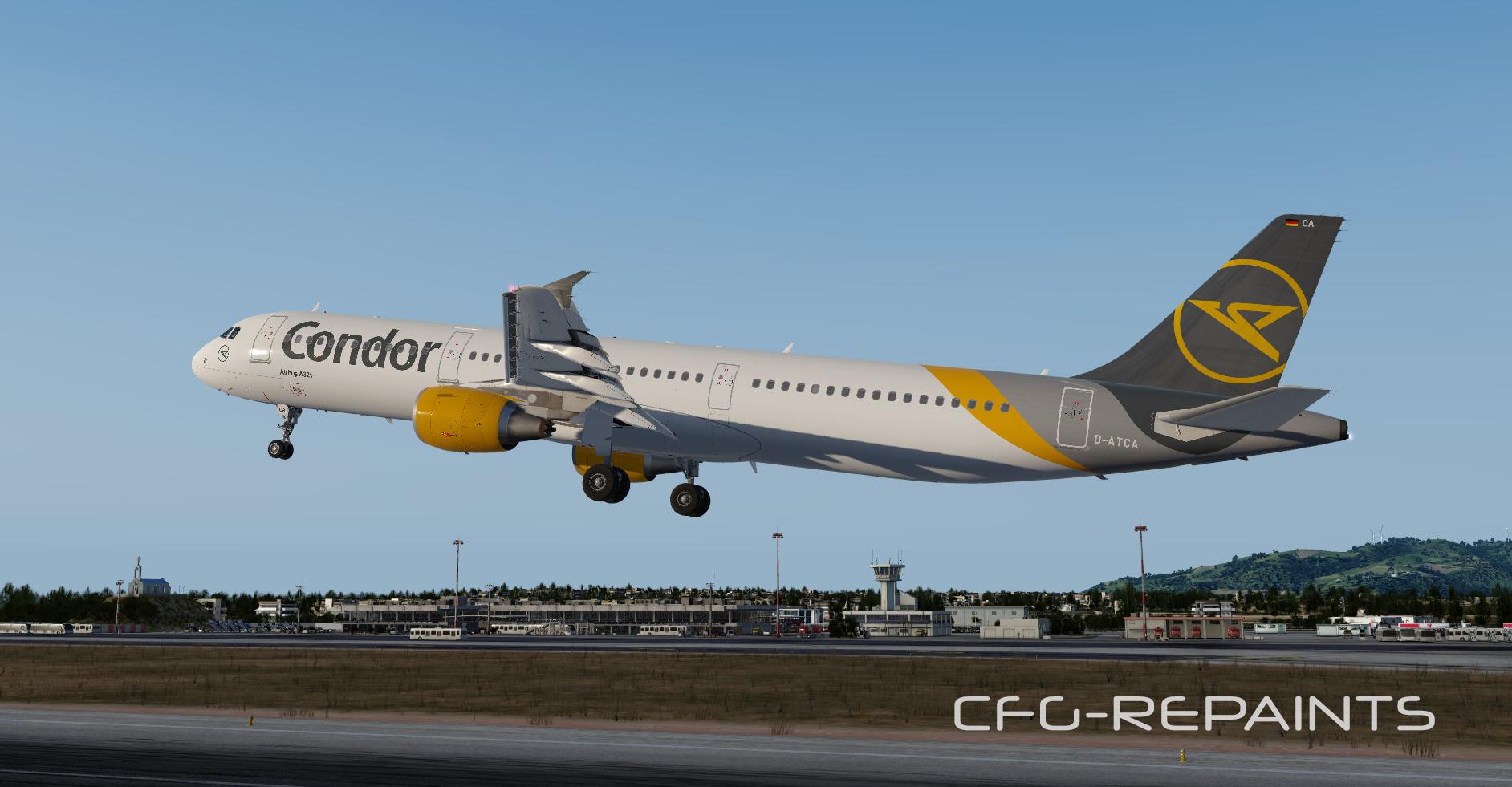
Condor A321-211 D-ATCA 1.0.0

(2 reviews)

3 Screenshots

This is a repaint of the only Condor A321-200 D-ATCA without Sharklets. (updated now for P3Dv4/v5)

Changes to the previous version:

- new fonts

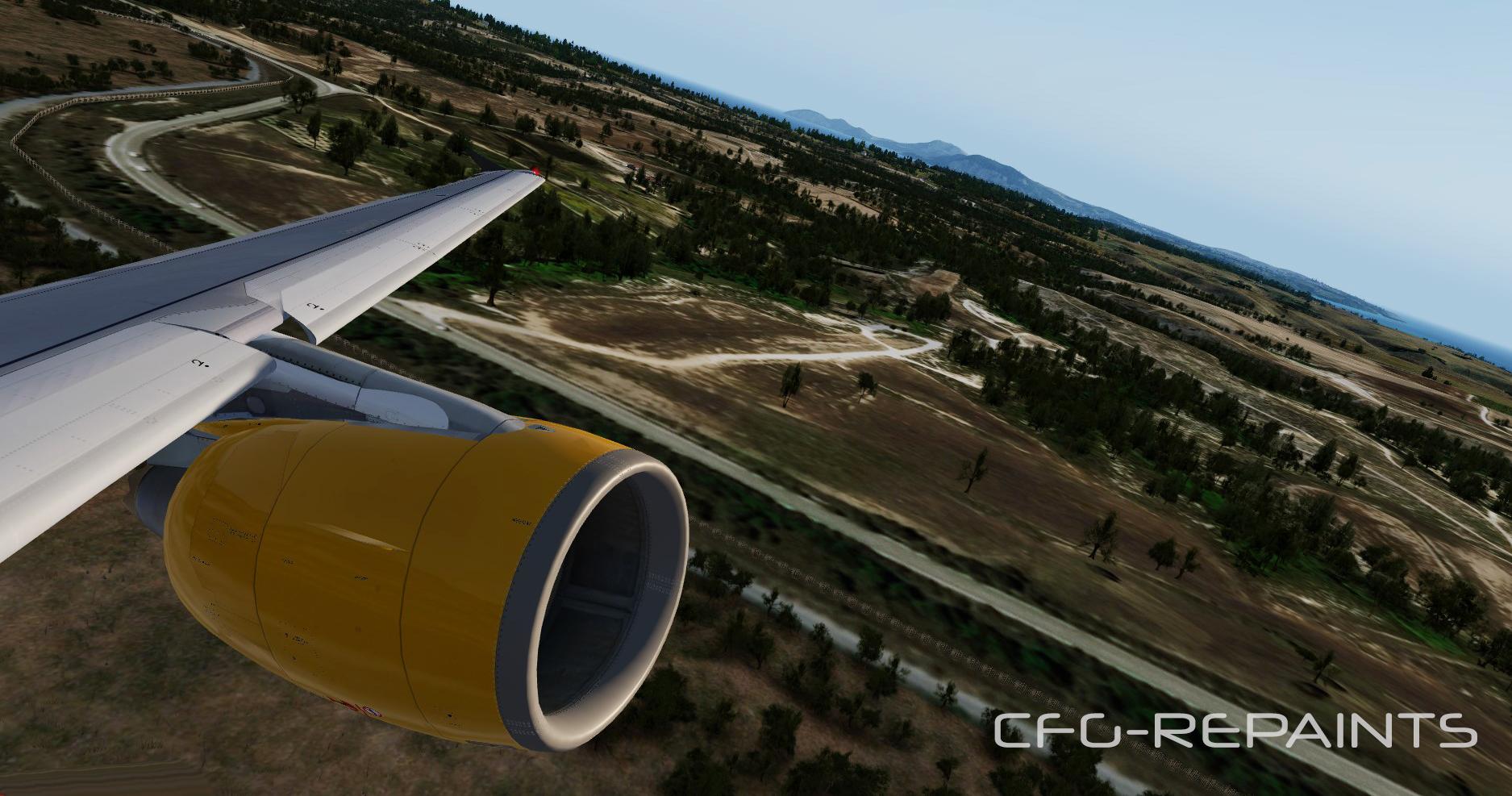
- new engine textures

- removed some decals 

Thanks to @John Tavendale for using some parts of his modified paintikit.

A readme with instructions is included.


Also visit my Facebook Page CFG-Repaints

If you like my work and want to pay a little attention to me:  paypal.me/cfgrepaints

User Feedback

Sebastian Brabsche

Sebastian Brabsche

   1 of 1 member found this review helpful 1 / 1 member

Nice Paint

Ben-Luca Koerber

Ben-Luca Koerber

   1 of 1 member found this review helpful 1 / 1 member

great:wub:

Account

Navigation

Search

Search

Configure browser push notifications

Chrome (Android)
  1. Tap the lock icon next to the address bar.
  2. Tap Permissions → Notifications.
  3. Adjust your preference.
Chrome (Desktop)
  1. Click the padlock icon in the address bar.
  2. Select Site settings.
  3. Find Notifications and adjust your preference.

