

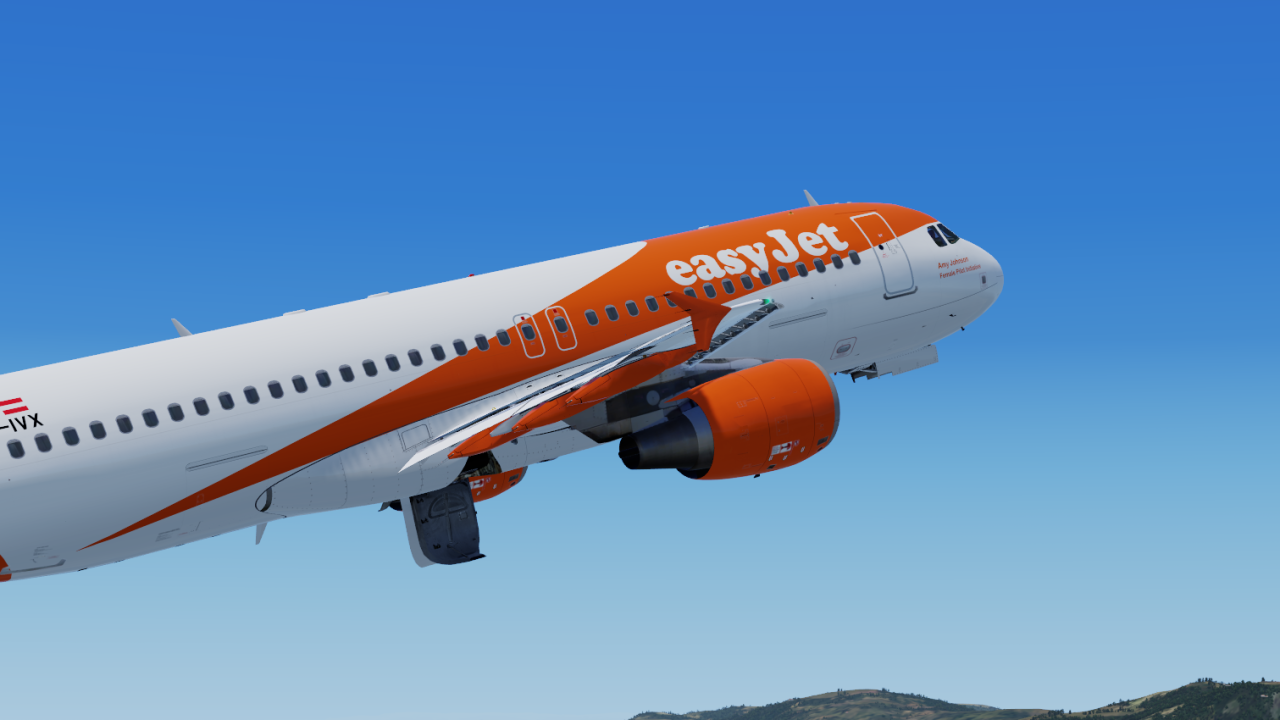
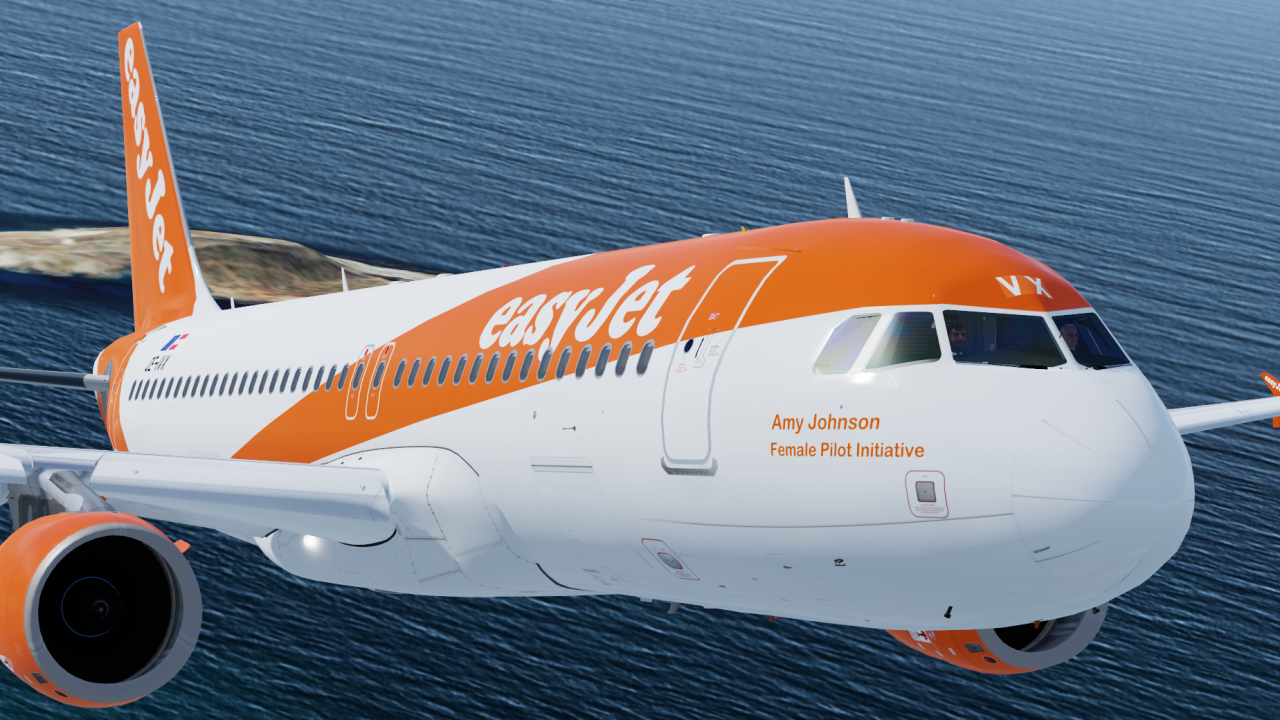
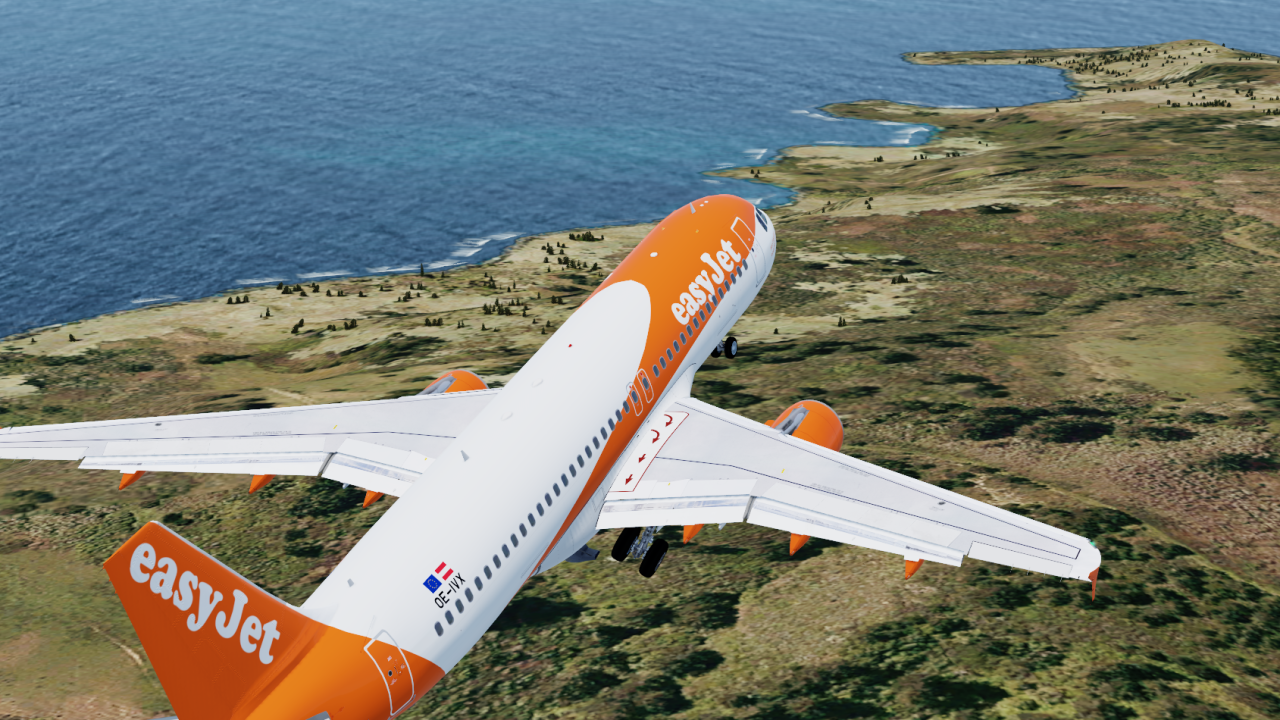
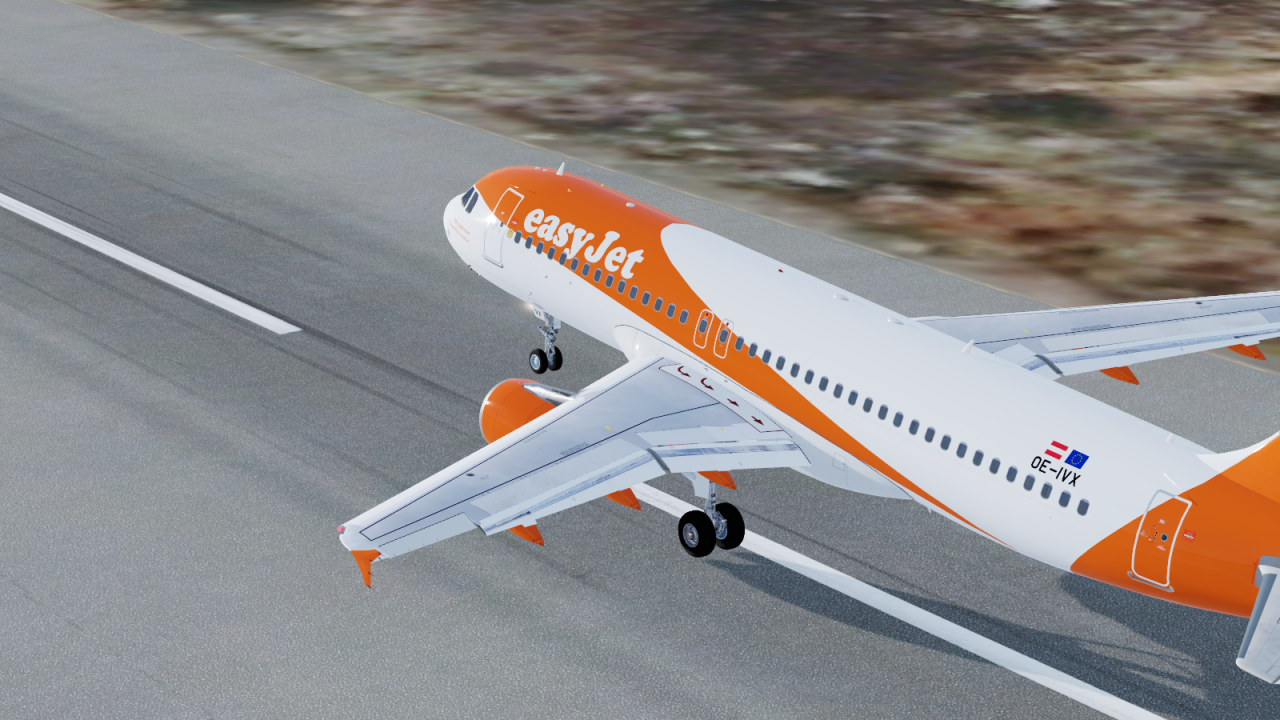
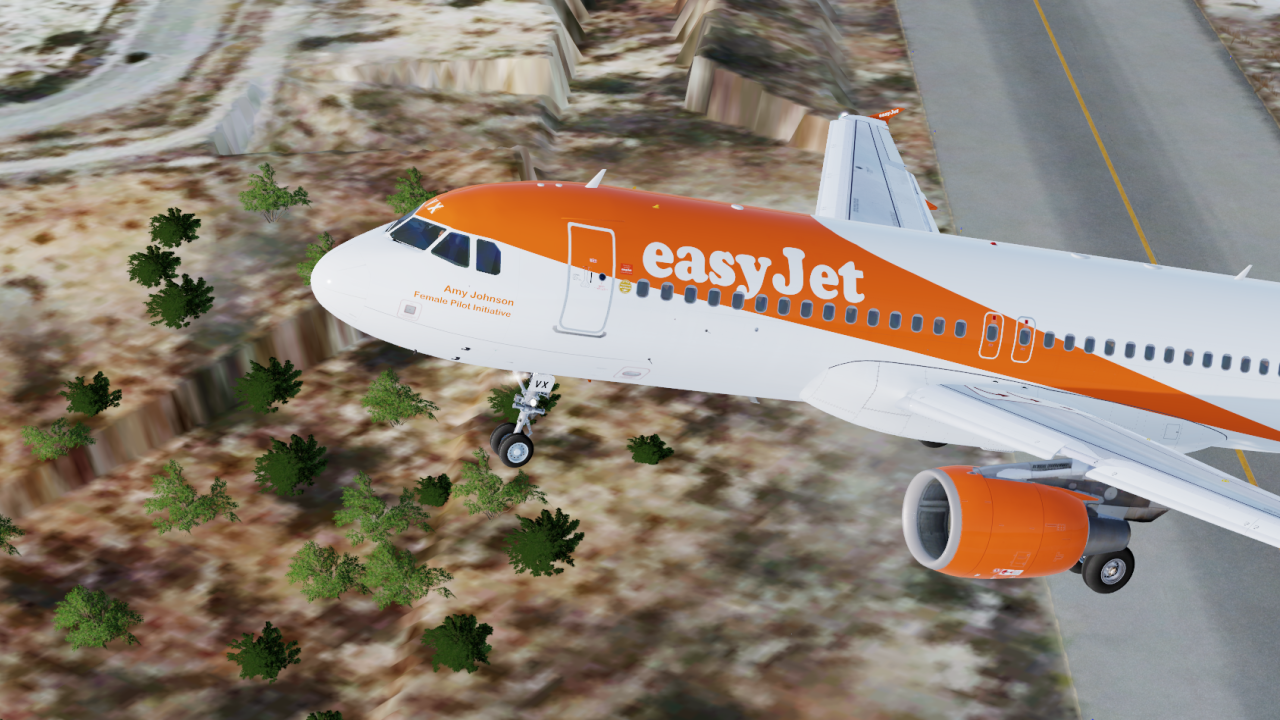
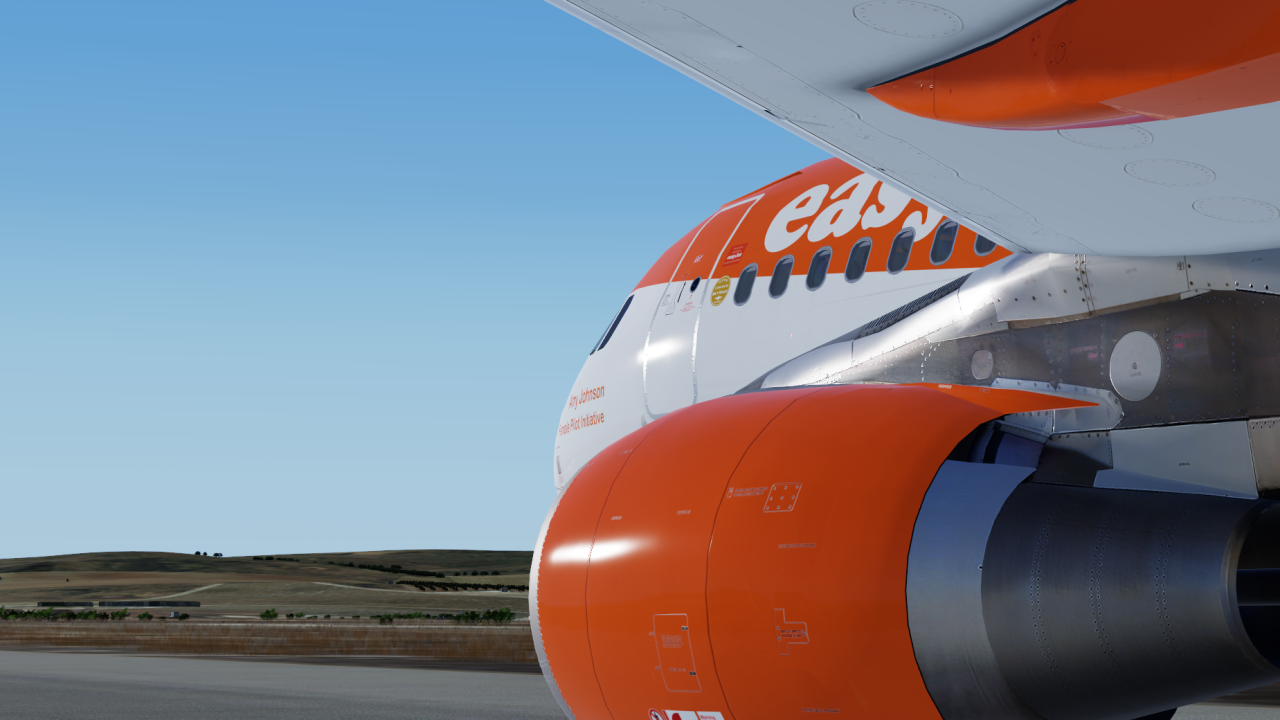
ONLY COMPATIBLE WITH FSLABS A320-X V5.0.1.100+
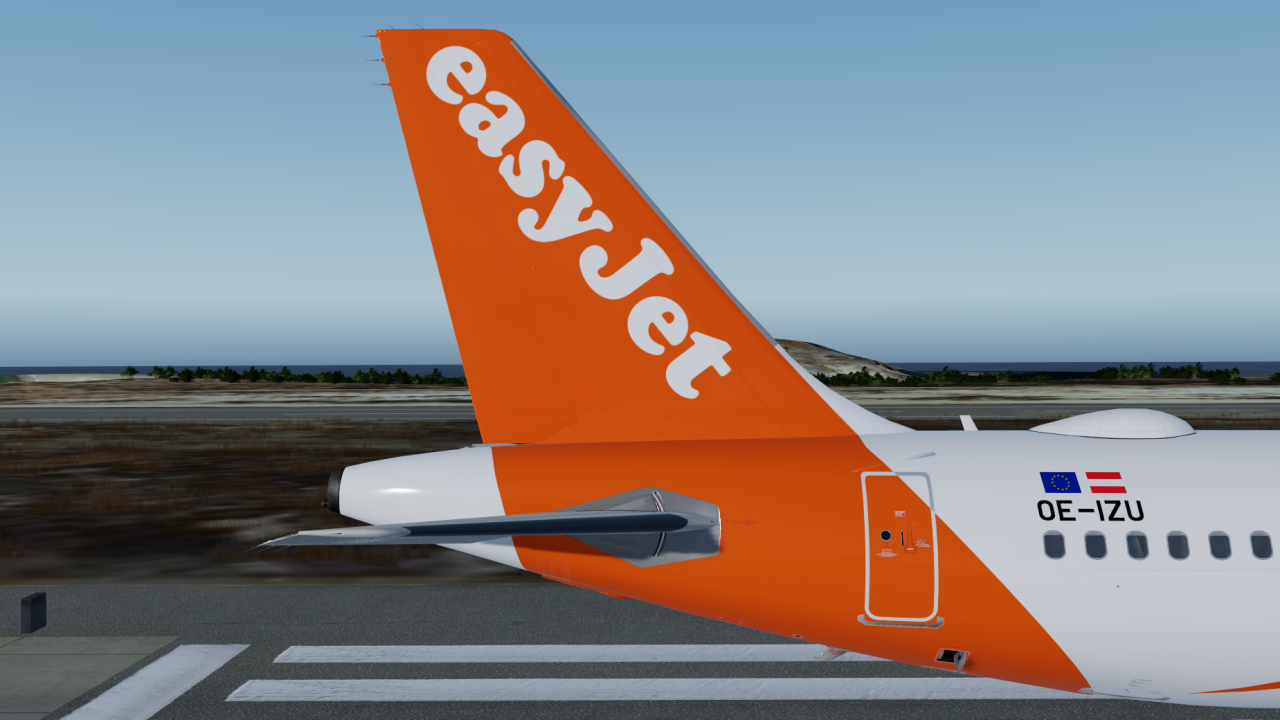
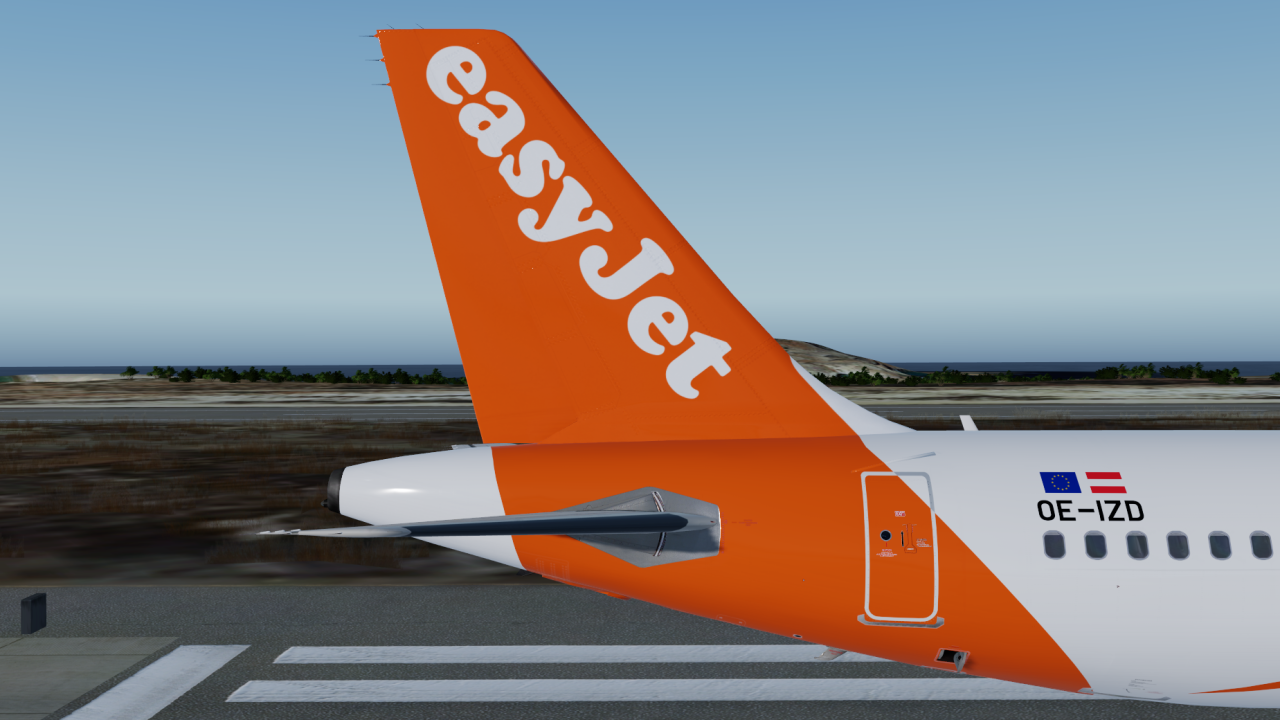
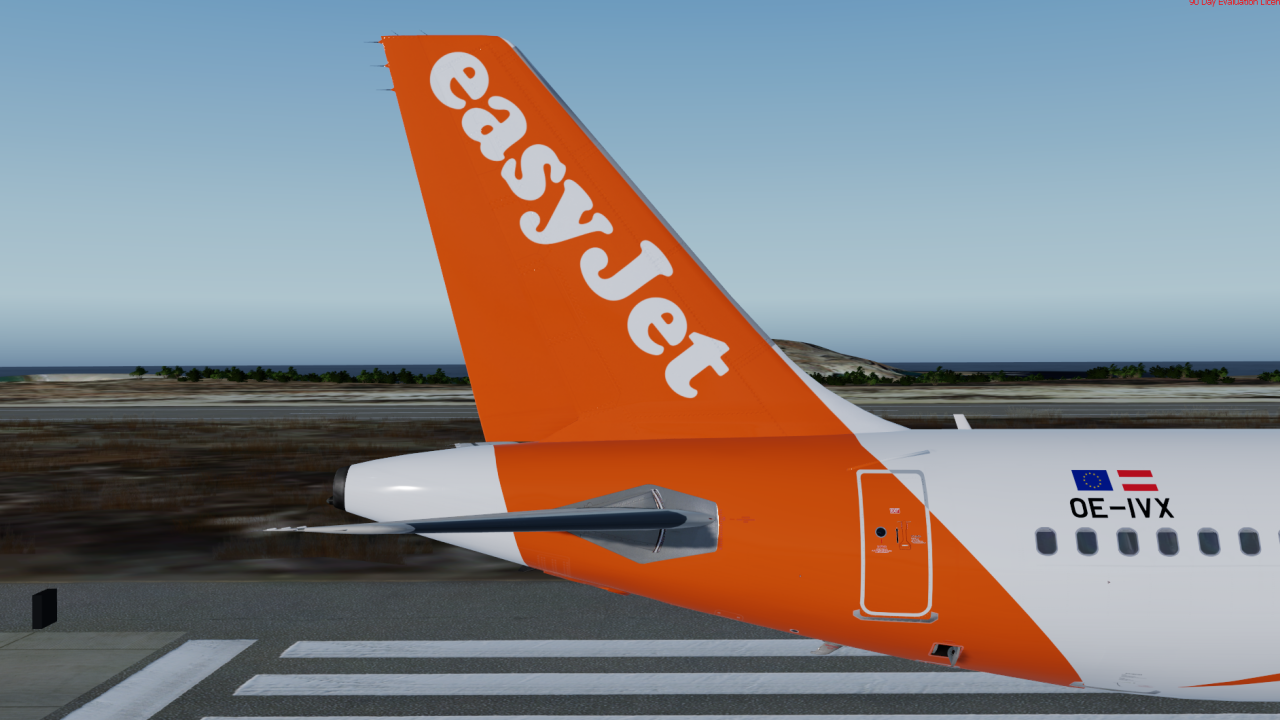
easyJet Europe A320 Pack (OE-IVX, OE-IZD, OE-IZU)
To install simply drag and drop the folders `Texture.EJU TFS OE-IVX`, `Texture.EJU TFS OE-IZD`, `Texture.EJU TFS OE-IZU` & `Texture.EJU TFS Common` into \FSLabs\SimObjects\Airplanes\FSLabs A320 CFM\
The folder `Texture.EJUTFS Common` must be installed or the liveries will not work. The other folders are optional, so you can choose to just have OE-IVX for example.
YOU MUST COMPLETE THE FOLLOWING STEPS OTHERWISE THE AIRFRAME CONFIGS WILL RESET.
1. Head To and Open \FSLabs\SimObjects\Airplanes\FSLabs A320 CFM\Airframe Configs\installed.ini
2. Add the REGs OE-IVX,OE-IZD,OE-IZU to the installed= line.
I do also recommend to use the easyJet Cabin Texture by Hugo Bicho and the PA Airline Pack
-
 2
2
There are no reviews to display.