

Skip to content
View in the app

A better way to browse. Learn more.

Flight Sim Labs Forums

A full-screen app on your home screen with push notifications, badges and more.

To install this app on iOS and iPadOS
  1. Tap the Share icon in Safari
  2. Scroll the menu and tap Add to Home Screen.
  3. Tap Add in the top-right corner.
To install this app on Android
  1. Tap the 3-dot menu (⋮) in the top-right corner of the browser.
  2. Tap Add to Home screen or Install app.
  3. Confirm by tapping Install.

Air Corsica A320 F-HBSA 1.0.0

(0 reviews)

2 Screenshots

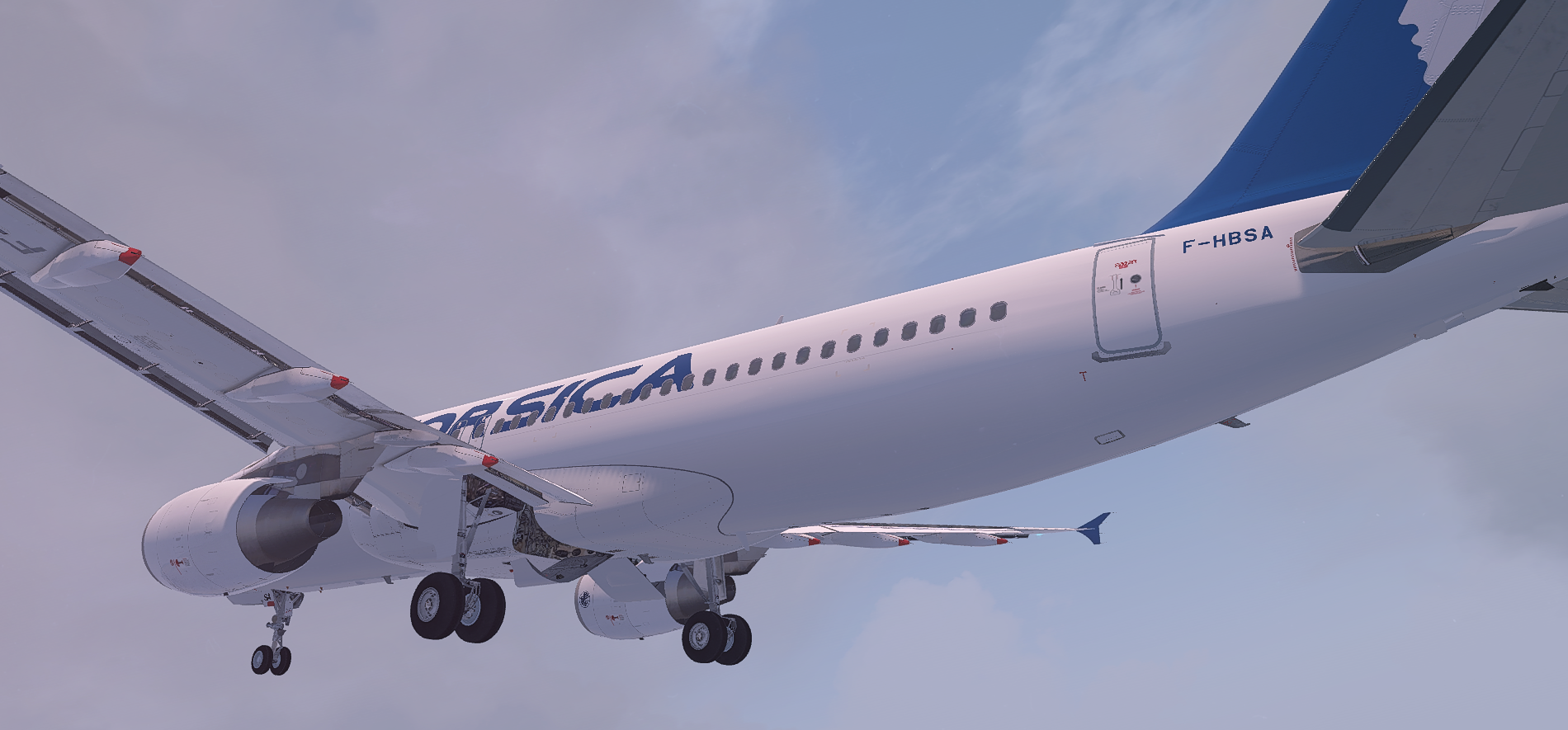
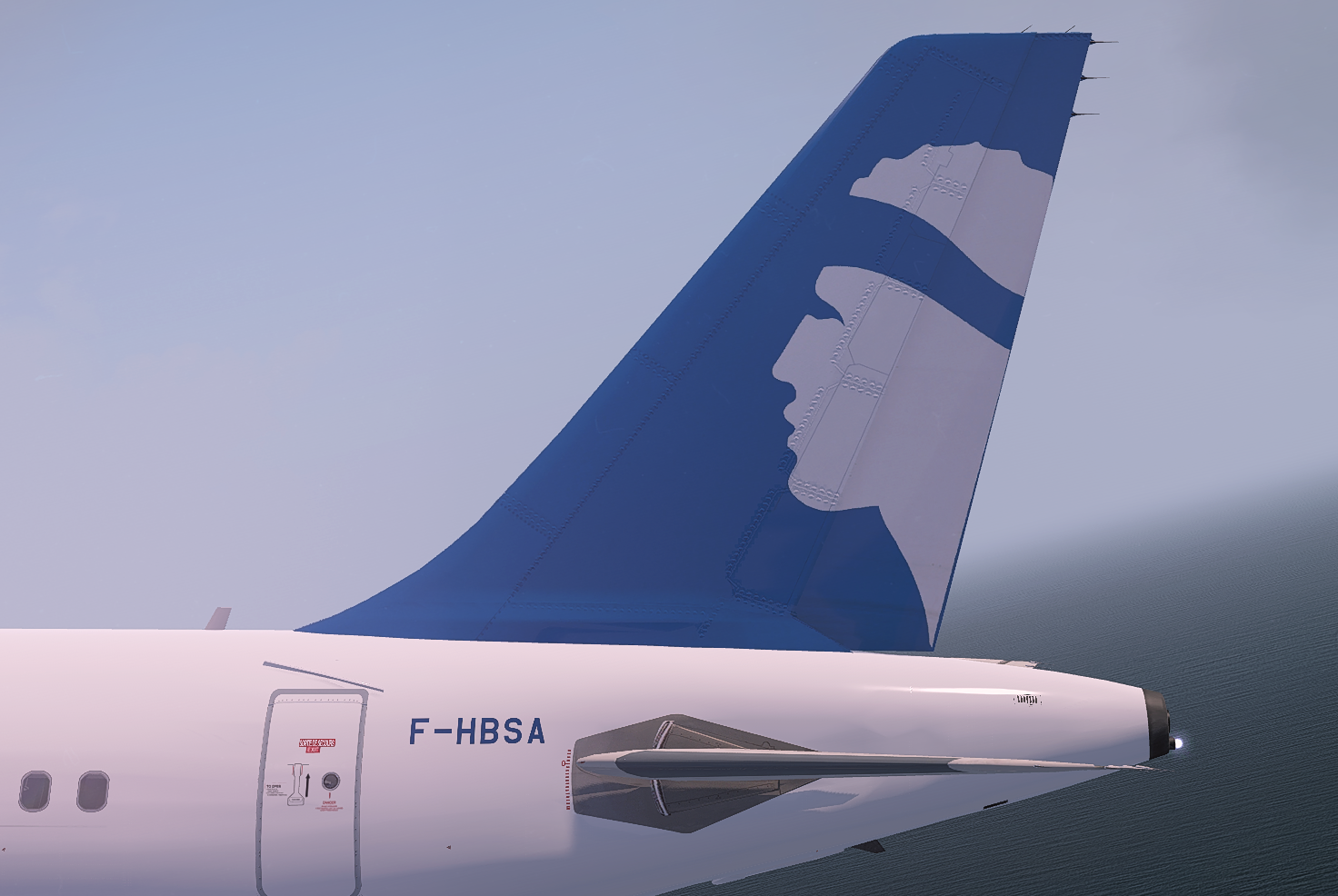
Air Corsica A320

F-HBSA

(v5.0.1.100+ required - PBR Update)
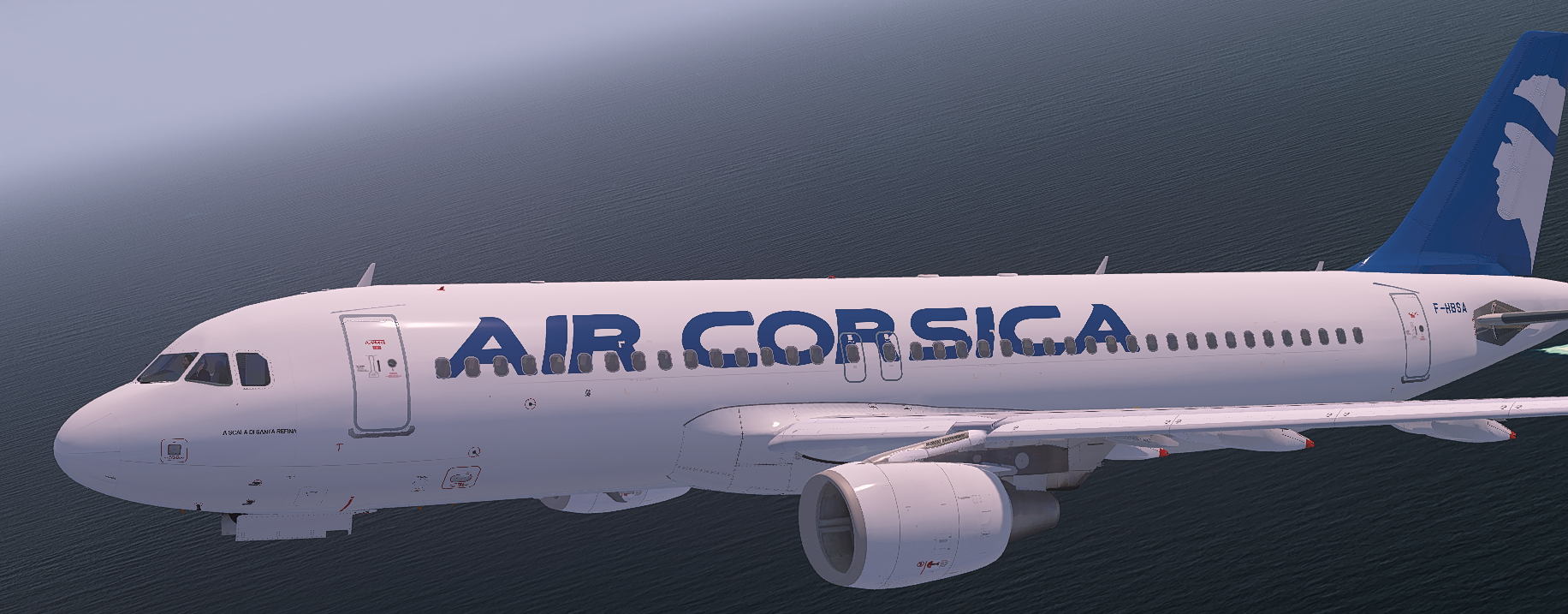
Prepar3D_l0uRWYE3WL.thumb.png.2f73c8ef03fe3784a992cae298f7242b.png

In real life, the doors have a french and english text on them, it is not possible to replicate this in the labs without significant effort, and even then, results are less than ideal. I have included a small section on the left doors, and if a solution is found, then i will edit the livery to include this.

User Feedback

There are no reviews to display.

Account

Navigation

Search

Search

Configure browser push notifications

Chrome (Android)
  1. Tap the lock icon next to the address bar.
  2. Tap Permissions → Notifications.
  3. Adjust your preference.
Chrome (Desktop)
  1. Click the padlock icon in the address bar.
  2. Select Site settings.
  3. Find Notifications and adjust your preference.

