

Skip to content
View in the app

A better way to browse. Learn more.

Flight Sim Labs Forums

A full-screen app on your home screen with push notifications, badges and more.

To install this app on iOS and iPadOS
  1. Tap the Share icon in Safari
  2. Scroll the menu and tap Add to Home Screen.
  3. Tap Add in the top-right corner.
To install this app on Android
  1. Tap the 3-dot menu (⋮) in the top-right corner of the browser.
  2. Tap Add to Home screen or Install app.
  3. Confirm by tapping Install.

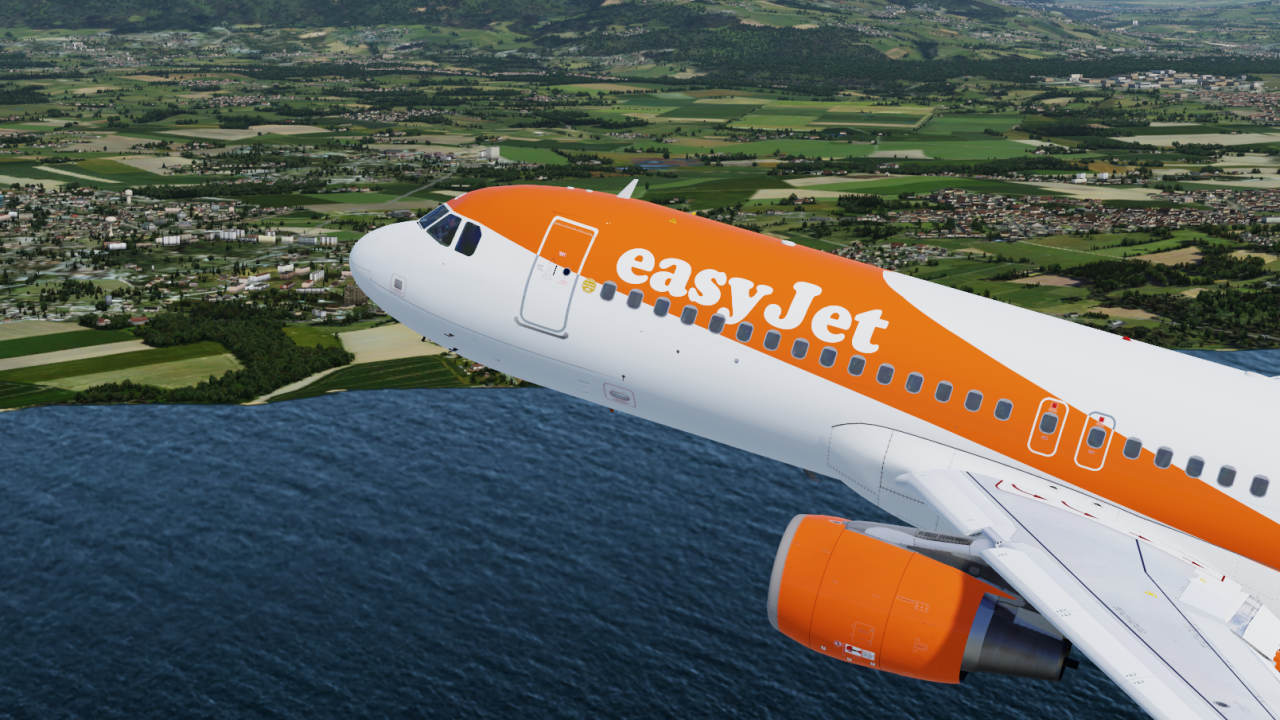
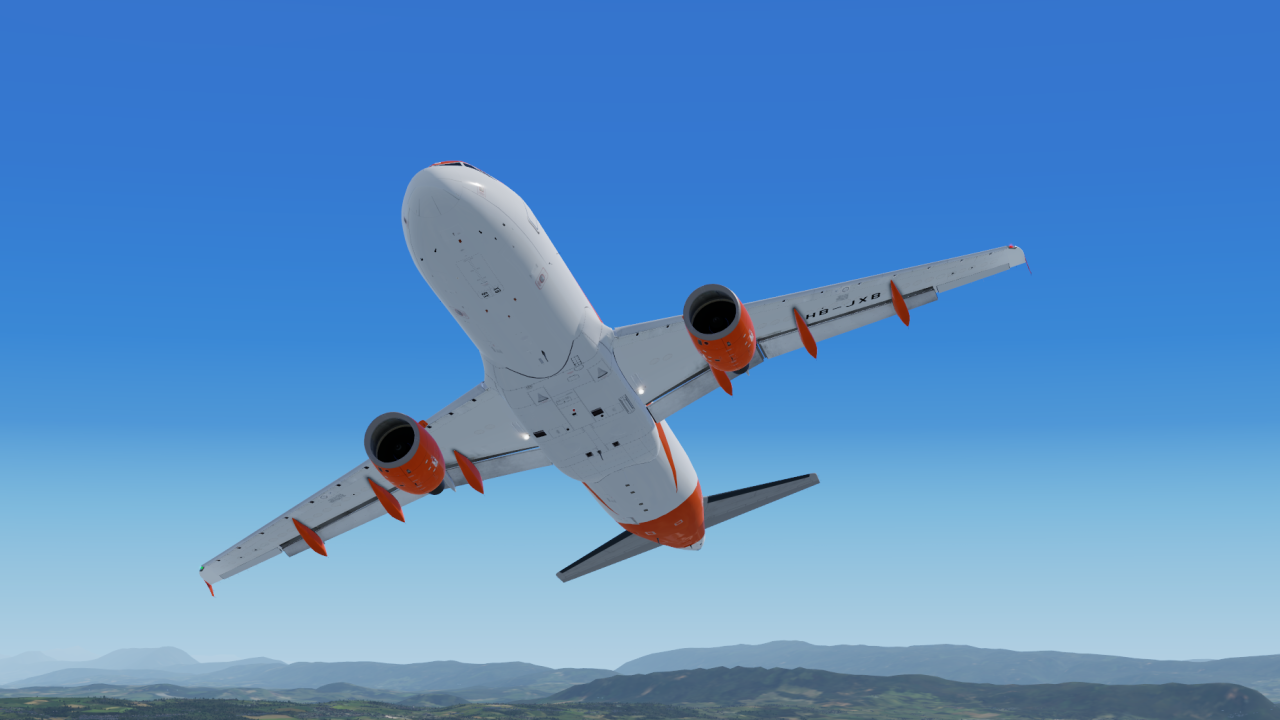
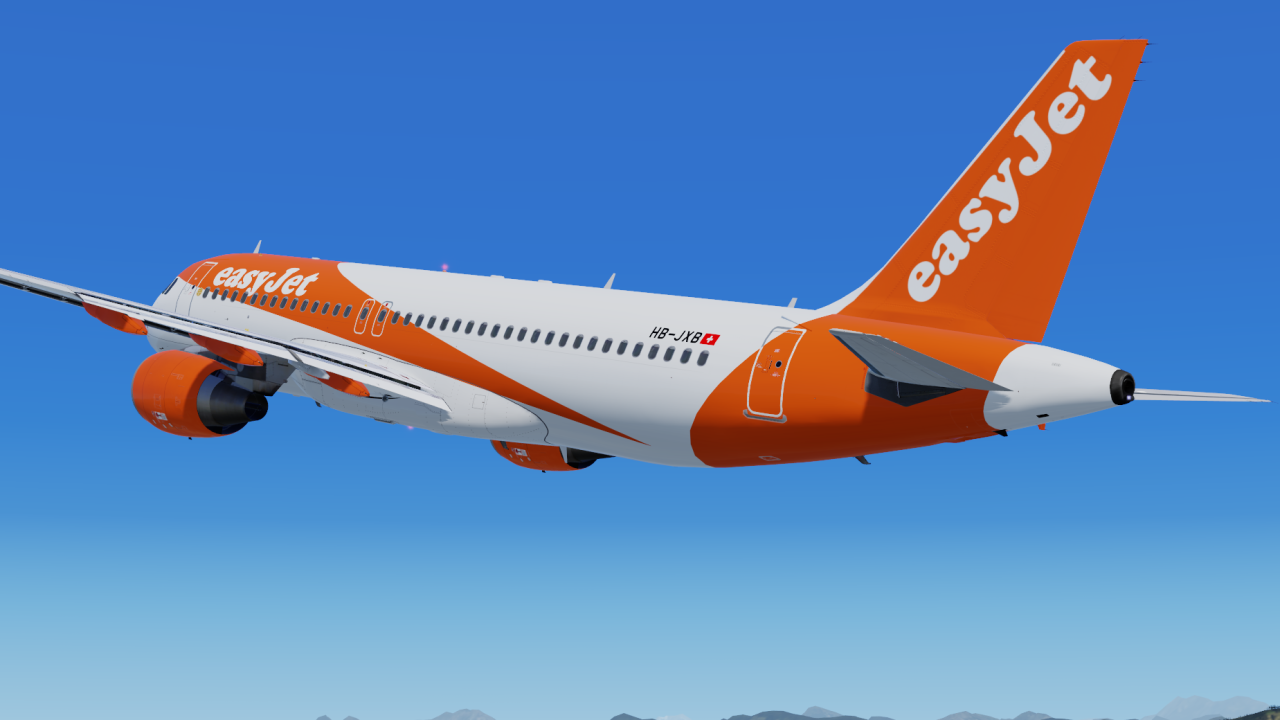
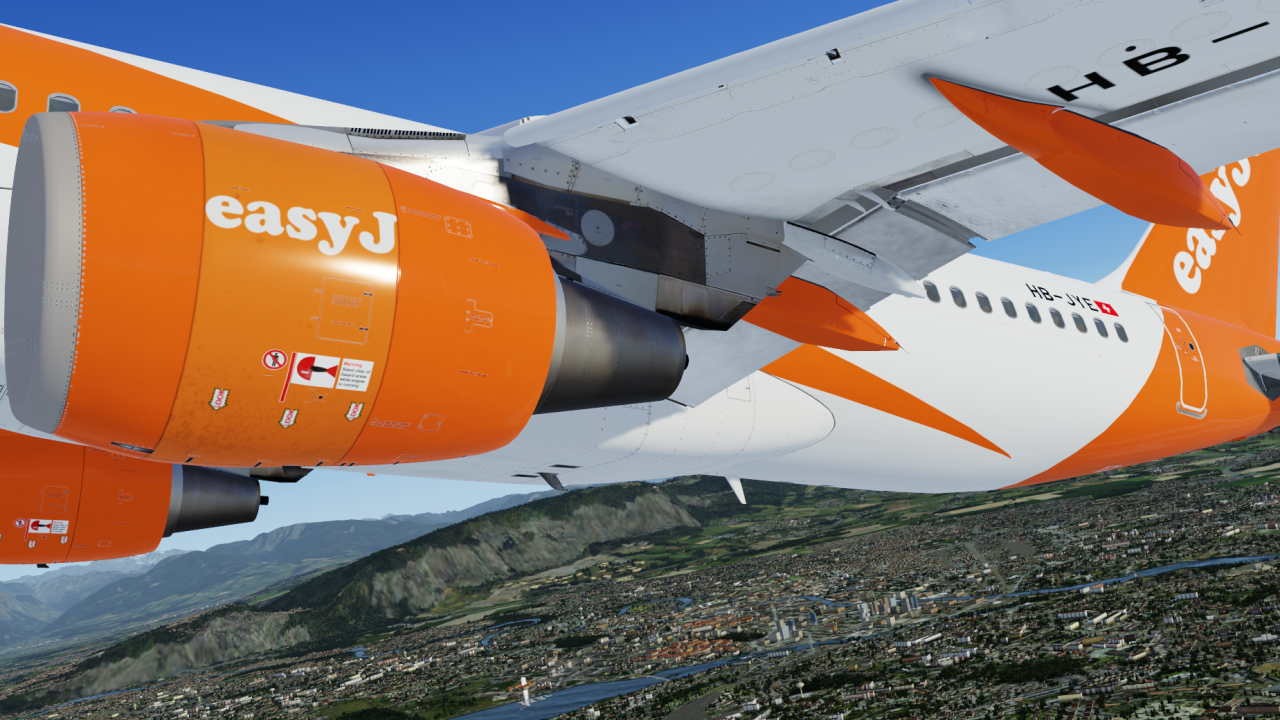
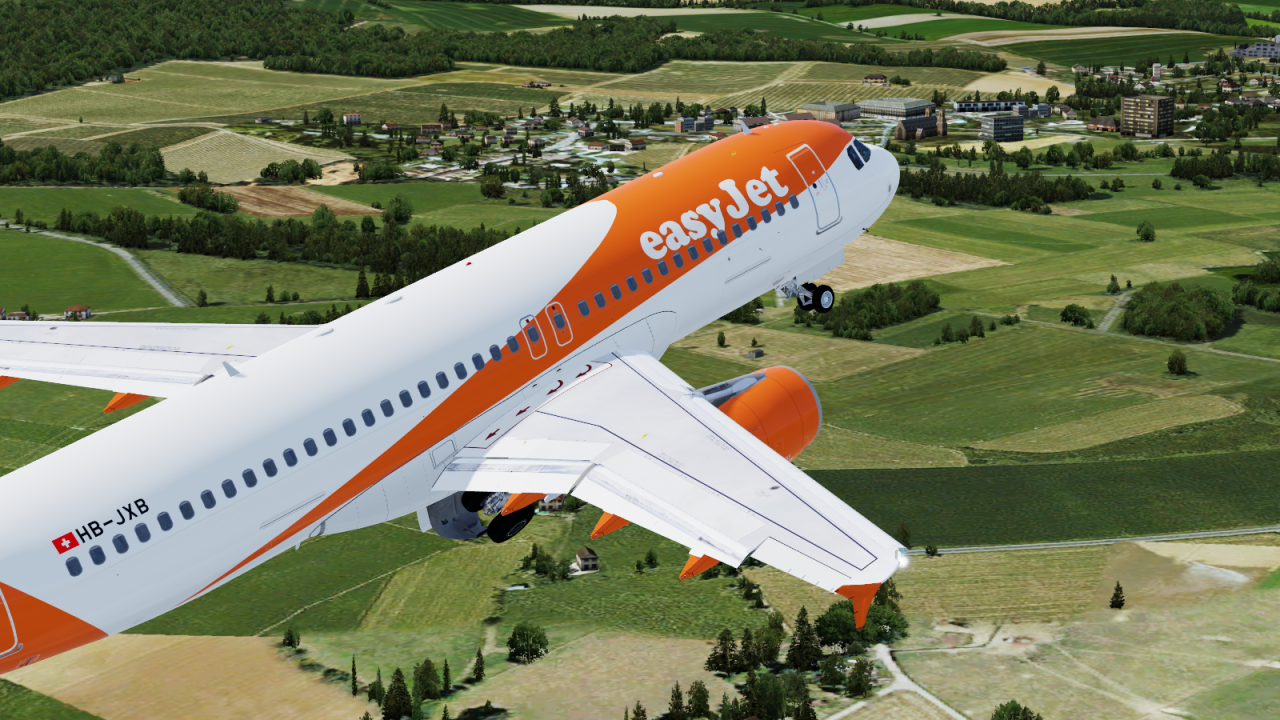
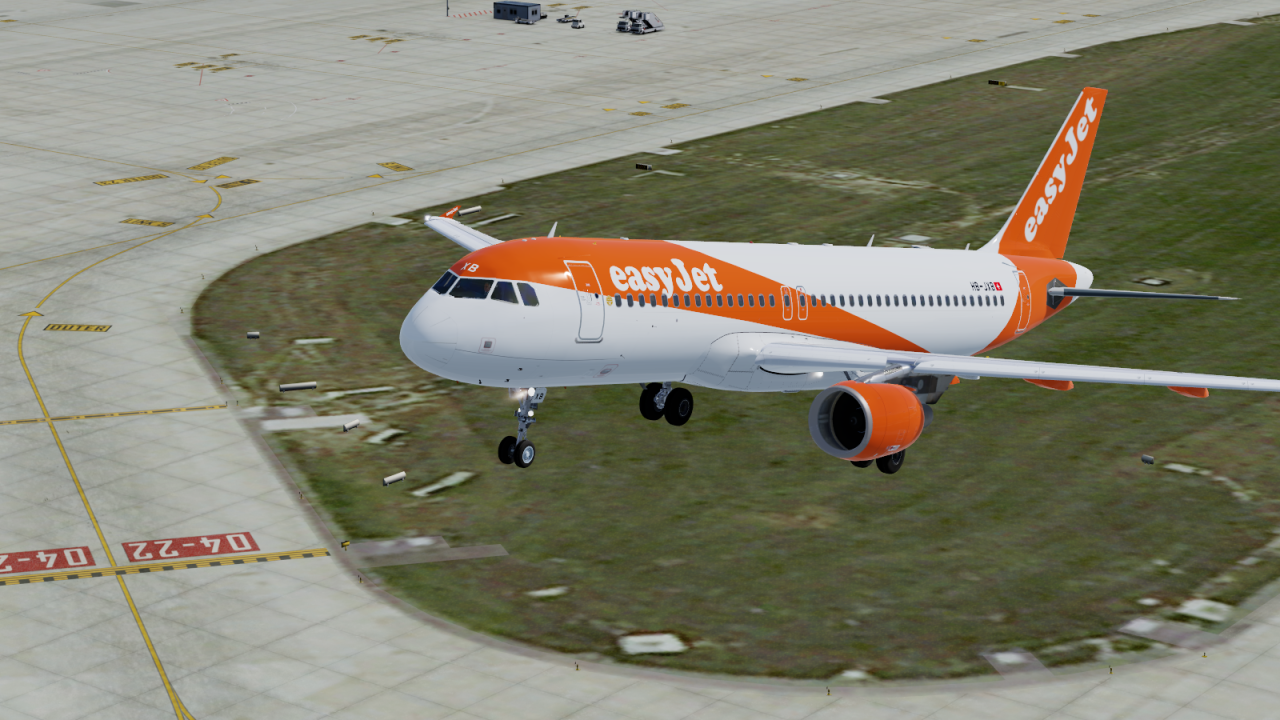
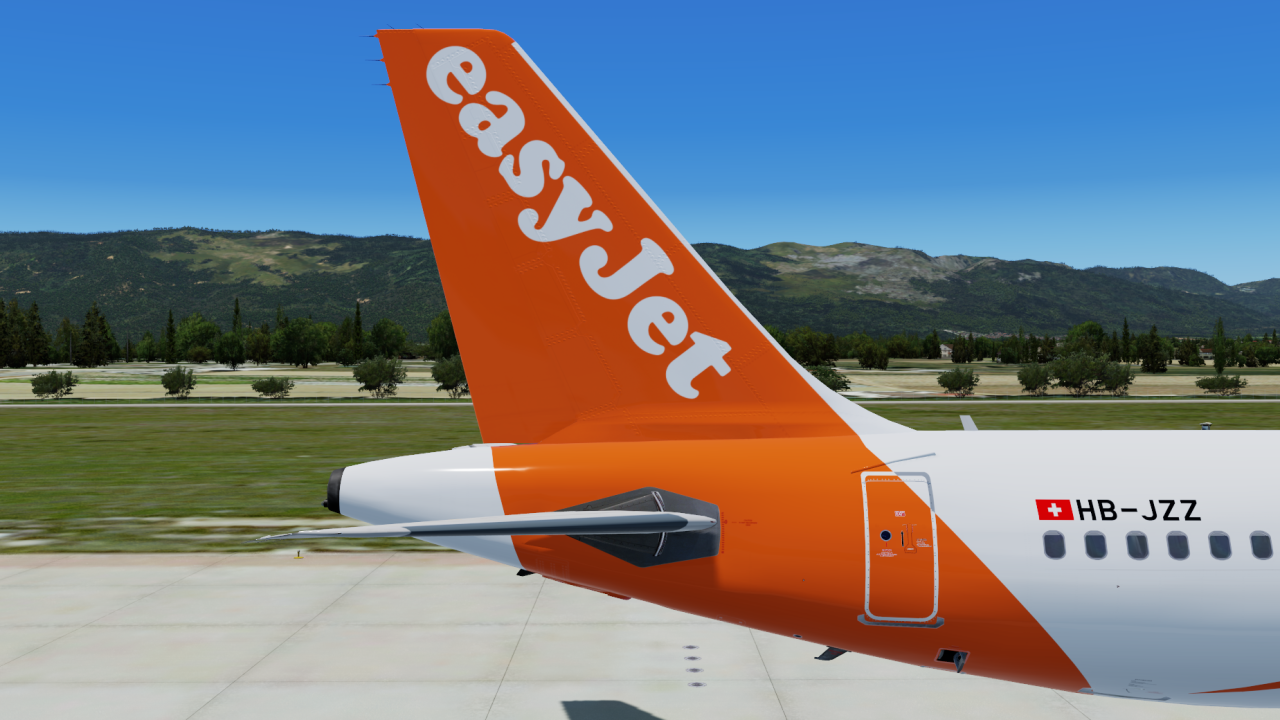
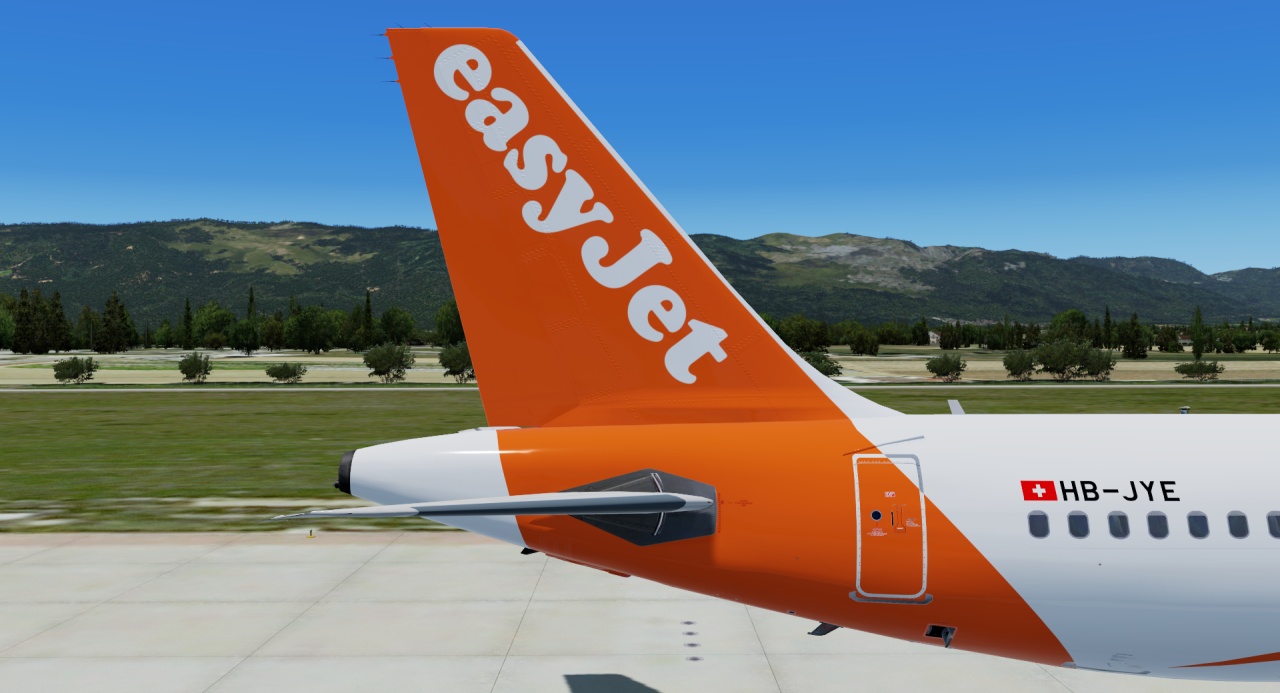
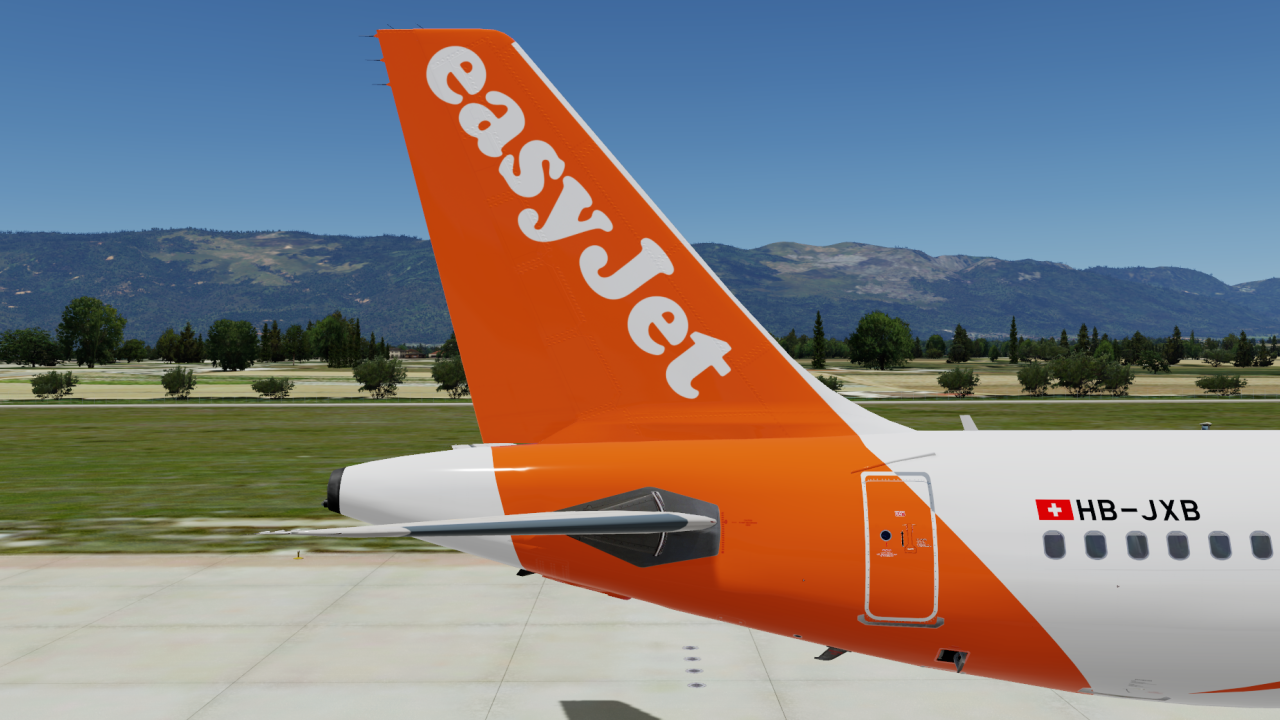
easyJet Switzerland A320 Pack (HB-JXB, HB-JYE, HB-JZZ) 1.0.0

(1 review)

9 Screenshots

ONLY COMPATIBLE WITH FSLABS A320-X V5.0.1.100+

easyJet Switzerland A320 Pack (HB-JXB, HB-JYE, HB-JXB)

To install simply drag and drop the folders `Texture.EZS TFS HB-JXB`, `Texture.EZS TFS HB-JYE`, `Texture.EZS TFS HB-JZZ` & `Texture.EZS TFS Common` into \FSLabs\SimObjects\Airplanes\FSLabs A320 CFM\

The folder `Texture.EZS TFS Common` must be installed or the liveries will not work. The other folders are optional, so you can choose to just have HB-JXB for example.


I recommend to use the easyJet Cabin Texture by Hugo Bicho

User Feedback

Ross Fothergill

Ross Fothergill

   2 of 2 members found this review helpful 2 / 2 members

Great job! Amazing work :) Keep up the great work buddy 

Account

Navigation

Search

Search

Configure browser push notifications

Chrome (Android)
  1. Tap the lock icon next to the address bar.
  2. Tap Permissions → Notifications.
  3. Adjust your preference.
Chrome (Desktop)
  1. Click the padlock icon in the address bar.
  2. Select Site settings.
  3. Find Notifications and adjust your preference.

