
Skip to content
View in the app

A better way to browse. Learn more.

Flight Sim Labs Forums

A full-screen app on your home screen with push notifications, badges and more.

To install this app on iOS and iPadOS
  1. Tap the Share icon in Safari
  2. Scroll the menu and tap Add to Home Screen.
  3. Tap Add in the top-right corner.
To install this app on Android
  1. Tap the 3-dot menu (⋮) in the top-right corner of the browser.
  2. Tap Add to Home screen or Install app.
  3. Confirm by tapping Install.

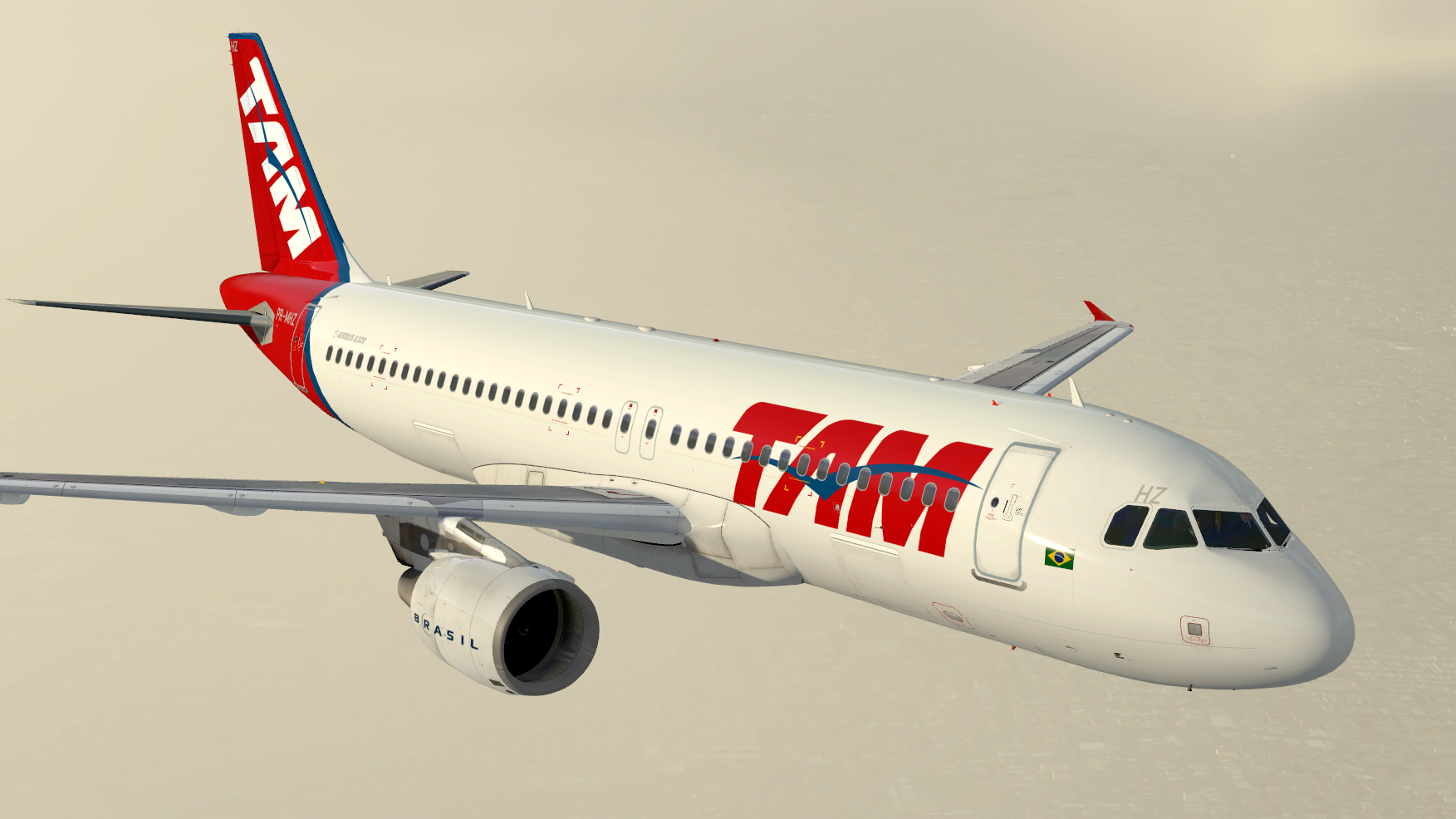
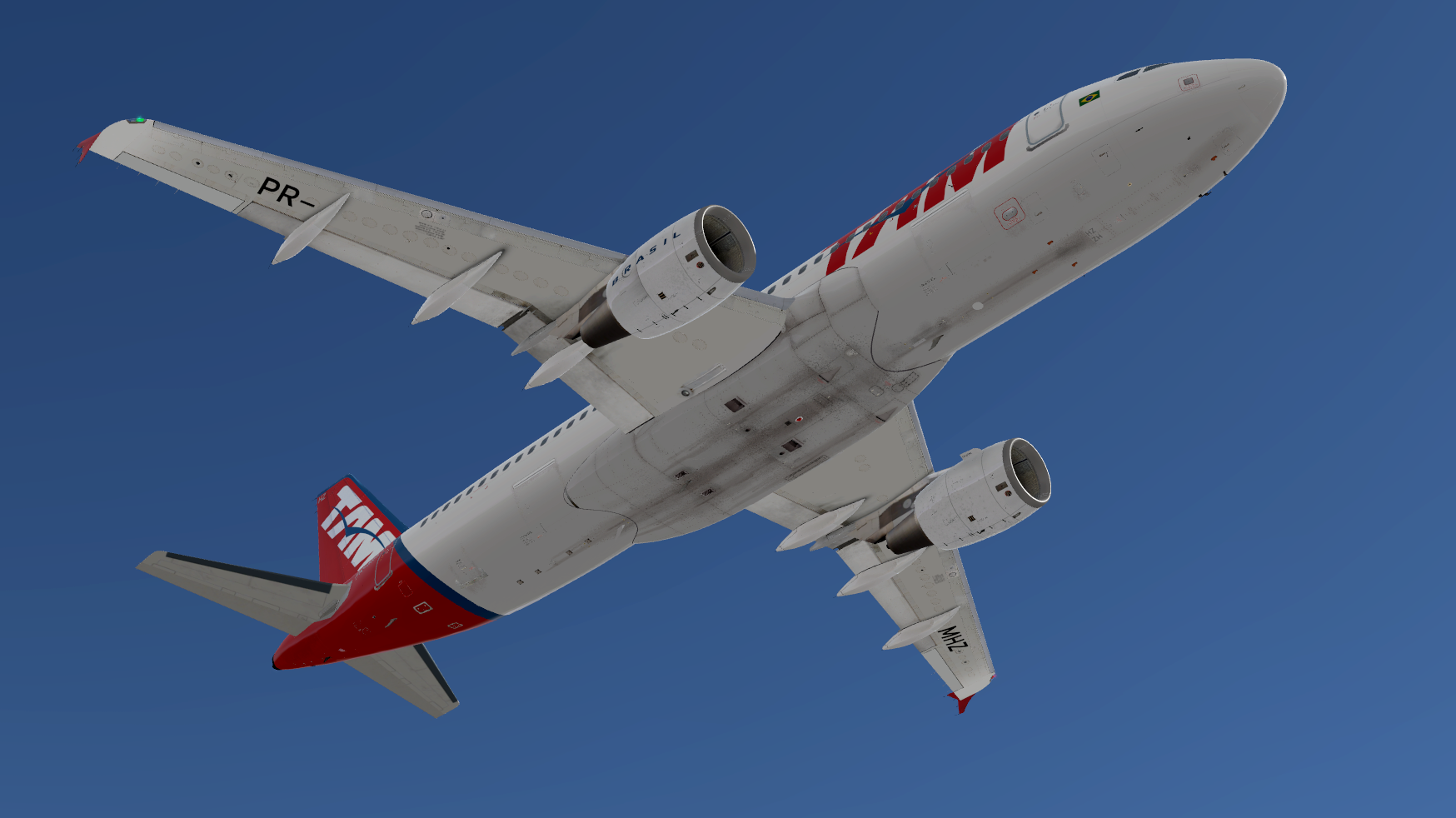
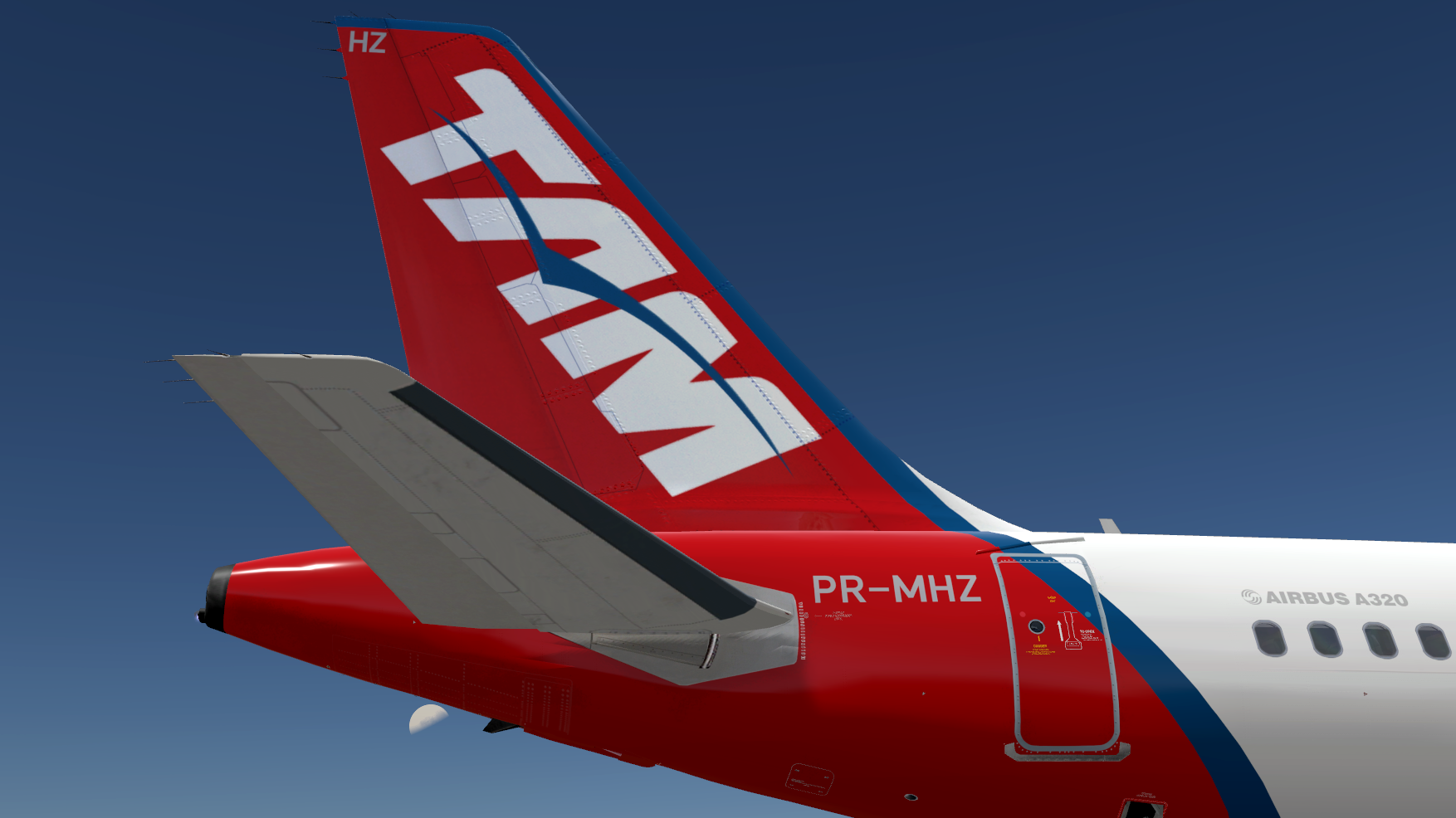
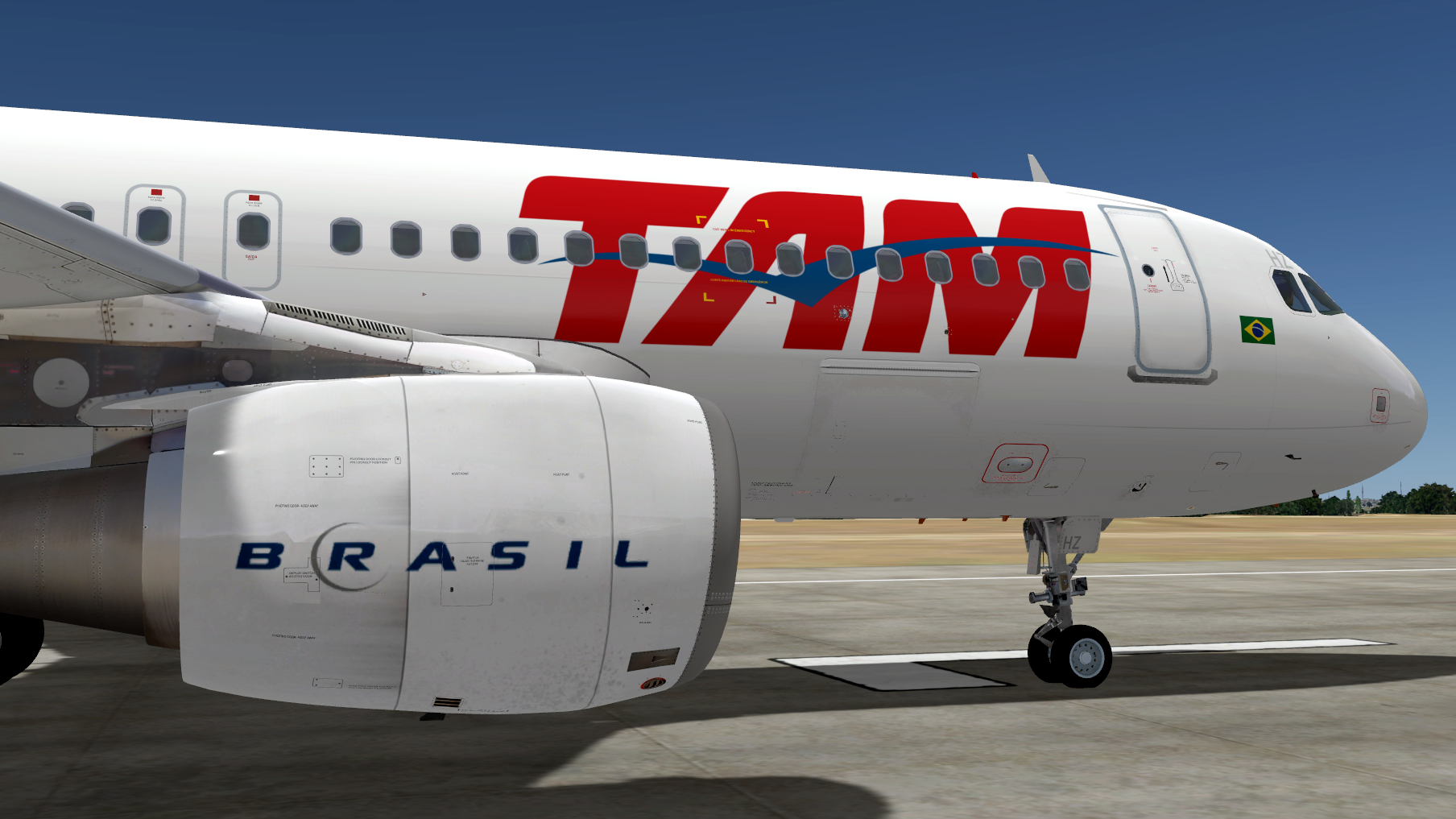
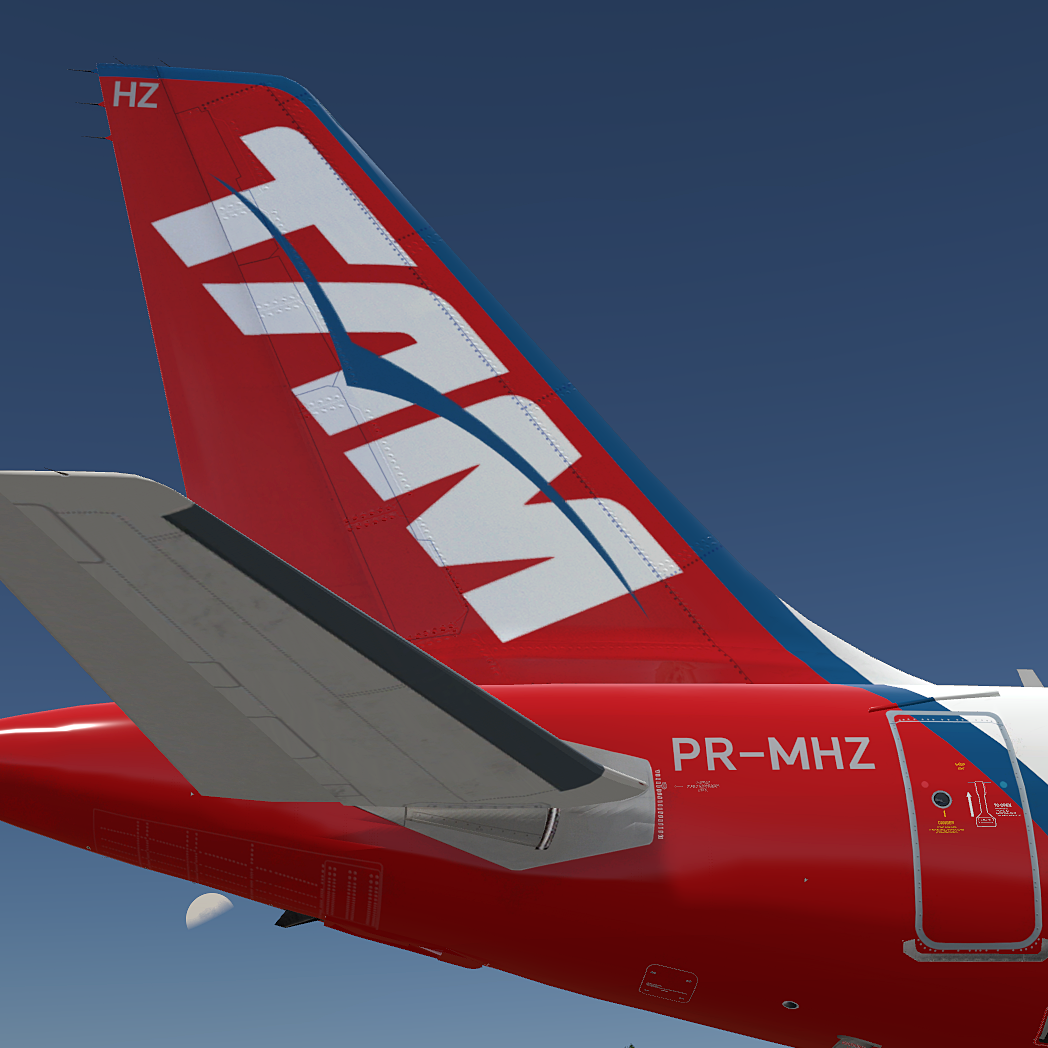
TAM A320-214 CFM PR-MHZ 1.0.0

(4 reviews)

5 Screenshots

TAM A320-214 CFM PR-MHZ repaint made for the new update v5.0.1.100+

Installation instructions:
- Extract the folder "Texture.TAM PR-MHZ" into %userdata%\Documents\Prepar3D v5 Add-ons\FSLabs\SimObjects\Airplanes\FSLabs A320 CFM

Any questions and/or suggestions please PM me.


User Feedback

Guilherme Cerne

Guilherme Cerne


Mais uma!! Trabaho excelente!

Obrigado mais uma vez Maurício, a comuindade brasileira que voa FSLabs agradeçe!

Response from the author:

Obrigado Guilherme! A intenção é contribuir, fico feliz em saber que gostou. Abs!

TH0R5T€N KlRCHH€lM

TH0R5T€N KlRCHH€lM


Hey Mate, thanks for sharing your work ... My fleet is a bit small concerning south-american liveries ... 

Response from the author:

Thank you! More to come, stay tuned.;)

Hamilton Müller

Hamilton Müller

   1 of 1 member found this review helpful 1 / 1 member

Another excellent work from Maurício , thanks my friend!!

Response from the author:

Thank you Hamilton! Request delivered!;)

Artur Araripe

Artur Araripe

   1 of 1 member found this review helpful 1 / 1 member

Fantastic job! You nailed it :) 

Gotta miss pre-merge TAM :( 

Response from the author:

Thank you!
Yeah, unfortunately all we have now is "Latão" :lol:.

Account

Navigation

Search

Search

Configure browser push notifications

Chrome (Android)
  1. Tap the lock icon next to the address bar.
  2. Tap Permissions → Notifications.
  3. Adjust your preference.
Chrome (Desktop)
  1. Click the padlock icon in the address bar.
  2. Select Site settings.
  3. Find Notifications and adjust your preference.

