
Skip to content
View in the app

A better way to browse. Learn more.

Flight Sim Labs Forums

A full-screen app on your home screen with push notifications, badges and more.

To install this app on iOS and iPadOS
  1. Tap the Share icon in Safari
  2. Scroll the menu and tap Add to Home Screen.
  3. Tap Add in the top-right corner.
To install this app on Android
  1. Tap the 3-dot menu (⋮) in the top-right corner of the browser.
  2. Tap Add to Home screen or Install app.
  3. Confirm by tapping Install.

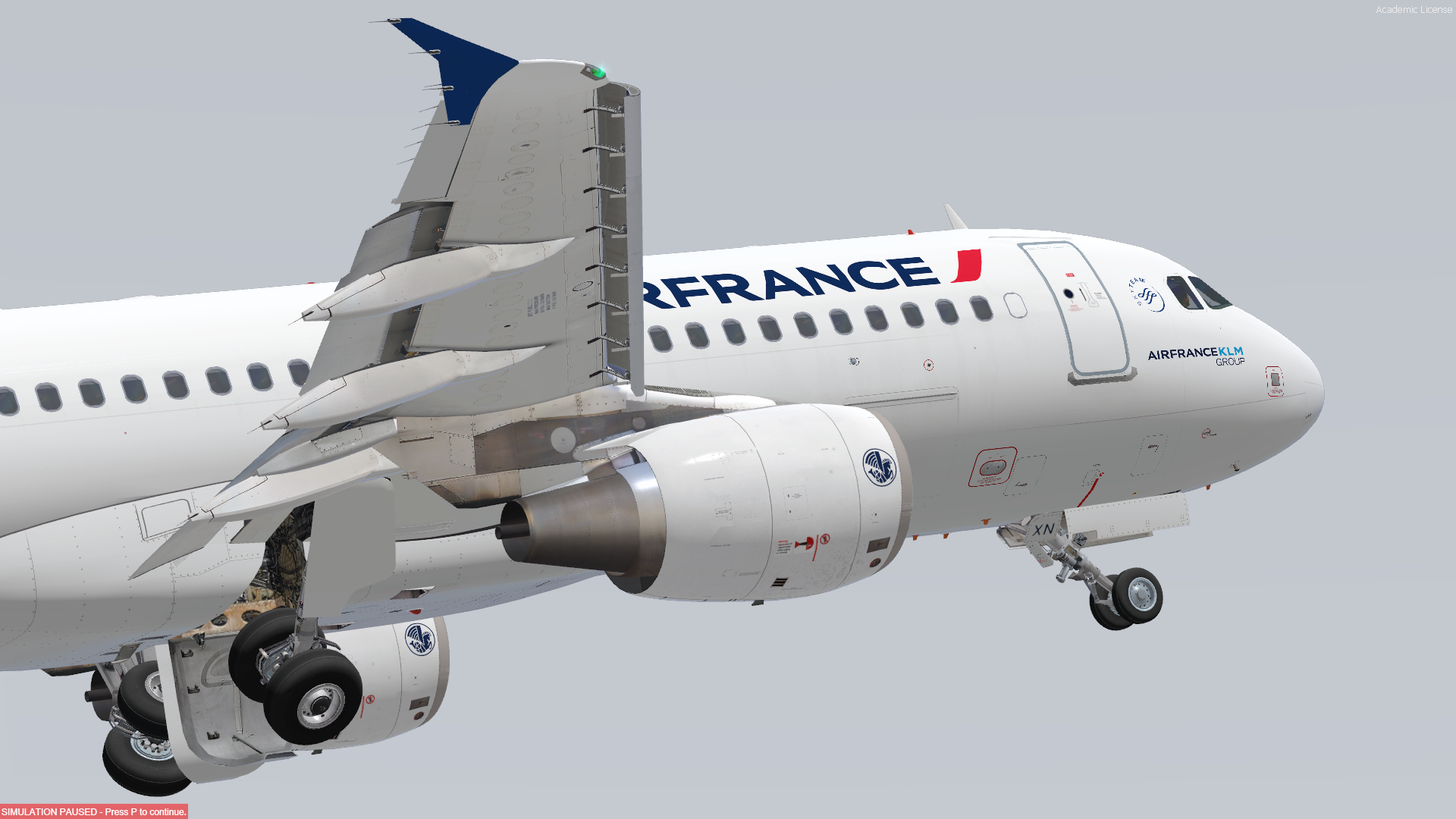
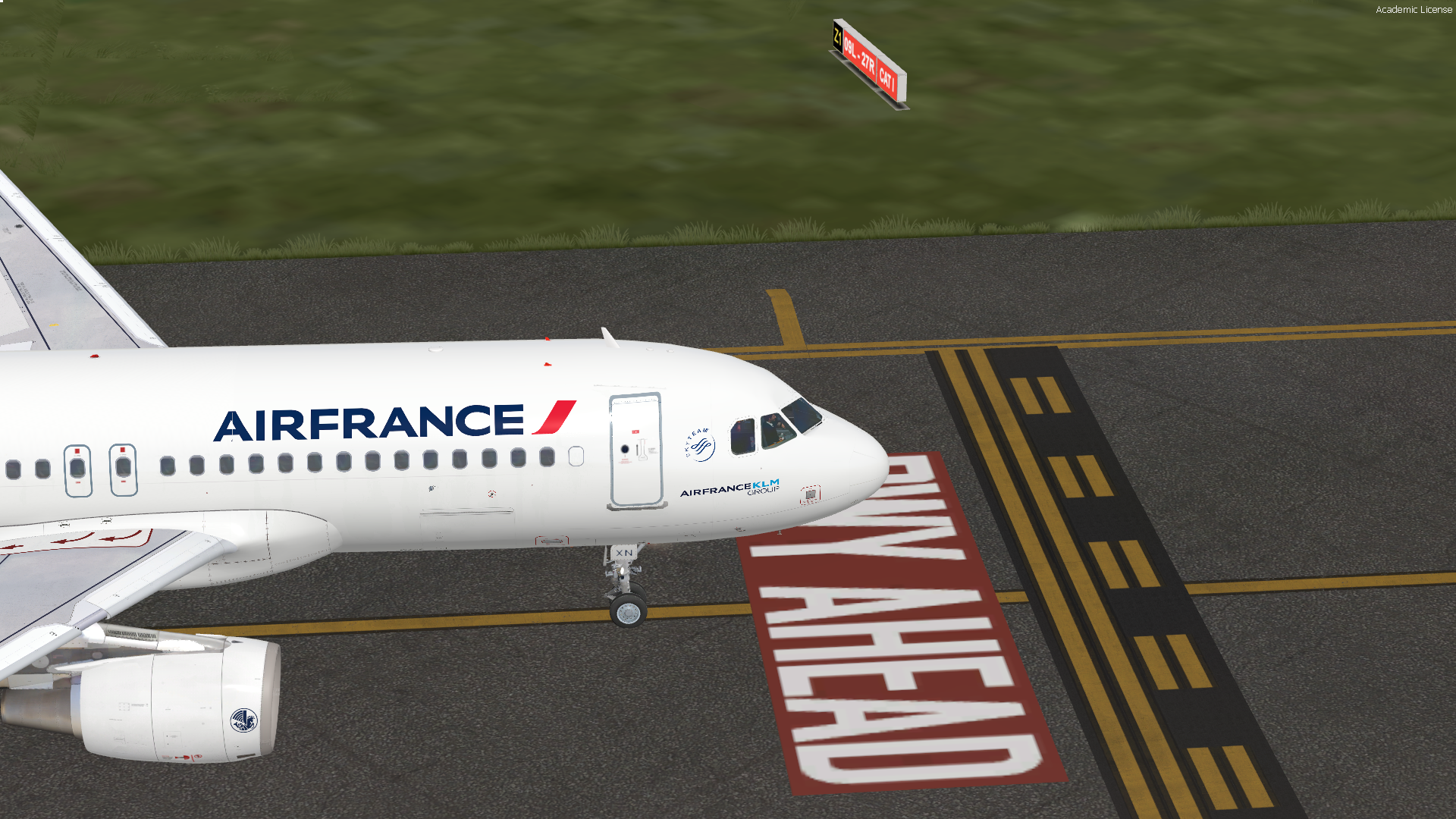
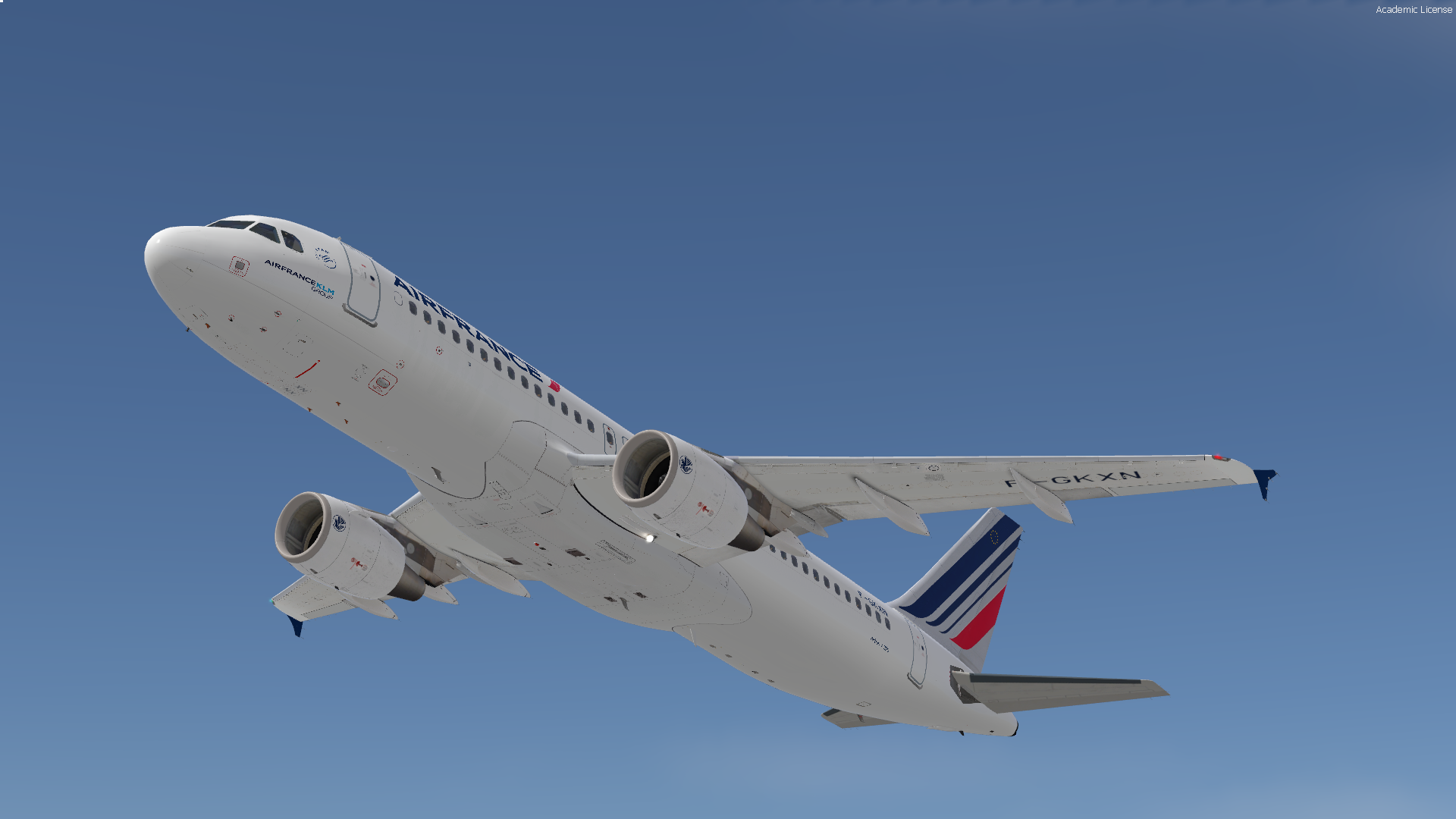
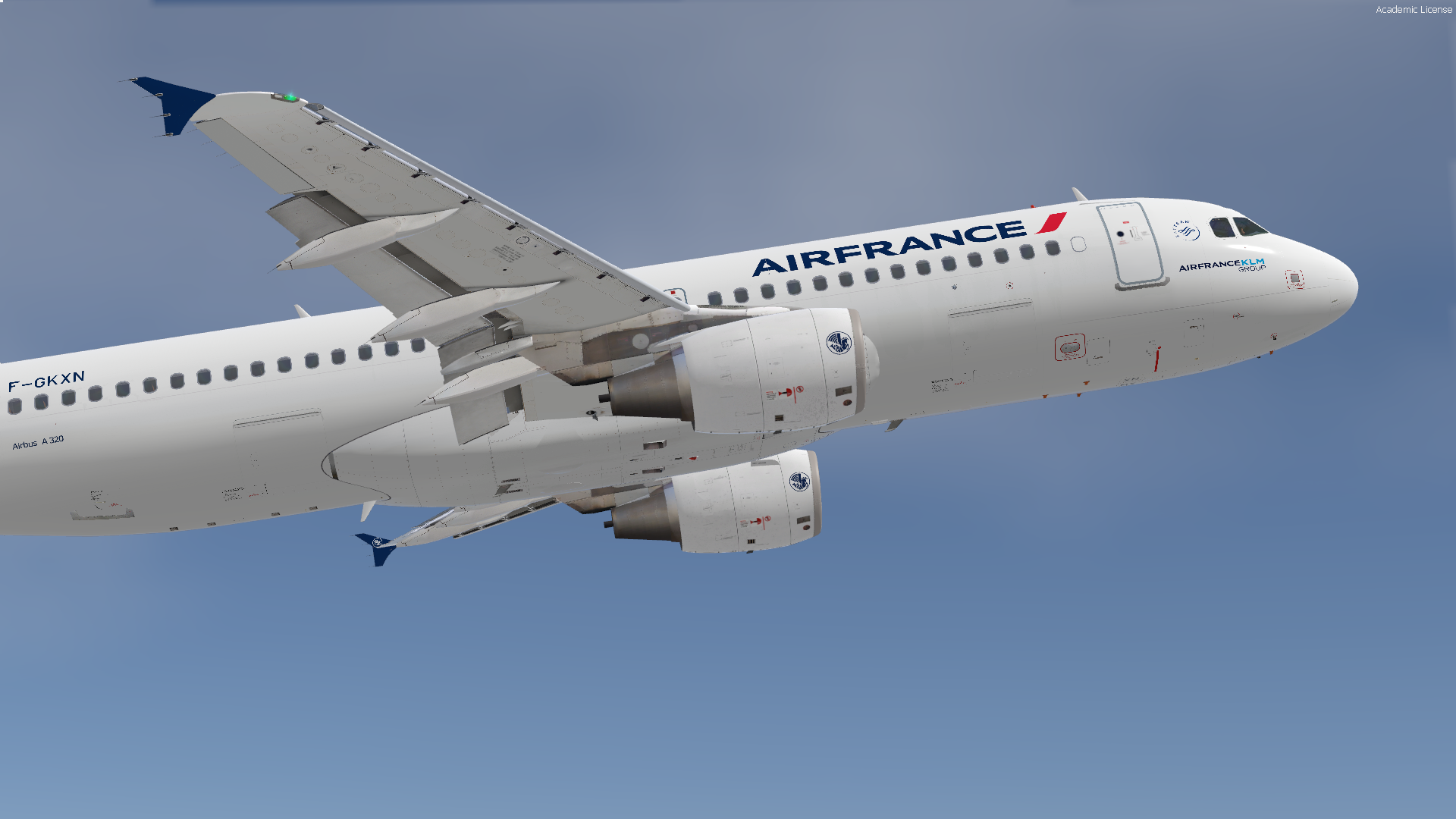
Air France A320-214 F-GKXN 2.0.1

(2 reviews)

6 Screenshots

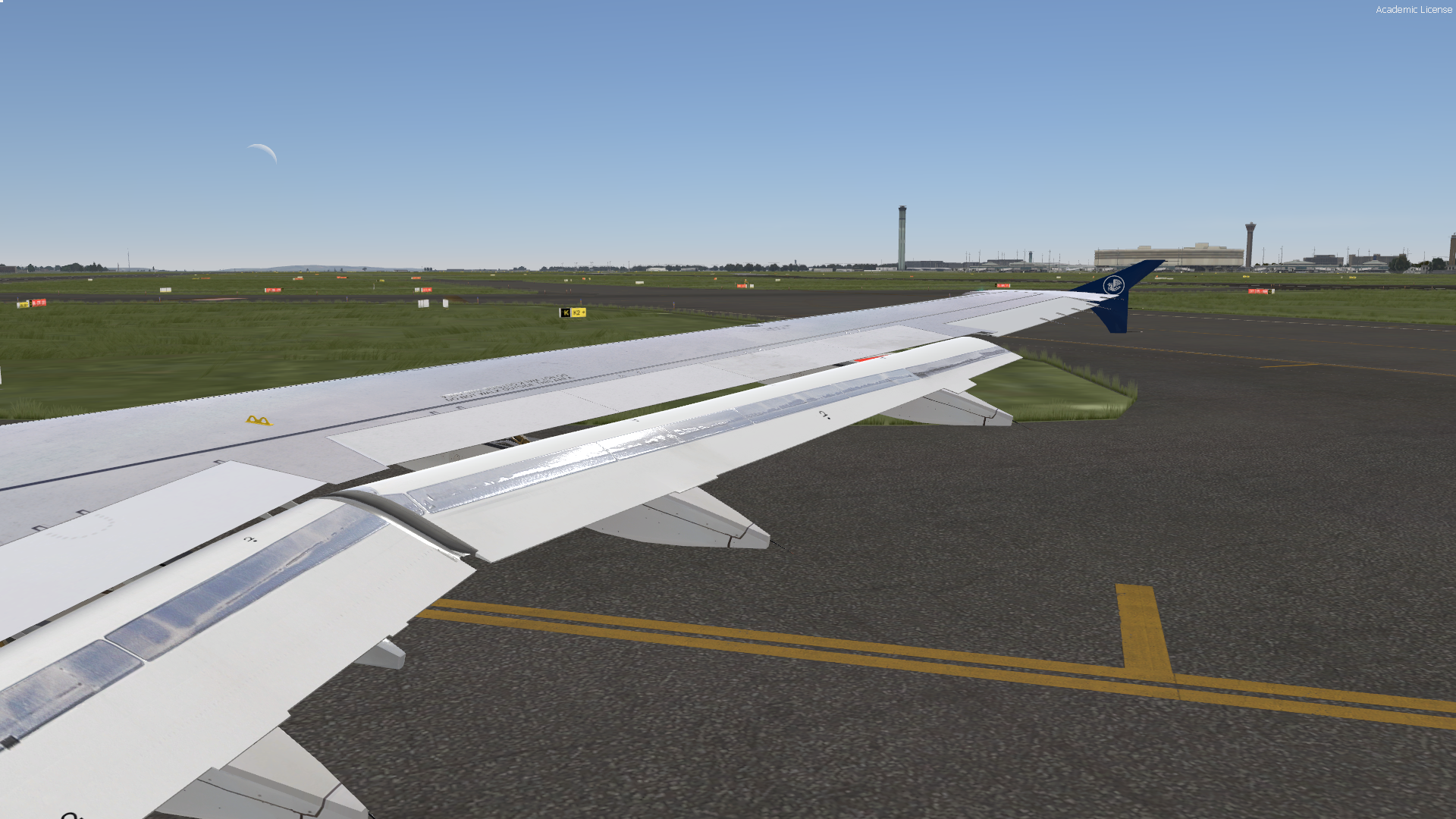
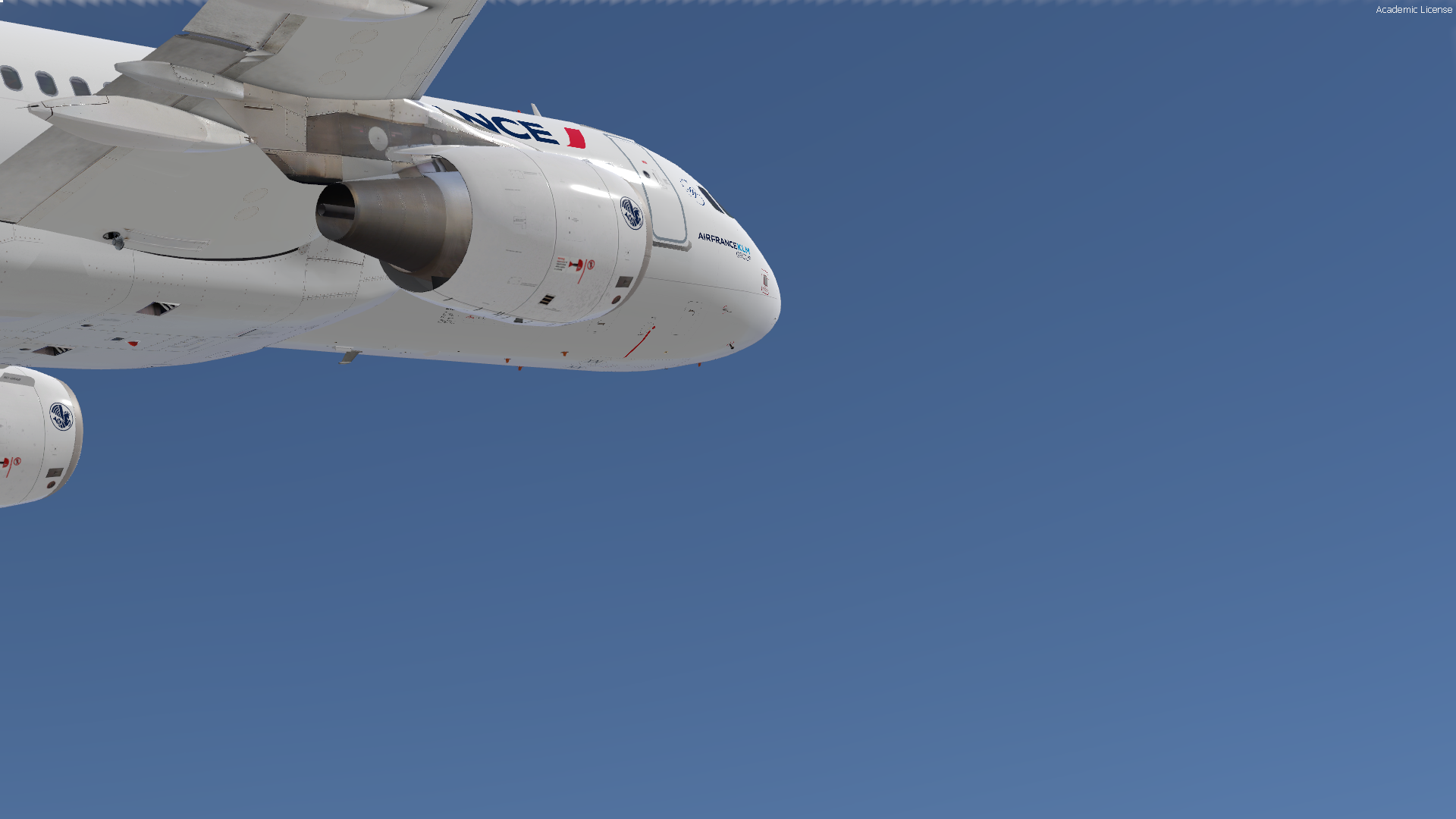
This livery includes:

Custom decals, tail, accurate alignment and placement. 

Custom Blue Wingtip fences (as shown irl)

Correct MSN

Correct Selcal

Made for the pbr version FSLabs A320-214

! This livery does not work with any other versions of the FSLabs

What's New in Version 2.0.1

Released

Fixed window 1L

Revised tail

Revised AFR logo


Rnp Projects

https://www.facebook.com/rnpprojects/

Feel free to donate if you like :)

paypal.me/jaketimandi

User Feedback

Stephane Battistella

Stephane Battistella

   2 of 2 members found this review helpful 2 / 2 members

Hello,

Great work!

If I can suggest one thing:
On the tail, the AF "bar code" logo should be parallel and follow the drift.

Many thanks for your job :-)

Response from the author:

Fixed, a new version is available now! 

BasileDesquiens

BasileDesquiens

   2 of 2 members found this review helpful 2 / 2 members

Thx was dreaming about it 

Account

Navigation

Search

Search

Configure browser push notifications

Chrome (Android)
  1. Tap the lock icon next to the address bar.
  2. Tap Permissions → Notifications.
  3. Adjust your preference.
Chrome (Desktop)
  1. Click the padlock icon in the address bar.
  2. Select Site settings.
  3. Find Notifications and adjust your preference.

