Skip to content
View in the app

A better way to browse. Learn more.

Flight Sim Labs Forums

A full-screen app on your home screen with push notifications, badges and more.

To install this app on iOS and iPadOS
  1. Tap the Share icon in Safari
  2. Scroll the menu and tap Add to Home Screen.
  3. Tap Add in the top-right corner.
To install this app on Android
  1. Tap the 3-dot menu (⋮) in the top-right corner of the browser.
  2. Tap Add to Home screen or Install app.
  3. Confirm by tapping Install.

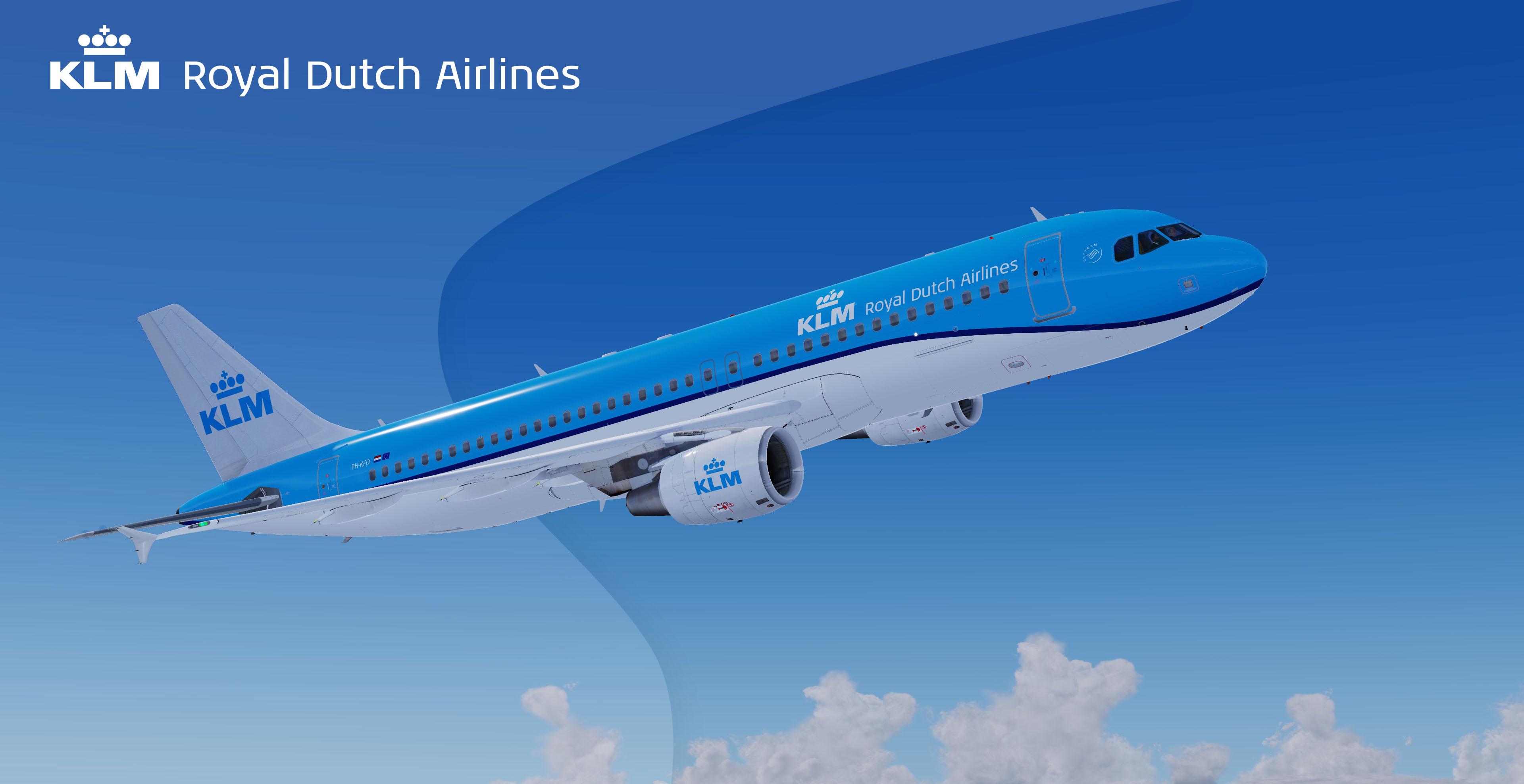
Fictional KLM Livery 1.0.0

(1 review)

1 Screenshot

I'm not a professional, and not claiming to be, sorry if there are mistakes in this fictional livery!

User Feedback

ian white71

ian white71


Thank you Pascal...  I didn't know you had posted this until today....   (Didn't realise this thread runs as latest post goes last)

I have it now...   at first I could not get it to work, I did not know how to or whwere to place it.  I took an existing plane and changed the config around and pasted your textures and now it works.

thanks again....  here's a pic...


a8ecc135198e84cb382f5d21c3d52370.jpg

Account

Navigation

Search

Search

Configure browser push notifications

Chrome (Android)
  1. Tap the lock icon next to the address bar.
  2. Tap Permissions → Notifications.
  3. Adjust your preference.
Chrome (Desktop)
  1. Click the padlock icon in the address bar.
  2. Select Site settings.
  3. Find Notifications and adjust your preference.