
Skip to content
View in the app

A better way to browse. Learn more.

Flight Sim Labs Forums

A full-screen app on your home screen with push notifications, badges and more.

To install this app on iOS and iPadOS
  1. Tap the Share icon in Safari
  2. Scroll the menu and tap Add to Home Screen.
  3. Tap Add in the top-right corner.
To install this app on Android
  1. Tap the 3-dot menu (⋮) in the top-right corner of the browser.
  2. Tap Add to Home screen or Install app.
  3. Confirm by tapping Install.

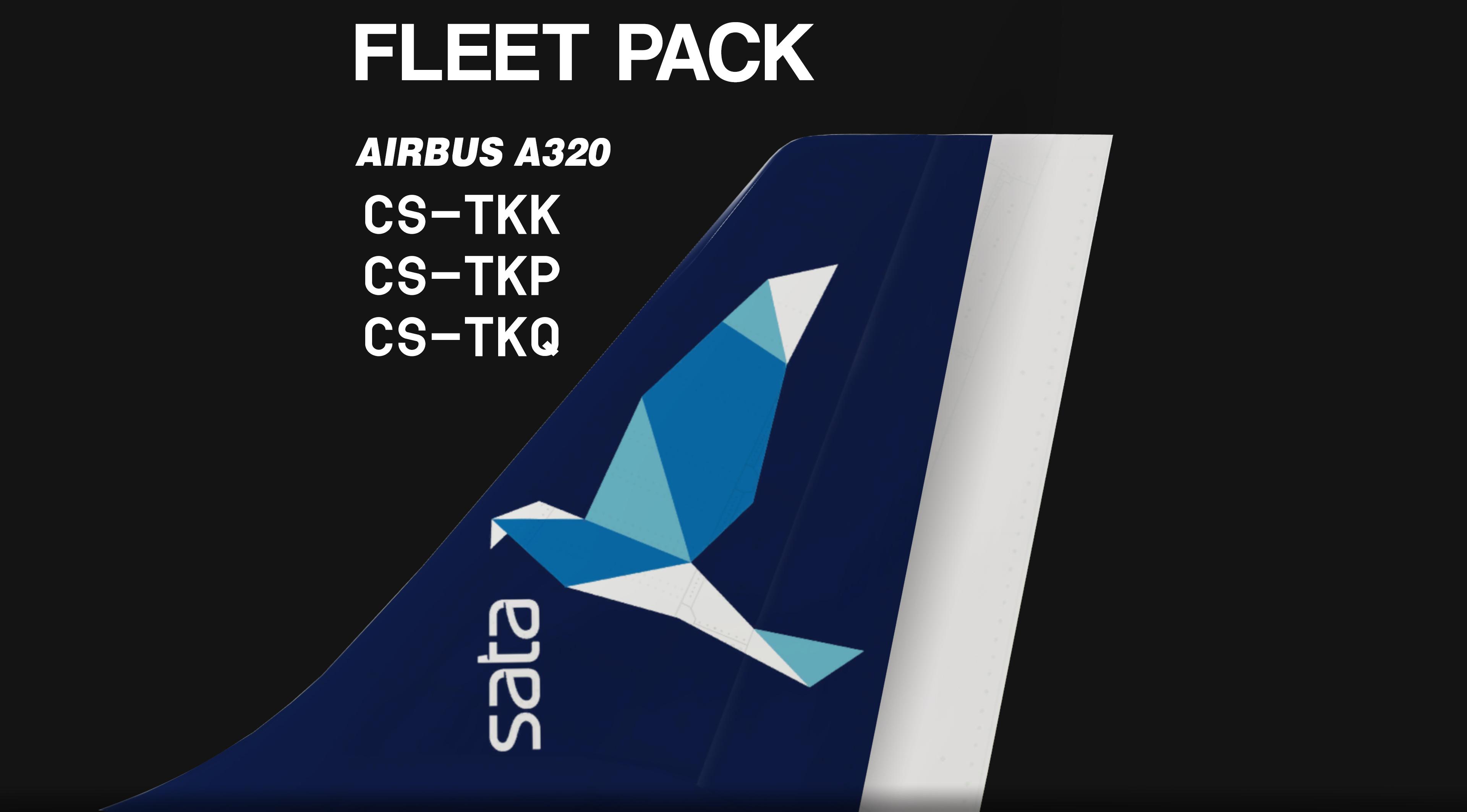
Sata Azores Airlines PACK A320 // CS-TKK, CS-TKP, CS-TKQ // v2.0.2.300+ 1.0.0

(1 review)

7 Screenshots

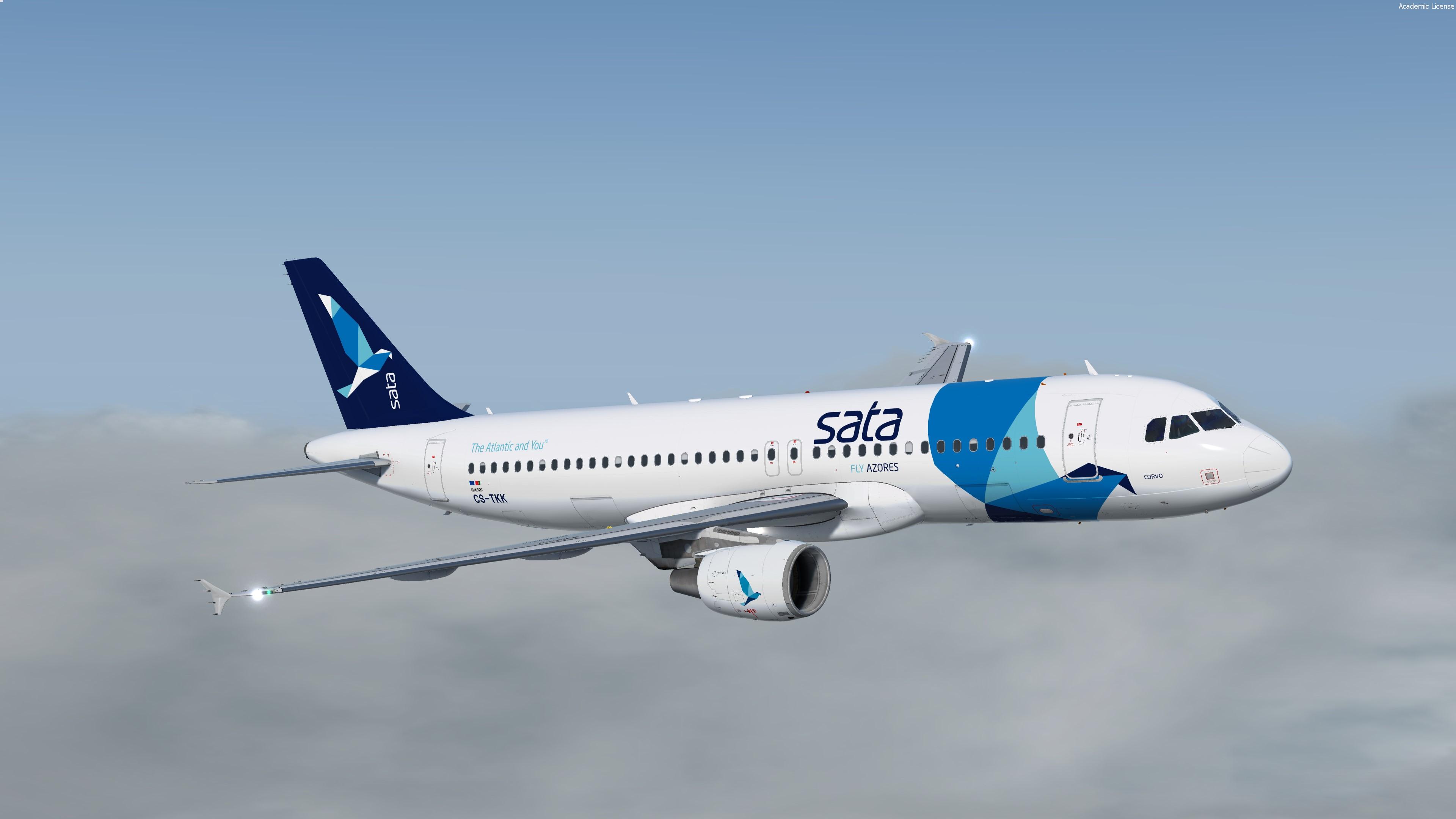
New 3 liveries pack from Azores Airlines or SATA group ! Hope you'll like it B)

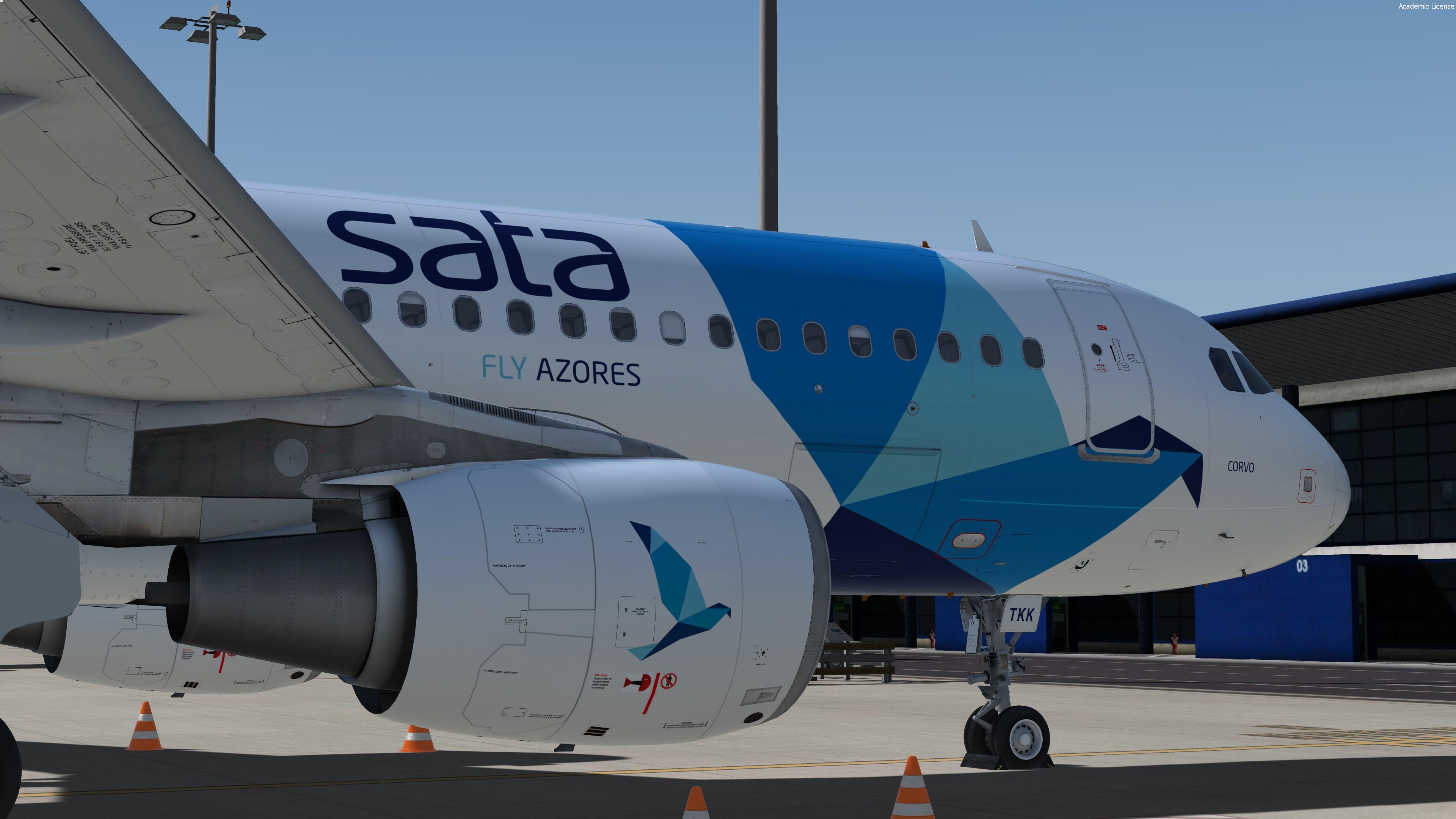
Featuring the new CFM engine texture/Paintkit V2.0 and the new airframe option !


P3Dv4 only - v2.0.2.300+


Airbus A320-214
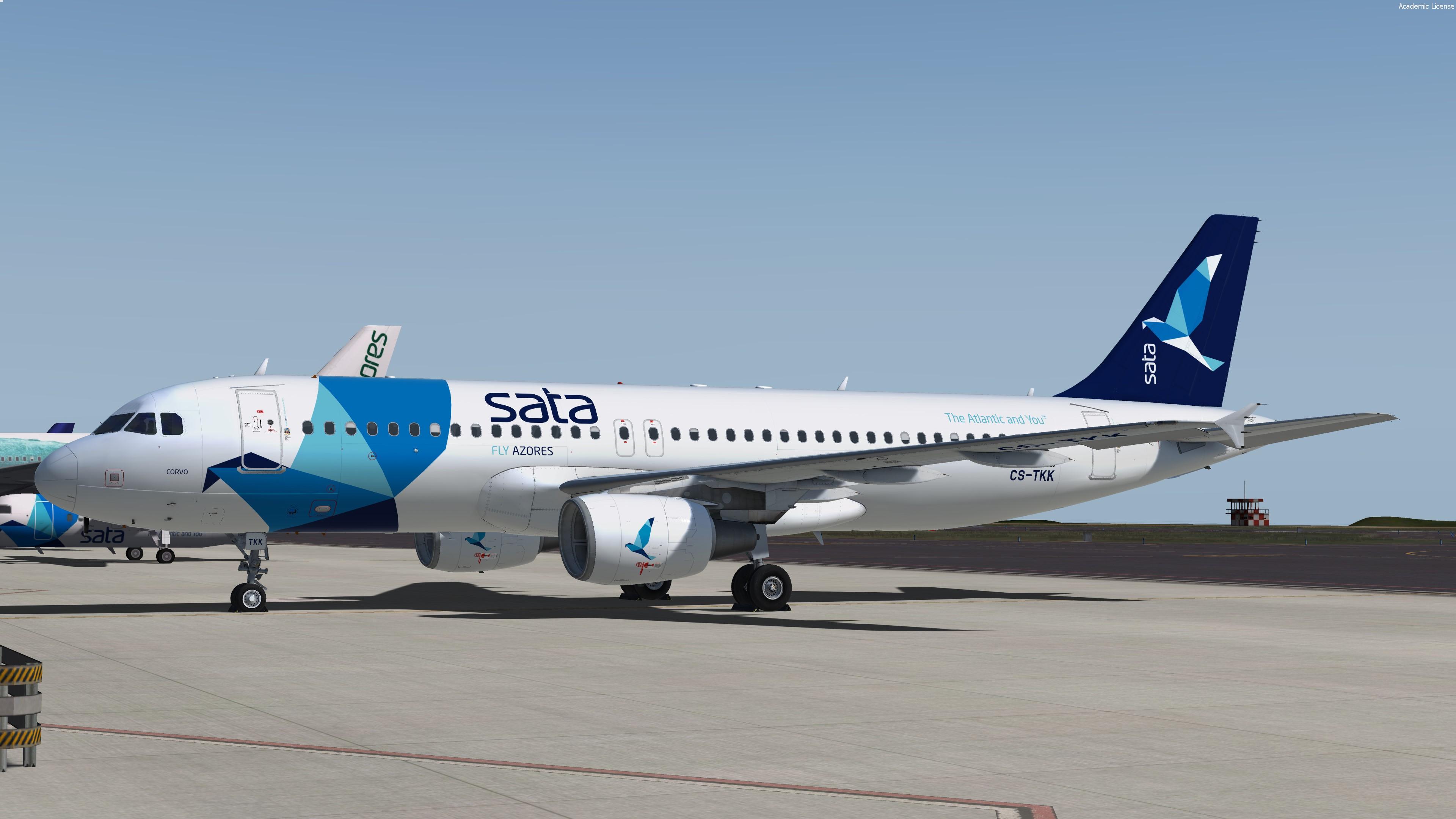
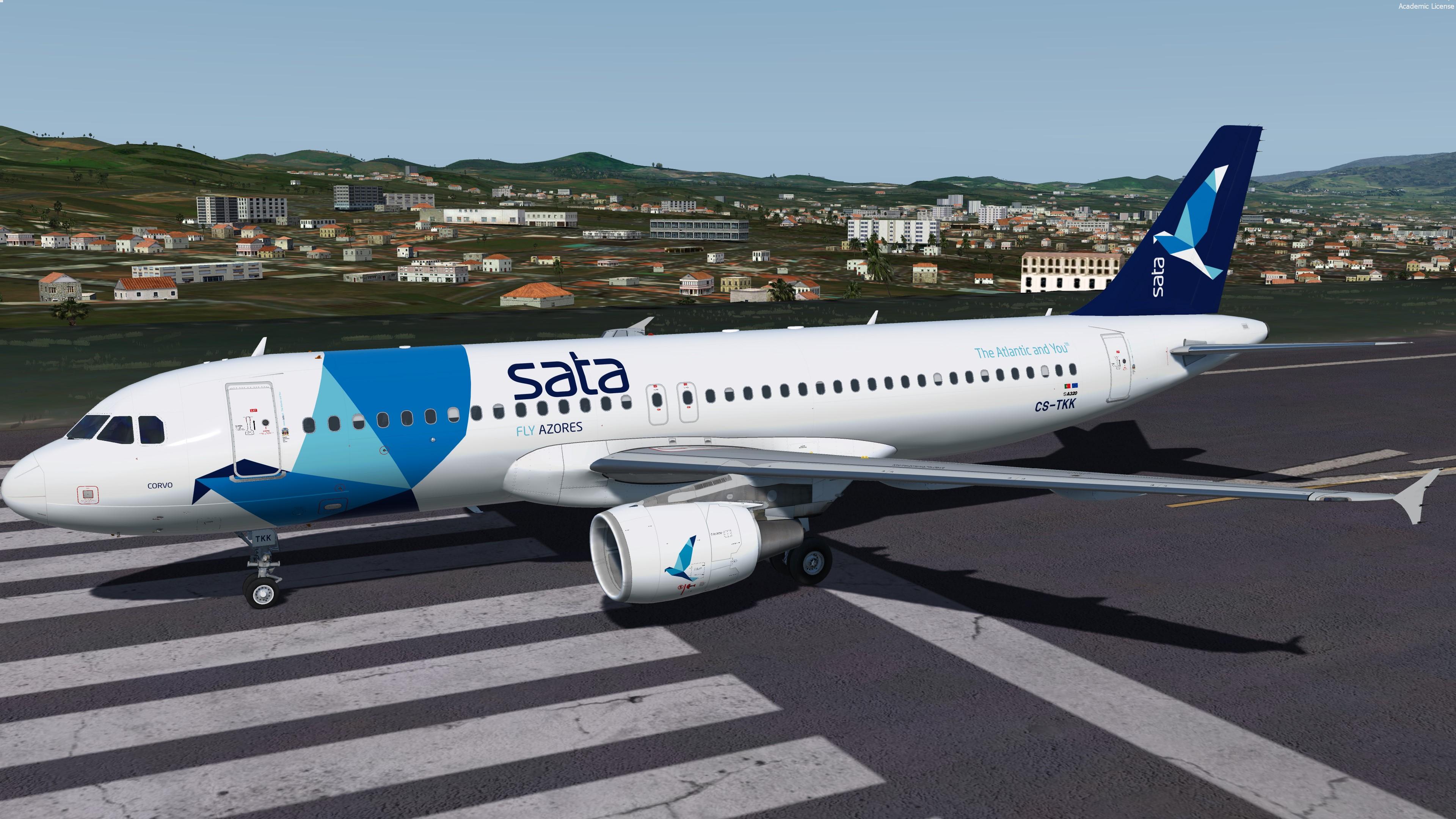
MSN 2390 joined SATA International in 2005 as CS-TKK, configured C12Y149, Sata livery
.

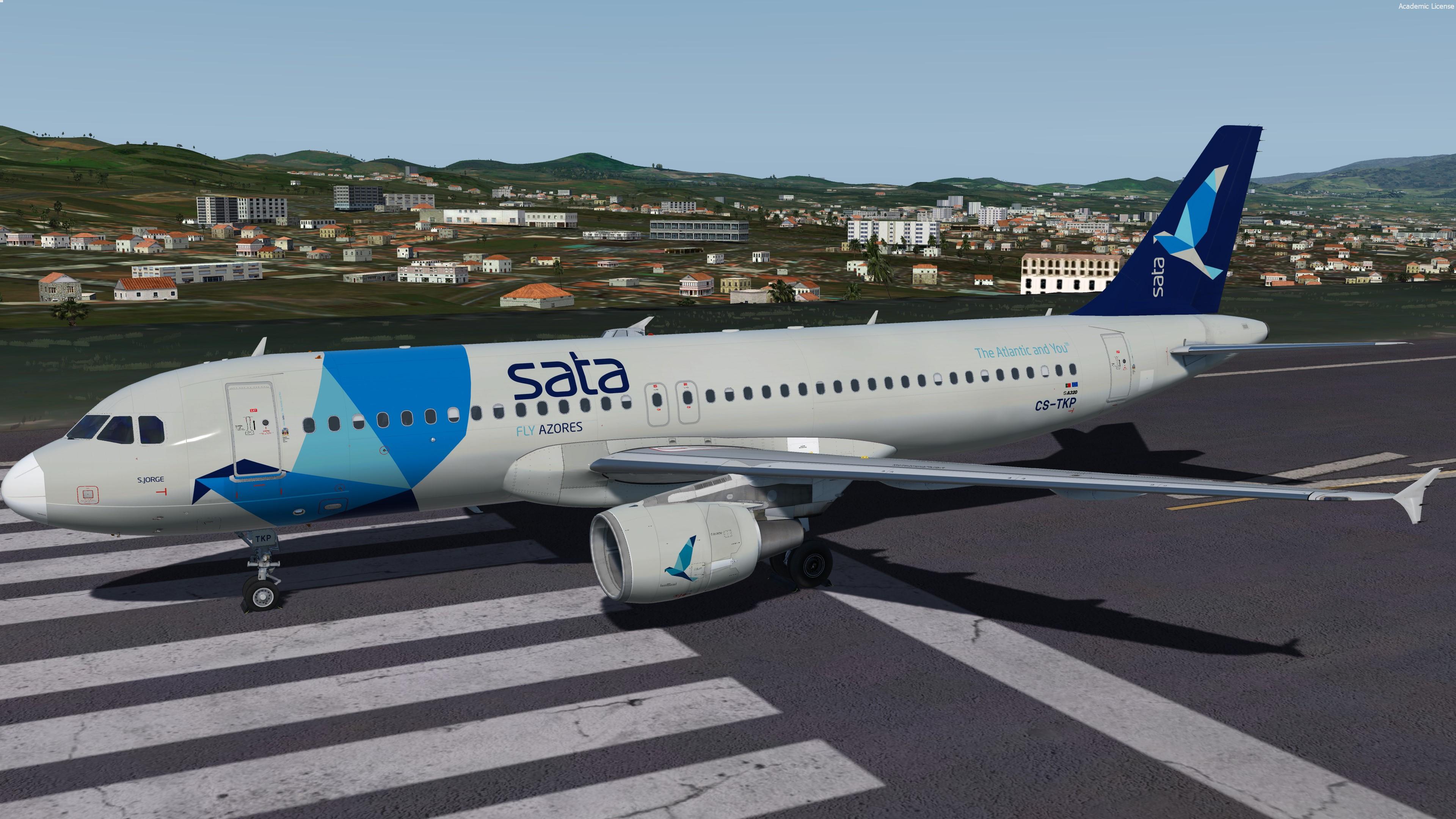
MSN 2011 joined SATA International in 2013 as CS-TKP, configured C12Y149, Sata gray style livery.
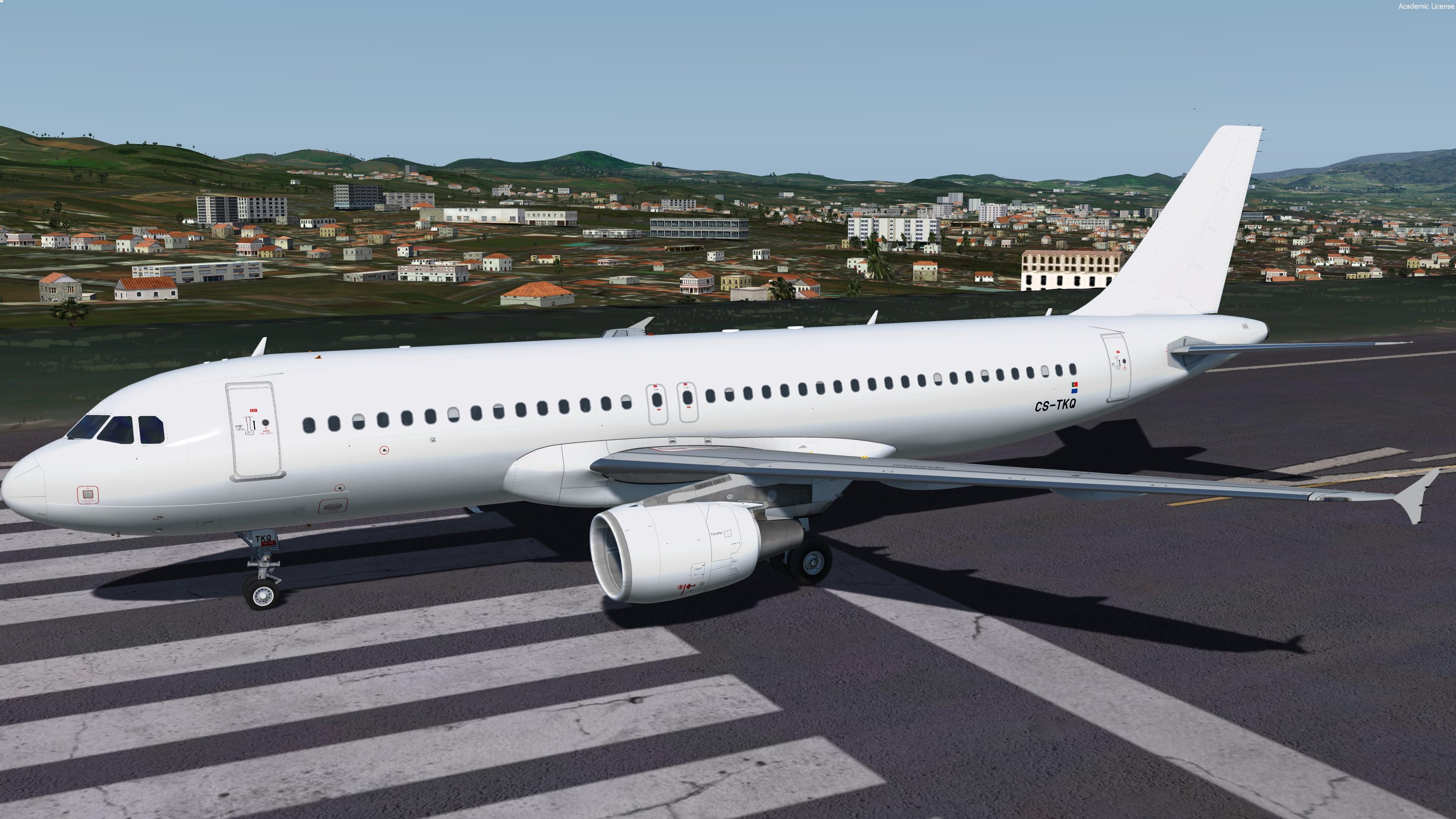
MSN 2325 joined Azores Airlines in 2016 as CS-TKQ, configured Y165, full white livery.


Repaint by Hugo Bicho

- New cabin seats / all the cabin has been improved
- New CFM engine rim and pylon texture
- Custom bump, spec, paint kit
Improved shadows on the fuselage


For remarks or some reports :

HB-TEXTURES on facebook

User Feedback

NilsUnger

NilsUnger

   1 of 1 member found this review helpful 1 / 1 member

Hugo setting the standard again!

Account

Navigation

Search

Search

Configure browser push notifications

Chrome (Android)
  1. Tap the lock icon next to the address bar.
  2. Tap Permissions → Notifications.
  3. Adjust your preference.
Chrome (Desktop)
  1. Click the padlock icon in the address bar.
  2. Select Site settings.
  3. Find Notifications and adjust your preference.

