
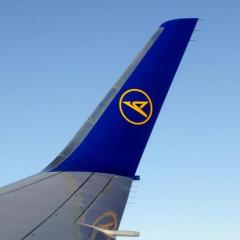
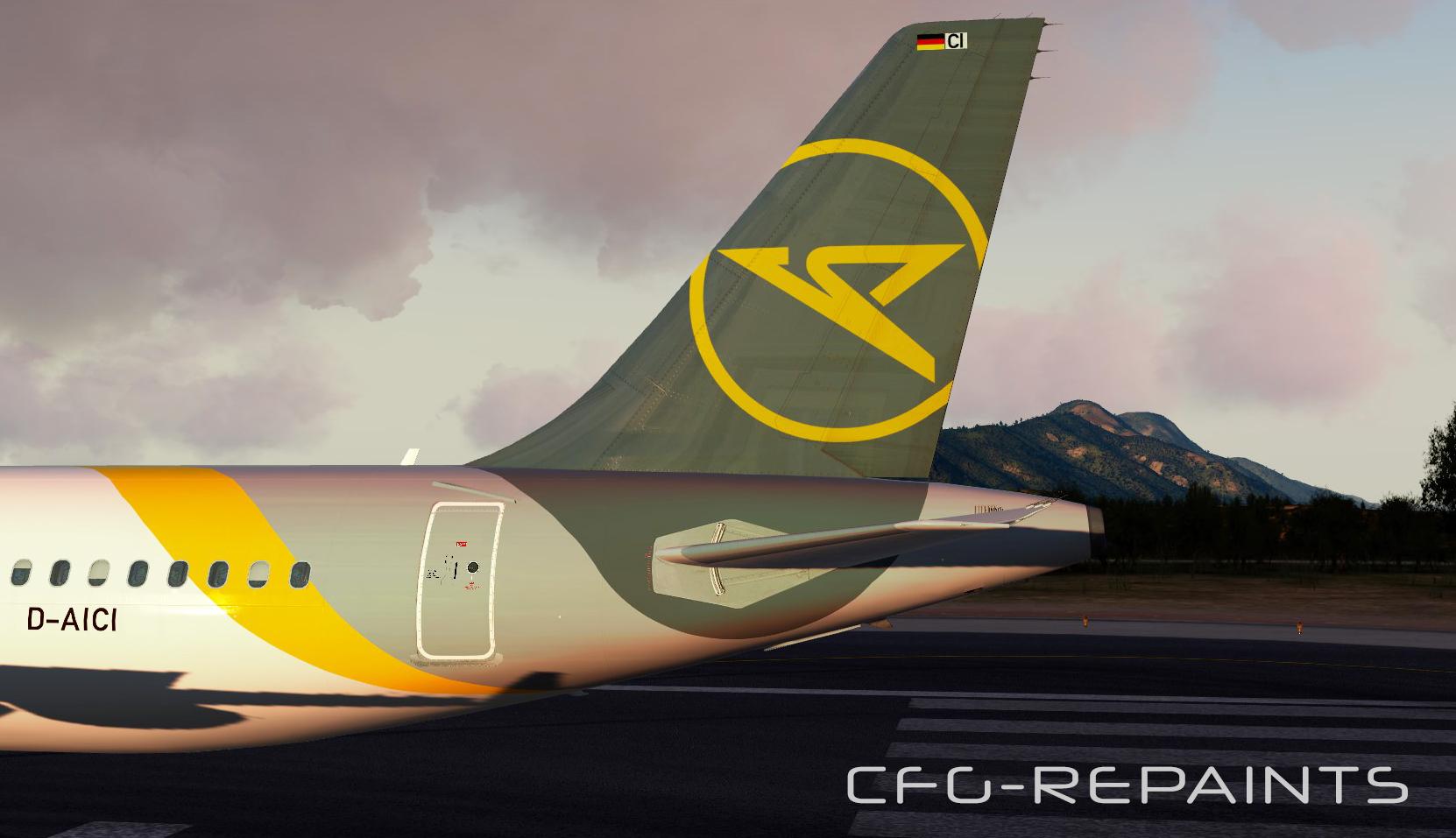
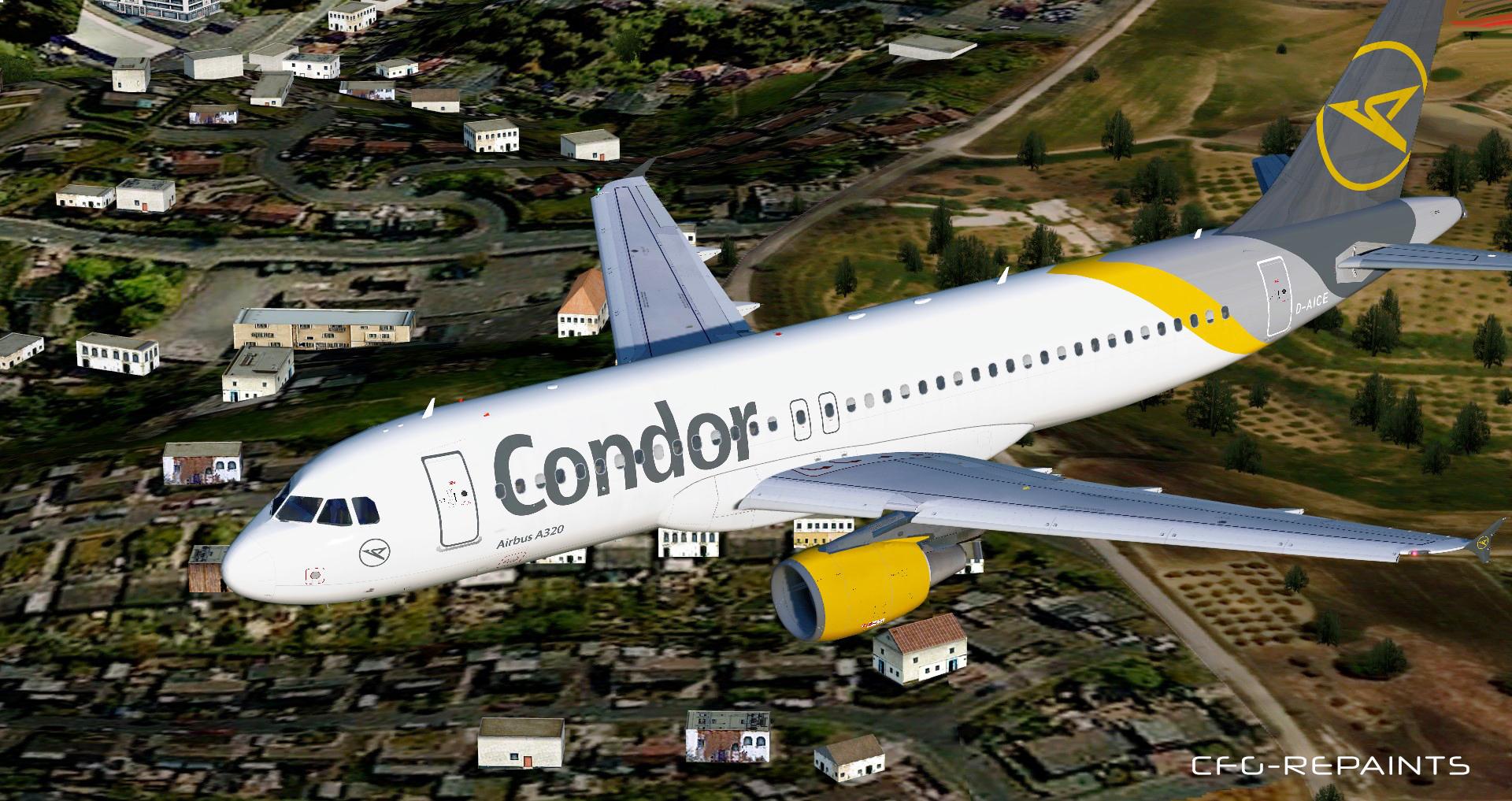
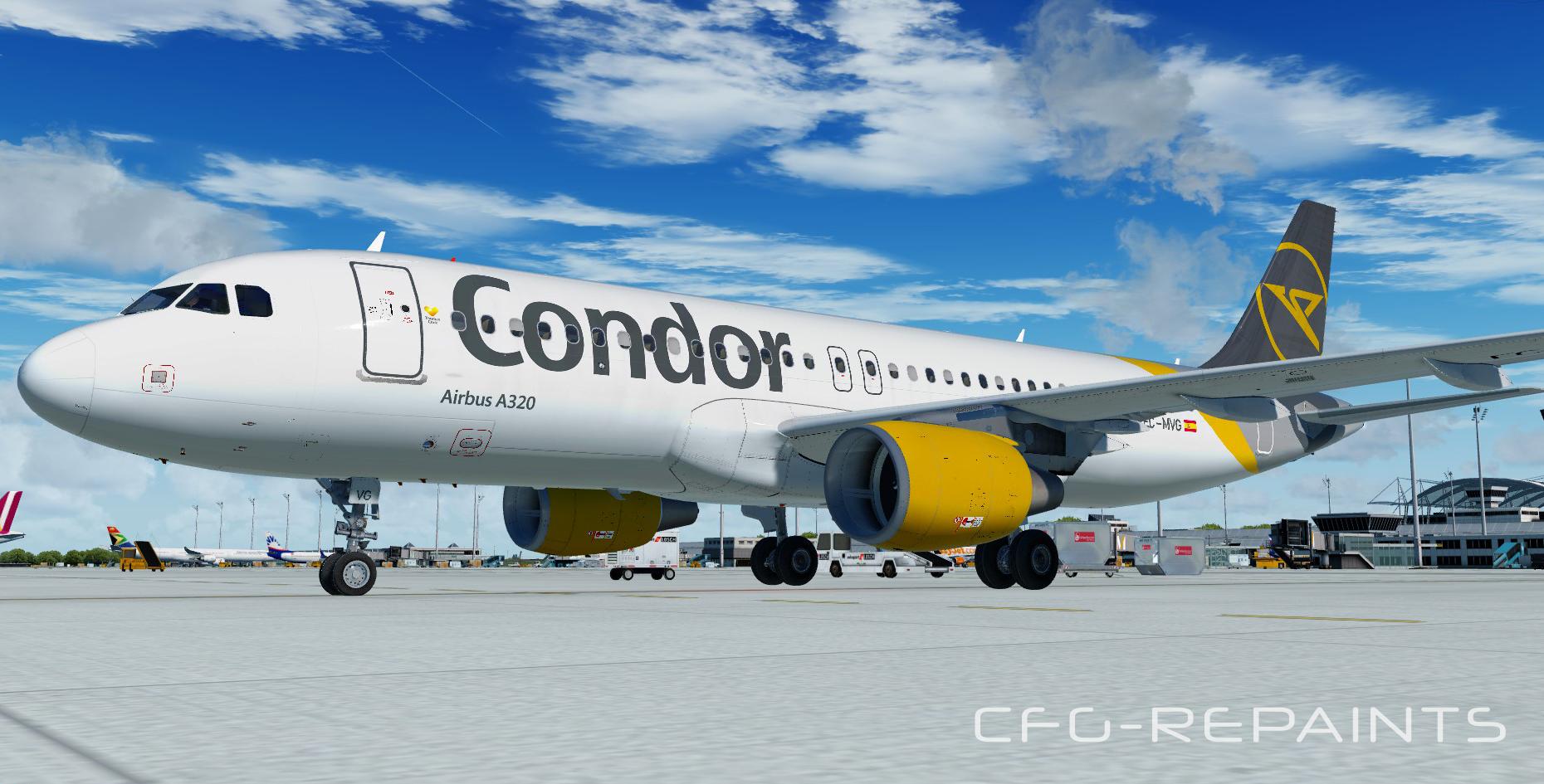
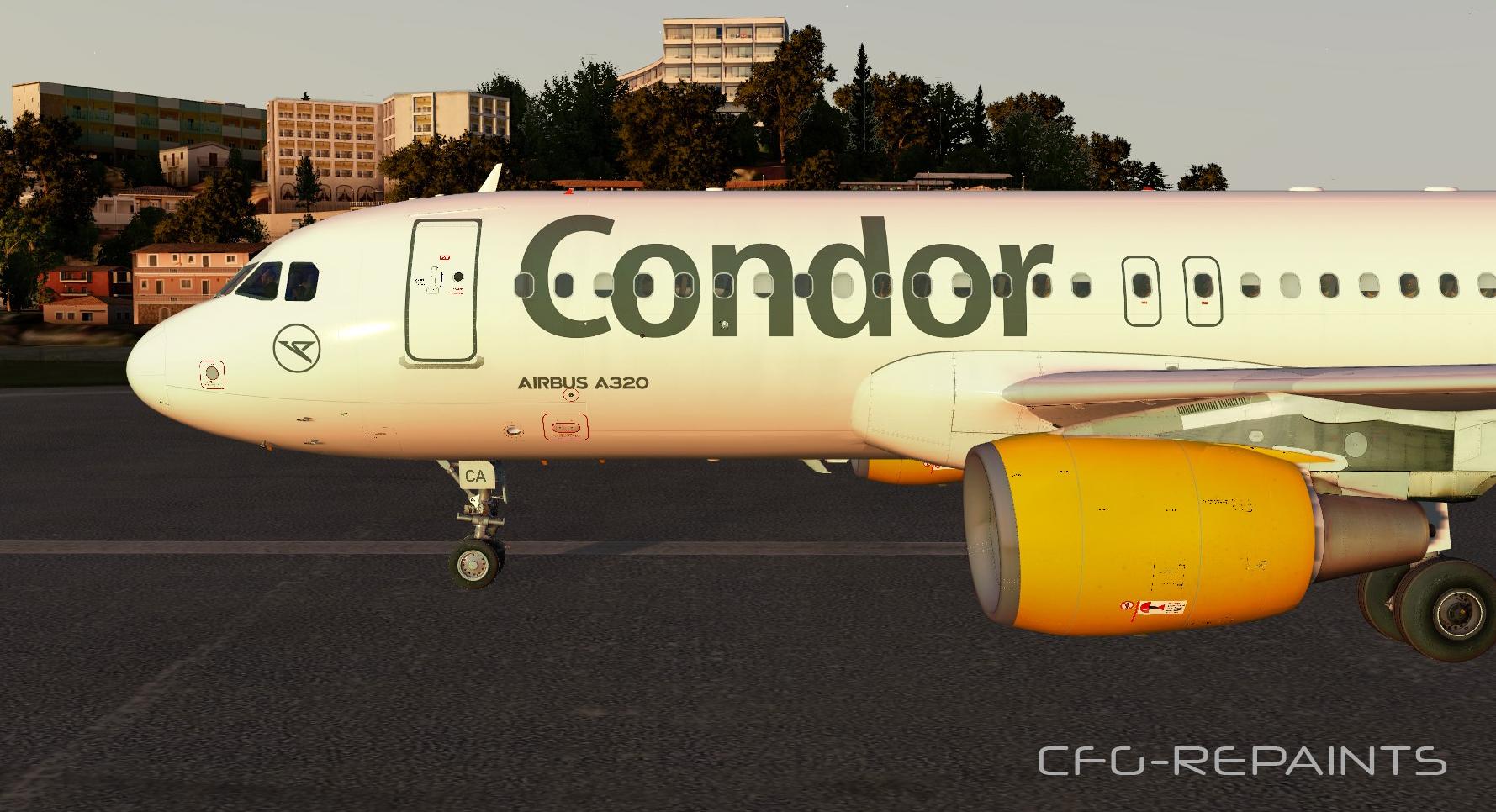
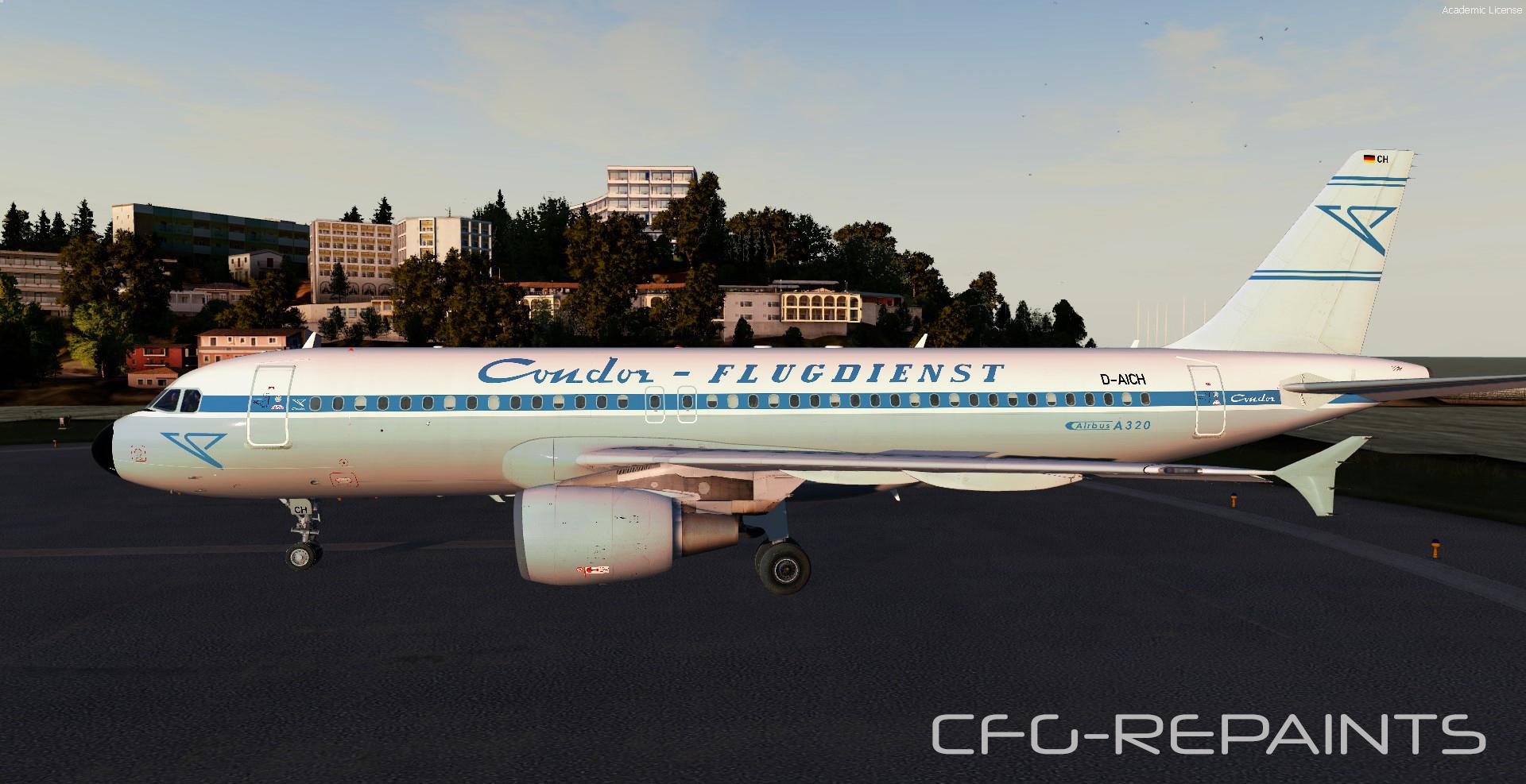
This package contains 7 Condor Airlines repaints, they are compatible with FSlabs A320X (only tested with P3Dv4)
Features:
- each paint is custom made as of 19.03.20
- accurate Condor cabin
- photoreal textures
The following paints are included:
D-AICA new grey Condor livery (Thomas Cook tail)
D-AICC new grey Condor livery (Condor tail)
D-AICD new grey Condor livery (dirty) (Condor tail)
D-AICE new grey Condor livery (dirty) (Condor tail)
D-AICF new grey Condor livery (Condor tail)
D-AICG new grey Condor livery (Condor tail)
D-AICH retro c/s
D-AICI new grey Condor livery (Condor tail)
D-AICJ new grey Condor livery (included as EC-MVG / Condor tail)
D-AICK new grey Condor livery (Condor tail)
D-ATCH new grey Condor livery (operated by Thomas Cook Aviation / Condor tail)
Thanks to @John Tavendale for using some parts of his textures and thanks to @Hugo Bicho for using his engine textures.
A readme with instructions is included.
Also visit my Facebook Page CFG-Repaints
If you like my work and want to pay a little attention to me: paypal.me/cfgrepaints
-
 5
5
There are no reviews to display.