
Skip to content
View in the app

A better way to browse. Learn more.

Flight Sim Labs Forums

A full-screen app on your home screen with push notifications, badges and more.

To install this app on iOS and iPadOS
  1. Tap the Share icon in Safari
  2. Scroll the menu and tap Add to Home Screen.
  3. Tap Add in the top-right corner.
To install this app on Android
  1. Tap the 3-dot menu (⋮) in the top-right corner of the browser.
  2. Tap Add to Home screen or Install app.
  3. Confirm by tapping Install.

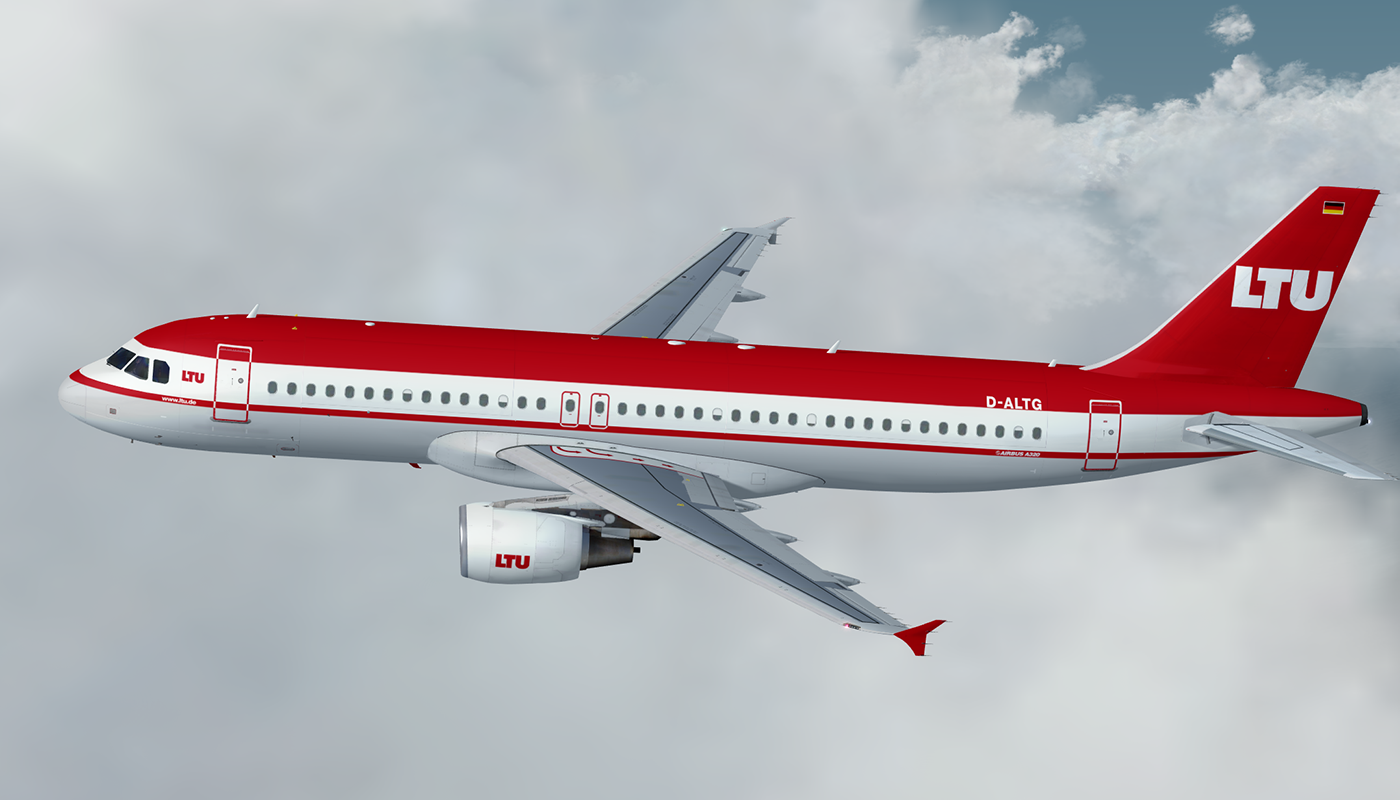
LTU International Airways A320 CFM D-ALTG 1.0.0

(4 reviews)

2 Screenshots

LTU International Airways Airbus A320 (D-ALTG)

For installation instructions please check the included readme.txt.
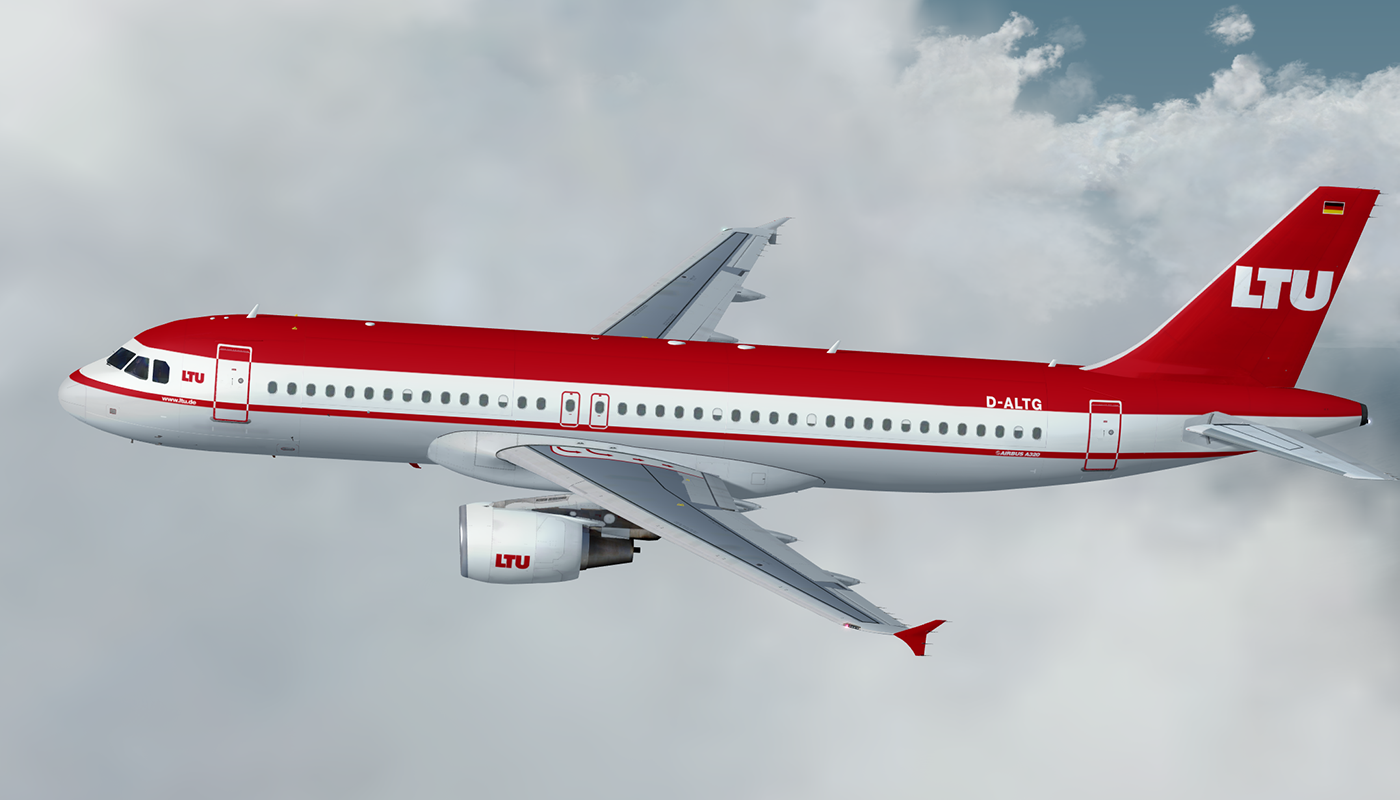
1196189341_LTUD-ALTG.thumb.png.bf2075044594906fe2bb60434125d17b.png

If you consider a donation, please visit paypal.me/mcnobody. Thanks!

Note: FSL A320-X version 2.0.2.300 or higher required.

by Repaint Manufaktur


User Feedback

Artur Araripe

Artur Araripe

   1 of 1 member found this review helpful 1 / 1 member

Beautiful, as always!!! 


Christoph Sebek

Christoph Sebek

   1 of 1 member found this review helpful 1 / 1 member

Marvelous, thanks for painting her up.

TH0R5T€N KlRCHH€lM

TH0R5T€N KlRCHH€lM

   1 of 1 member found this review helpful 1 / 1 member

I love it, love it, love it, love it ...

Wasn´t that a nice time, when flying wasn´t mass entertain?

Response from the author:

Indeed. And there used to be more airlines to choose from. At least in Europe.

Daniel Schufen

Daniel Schufen

   1 of 1 member found this review helpful 1 / 1 member

Big Thank you... Phantastic work <3

Account

Navigation

Search

Search

Configure browser push notifications

Chrome (Android)
  1. Tap the lock icon next to the address bar.
  2. Tap Permissions → Notifications.
  3. Adjust your preference.
Chrome (Desktop)
  1. Click the padlock icon in the address bar.
  2. Select Site settings.
  3. Find Notifications and adjust your preference.

