
Skip to content
View in the app

A better way to browse. Learn more.

Flight Sim Labs Forums

A full-screen app on your home screen with push notifications, badges and more.

To install this app on iOS and iPadOS
  1. Tap the Share icon in Safari
  2. Scroll the menu and tap Add to Home Screen.
  3. Tap Add in the top-right corner.
To install this app on Android
  1. Tap the 3-dot menu (⋮) in the top-right corner of the browser.
  2. Tap Add to Home screen or Install app.
  3. Confirm by tapping Install.

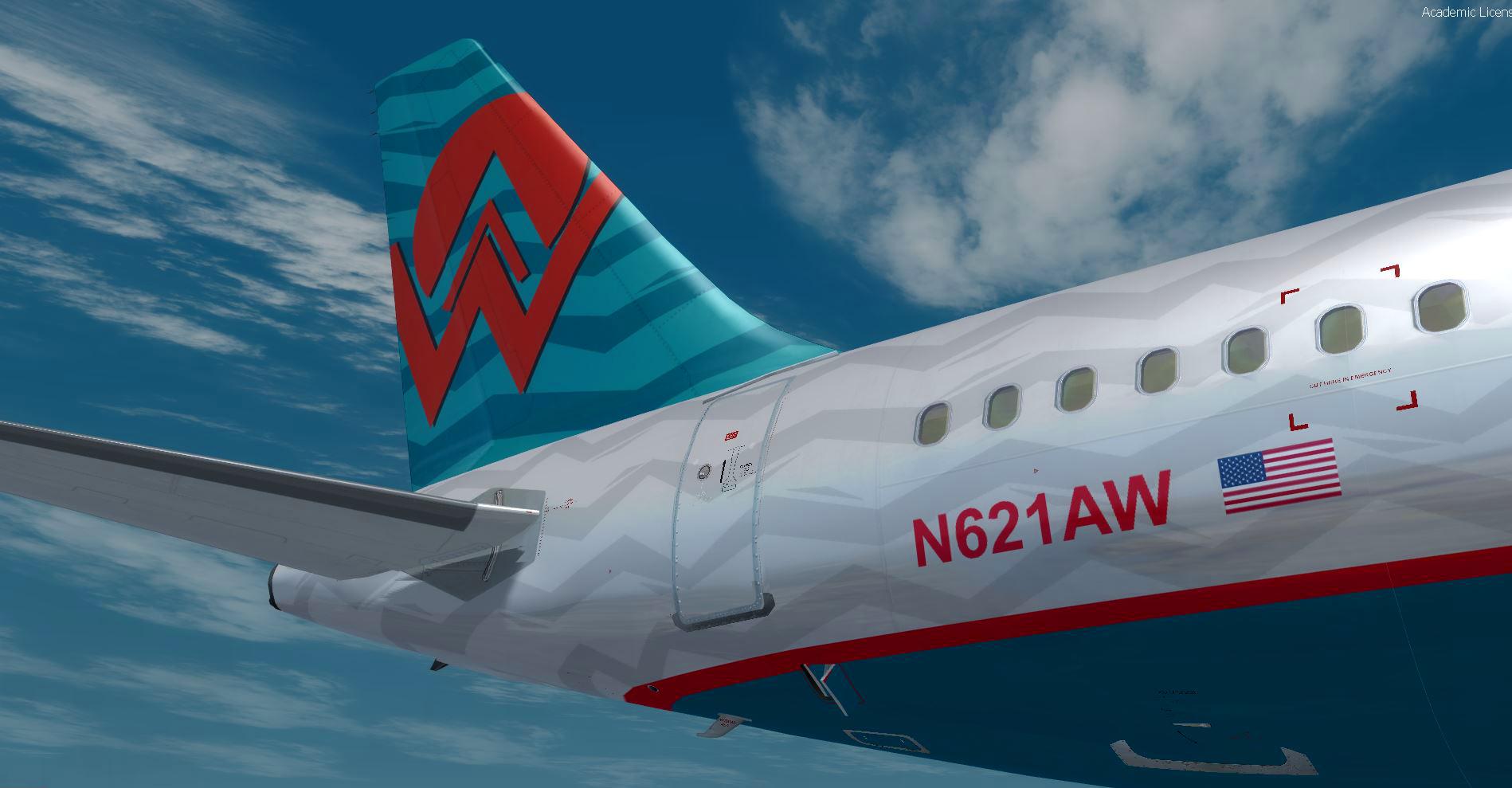
America West A320 N261AW 1.0.0

(1 review)

1 Screenshot

Hi Friends,

I saw that this livery America West ist requested here in the Forum. I just made this a few time before for the former versions and I modified it for the newest Version of FSLabs 4.5. On my System it works perfect. Just try it out... and if it´s okay - use it and have fun!!!


Happy landings

Bob

What's New in Version 1.0.0

Released

No changelog available for this version.

User Feedback

Brad Hammer

Brad Hammer


Awesome job! Thank you for taking this on!

Account

Navigation

Search

Search

Configure browser push notifications

Chrome (Android)
  1. Tap the lock icon next to the address bar.
  2. Tap Permissions → Notifications.
  3. Adjust your preference.
Chrome (Desktop)
  1. Click the padlock icon in the address bar.
  2. Select Site settings.
  3. Find Notifications and adjust your preference.
