
Skip to content
View in the app

A better way to browse. Learn more.

Flight Sim Labs Forums

A full-screen app on your home screen with push notifications, badges and more.

To install this app on iOS and iPadOS
  1. Tap the Share icon in Safari
  2. Scroll the menu and tap Add to Home Screen.
  3. Tap Add in the top-right corner.
To install this app on Android
  1. Tap the 3-dot menu (⋮) in the top-right corner of the browser.
  2. Tap Add to Home screen or Install app.
  3. Confirm by tapping Install.

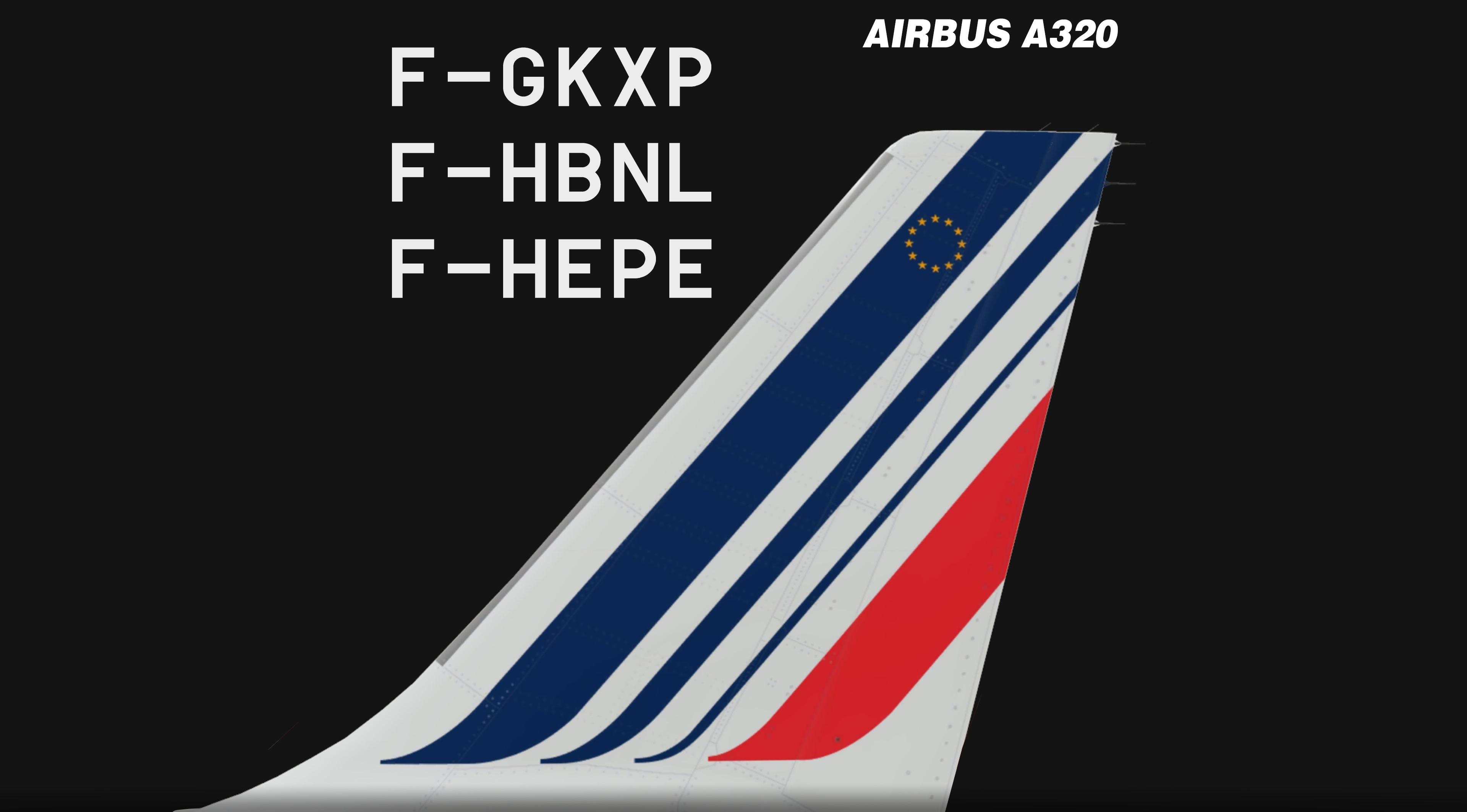
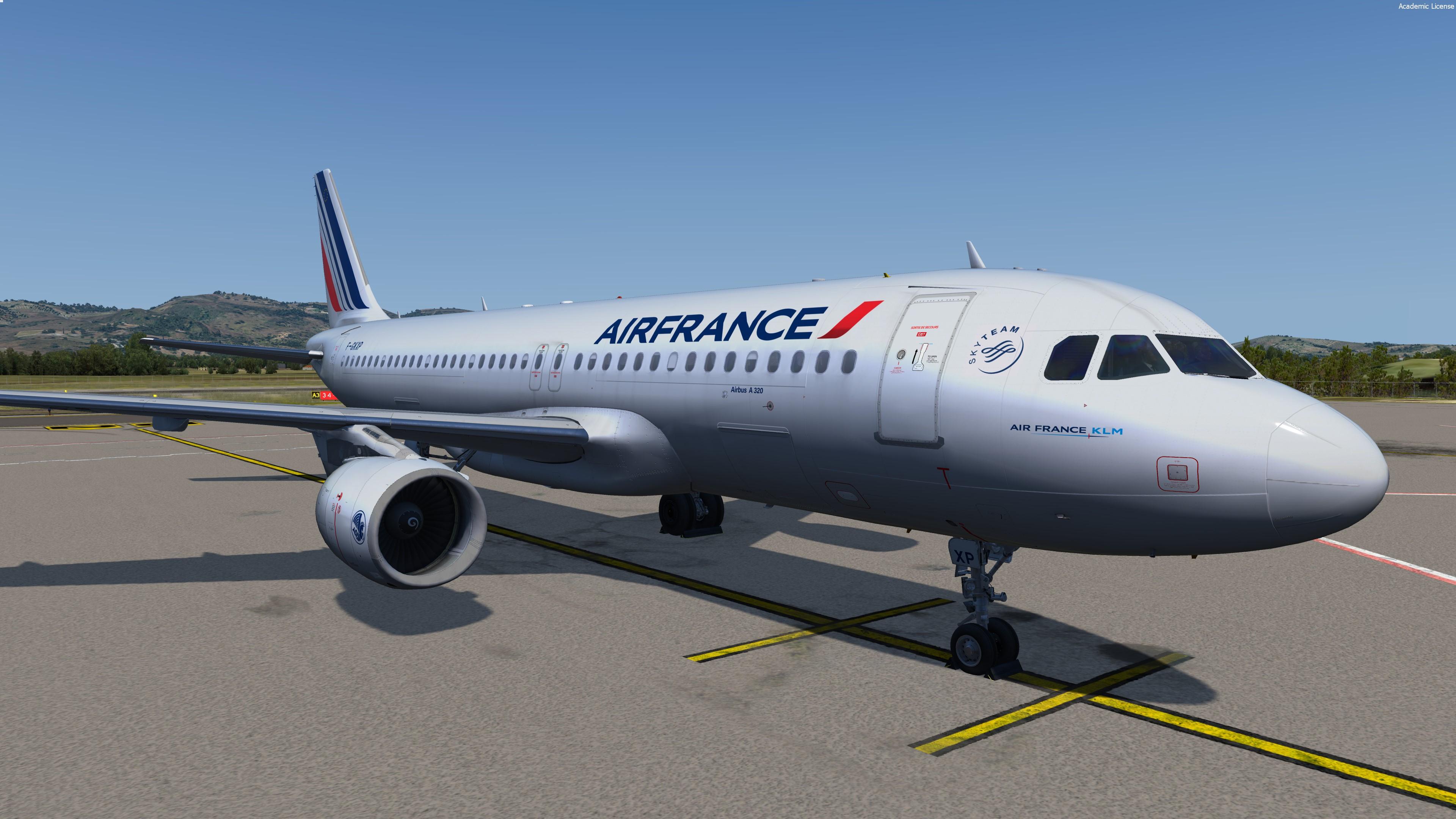
Air France PACK A320 // F-GKXP, F-HBNL, F-HEPE // v2.0.2.300+ 1.0.0

(5 reviews)

8 Screenshots

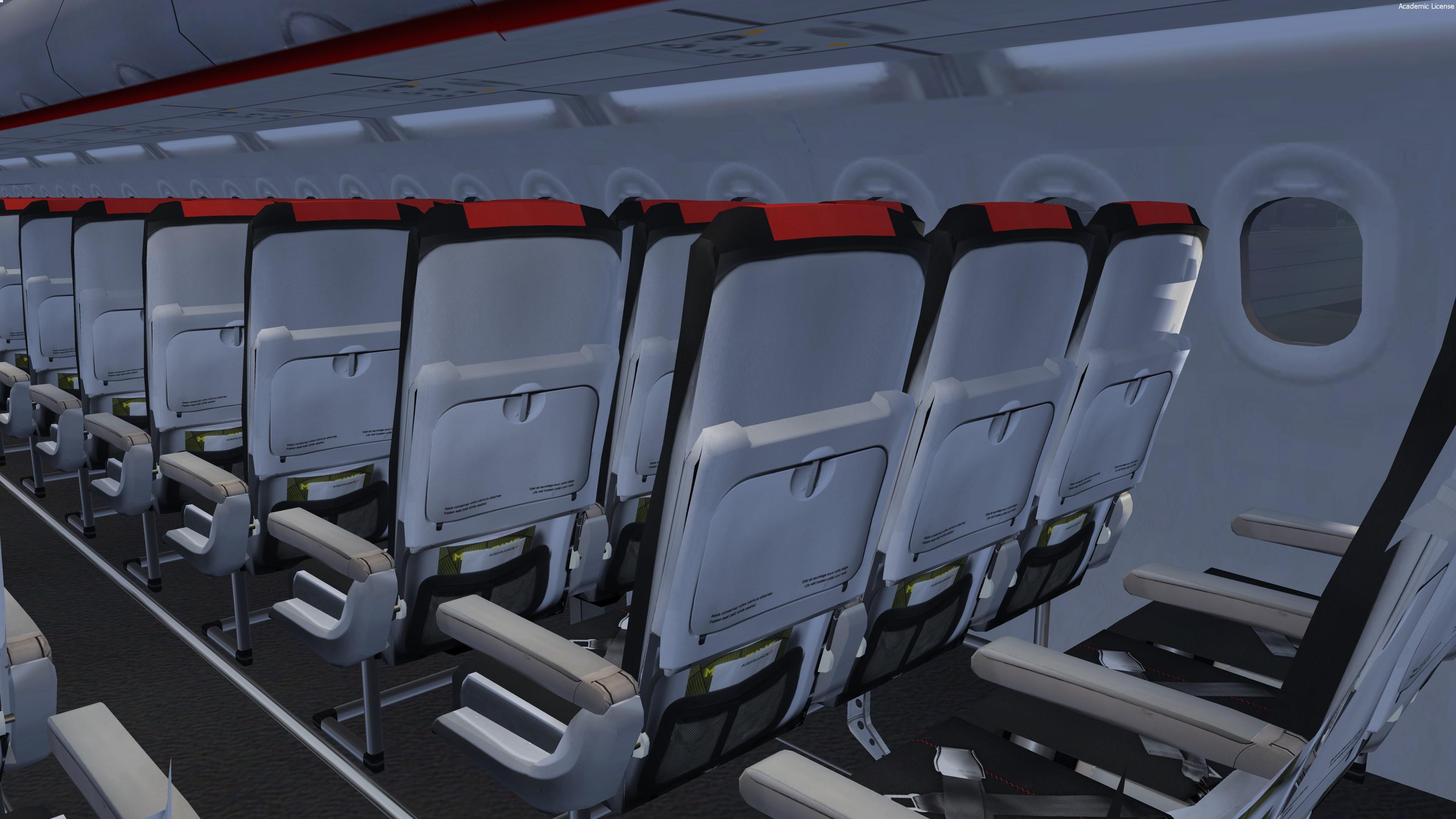
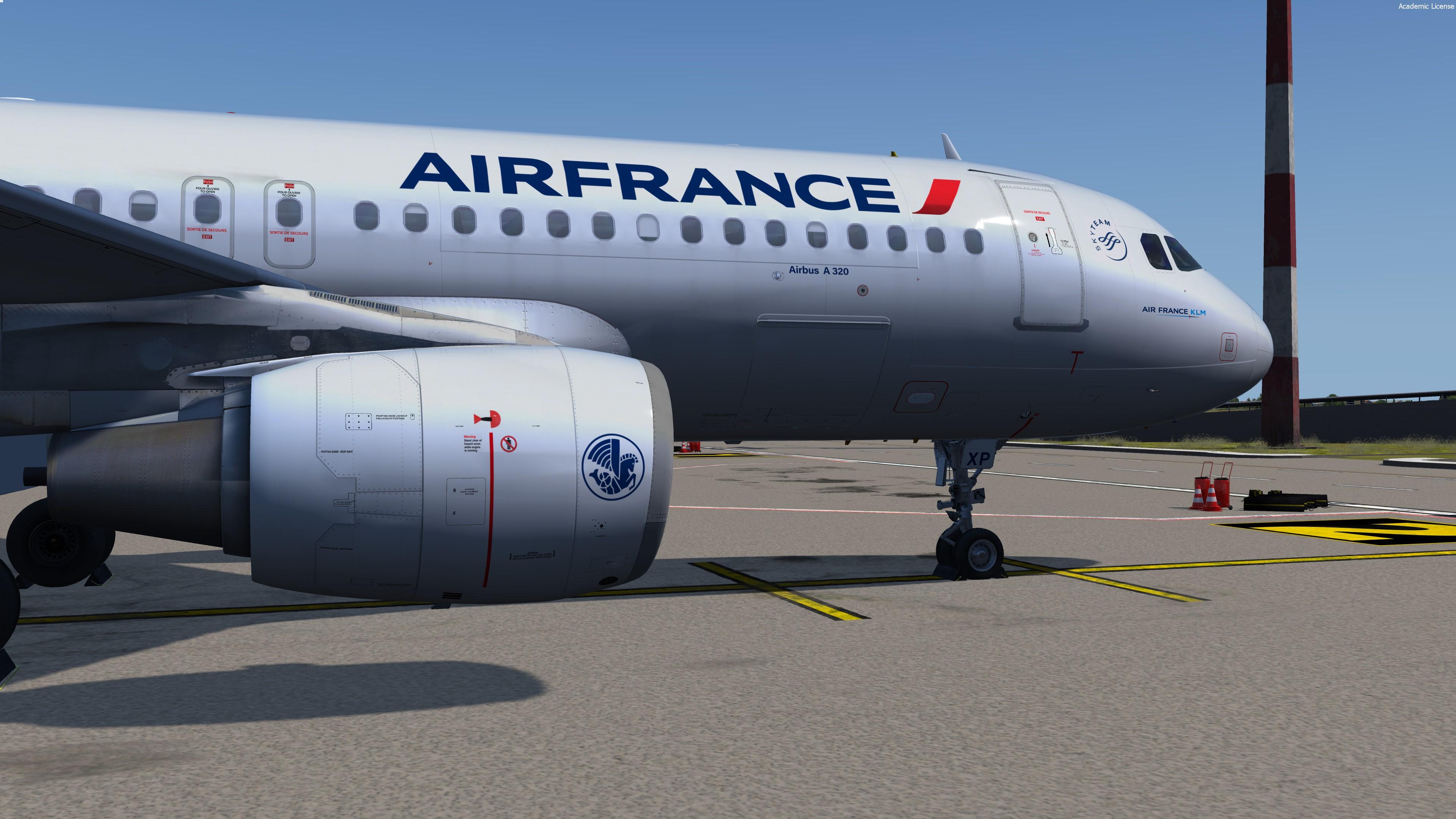
New 3 liveries pack from Air France ! Hope you'll like it B)

Featuring the new CFM engine texture/Paintkit V2.0 and the new airframe option !


AFR common file must be dragged like the textures files

P3Dv4 only - v2.0.2.300+


Airbus A320-214
MSN 3470 joined Air France in 2008 as F-GKXP, configured CY174 (Europe, North Africa, Israel)

MSN 5129 joined Air France in 2012 as F-HBNL, configured CY178 (Regional)

MSN 4298 joined Air France in 2010 as F-HEPE, configured CY174 (Europe, North Africa, Israel)


Repaint by Hugo Bicho

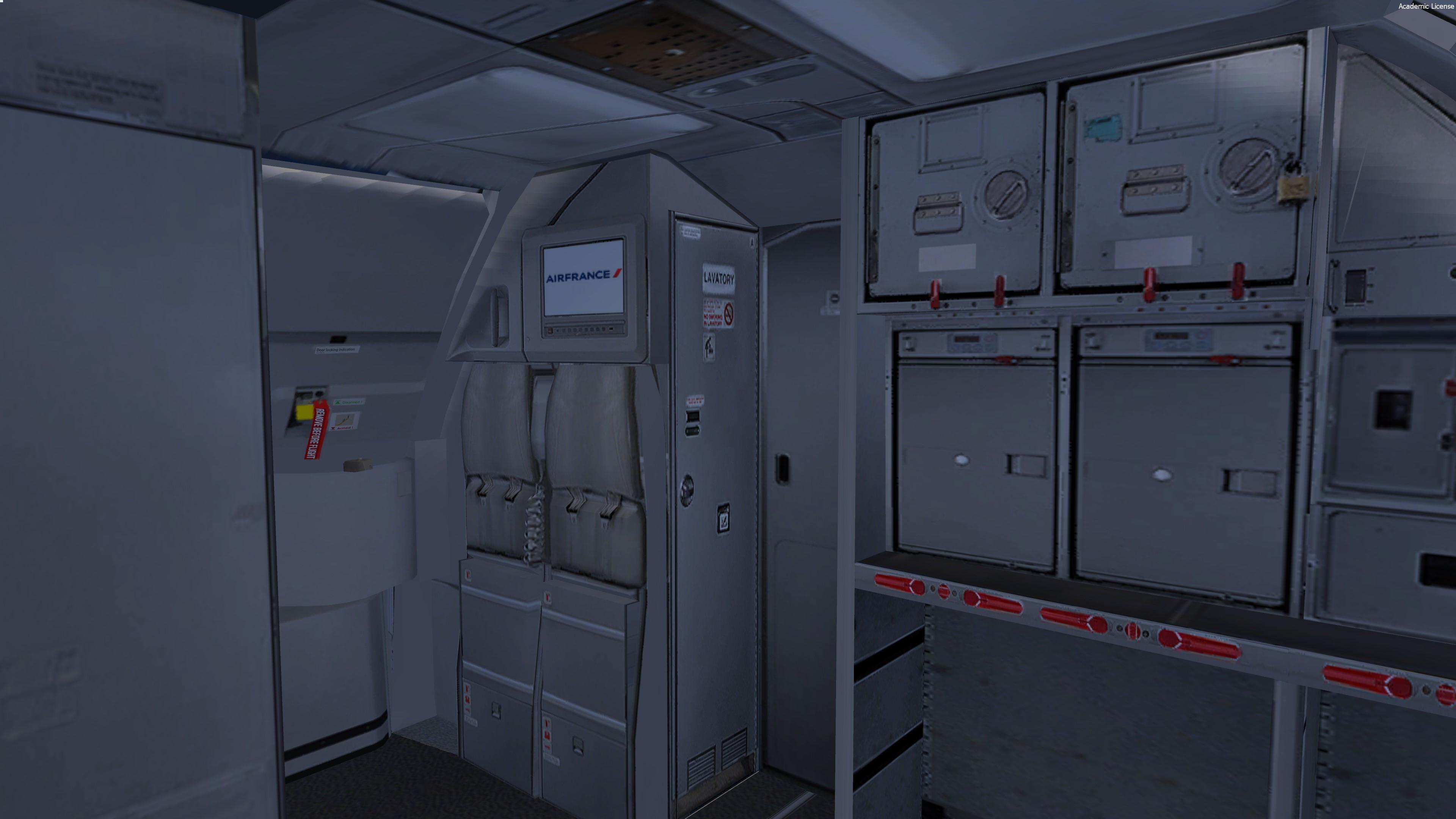
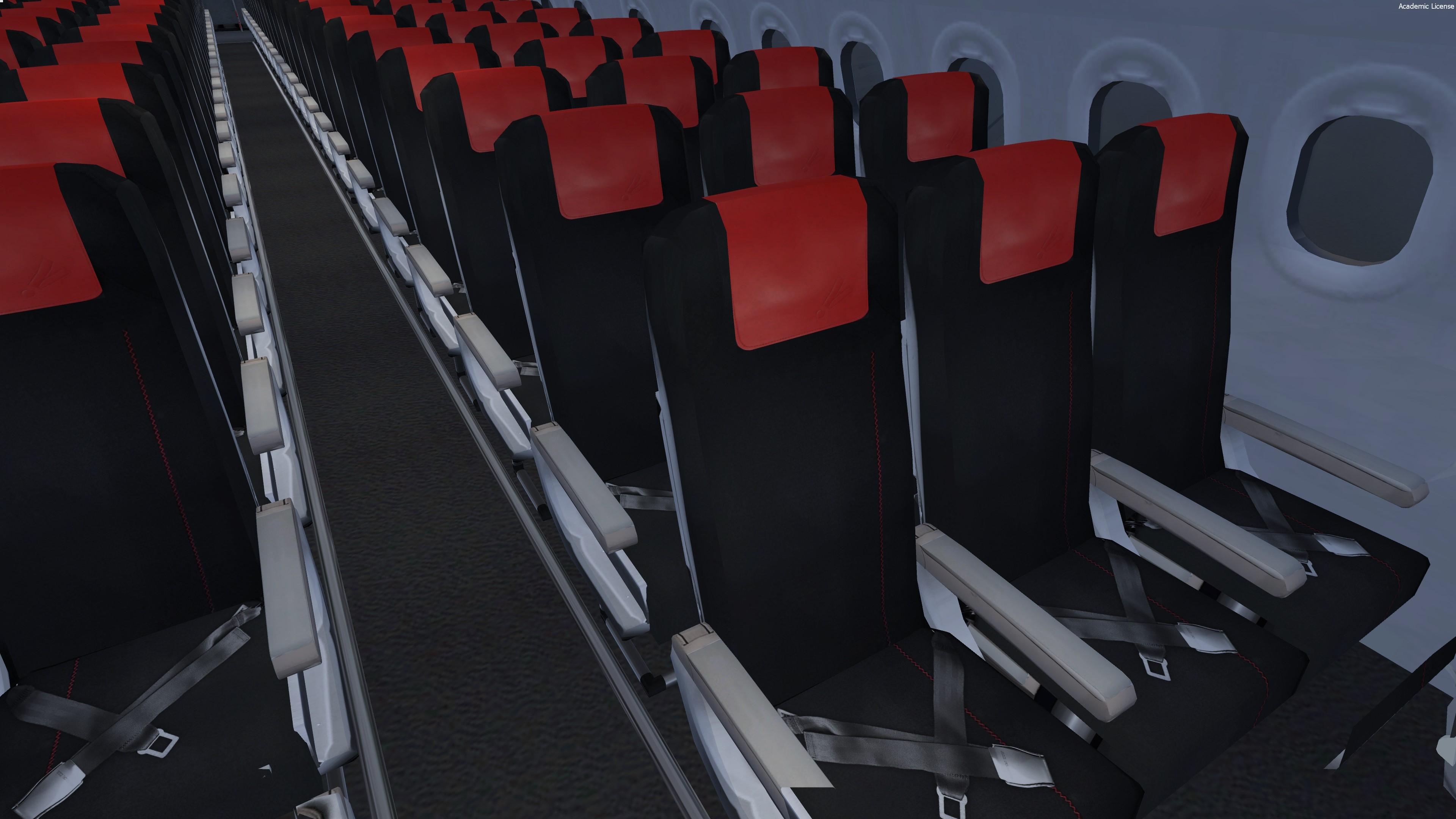
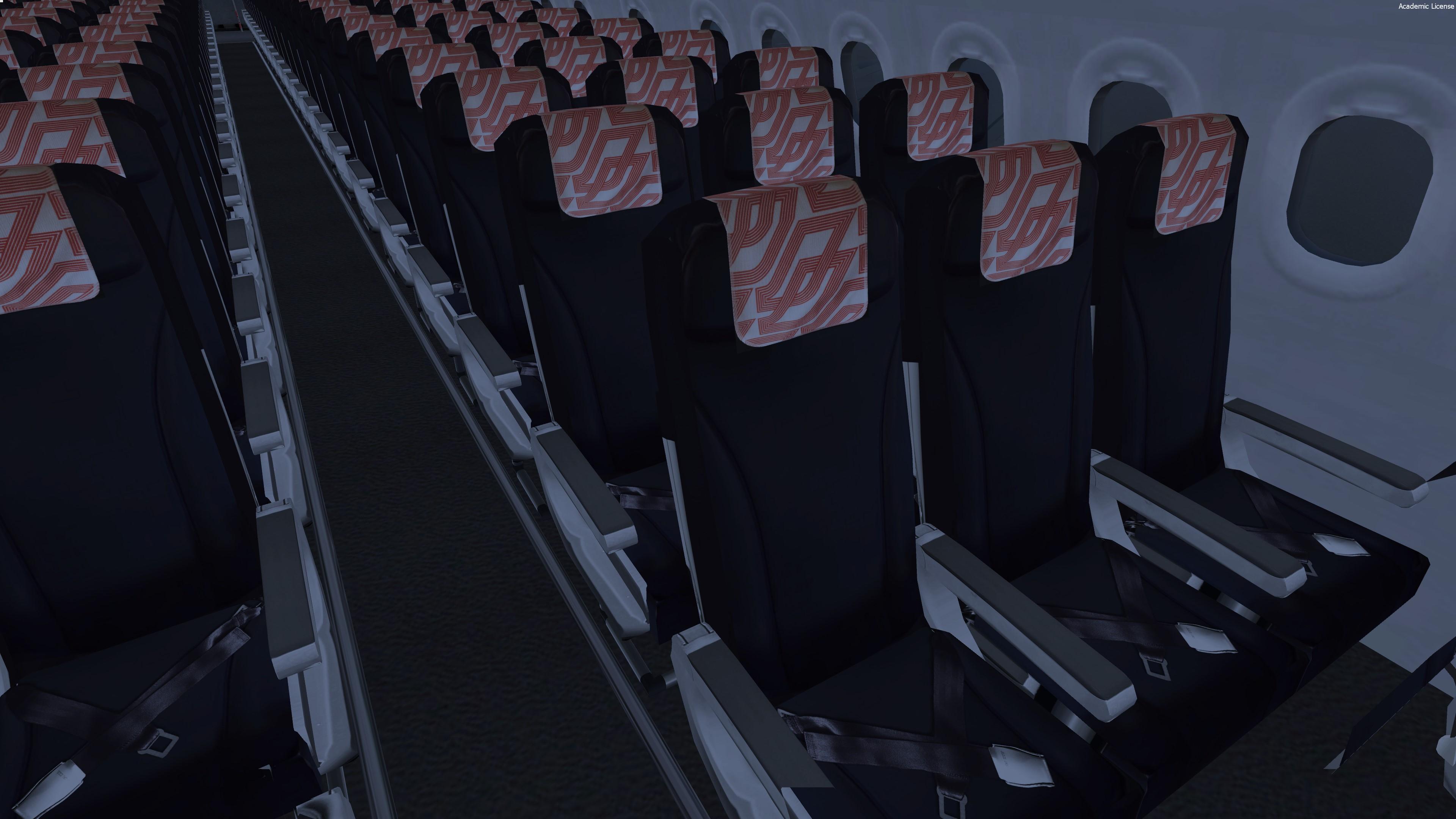
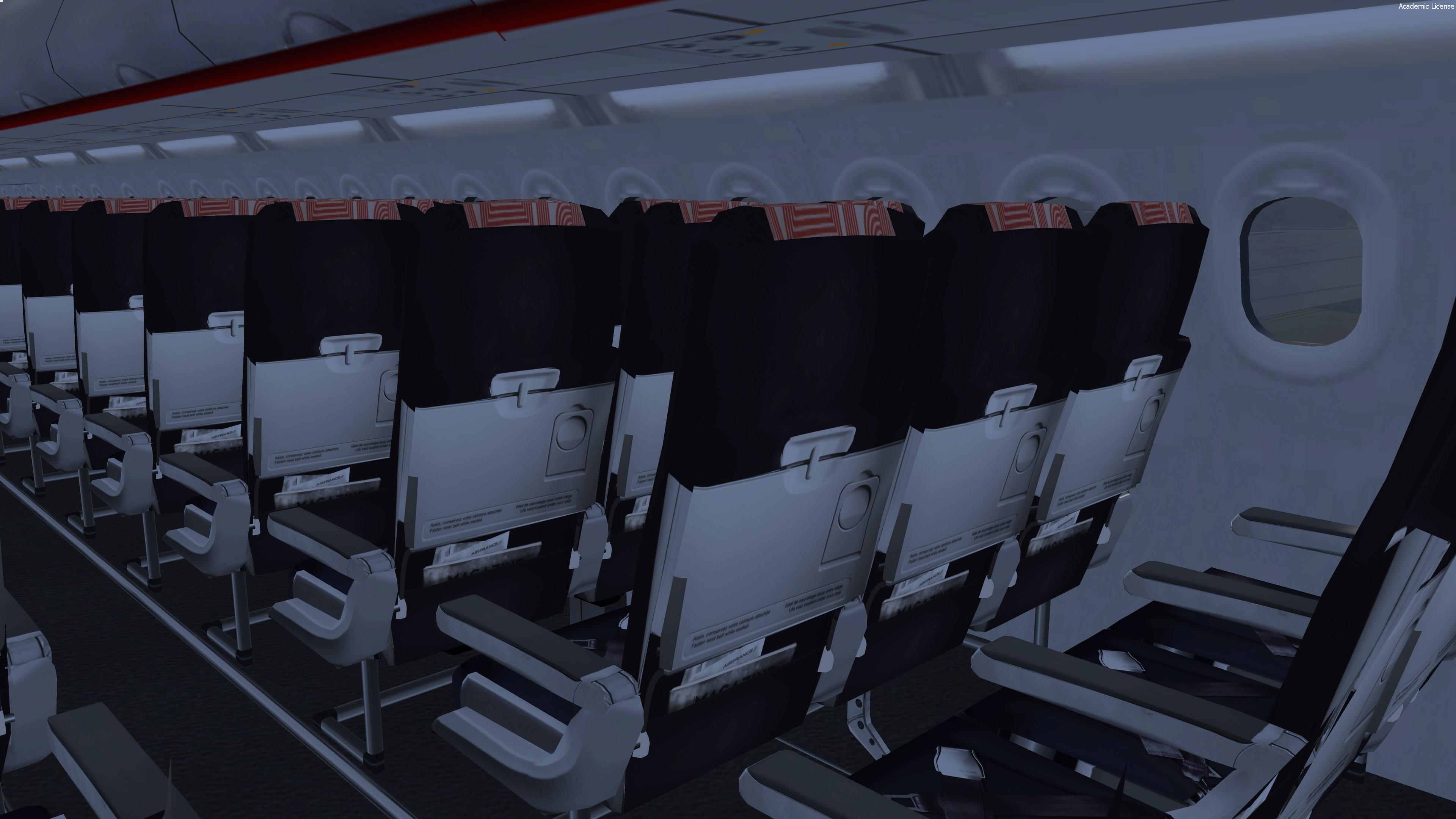
- New cabin seats / all the cabin has been improved
- New CFM engine rim and pylon texture
- Custom bump, spec, paint kit
Improved shadows on the fuselage


For remarks or some reports :

HB-TEXTURES on facebook

User Feedback

Marc Delaloy

Marc Delaloy

   3 of 3 members found this review helpful 3 / 3 members

I love!!! I m flying AFR452 CDG-AMM lol !!!

Maybe on day we have the Skyteam?

Enjoy your works!!!

Response from the author:

I’d love to do the skyteam livery but the FSL model is hard to deal with and the result may not be as good as expected. I’ll maybe give it a shot once, stay tuned ;) 

JOEL GABON

JOEL GABON

   1 of 1 member found this review helpful 1 / 1 member

Thank you so much... Love it, Congrat !

Alexandre Nicolle

Alexandre Nicolle

   1 of 1 member found this review helpful 1 / 1 member

Amazing job, congrats!

Viacheslav Gorovoi

Viacheslav Gorovoi

   1 of 1 member found this review helpful 1 / 1 member

True perfection! I didn’t sleep all night again!:D

002.thumb.jpg.1afd216e81cab506c3cf6645517a6049.jpg


Artur Araripe

Artur Araripe

   1 of 1 member found this review helpful 1 / 1 member

Superb. Thank you!

Account

Navigation

Search

Search

Configure browser push notifications

Chrome (Android)
  1. Tap the lock icon next to the address bar.
  2. Tap Permissions → Notifications.
  3. Adjust your preference.
Chrome (Desktop)
  1. Click the padlock icon in the address bar.
  2. Select Site settings.
  3. Find Notifications and adjust your preference.

