
Skip to content
View in the app

A better way to browse. Learn more.

Flight Sim Labs Forums

A full-screen app on your home screen with push notifications, badges and more.

To install this app on iOS and iPadOS
  1. Tap the Share icon in Safari
  2. Scroll the menu and tap Add to Home Screen.
  3. Tap Add in the top-right corner.
To install this app on Android
  1. Tap the 3-dot menu (⋮) in the top-right corner of the browser.
  2. Tap Add to Home screen or Install app.
  3. Confirm by tapping Install.

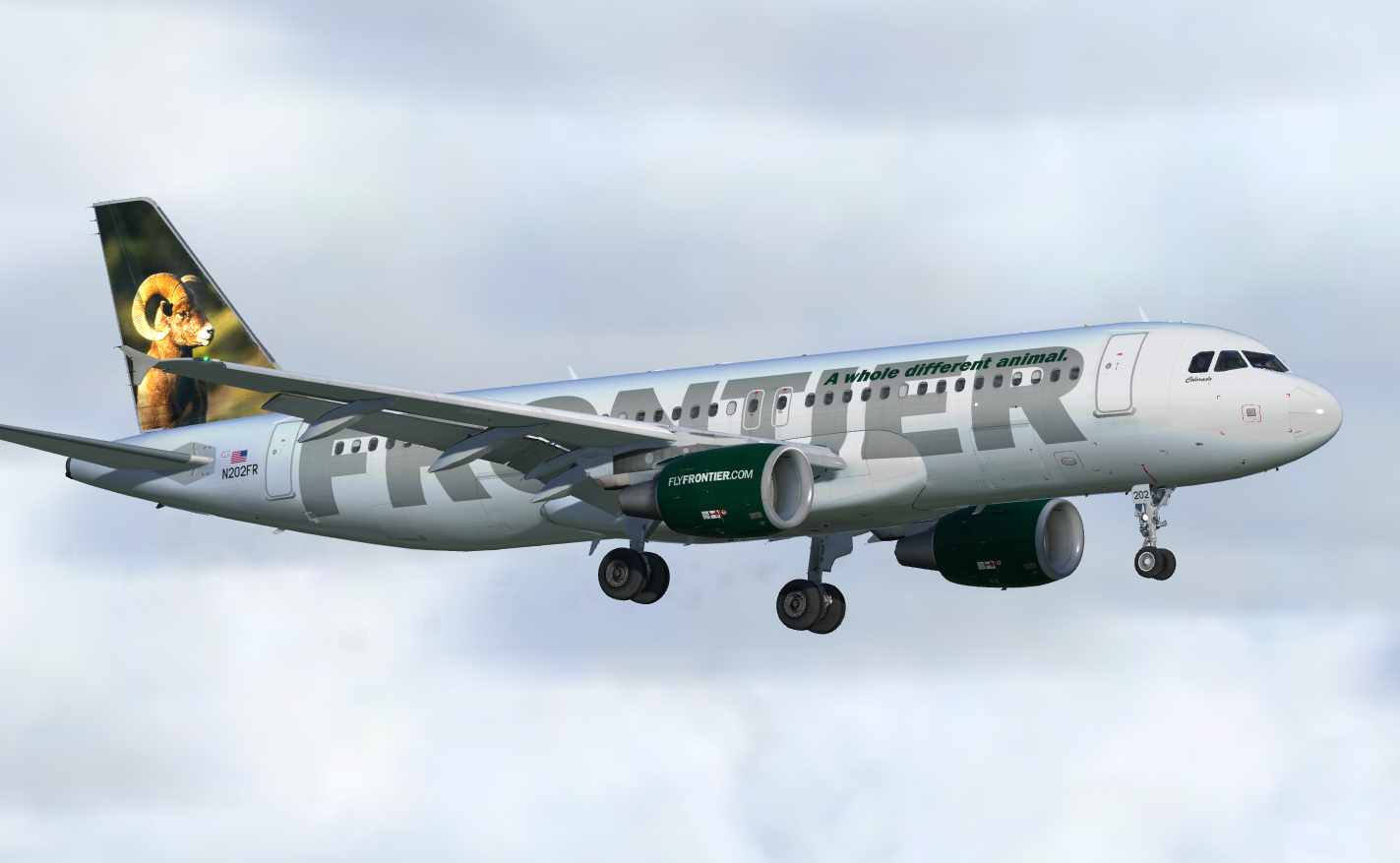
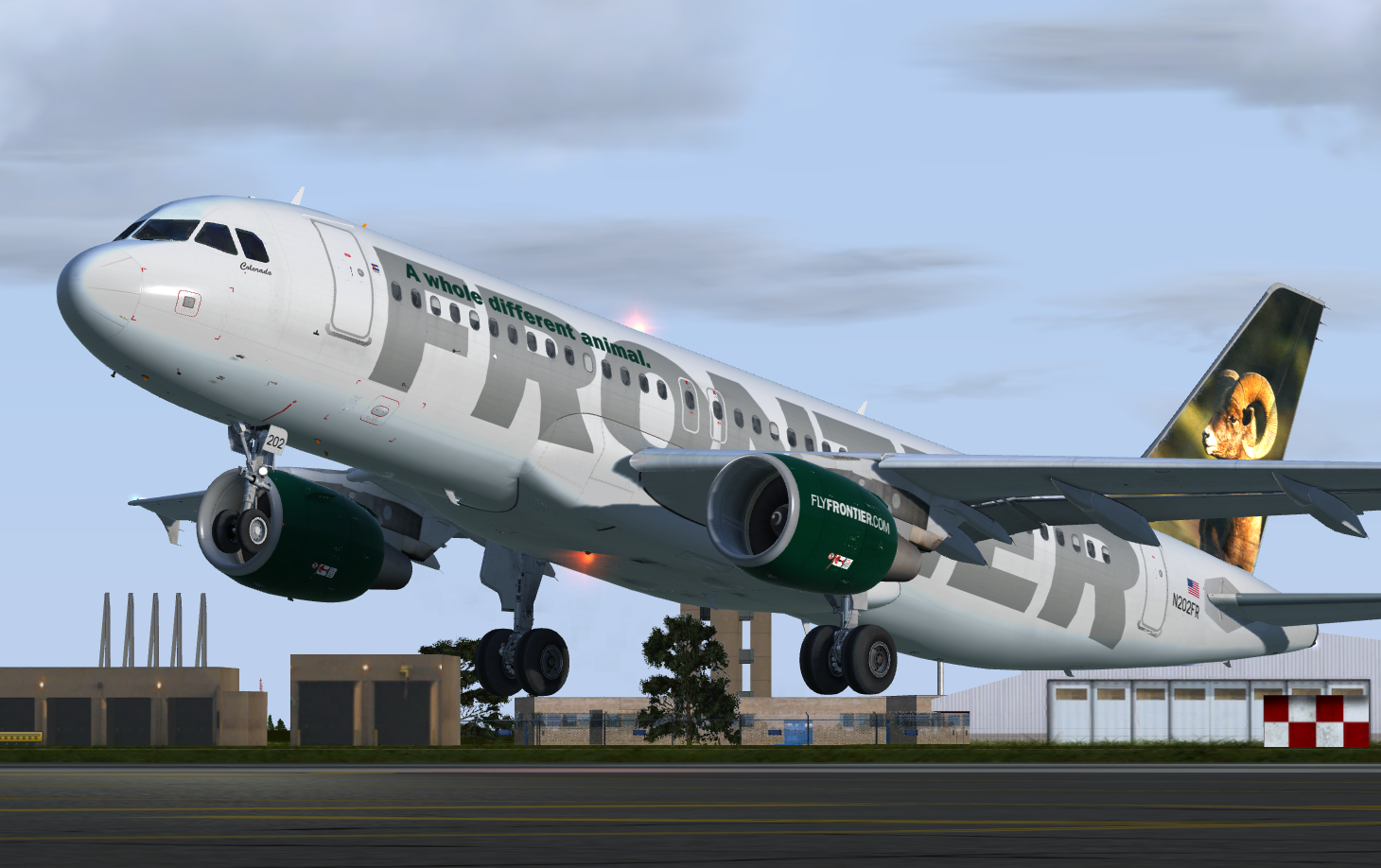
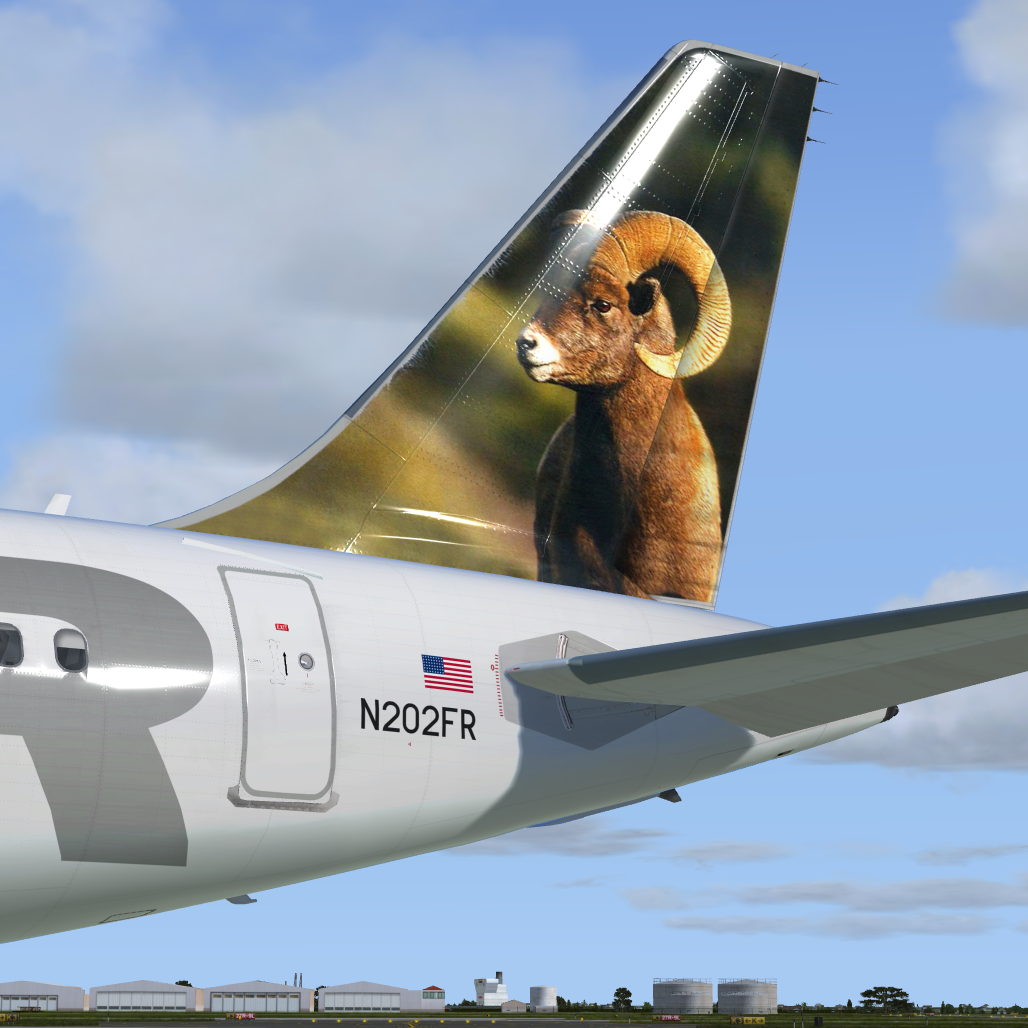
Frontier Airlines A320 (N202FR) 1.0

(3 reviews)

3 Screenshots

This repaint is for Prepar3DV4+ v2.0.2.300+ ONLY.

Special thanks to @Hugo Bicho, who gave me his custom paintkit. Also big thanks to @Jonas Dahlke, for offering his wing dirt layer!

This repaint is optimized to be used with TomatoShade. Without it, the look may (and will) differ from the shown screenshots.

Happy landings captains! Report findings to me...

User Feedback

david roch

david roch


Another jewel, thank you Nils! :-)

Rashon Connor

Rashon Connor


Absolutely beautiful want more and more 

Viacheslav Gorovoi

Viacheslav Gorovoi

   1 of 1 member found this review helpful 1 / 1 member

But this is a real masterpiece!!!!!

Account

Navigation

Search

Search

Configure browser push notifications

Chrome (Android)
  1. Tap the lock icon next to the address bar.
  2. Tap Permissions → Notifications.
  3. Adjust your preference.
Chrome (Desktop)
  1. Click the padlock icon in the address bar.
  2. Select Site settings.
  3. Find Notifications and adjust your preference.
