
Skip to content
View in the app

A better way to browse. Learn more.

Flight Sim Labs Forums

A full-screen app on your home screen with push notifications, badges and more.

To install this app on iOS and iPadOS
  1. Tap the Share icon in Safari
  2. Scroll the menu and tap Add to Home Screen.
  3. Tap Add in the top-right corner.
To install this app on Android
  1. Tap the 3-dot menu (⋮) in the top-right corner of the browser.
  2. Tap Add to Home screen or Install app.
  3. Confirm by tapping Install.

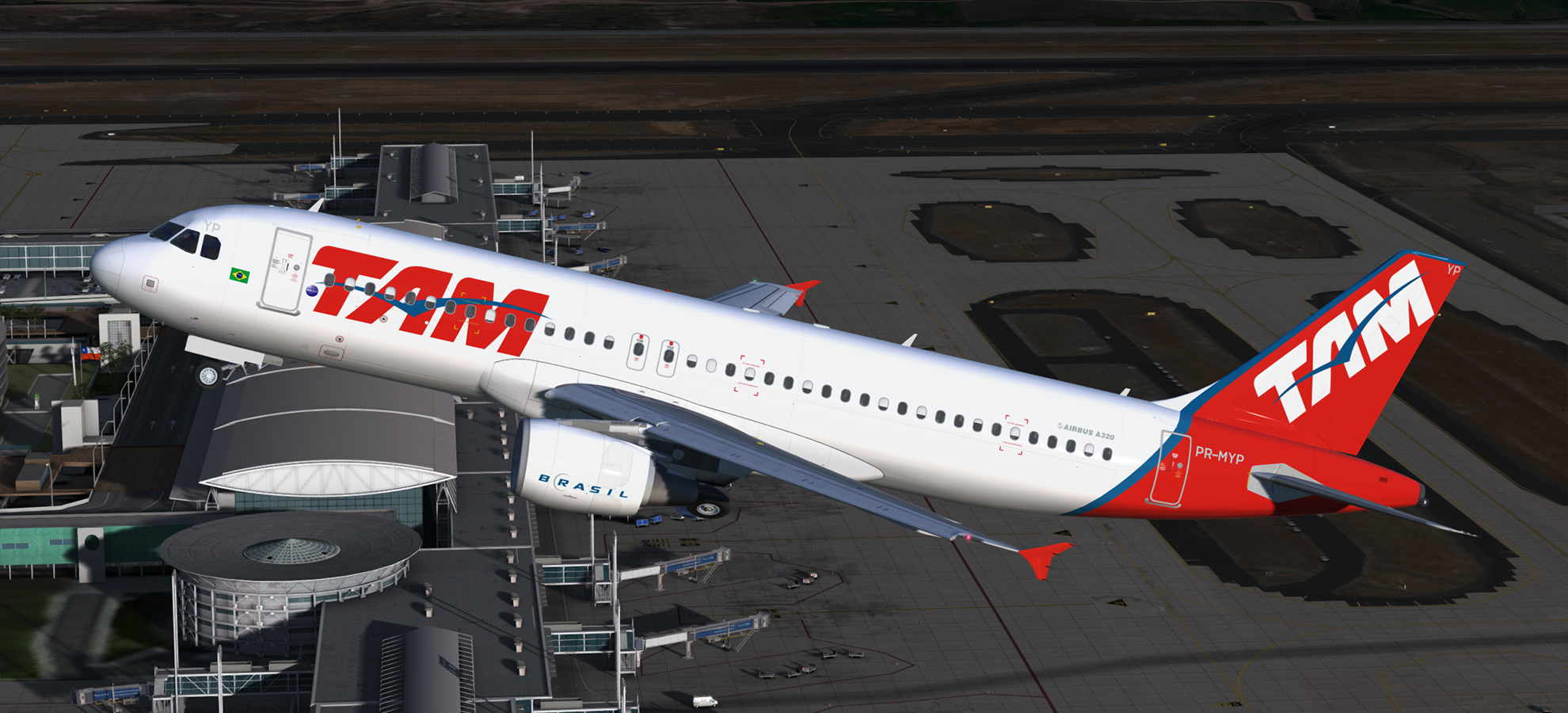
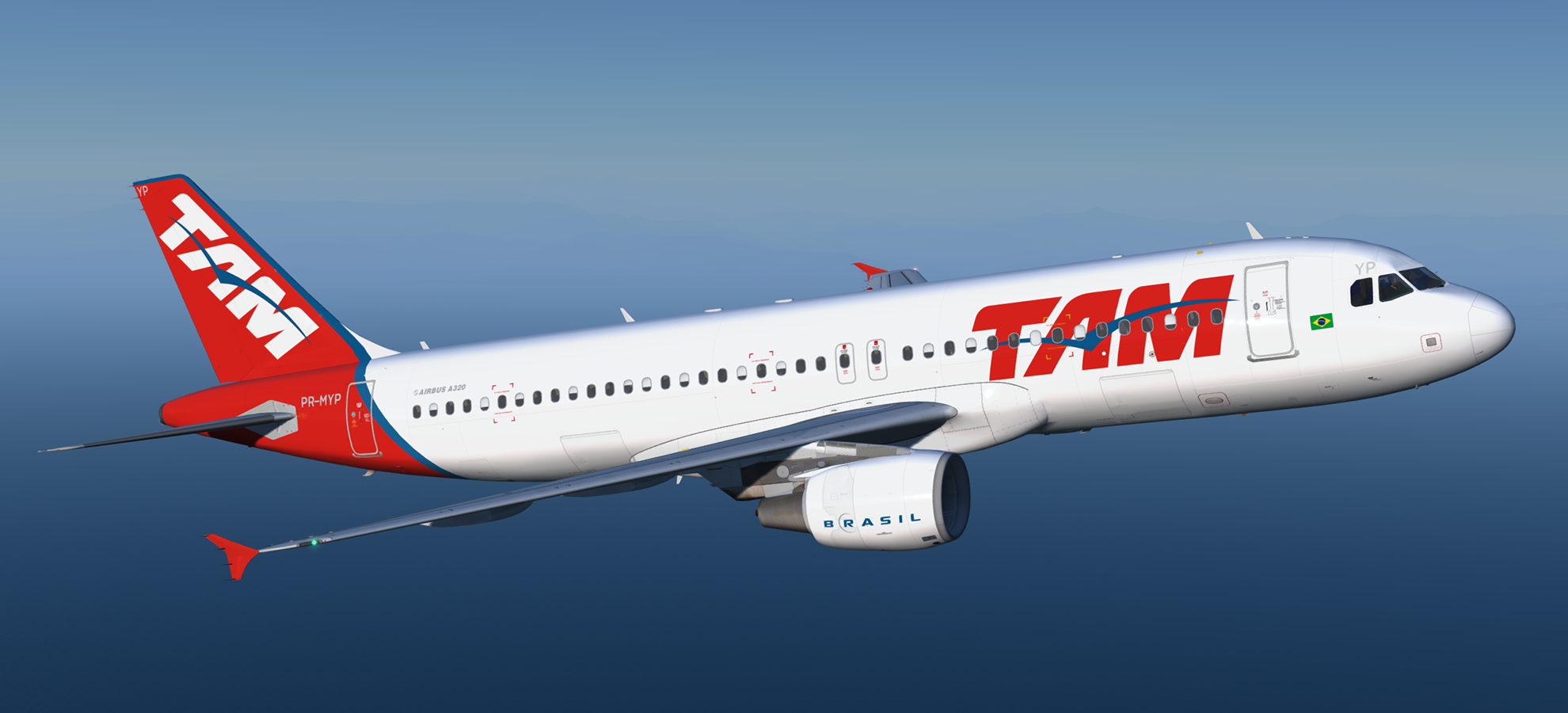
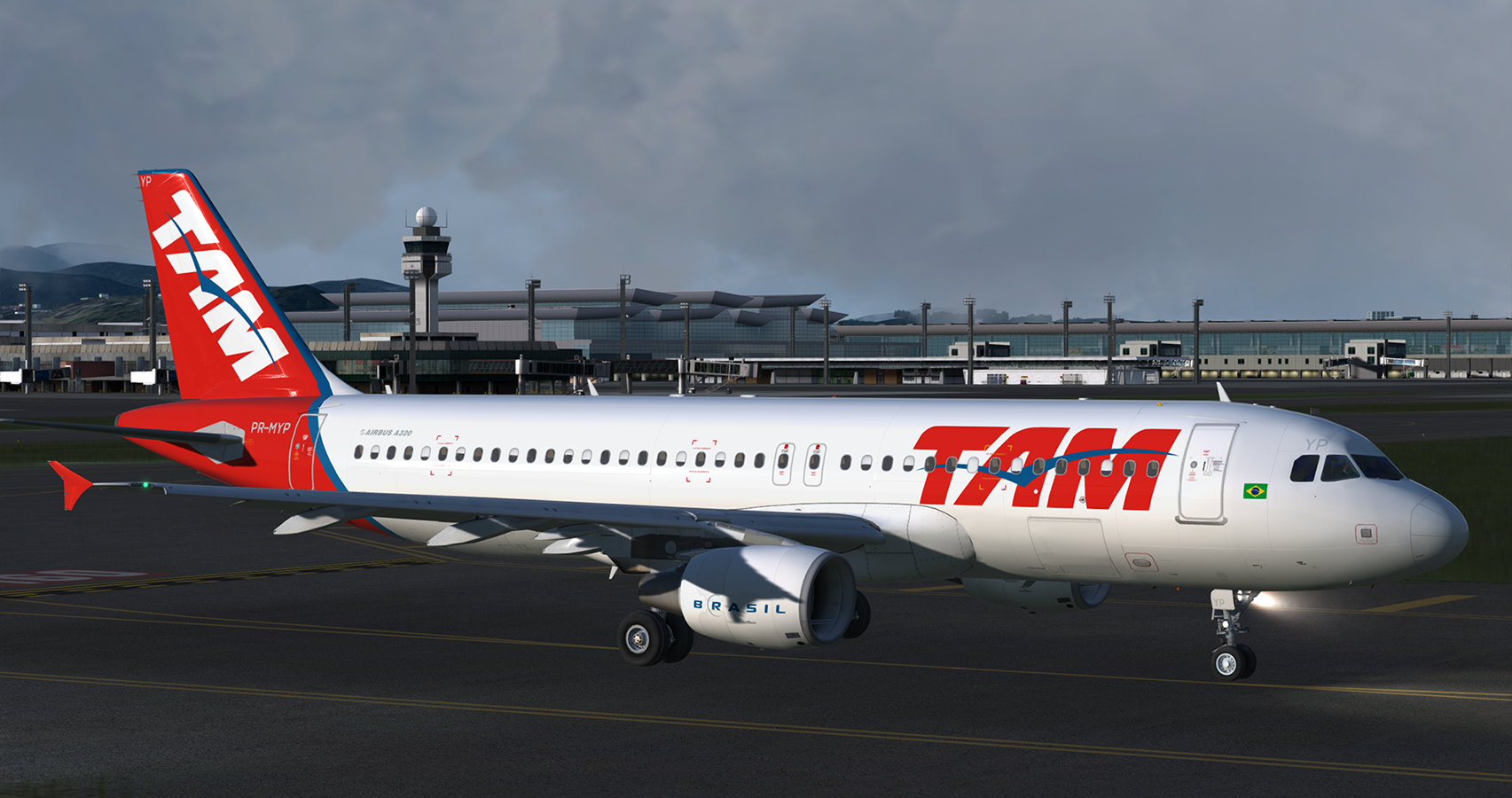
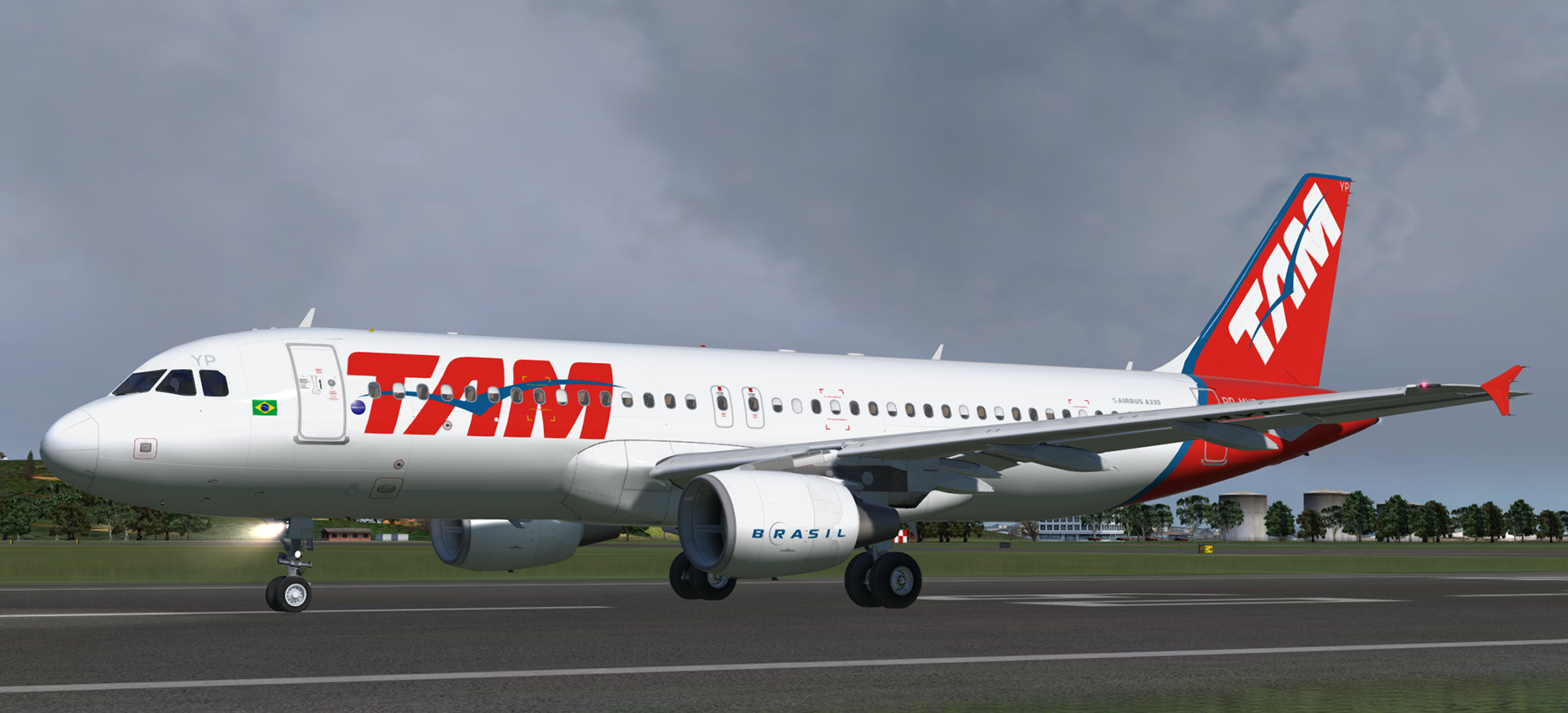
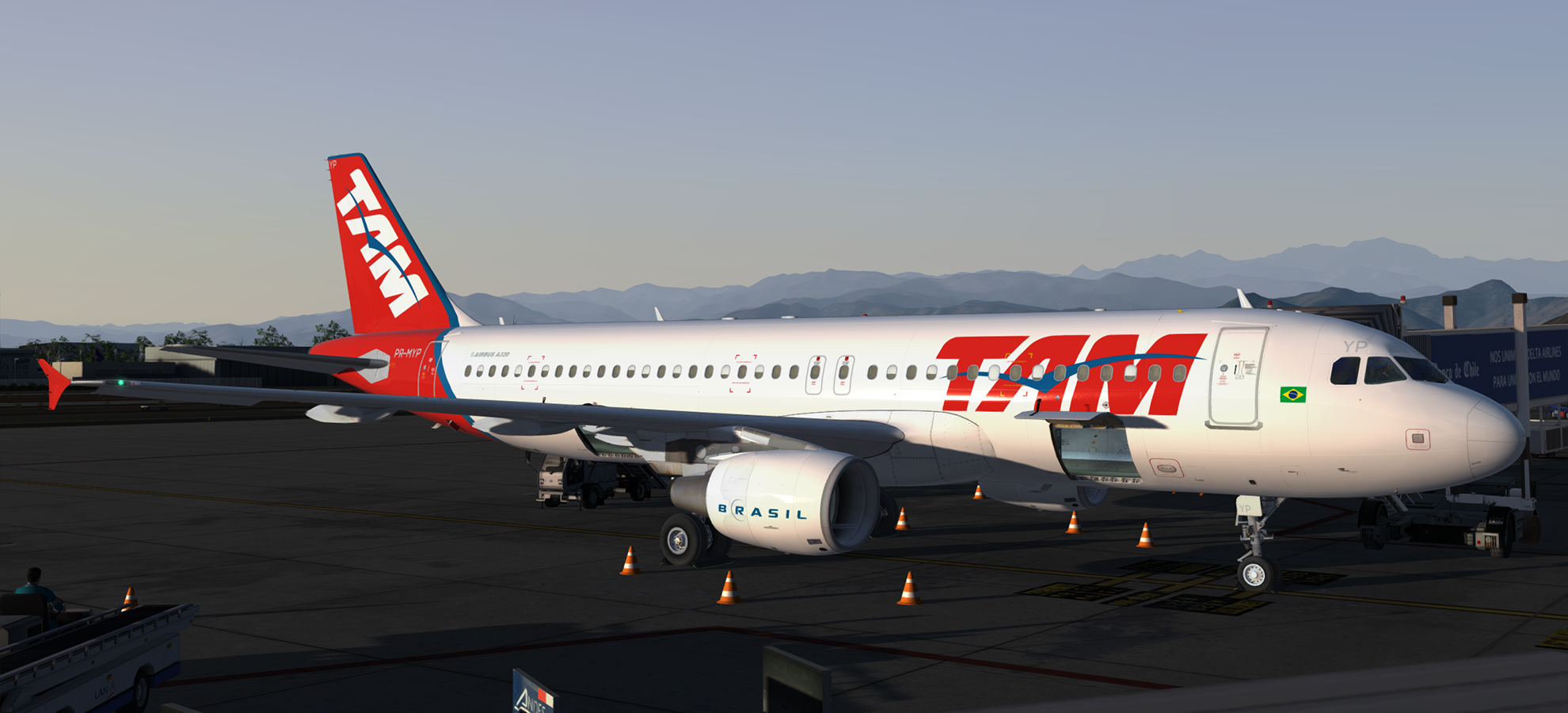
Airbus A320-214 CFM LATAM (TAM Linhas Aereas livery) PR-MYP 1.0.0

(1 review)

5 Screenshots

A320-214 CFM in TAM's previous livery before adopting the LATAM branding.  This airframe, PR-MYP (MSN 5066), was delivered to the airline on the 25th of April 2012.

NOTE: For use with FSL A320 version 2.0.2.300+ only.

Installation instructions included.


Creating these liveries takes a lot of time and effort.  If you like my work, why not show your appreciation with a small PayPal donation?  Any donations are highly appreciated but never required.


User Feedback

Artur Araripe

Artur Araripe

   1 of 1 member found this review helpful 1 / 1 member

Marvelous 

Account

Navigation

Search

Search

Configure browser push notifications

Chrome (Android)
  1. Tap the lock icon next to the address bar.
  2. Tap Permissions → Notifications.
  3. Adjust your preference.
Chrome (Desktop)
  1. Click the padlock icon in the address bar.
  2. Select Site settings.
  3. Find Notifications and adjust your preference.

