
Skip to content
View in the app

A better way to browse. Learn more.

Flight Sim Labs Forums

A full-screen app on your home screen with push notifications, badges and more.

To install this app on iOS and iPadOS
  1. Tap the Share icon in Safari
  2. Scroll the menu and tap Add to Home Screen.
  3. Tap Add in the top-right corner.
To install this app on Android
  1. Tap the 3-dot menu (⋮) in the top-right corner of the browser.
  2. Tap Add to Home screen or Install app.
  3. Confirm by tapping Install.

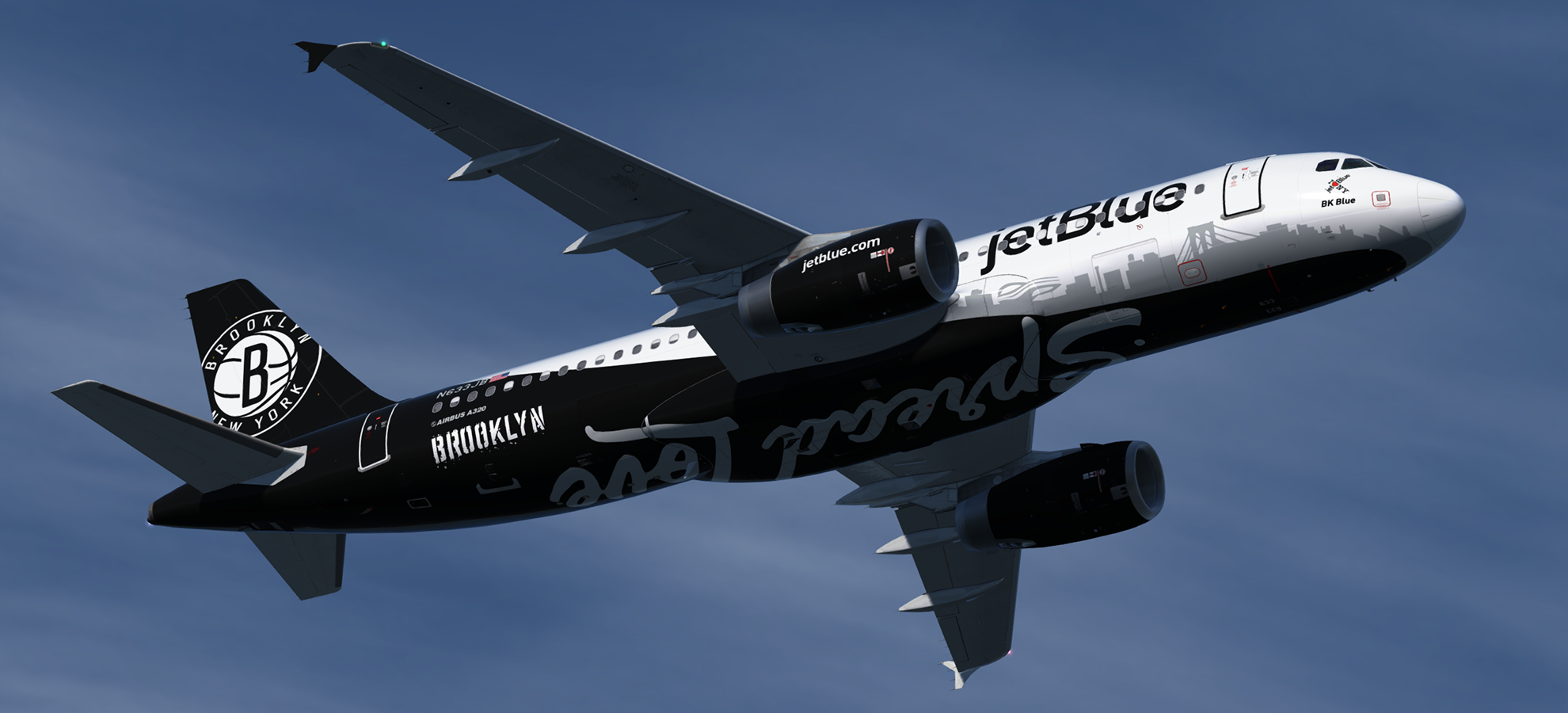
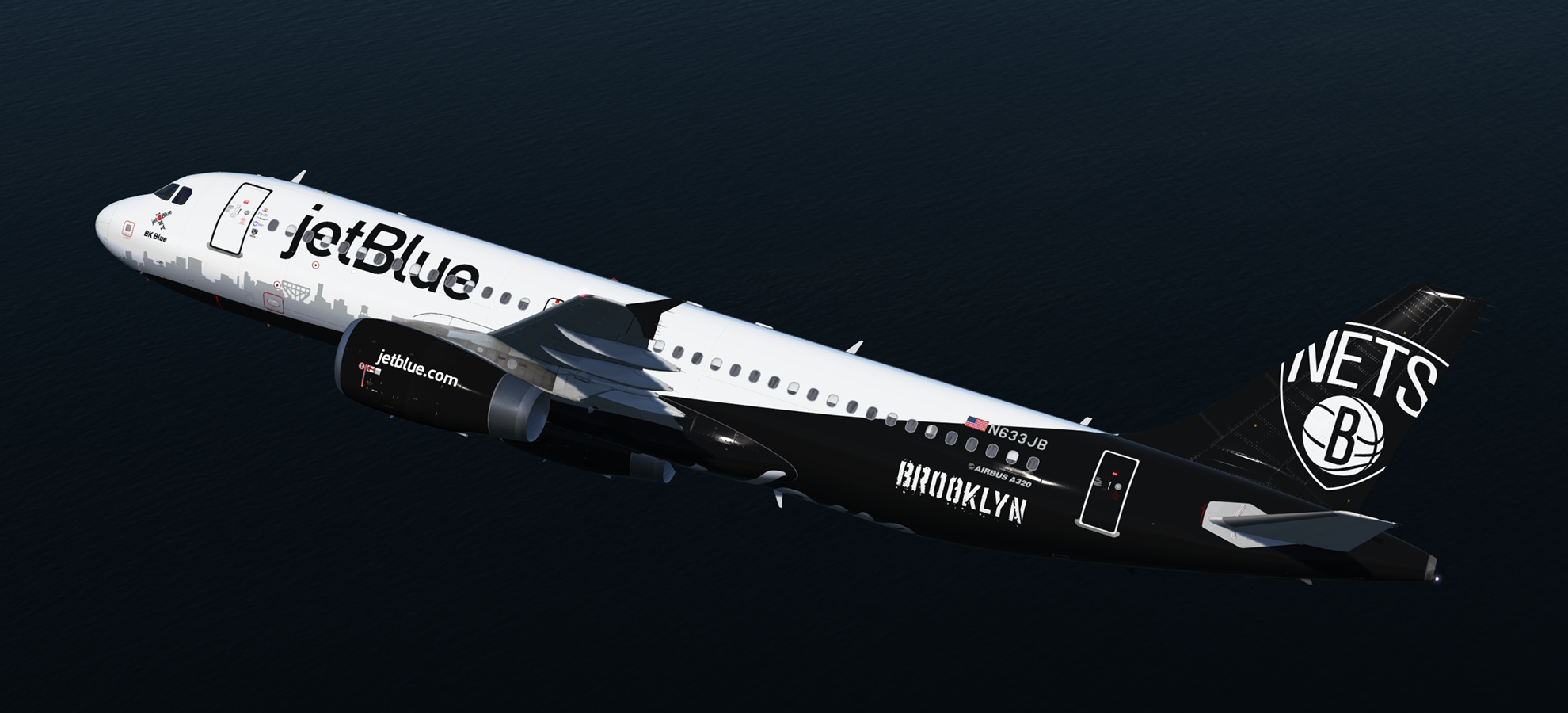
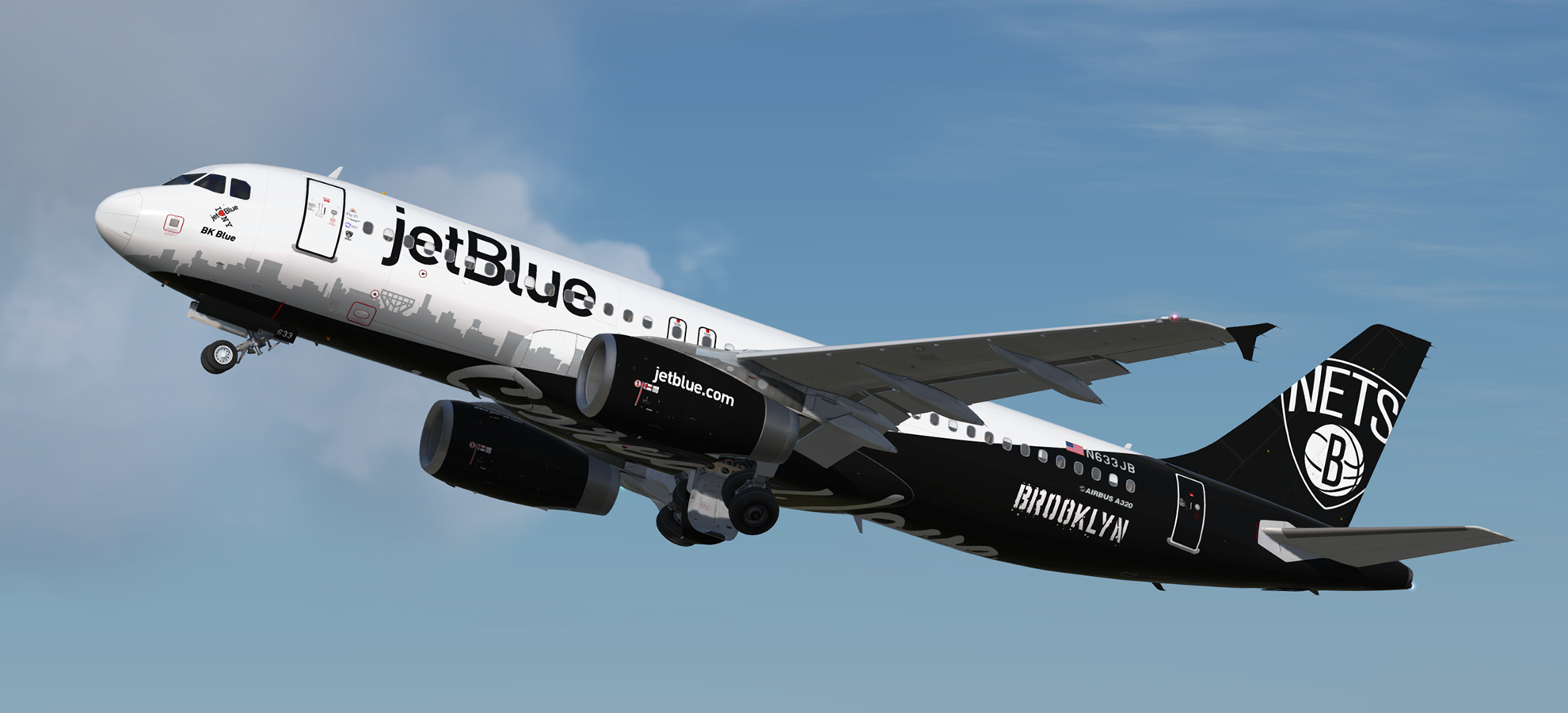
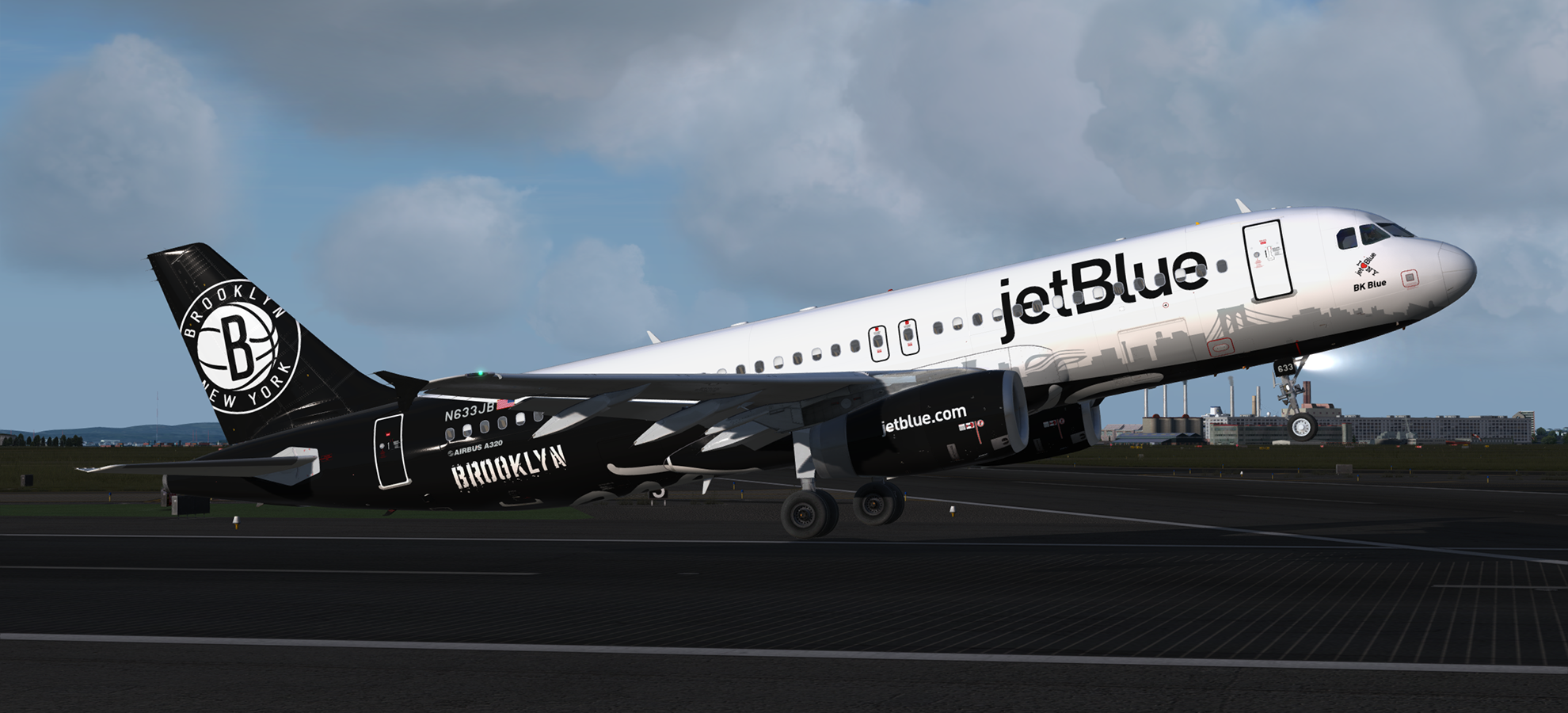
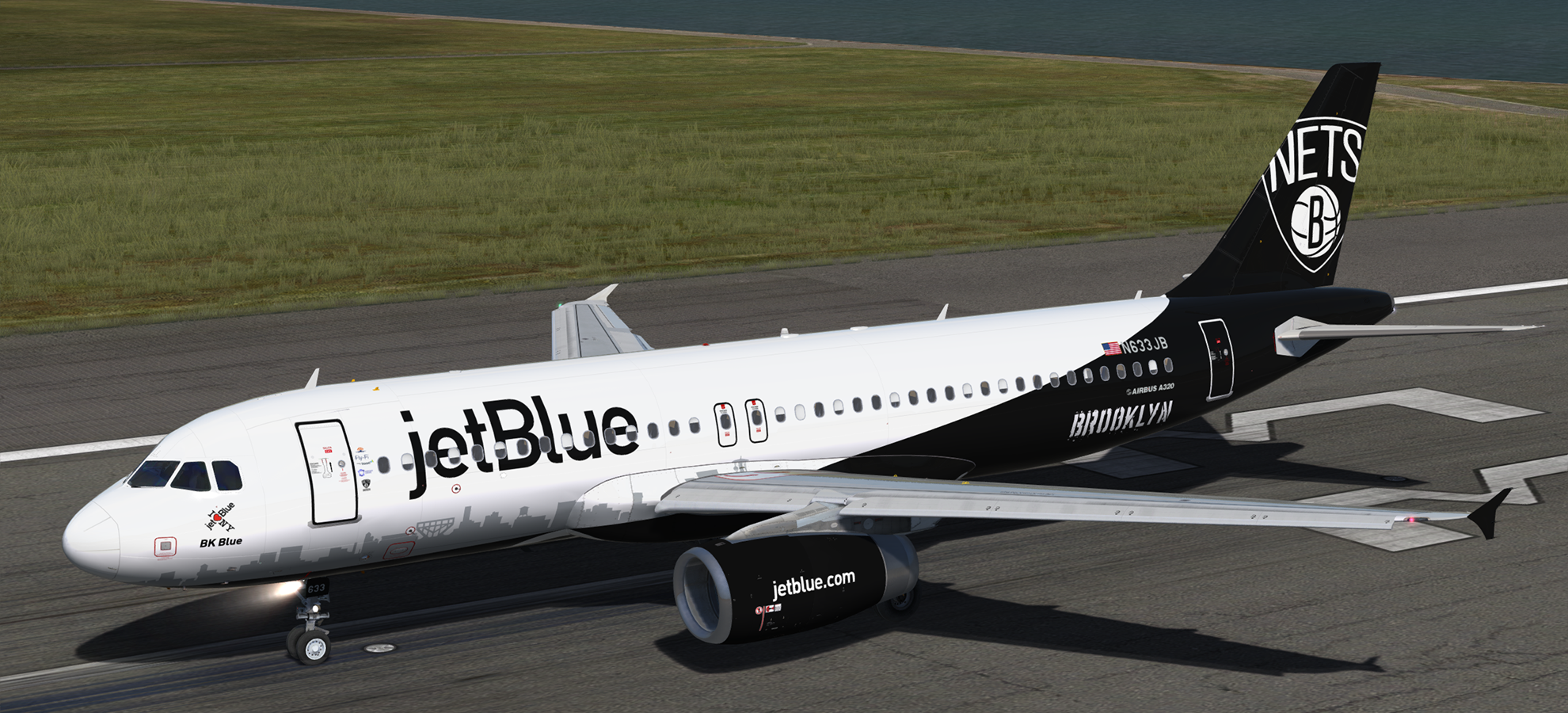
Airbus A320-232 IAE jetBlue (Brooklyn Nets) N633JB 1.0.0

(5 reviews)

5 Screenshots

A320-232 IAE in jetBlue's special "Brooklyn Nets" livery.  This airframe, N633JB (MSN 2671) and named "BK Blue" was delivered to jetBlue on the 2nd of February 2006.

NOTE: For use with FSL A320 version 2.0.2.300+ only.

Installation instructions included.


Creating these liveries takes a lot of time and effort.  If you like my work, why not show your appreciation with a small PayPal donation?  Any donations are highly appreciated but never required.


User Feedback

Brett Pyle

Brett Pyle

   1 of 1 member found this review helpful 1 / 1 member

awesome

Mike Moskovich

Mike Moskovich

   1 of 1 member found this review helpful 1 / 1 member

Another amazing paint, Daniel! To top it off this represents the borough I grew up in!

Jonathan Cruz

Jonathan Cruz

   1 of 1 member found this review helpful 1 / 1 member

i have no words u know my opinion about this.... Daniel let me see what could be the next one   :D;)

John Tavendale

John Tavendale

   2 of 2 members found this review helpful 2 / 2 members

I'm only rating this 5 stars because 10 stars isn't available. Killed it mate, awesome job!

Fritz_Essono

Fritz_Essono

   2 of 2 members found this review helpful 2 / 2 members

"Ice in my veins!!!!!". :D

Love the livery. :)

Account

Navigation

Search

Search

Configure browser push notifications

Chrome (Android)
  1. Tap the lock icon next to the address bar.
  2. Tap Permissions → Notifications.
  3. Adjust your preference.
Chrome (Desktop)
  1. Click the padlock icon in the address bar.
  2. Select Site settings.
  3. Find Notifications and adjust your preference.

