
Skip to content
View in the app

A better way to browse. Learn more.

Flight Sim Labs Forums

A full-screen app on your home screen with push notifications, badges and more.

To install this app on iOS and iPadOS
  1. Tap the Share icon in Safari
  2. Scroll the menu and tap Add to Home Screen.
  3. Tap Add in the top-right corner.
To install this app on Android
  1. Tap the 3-dot menu (⋮) in the top-right corner of the browser.
  2. Tap Add to Home screen or Install app.
  3. Confirm by tapping Install.

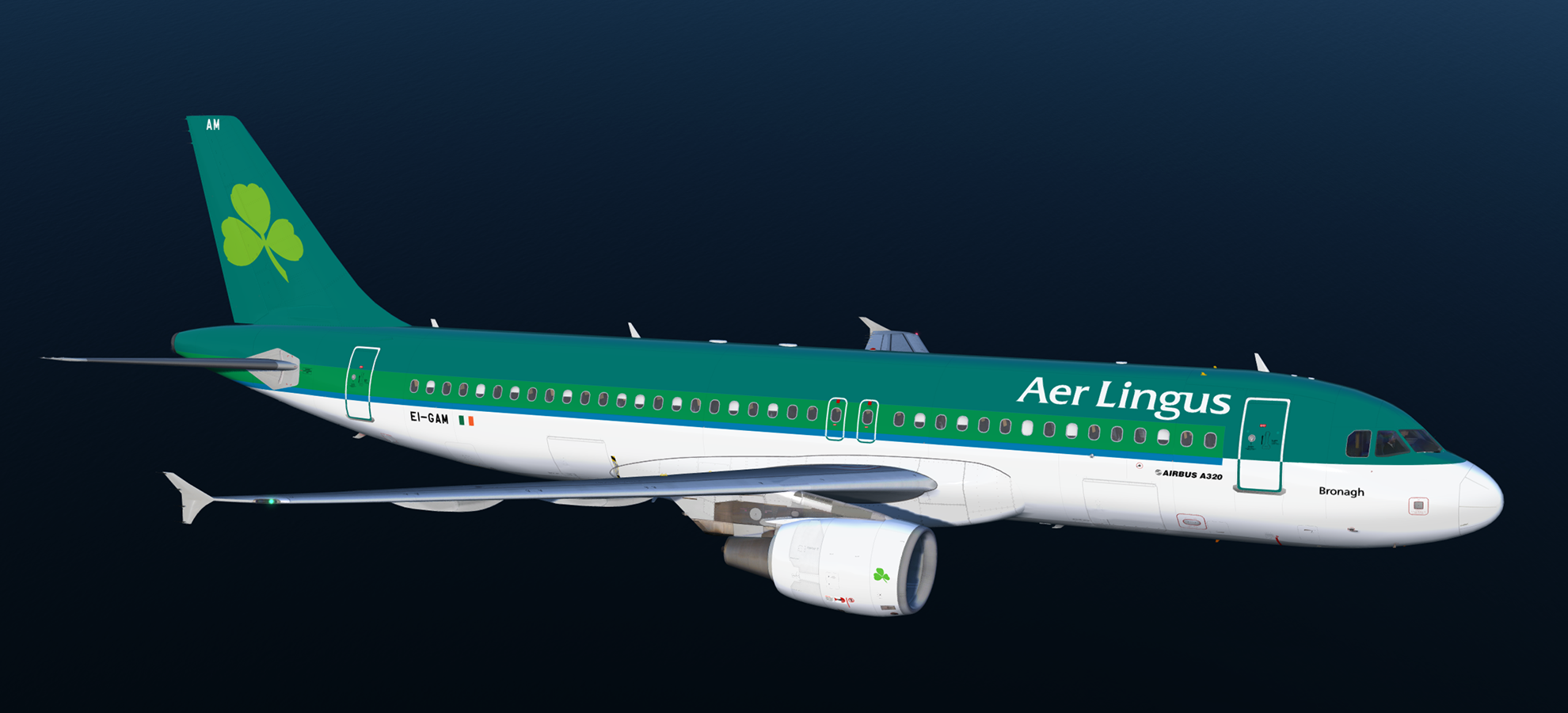
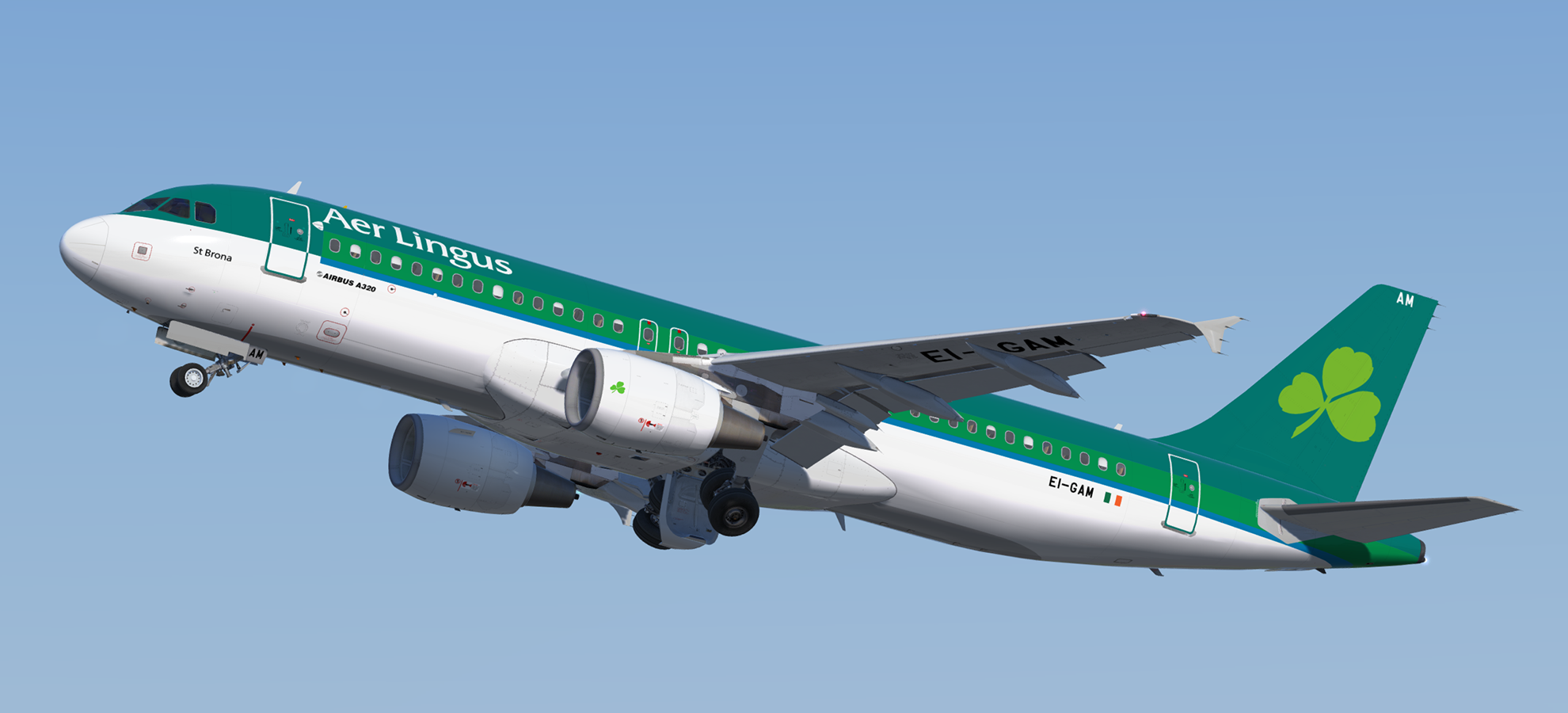
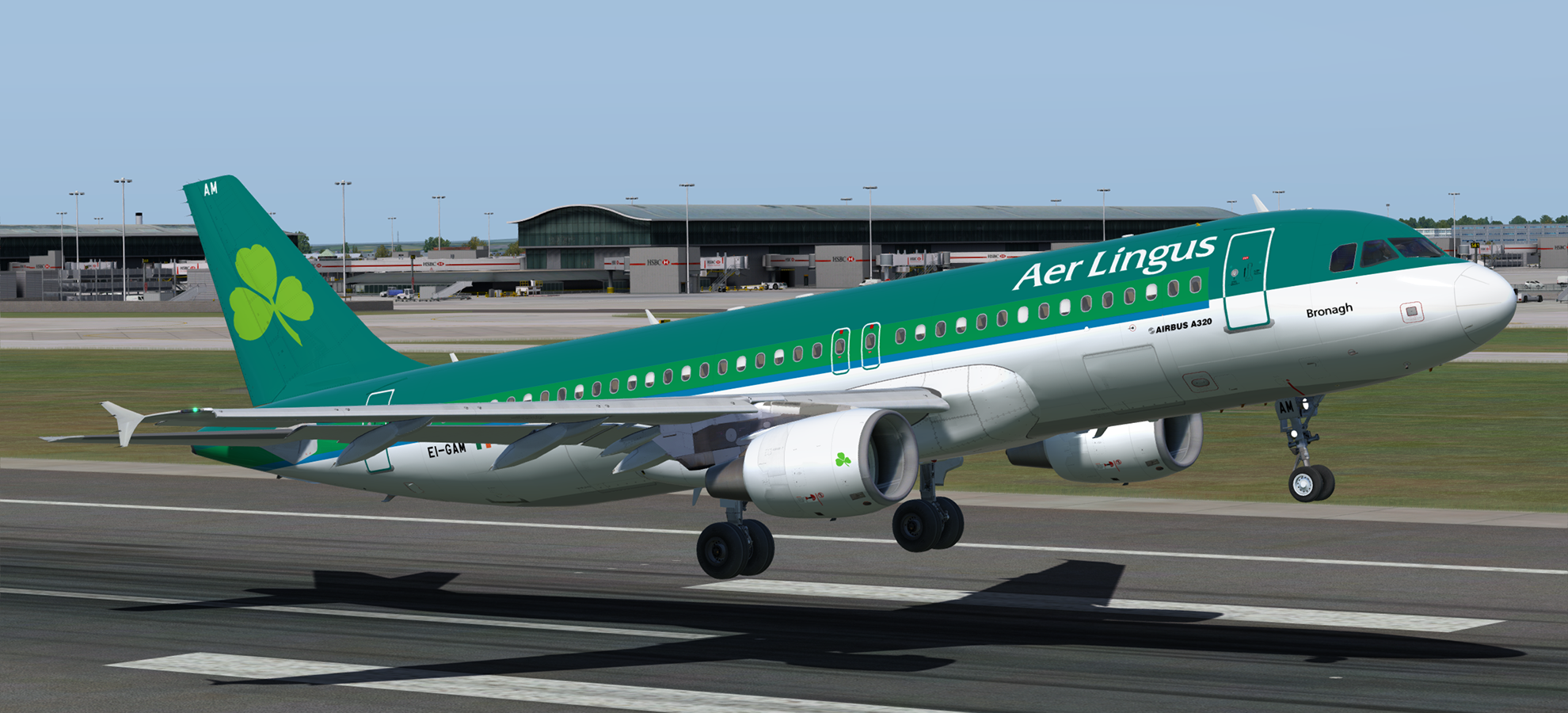
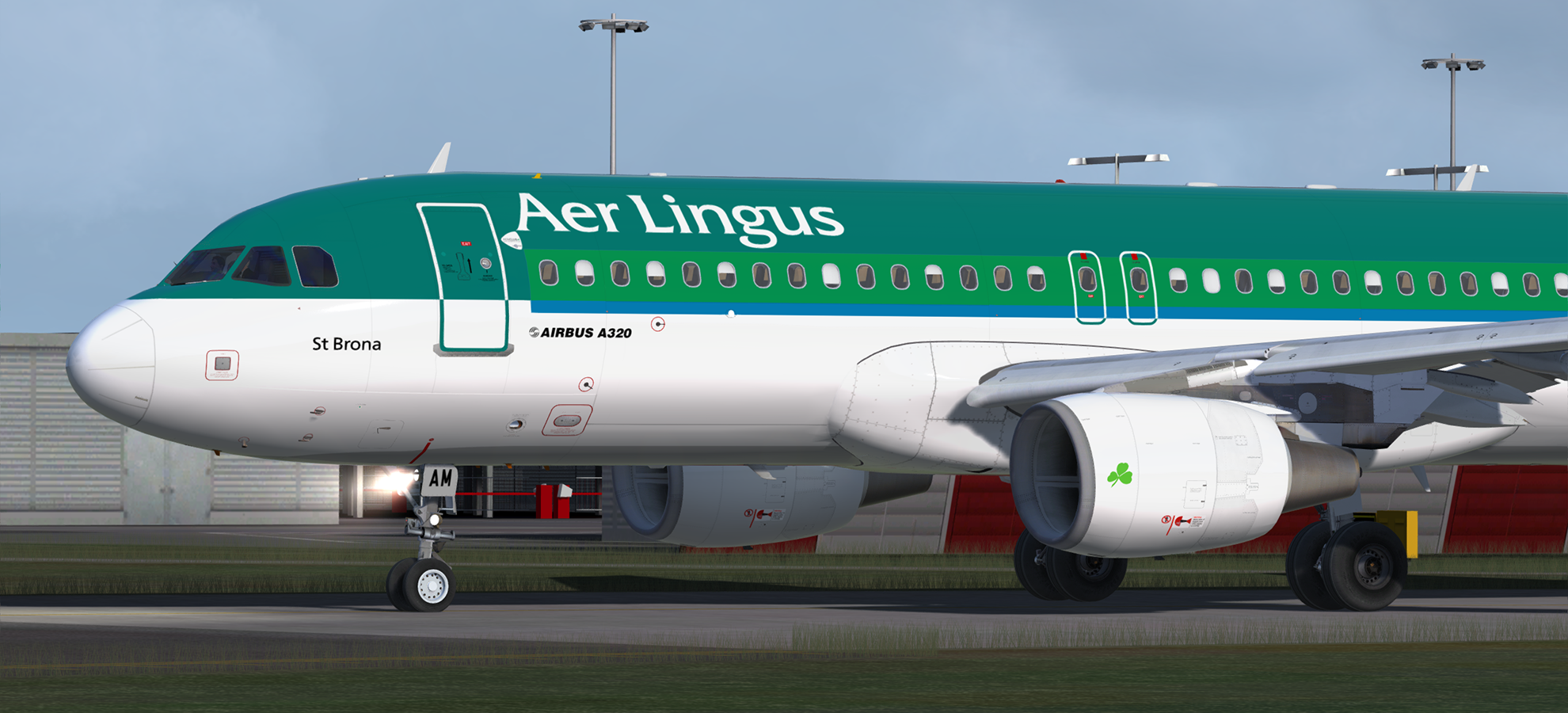
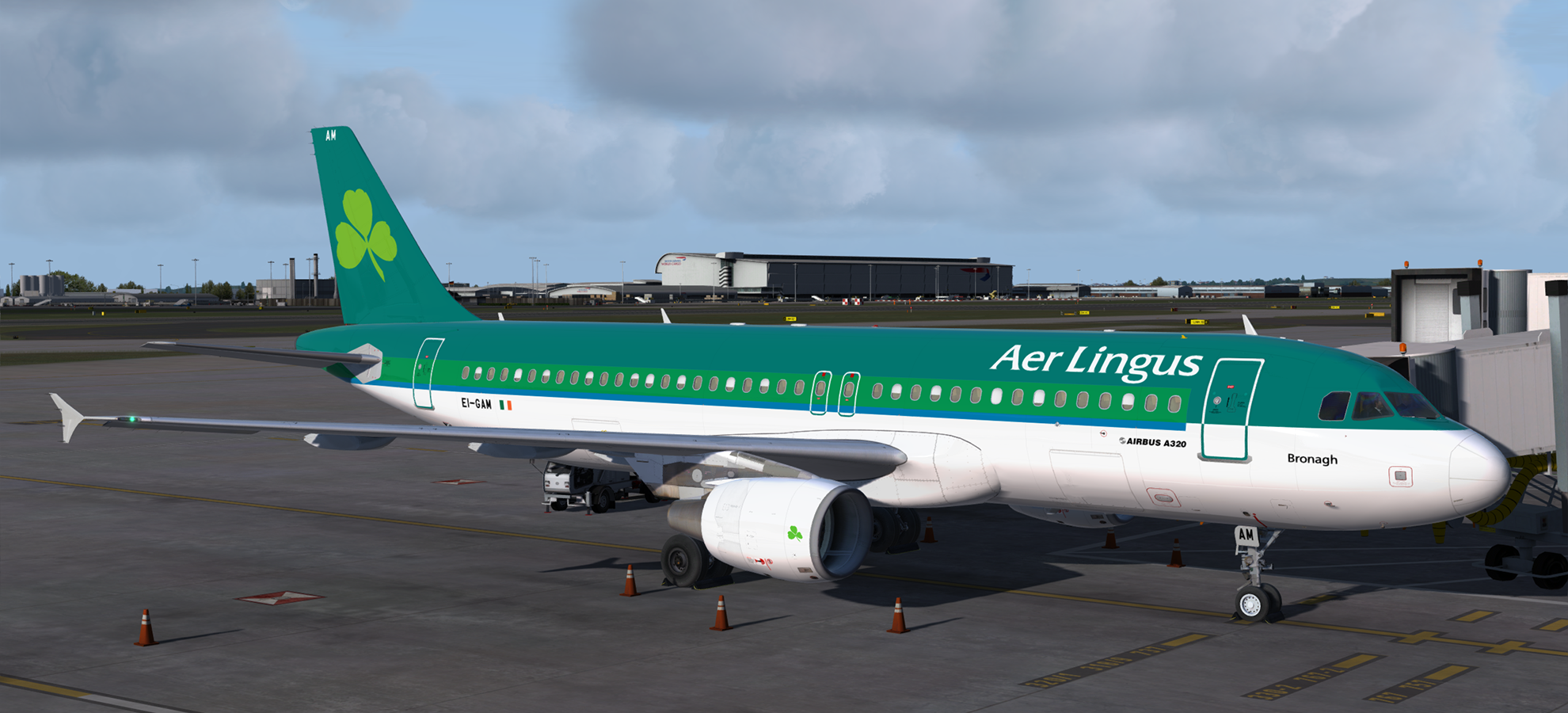
Airbus A320-214 CFM Aer Lingus EI-GAM 1.0.0

(3 reviews)

5 Screenshots

A320-214 CFM in Aer Lingus' old livery .  This airframe, EI-GAM (MSN 3823) "St Brona", was delivered to the airline on the 14th of June 2017.  It was previously in service with Aeroflot.

Many thanks to @maxdyba (https://forums.flightsimlabs.com/index.php?/profile/21741-maxdyba/) for providing the font for the aircraft name and reference material for the Avios door logo.

NOTE: For use with FSL A320 version 2.0.2.300+ only.

Installation instructions included.

User Feedback

Sean Caddle

Sean Caddle

   1 of 1 member found this review helpful 1 / 1 member

Excellent as always.


samwheeler

samwheeler

   1 of 1 member found this review helpful 1 / 1 member

Looks amazing! Thank you!

maxdyba

maxdyba

   2 of 2 members found this review helpful 2 / 2 members

She's turned out a beauty! Nice one mate ^_^

Account

Navigation

Search

Search

Configure browser push notifications

Chrome (Android)
  1. Tap the lock icon next to the address bar.
  2. Tap Permissions → Notifications.
  3. Adjust your preference.
Chrome (Desktop)
  1. Click the padlock icon in the address bar.
  2. Select Site settings.
  3. Find Notifications and adjust your preference.

