
Skip to content
View in the app

A better way to browse. Learn more.

Flight Sim Labs Forums

A full-screen app on your home screen with push notifications, badges and more.

To install this app on iOS and iPadOS
  1. Tap the Share icon in Safari
  2. Scroll the menu and tap Add to Home Screen.
  3. Tap Add in the top-right corner.
To install this app on Android
  1. Tap the 3-dot menu (⋮) in the top-right corner of the browser.
  2. Tap Add to Home screen or Install app.
  3. Confirm by tapping Install.

Germanwings A319 IAE 1.0.0

(5 reviews)

3 Screenshots

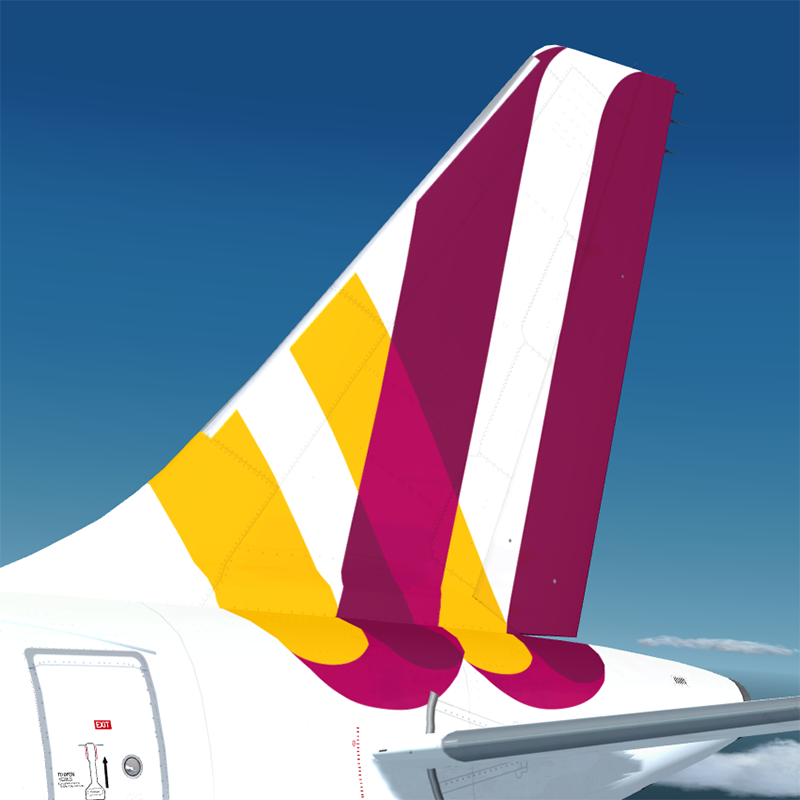
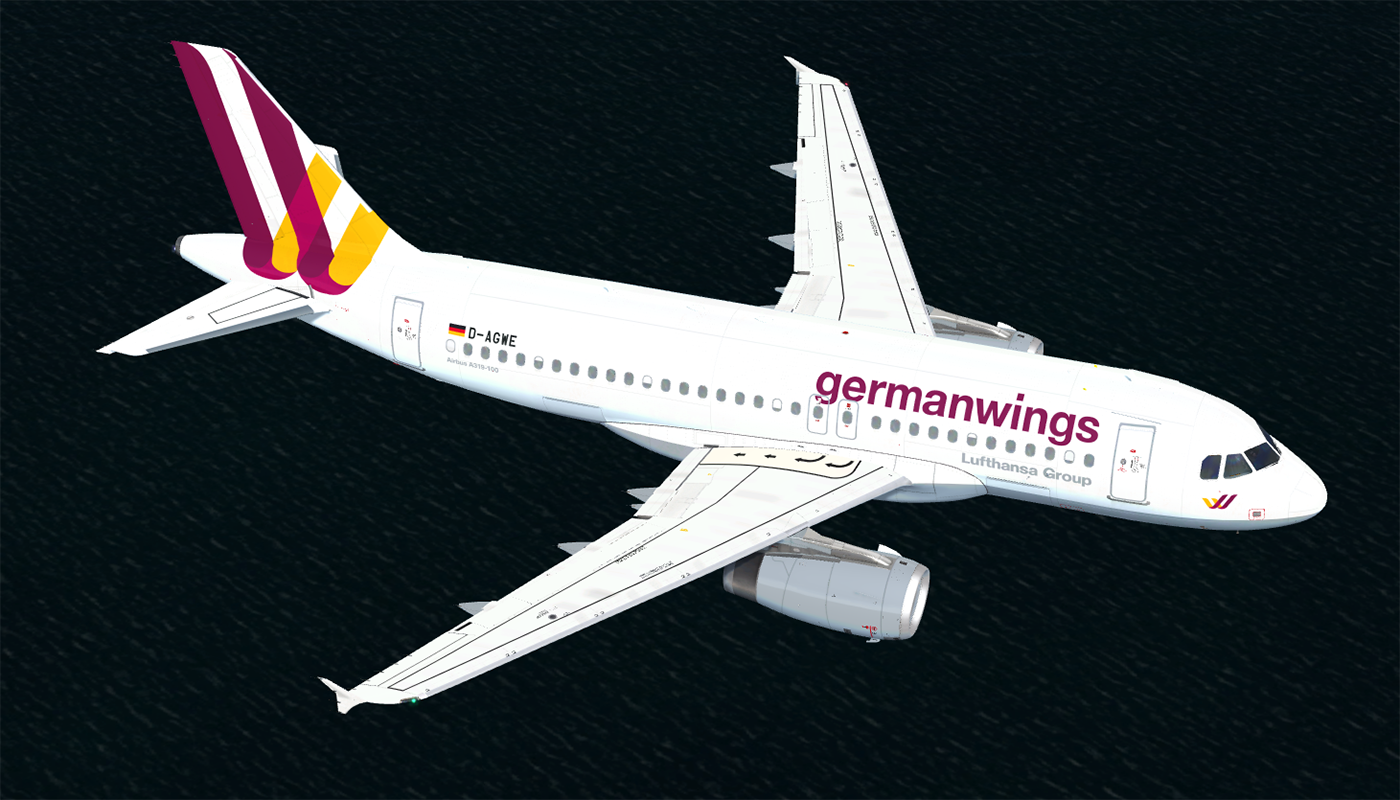
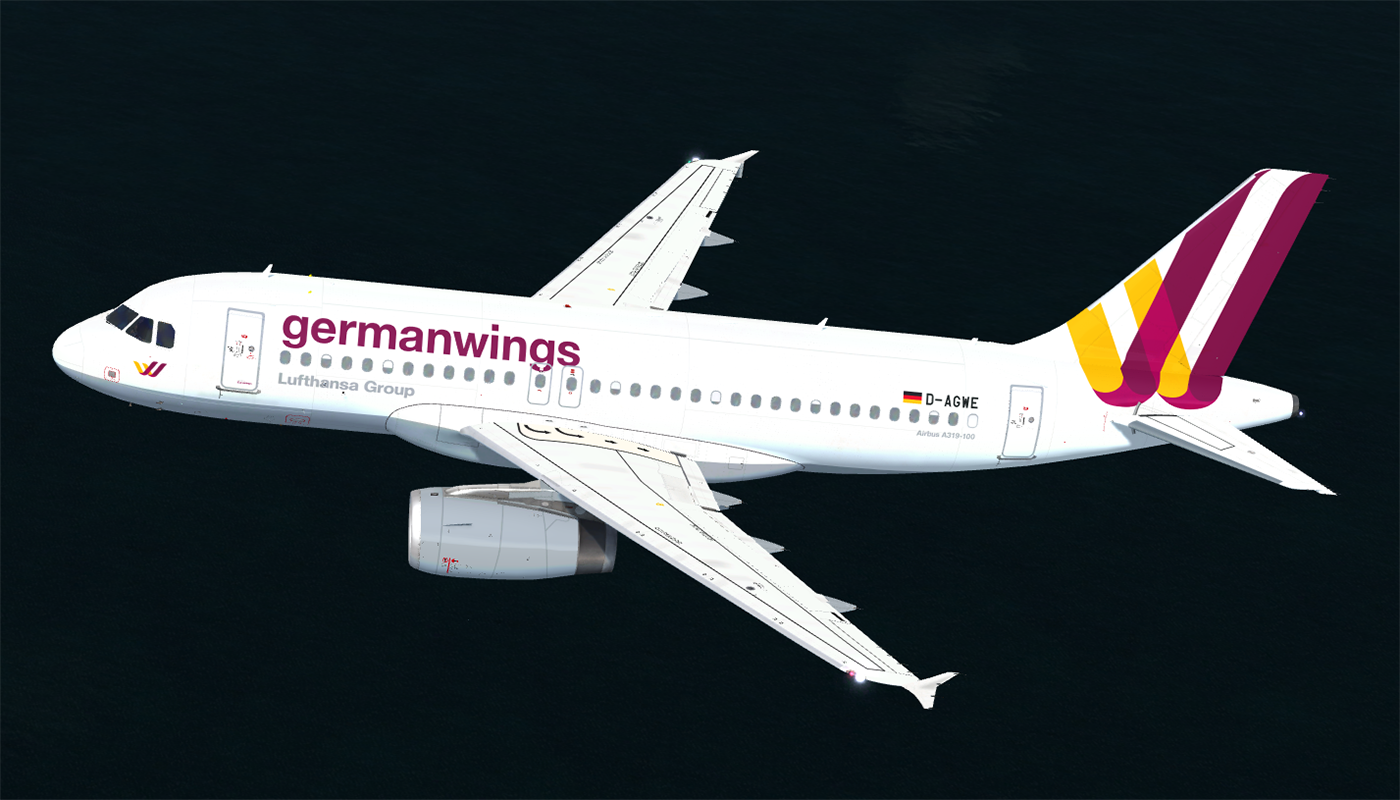
germanwings Airbus A319 (D-AGWE)

  • The download contains a repaint of a Germanwings Airbus A319 (D-AGWE).
  • Repaint comes with largely reworked fuselage, engine and wing textures (including bump and specular maps).
  • For installation instructions check the included readme.txt.


User Feedback

Lev Furlan

Lev Furlan

   1 of 1 member found this review helpful 1 / 1 member

Please do the CFM also ;) Awesome job as always

Response from the author:

With the next update for FSLAbs A320 Series there'll also be a germanwings CFM Version. :rolleyes:

Klaus Schmitzer

Klaus Schmitzer

   2 of 2 members found this review helpful 2 / 2 members

Do you want to make it also for CFM? Would be awesome!

Response from the author:

With the next update for FSLAbs A320 Series there'll also be a germanwings CFM Version. :rolleyes:

Christoph Sebek

Christoph Sebek

   3 of 3 members found this review helpful 3 / 3 members

Great repaint job, well done.

Pascal Blau

Pascal Blau

   5 of 5 members found this review helpful 5 / 5 members

Awesome, hopefully we can expect a CFM version too:rolleyes:

Response from the author:

With the next update for FSLAbs A320 Series there'll also be a germanwings CFM Version. :rolleyes:

Peter Boss

Peter Boss

   2 of 2 members found this review helpful 2 / 2 members

finally! ^_^

Account

Navigation

Search

Search

Configure browser push notifications

Chrome (Android)
  1. Tap the lock icon next to the address bar.
  2. Tap Permissions → Notifications.
  3. Adjust your preference.
Chrome (Desktop)
  1. Click the padlock icon in the address bar.
  2. Select Site settings.
  3. Find Notifications and adjust your preference.

