
Skip to content
View in the app

A better way to browse. Learn more.

Flight Sim Labs Forums

A full-screen app on your home screen with push notifications, badges and more.

To install this app on iOS and iPadOS
  1. Tap the Share icon in Safari
  2. Scroll the menu and tap Add to Home Screen.
  3. Tap Add in the top-right corner.
To install this app on Android
  1. Tap the 3-dot menu (⋮) in the top-right corner of the browser.
  2. Tap Add to Home screen or Install app.
  3. Confirm by tapping Install.

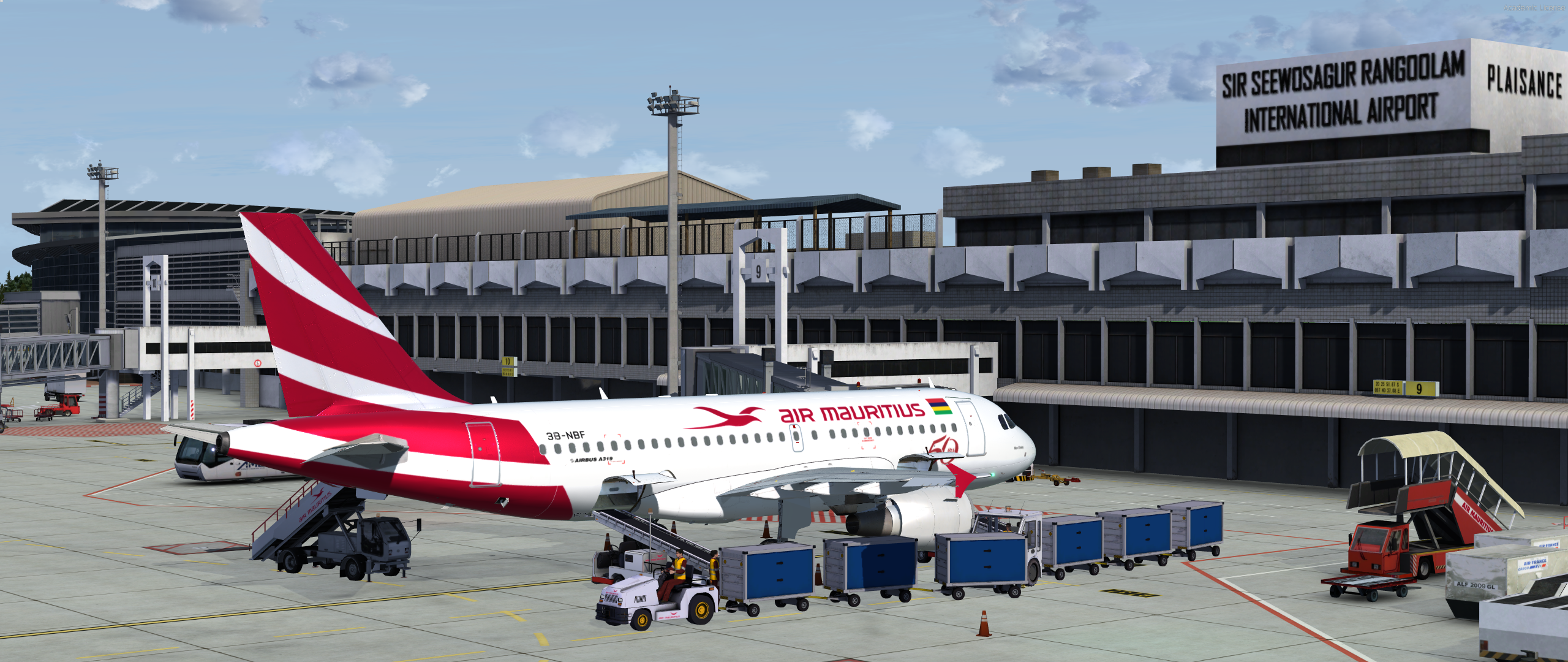
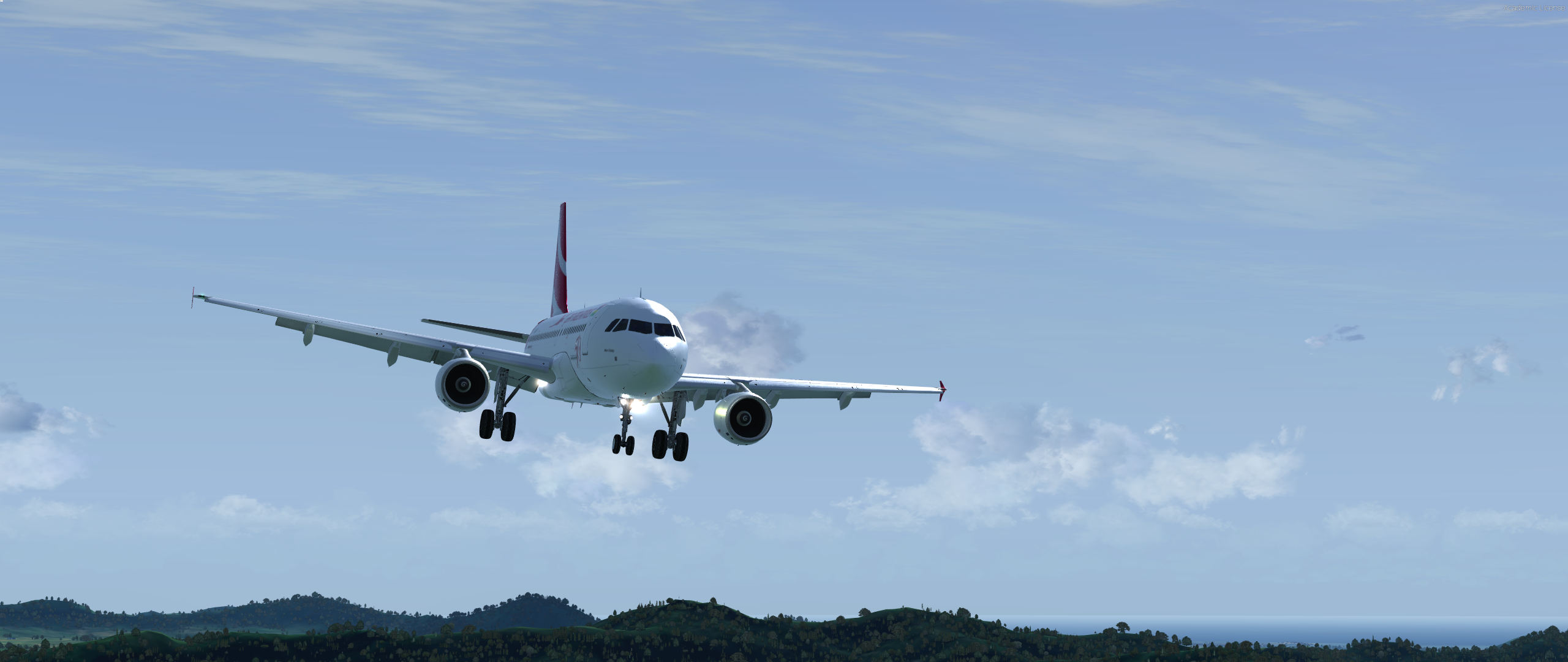
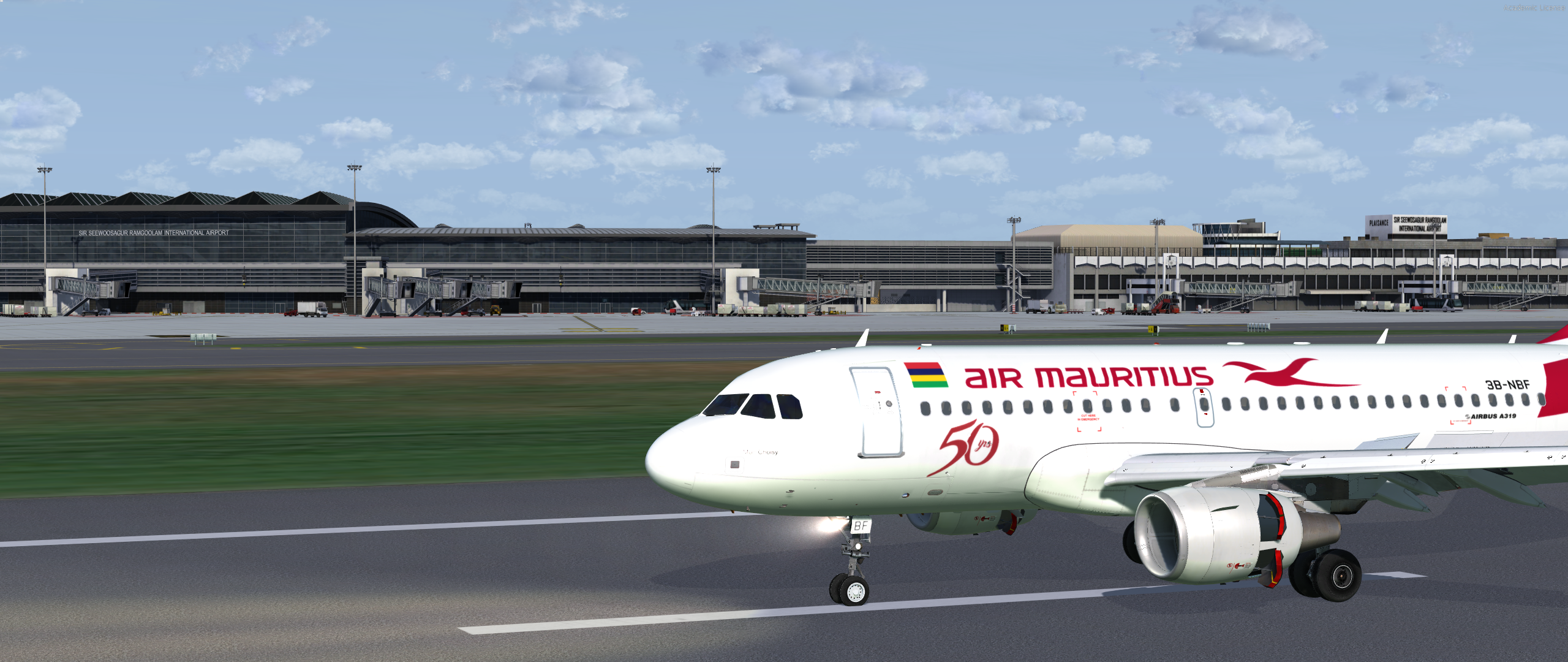
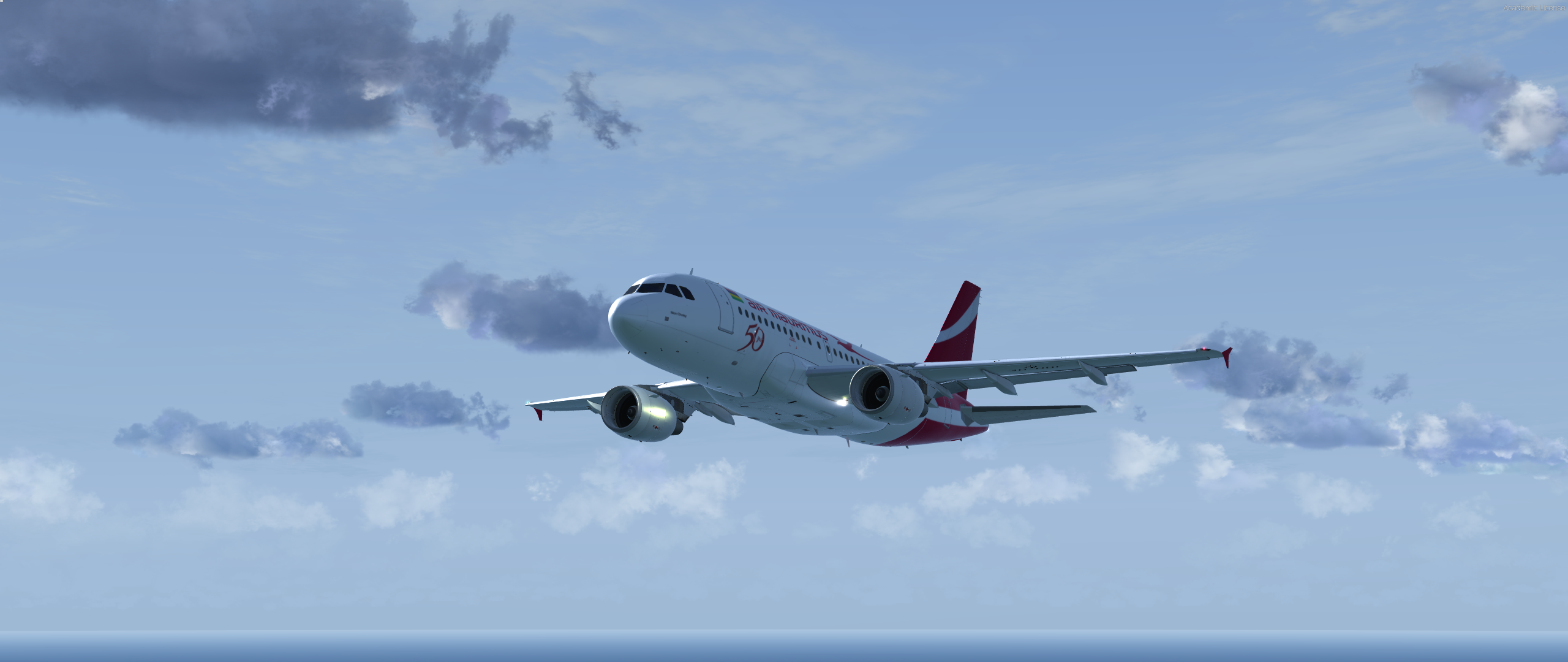
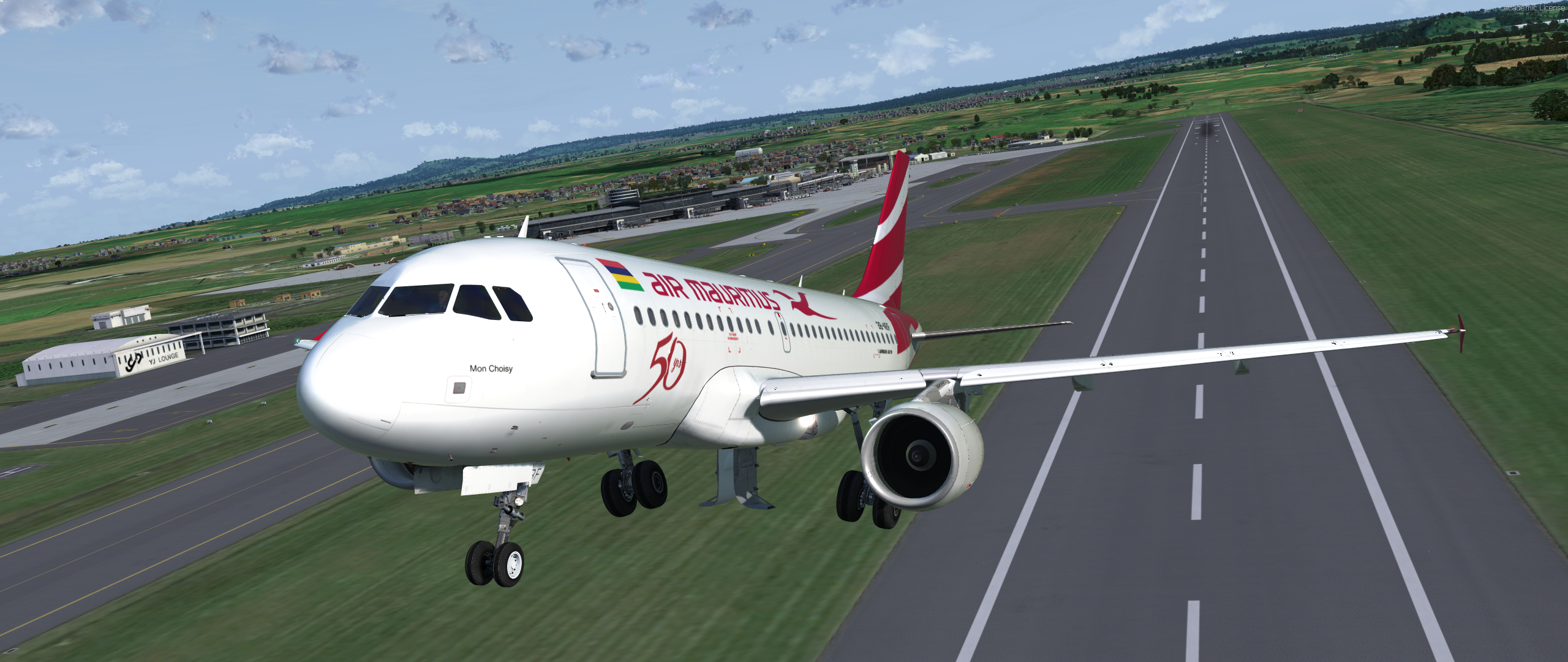
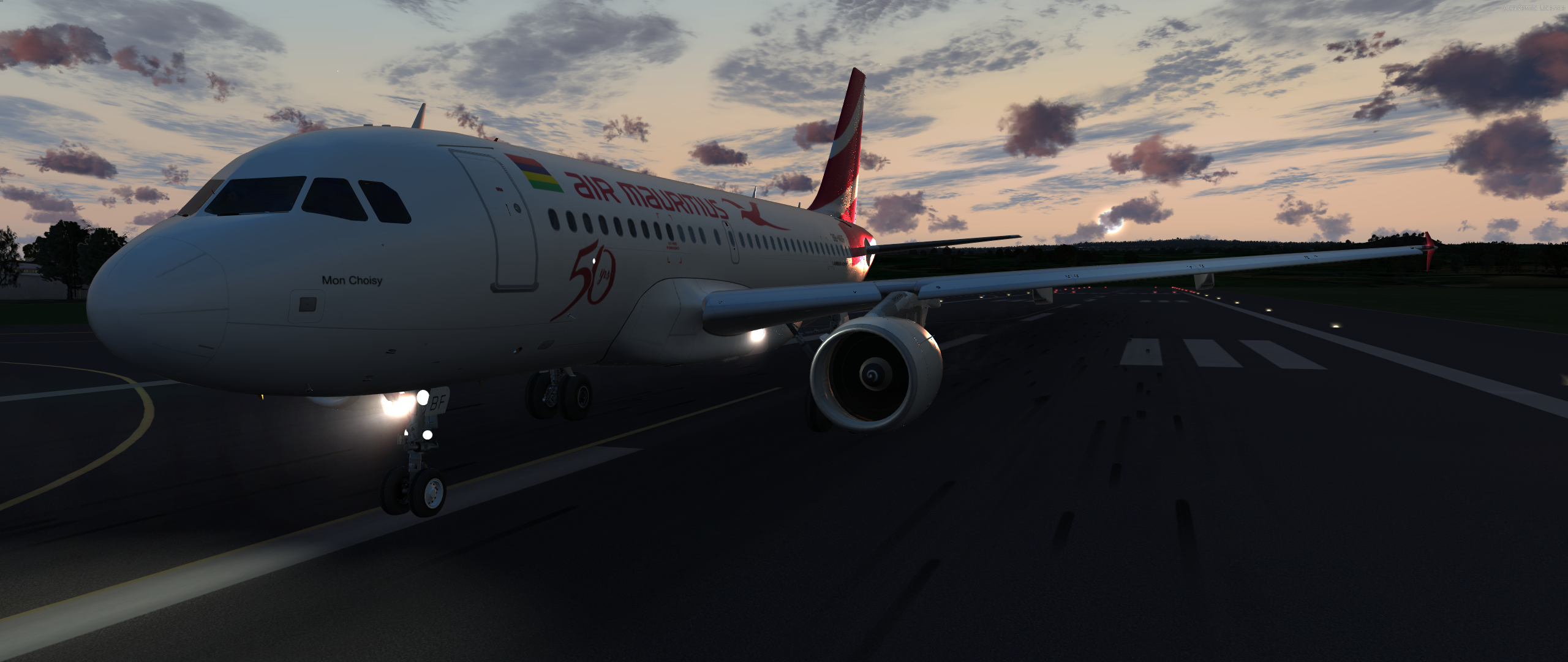
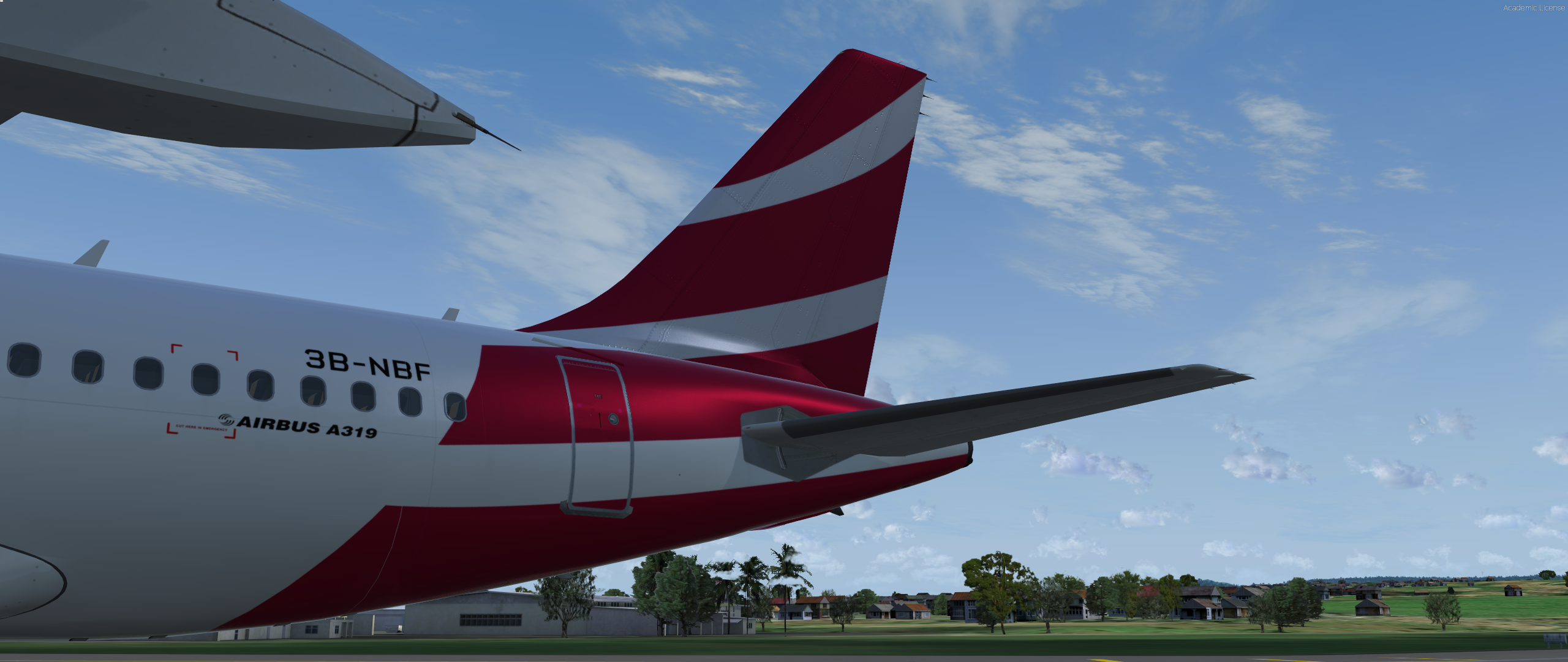
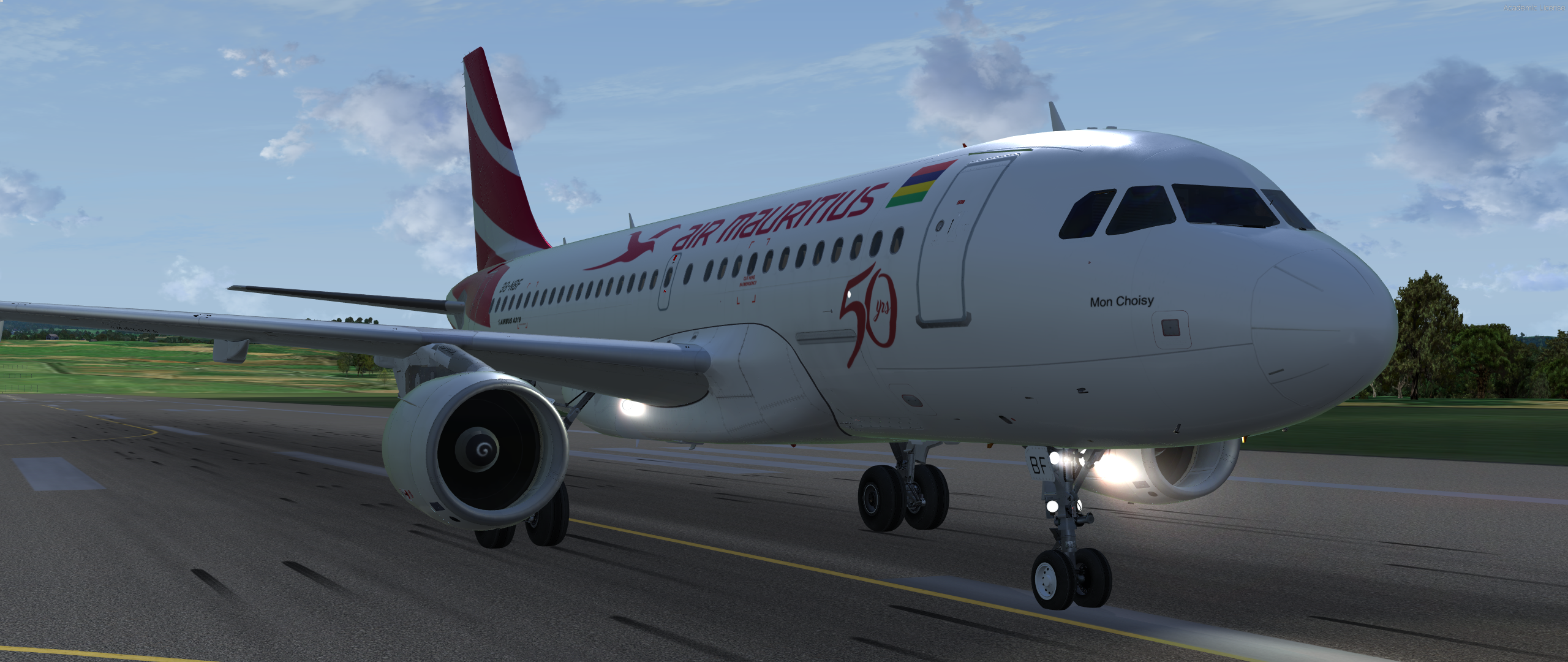
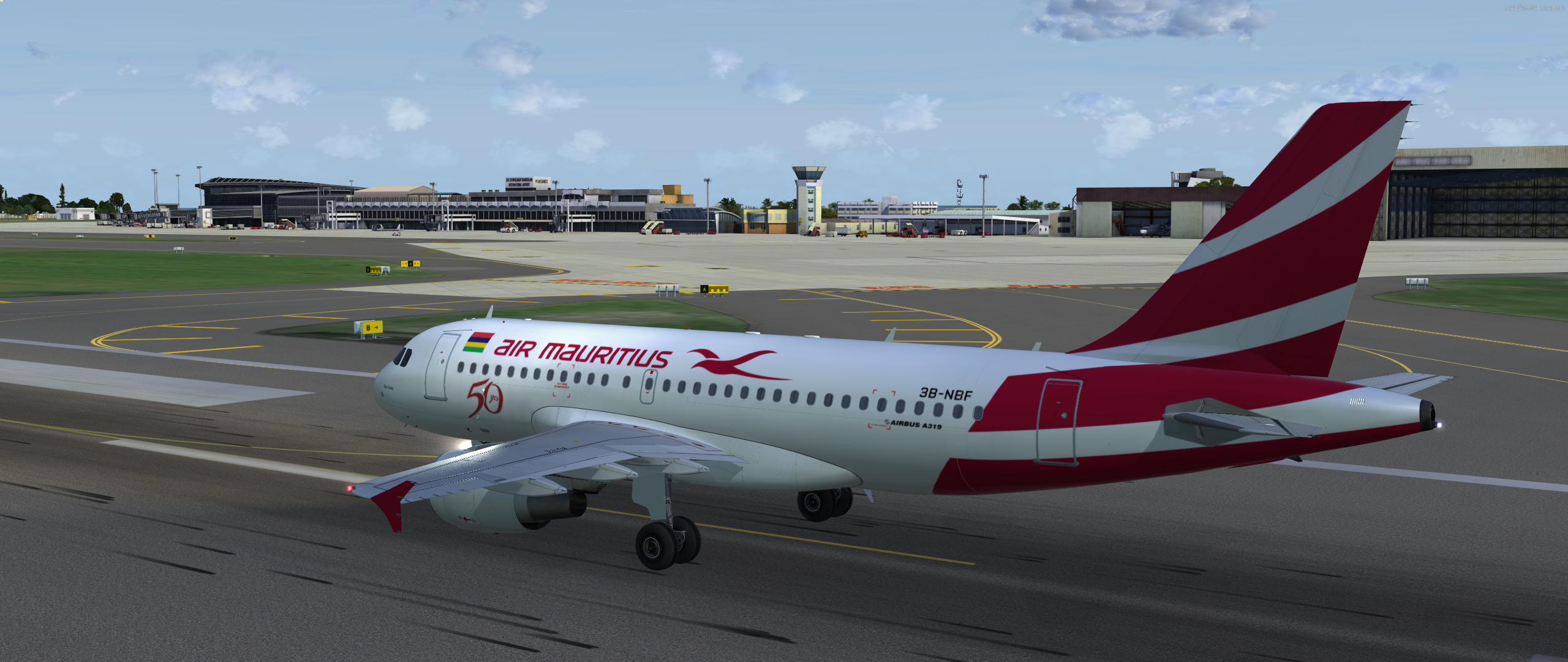
Air Mauritius A319 (3B-NBF) 1.0.0

(1 review)

9 Screenshots

I thought I'd give repainting a try so here's my first attempt. Many thanks to Hugo Bicho for allowing me to use his Metal and Engine rim textures.

Repaint of Air Mauritius 3B-NBF with CFM engines.

Just drop the Texture.MAU folder into your sim and the aircraft will automatically be added to the vehicles list.

I am aware that it requires new light maps but I have no clue how to do them, so expect them in the next version. Any issues, please leave a comment.


User Feedback

dharyn

dharyn


Great Job, looking forward to the next version. Thanks 

Account

Navigation

Search

Search

Configure browser push notifications

Chrome (Android)
  1. Tap the lock icon next to the address bar.
  2. Tap Permissions → Notifications.
  3. Adjust your preference.
Chrome (Desktop)
  1. Click the padlock icon in the address bar.
  2. Select Site settings.
  3. Find Notifications and adjust your preference.

