Skip to content
View in the app

A better way to browse. Learn more.

Flight Sim Labs Forums

A full-screen app on your home screen with push notifications, badges and more.

To install this app on iOS and iPadOS
  1. Tap the Share icon in Safari
  2. Scroll the menu and tap Add to Home Screen.
  3. Tap Add in the top-right corner.
To install this app on Android
  1. Tap the 3-dot menu (⋮) in the top-right corner of the browser.
  2. Tap Add to Home screen or Install app.
  3. Confirm by tapping Install.

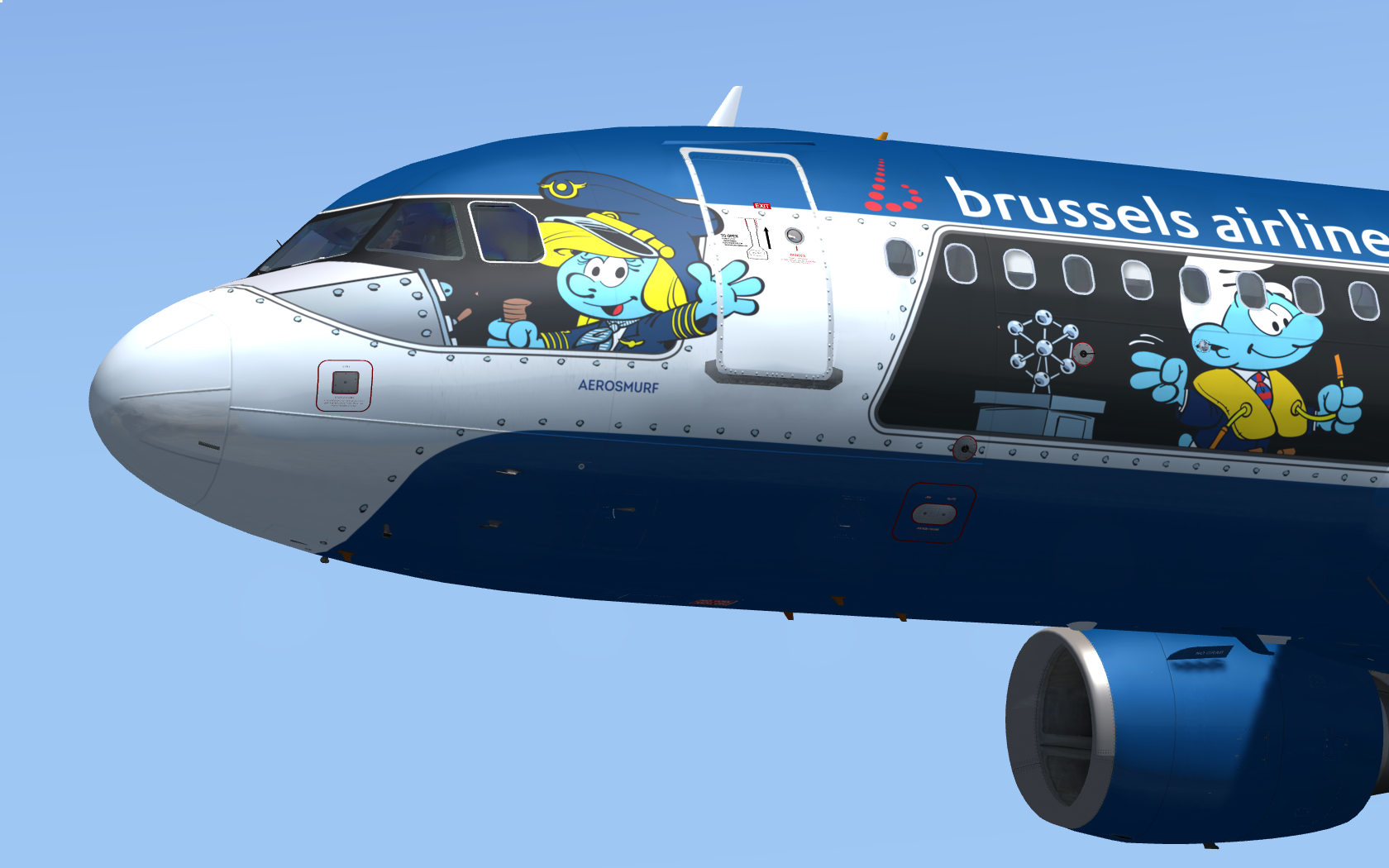
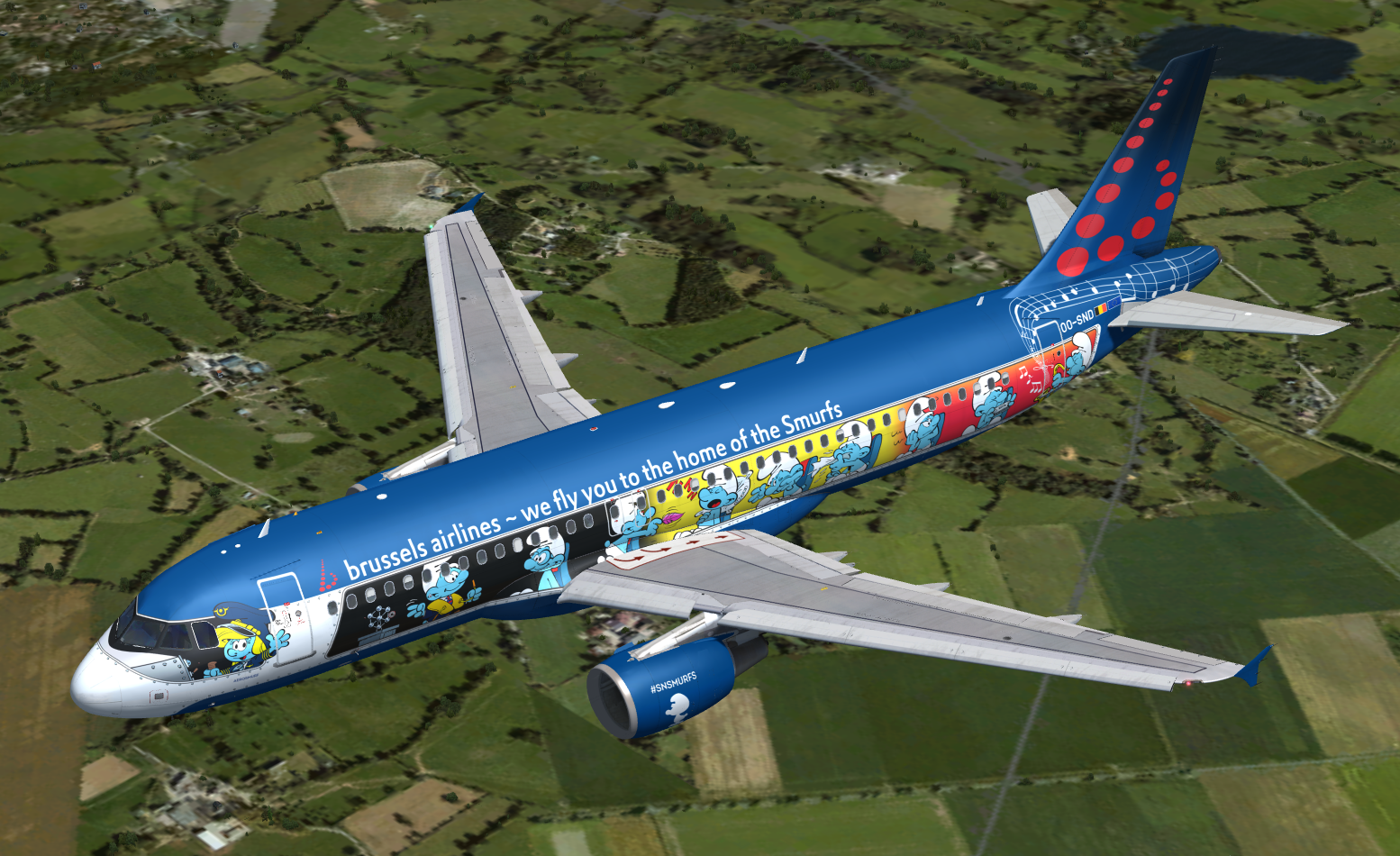
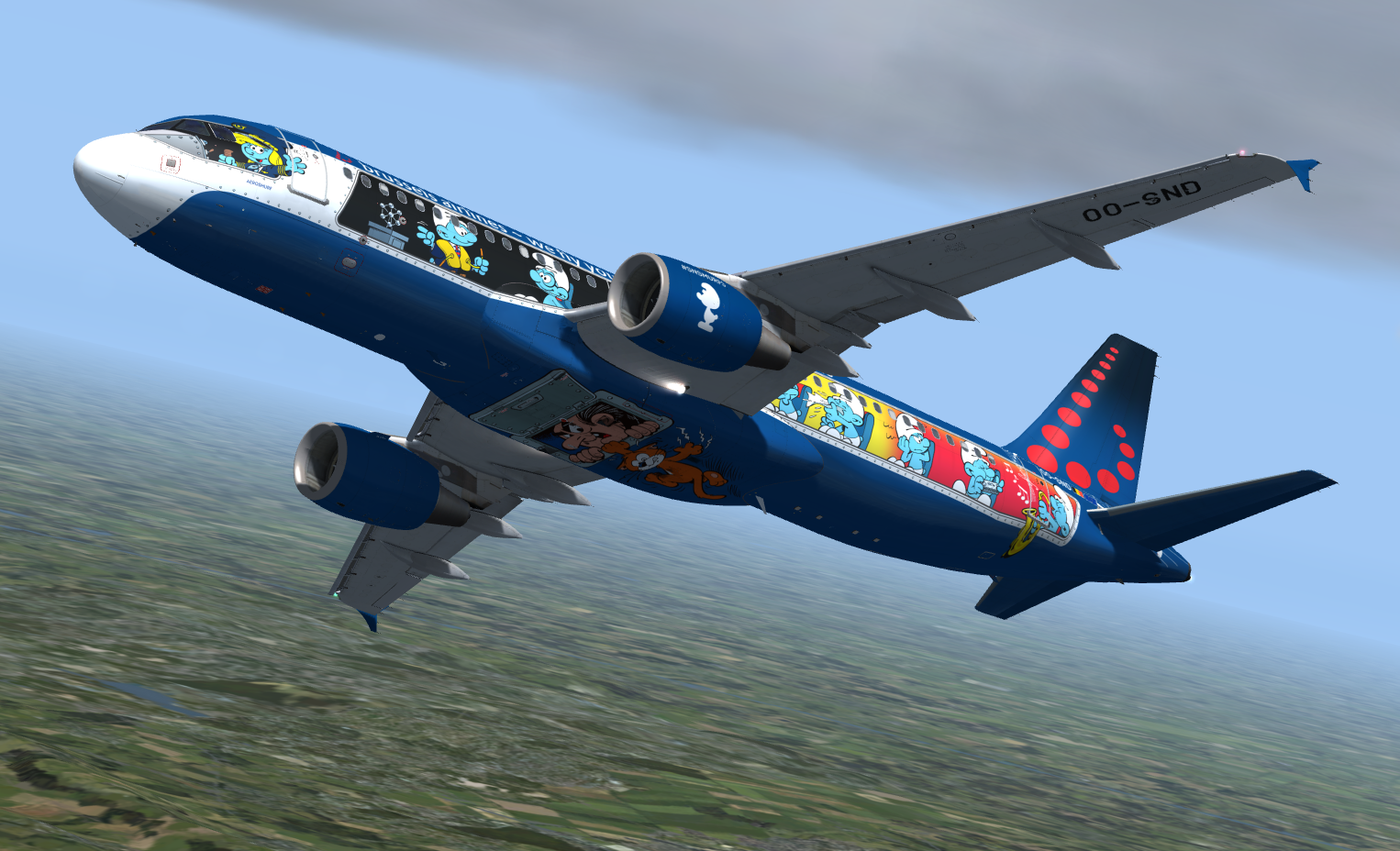
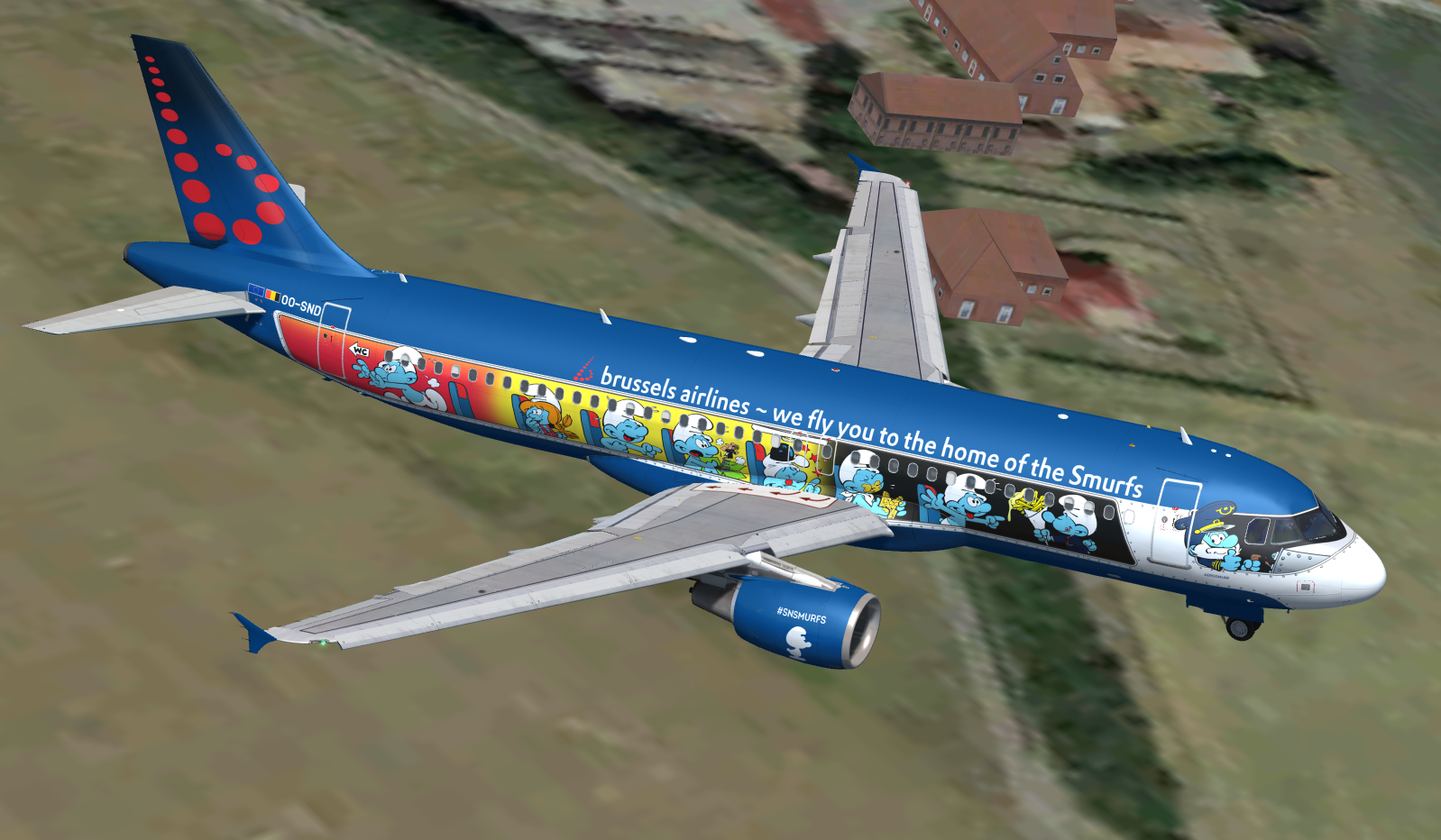
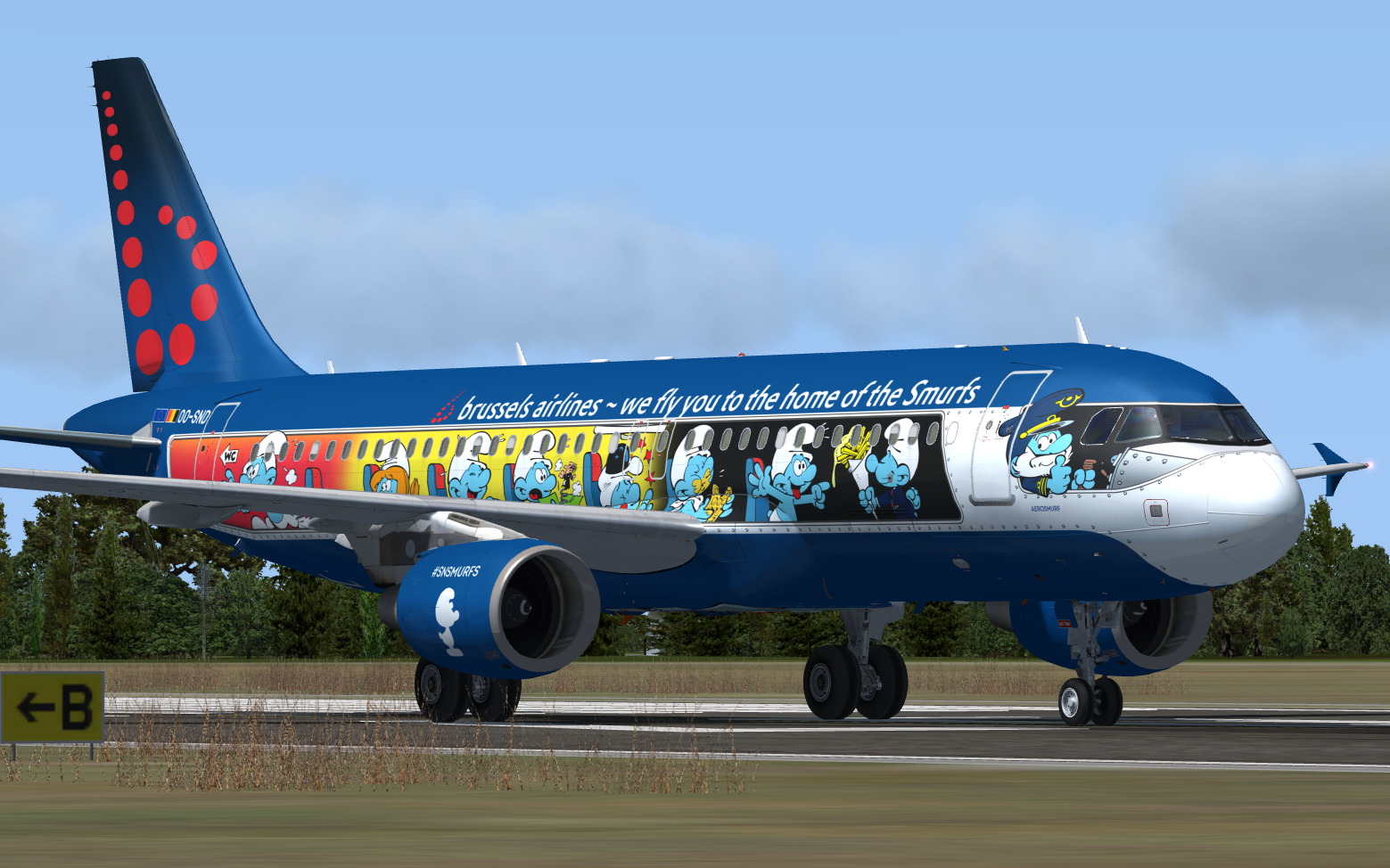
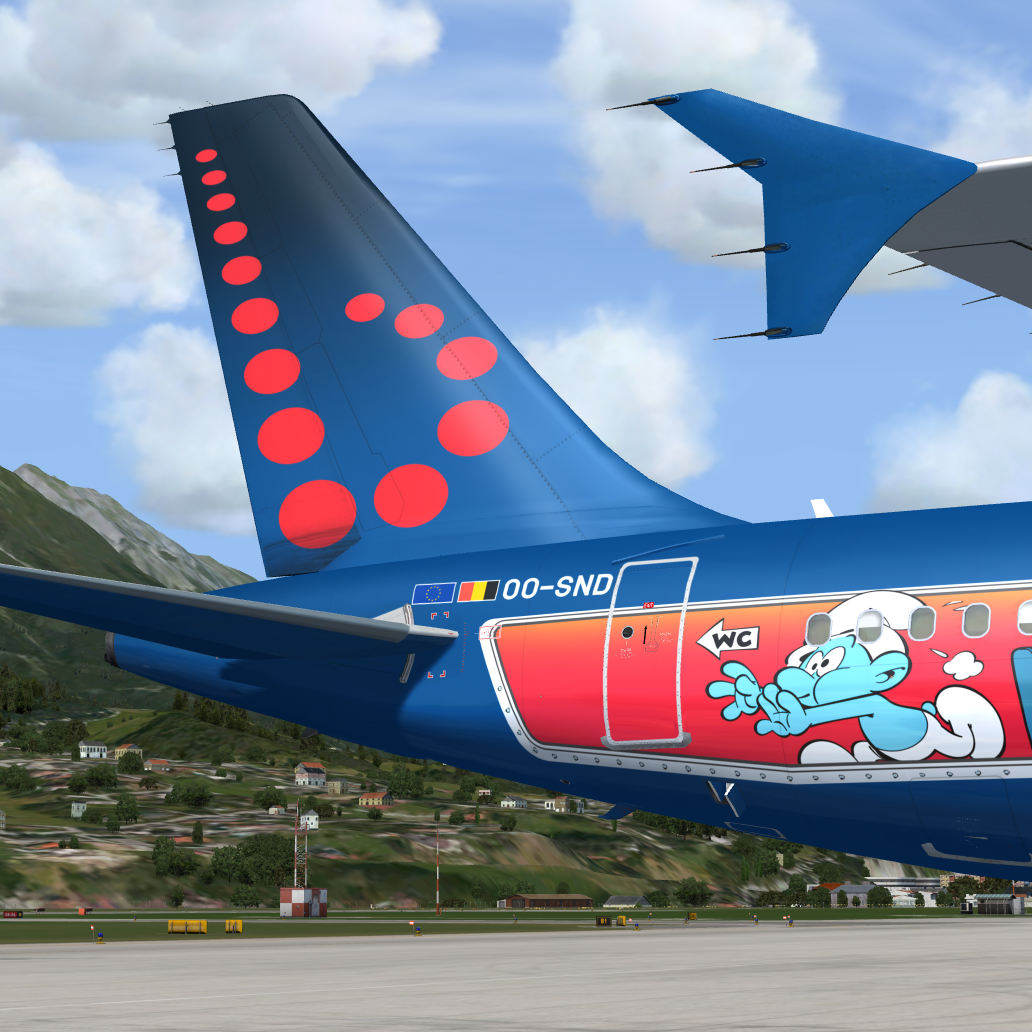
FSLabs A320-214 brussels airlines (OO-SND) 1.0

(9 reviews)

6 Screenshots

Compatible with all FSLabs releases. See included install instructions.

Special thanks to @Tim Vancauwenbergh for giving me highly detailed base material of the smurf repaint and @Jonas Dahlke for offering his wing dirt layer!

Happy landings captains! Report findings to me...

User Feedback

benoitdelbecke

benoitdelbecke

   1 of 1 member found this review helpful 1 / 1 member

Thank you for your work. Do you intend to make the whole fleet for V5.0.100 with PBR? Especially the Belgian icons? 

Response from the author:

I am waiting for the custom paintkit, then I decide what I can paint. I will definitely NOT paint whole fleets, sorry.

Rafael Marino

Rafael Marino


WOOOOW!!!

Lars Domen

Lars Domen

   4 of 4 members found this review helpful 4 / 4 members

I really like this livery. Very well done.

Any chance of it being updated for the latest version of the A320? Thanks!

Response from the author:

Yes, definitely. But I ask you for a little more patience. For the time being, you can already use my repaint of OO-SNB, which is already updated. 

Eric Thornton

Eric Thornton

   1 of 1 member found this review helpful 1 / 1 member

Awesome, many thanks!

TX N13LS

TX N13LS

   1 of 1 member found this review helpful 1 / 1 member

love it

Dene Rawson

Dene Rawson

   1 of 1 member found this review helpful 1 / 1 member

wow! epic job

bernard hauck

bernard hauck

   1 of 1 member found this review helpful 1 / 1 member

hello,

wonderfull job - great thanks - bye bye

Tim Vancauwenbergh

Tim Vancauwenbergh

   1 of 1 member found this review helpful 1 / 1 member

Very high detail paint! Thanks!

Liam Carbin

Liam Carbin

   1 of 1 member found this review helpful 1 / 1 member

AMAZING!


Account

Navigation

Search

Search

Configure browser push notifications

Chrome (Android)
  1. Tap the lock icon next to the address bar.
  2. Tap Permissions → Notifications.
  3. Adjust your preference.
Chrome (Desktop)
  1. Click the padlock icon in the address bar.
  2. Select Site settings.
  3. Find Notifications and adjust your preference.