

Hello,
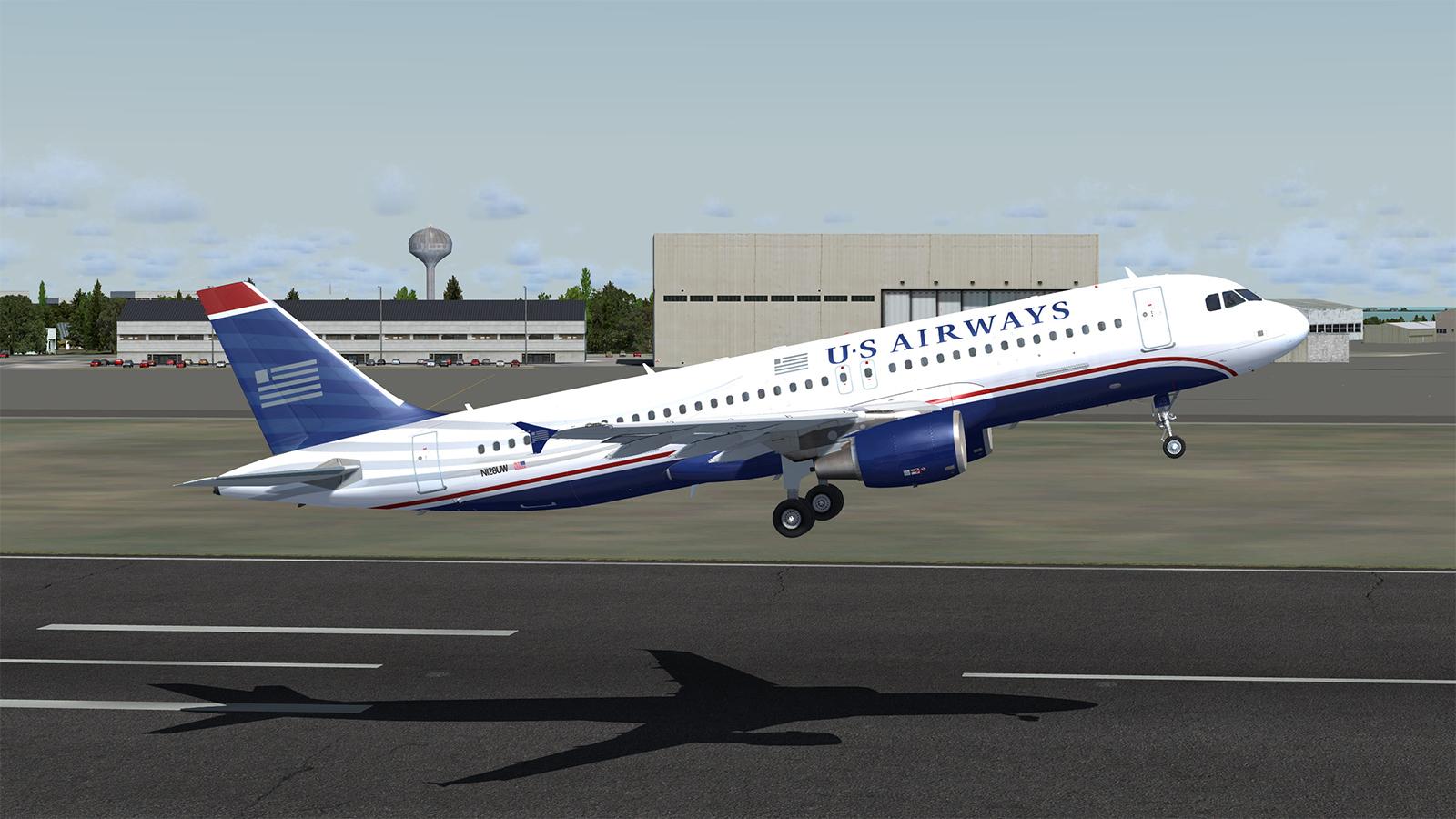
this is the US Airways A320-214 N128UW with CFM engines.
Have fun

What's New in Version 1.0.1
Released
Added the informations for aircraft.cfg in FSX and older P3D versions.
If you already downloaded the older version and miss this information, you dont need ti download it, just use it from here:
edit the Aircraft.cfg in Flighsim\SimObjects\Airplanes\FSLabs A320 CFM | by adding this behind the existing lines like this:
NOTE!!!!
change the xx behind flghtsim into the highest not existing number. e.g. There are already fltsim.0 and fltsim.1 entries, change the "xx" to fltsim.2
[fltsim.xx]
title=FSLabs A320X CFM US - Airways A320-214
sim=A320
model=
panel=
sound=
texture=N128UW
kb_checklists=AirbusA320_check
kb_reference=AirbusA320_ref
atc_model=A320
atc_id=N128UW
atc_airline=US Airways
atc_flight_number=AWE1234
atc_type=Airbus
ui_manufacturer=Airbus
ui_type=A320-214 (CFM)
ui_variation=US Airways
ui_typerole=Commercial Airliner
ui_createdby=Flight Sim Labs
atc_parking_types=GATE
description=FSLabs A320X - CFM56 - 180 passengers version OEW 43.662 KG and 29.3% CG - FSLabs\nFlight Sim Labs - www.FlightSimLabs.com repaint by Michael Fischer
// FSLabs Added Variables
engine_variant=CFM565B4
system_variant=EIS2
selcal_id=AB-CD
version=1.0.1
// END FSLabs Added Variables
-
 4
4
-
 1
1